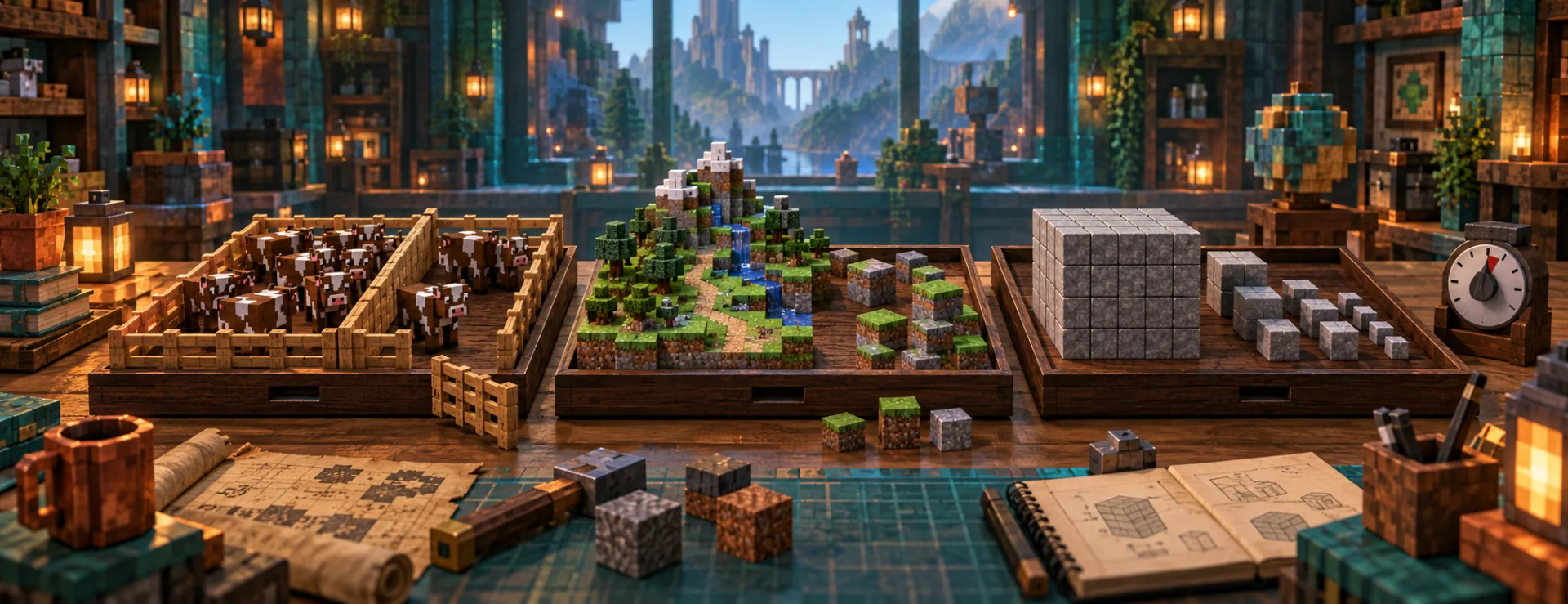
Follow real animal and block-edit comparisons through spark, then choose one change without mistaking sample percentages for CPU usage.
PerformanceBeginner
Step-by-step help with playing, installing content and creating for Java Edition.
Follow real animal and block-edit comparisons through spark, then choose one change without mistaking sample percentages for CPU usage.
Preserve habitat spawners, revisit a pond under different conditions and prepare for Alpha scaling without treating every new feature as a guaranteed encounter.
Match the Cobblemon build, prepare four basic balls and understand the manual throw before setting out for your first catch.
Trace an item from its version-specific definition to model JSON and PNG. Keep Java 1.21.1 and 1.21.4 structures separate.
Separate a blank move selection from missing TM ingredients, and recognize the specific configuration bug fixed in Cobblemon 1.8.1.
Compare your CPU, RAM and GPU with Java’s published targets, and distinguish hardware guidance from a current launch requirement.
Find out whether the launched instance is missing a shader loader or simply cannot see your shader pack, then use the correct instance folder.
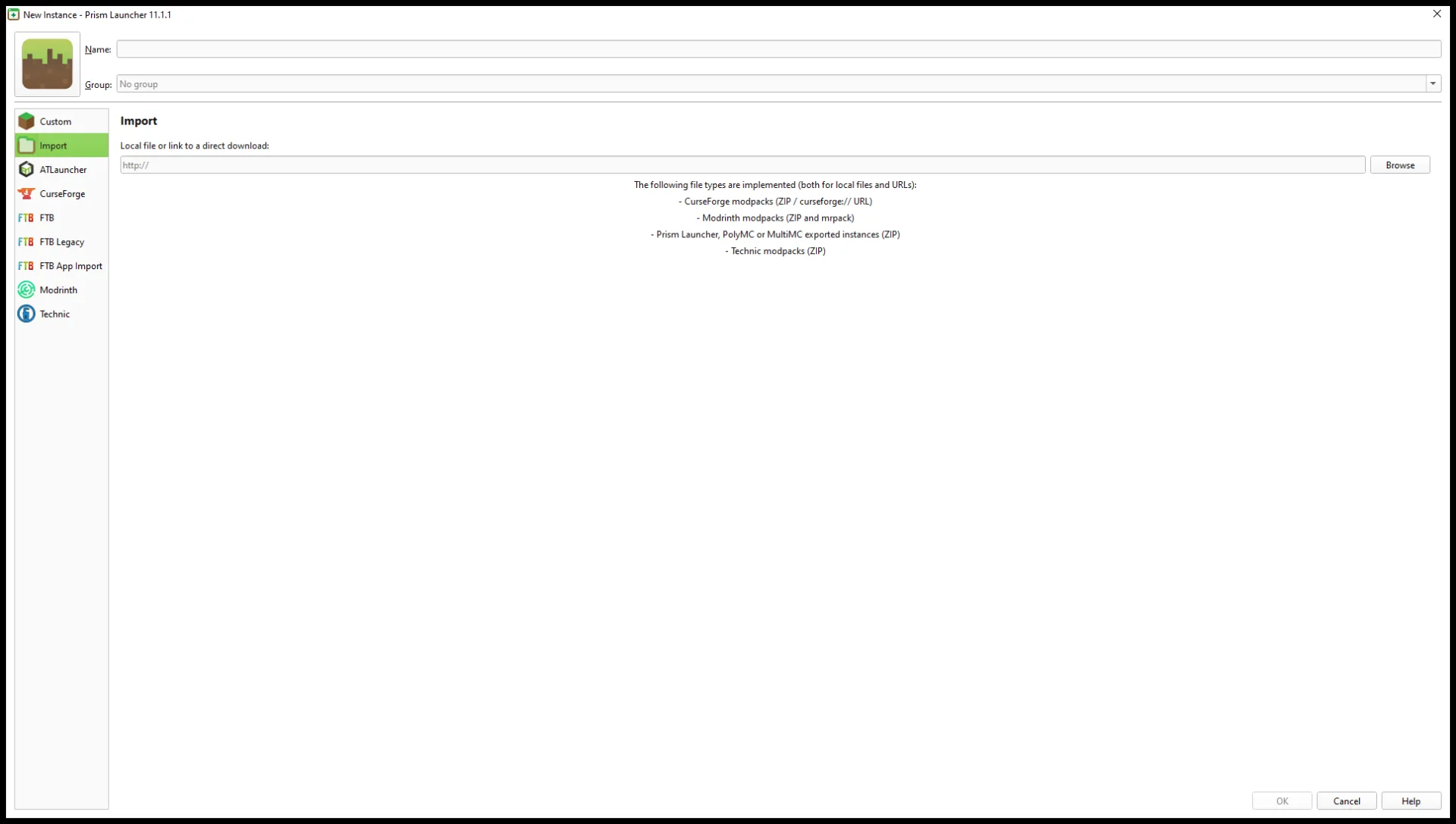
Import a compatible client modpack as a separate Prism instance, check its Minecraft version and loader, then launch a fresh world.
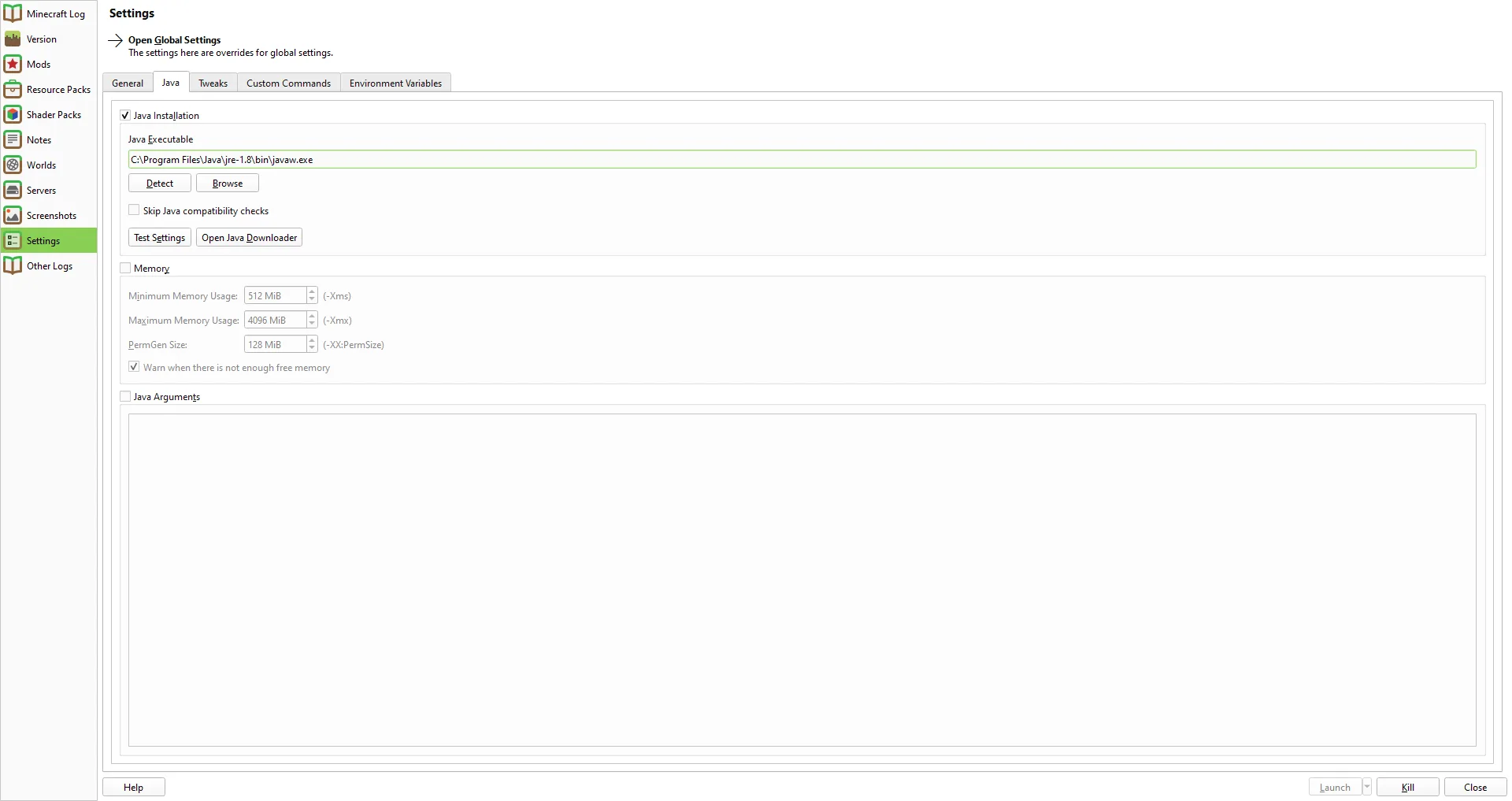
Check the Minecraft release's Java requirement, choose a runtime for only the affected Prism instance, and distinguish a successful Java test from a successful game launch.
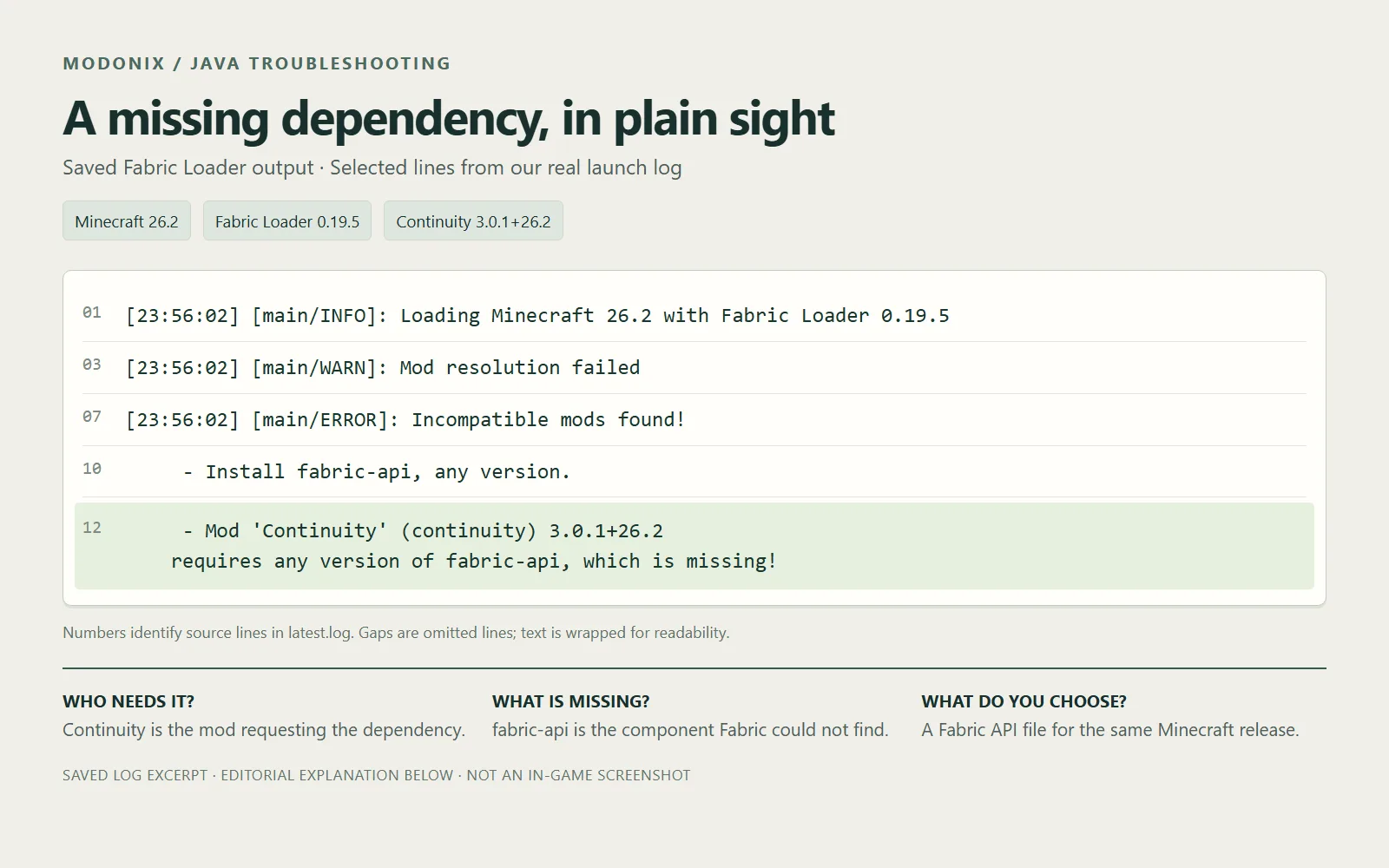
Continuity will not start without Fabric API? Read the missing-dependency line, choose the matching file and add it to the Minecraft instance you actually launch.
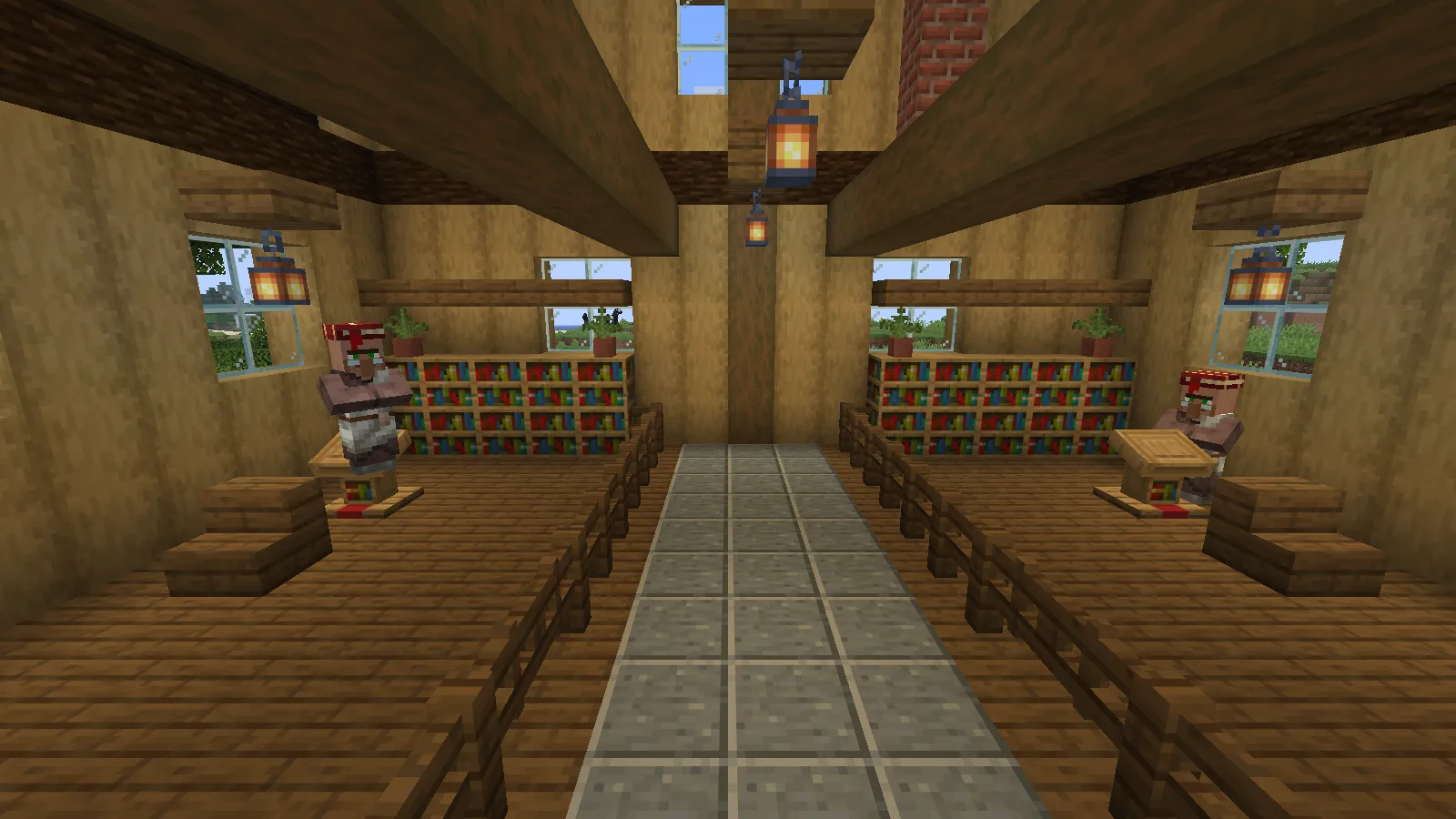
A sold-out librarian may be missing its own lectern, even with another nearby. Follow a two-librarian repair that restored a paper trade and kept Sharpness II.
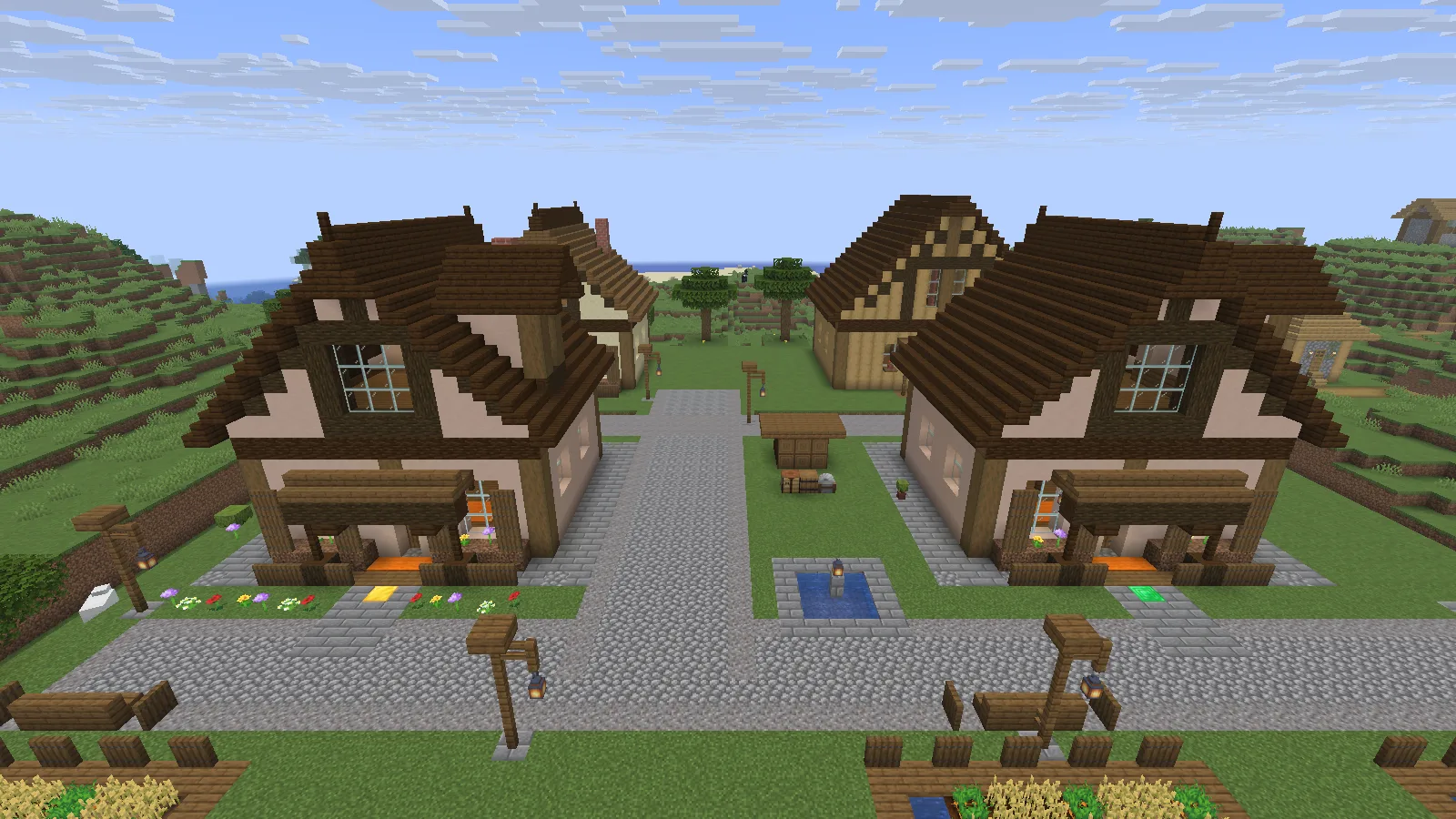
Use Litematica’s Schematic Verifier to locate a missing wall block, an extra plank, the wrong floor material and a reversed stair, then confirm each repair.
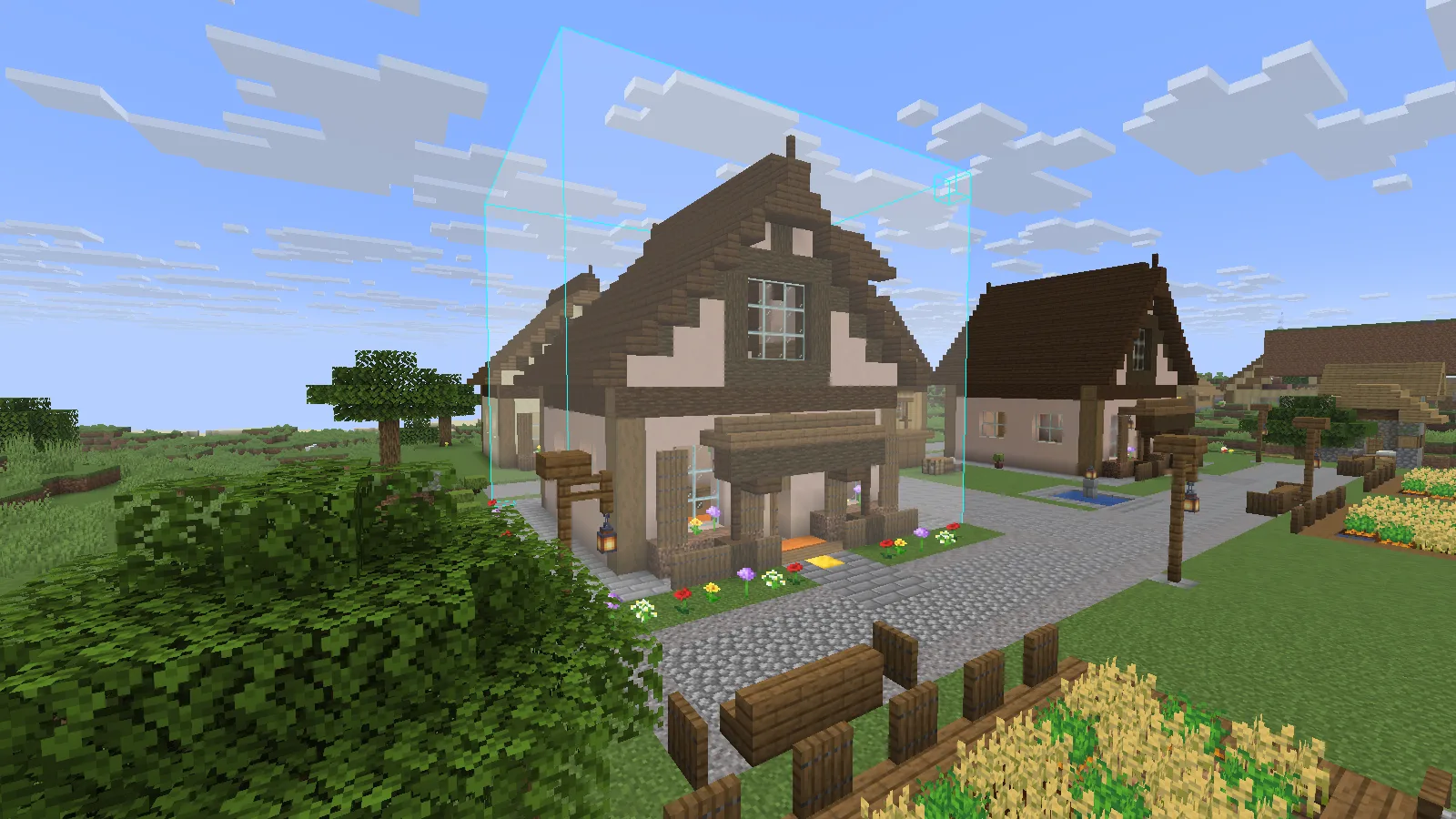
Line up a copied house with its new path, undo a misplaced paste, and keep nearby plants with the right WorldEdit paste option.
Find the folder your running Minecraft instance uses, spot an extra folder inside a ZIP, and confirm that an available resource pack is actually selected.
Find why items stay in a hopper in Minecraft Java: follow its outlet, remove an unwanted redstone lock, and make room in the receiving chest.
Connect a chest across your storage room, tell the two connectors apart, and find why its items disappear from the terminal.
Choose a matching Fabric file, find the right mods folder and confirm the mod loaded. A practical guide for separate installations and modpacks.
Create a native world backup, restore it into a separate save folder and verify familiar builds and items before updating.