
A hopper can touch a chest and still send nothing into it. Check three things: where the small outlet points, whether redstone is locking the hopper, and whether the chest has room for the item.
Start by opening both inventories. Put one recognizable item into the hopper and watch where it stops. An inexpensive spare item is enough; you do not need the emerald or diamond shown in these examples.
Point the outlet into the chest
Look below the hopper’s wide bowl for its small outlet. In a side-by-side arrangement, that outlet must point into the chest. Touching the chest with another side of the hopper does not make it the destination.
Our first hopper was beside an empty chest, but its outlet pointed away. One emerald stayed in the hopper.
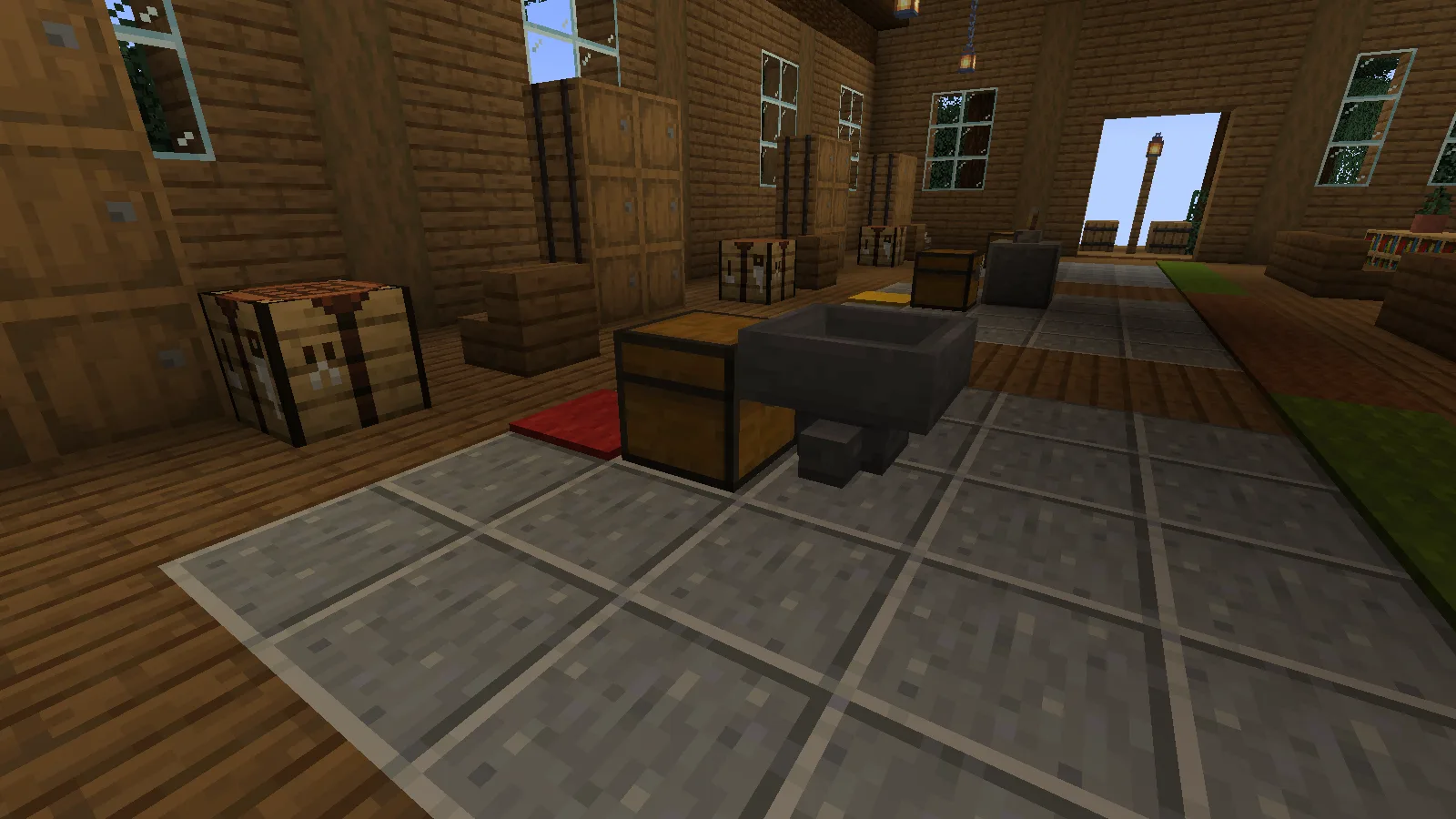
To correct a hopper placed this way:
- Take the item back into your inventory.
- Break the misplaced hopper.
- Hold the hopper, hold Sneak — Shift with the default controls — and right-click the side of the receiving chest.
- Put the same item back into the hopper, then check the chest.
Sneaking lets you place the hopper against the chest instead of opening it. After we replaced the hopper with its outlet aimed into the chest, the same emerald arrived in the chest and the hopper was empty.
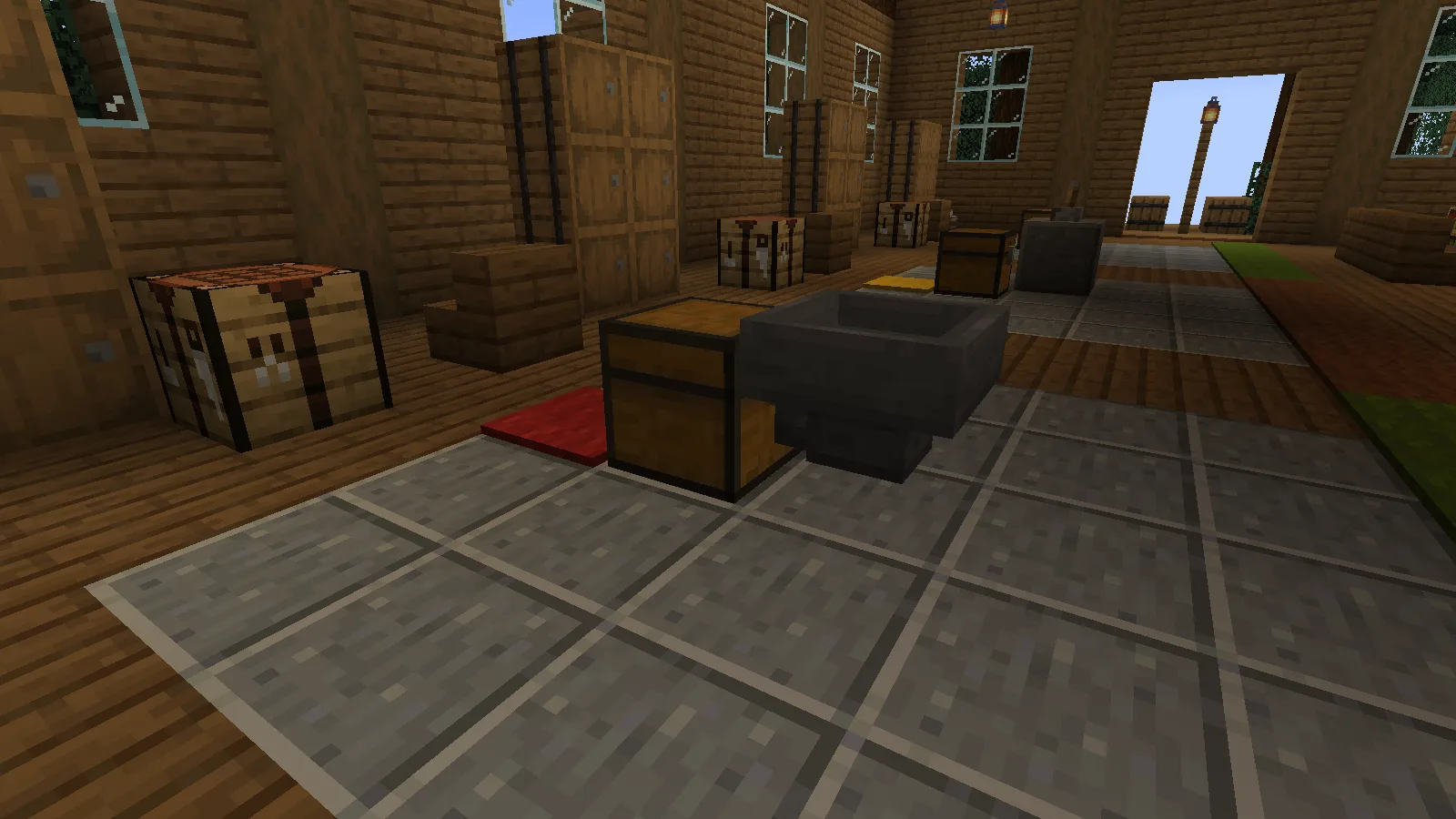
Turn off an unwanted redstone lock
A correctly aimed hopper can still be paused by power. Check the block beside it as well as anything placed directly against the hopper.
In the second setup, a lever powered an adjacent block.
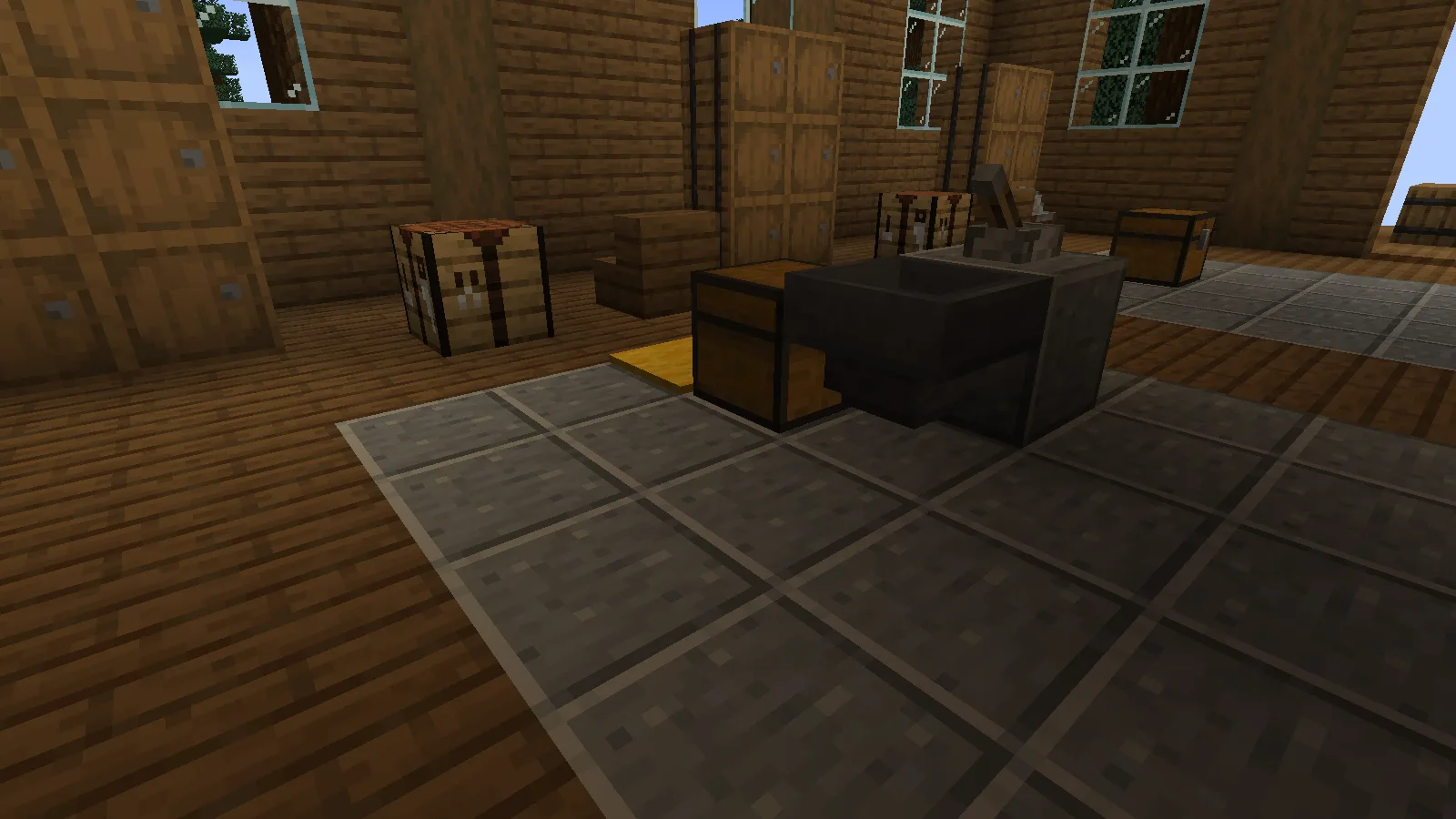
With the lever on, one diamond stayed in the hopper and the chest remained empty.
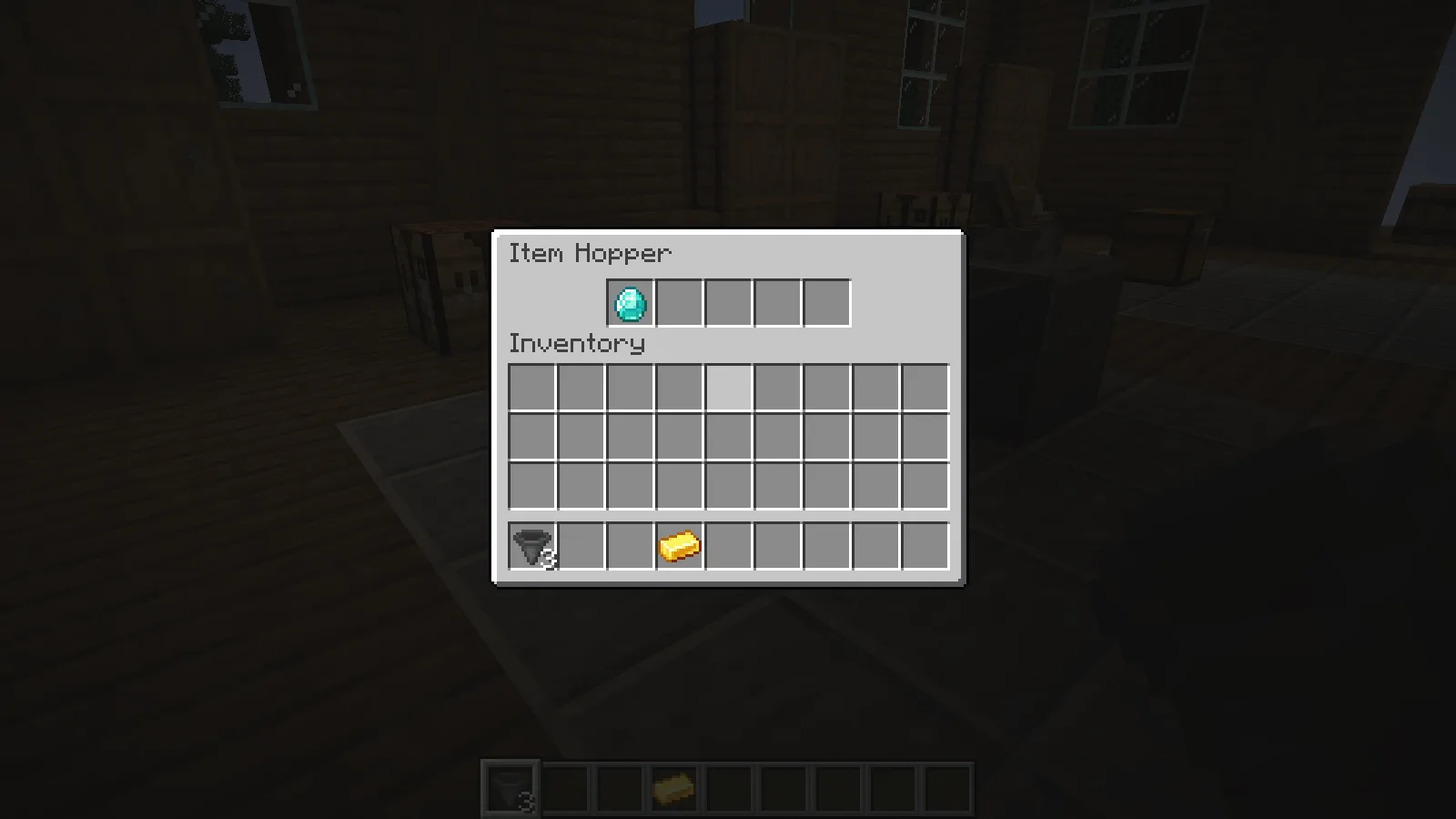
We turned only the lever off. The same diamond moved into the chest without replacing the hopper or changing its direction.
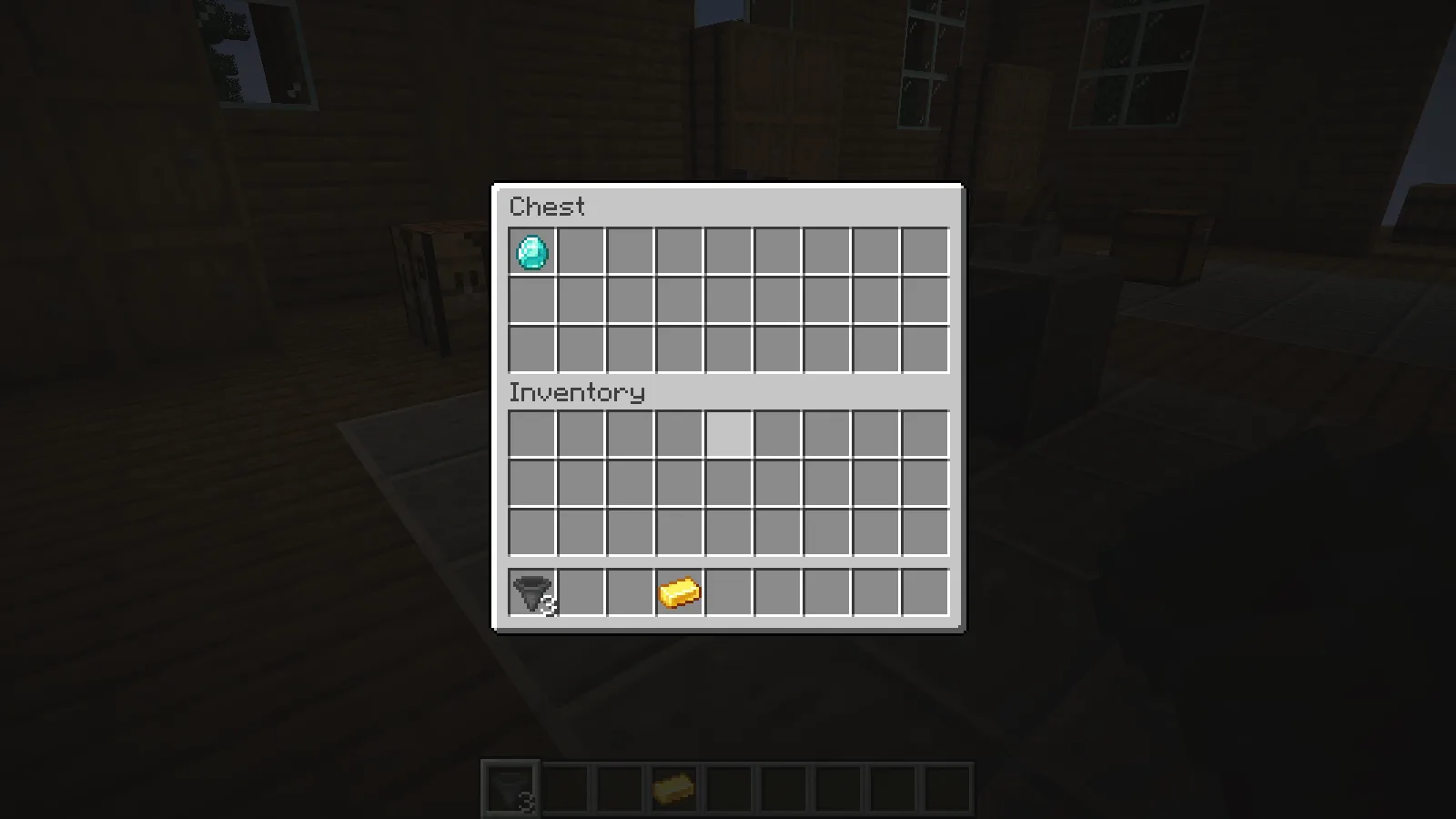
For your own setup, leave the item where it is and switch off the signal that is locking that hopper. Check both inventories again. If the item now reaches the chest, the connection was already correct.
Free a slot, not just part of an unrelated stack
Open the receiving chest, not just the hopper. It needs either an empty slot or room in a matching stack.
Our third chest held 27 full stacks of cobblestone. One gold ingot waited in the hopper. We took half of the first stack out, leaving 32 cobblestone in that slot.
The gold still could not enter: all 27 slots remained occupied, and gold cannot join a cobblestone stack.
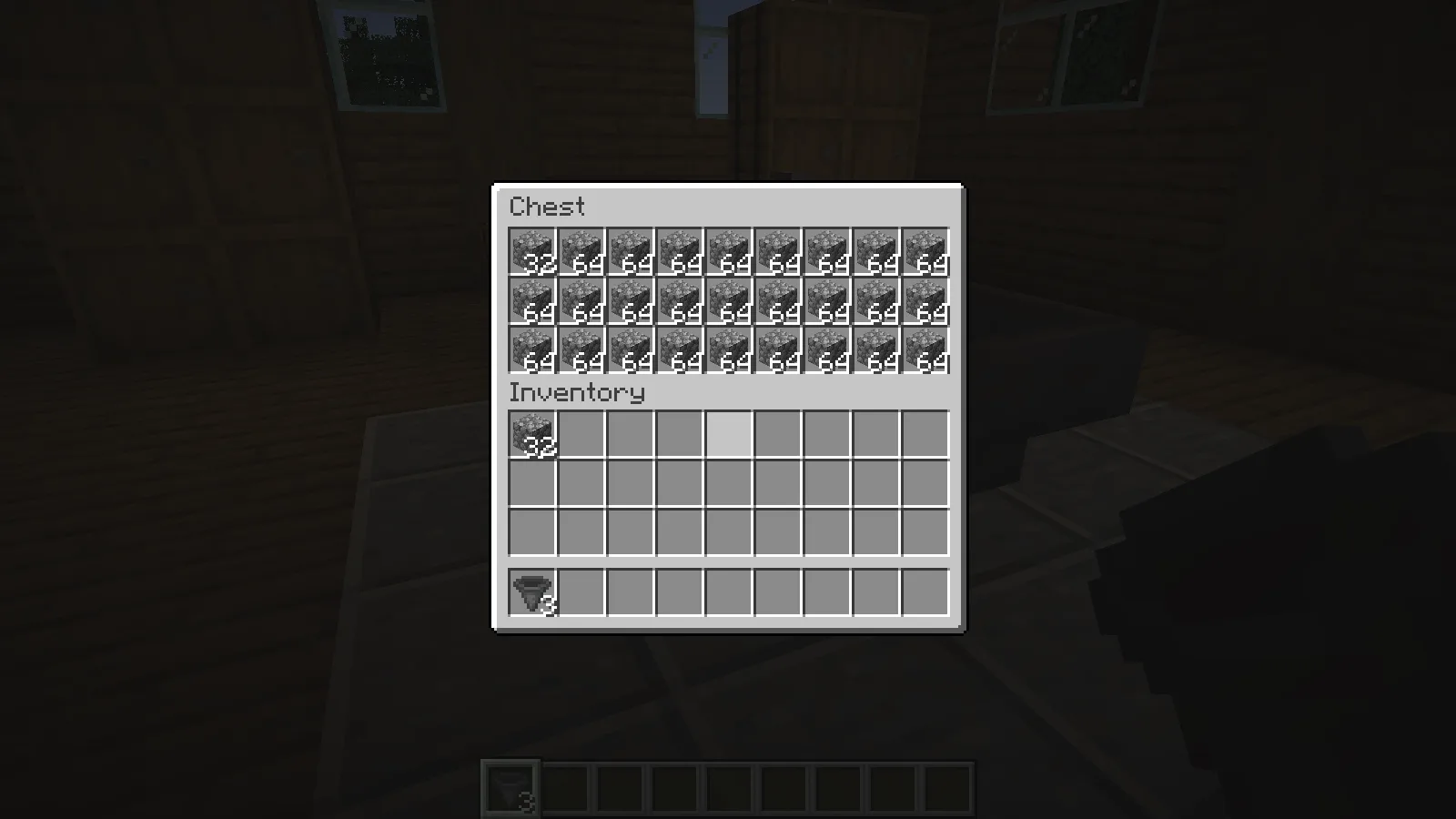
Removing the remaining 32 cobblestone freed the first slot. The same gold ingot then moved into it, while the other 26 stacks stayed in place.
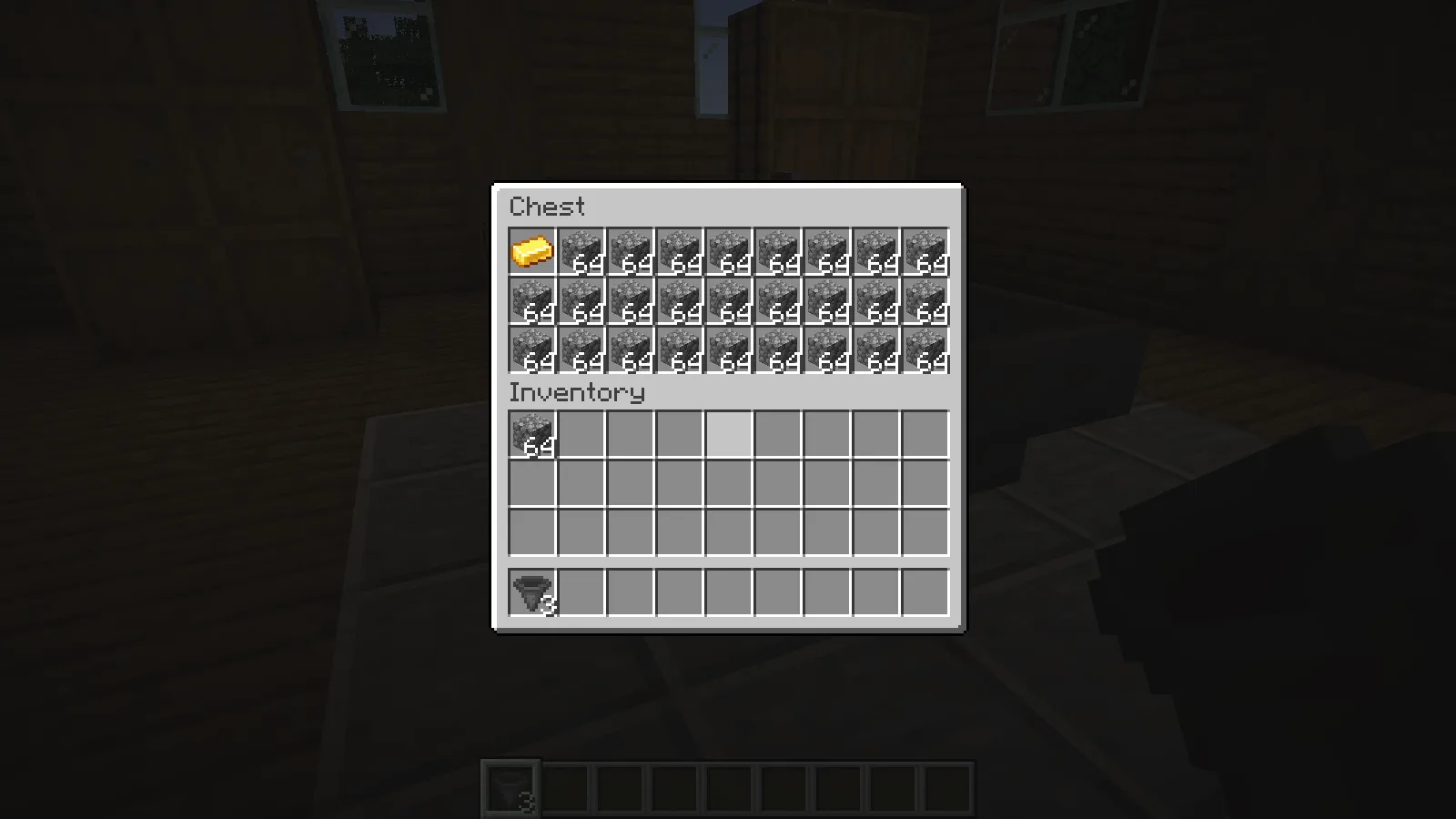
When you clear space, make room for the item that is actually waiting. A partial cobblestone stack can hold more cobblestone, but a different item needs its own slot. You can fix this kind of backup from the chest without rebuilding the hopper.
Keep the outlet and power unchanged while checking the space. If you change all three at once, you may get the items moving without finding what stopped them.
Comments 0
Share what worked, ask for help or reply to another player.
Use your Modonix account to join the discussion and manage your comments.
Sign in to commentNo comments yet. Share what worked for you.