A modded Java launch can stop before you ever reach the menu. The useful question is usually more specific than “Why did Minecraft crash?”: which file is missing, incompatible, or failing, and what does the message ask you to change?
Here is a real, small example. We launched Minecraft 26.2 with Fabric Loader 0.19.5 and Continuity 3.0.1+26.2 in its own instance. Fabric stopped during mod resolution because Fabric API was absent. The Continuity file itself was unchanged.
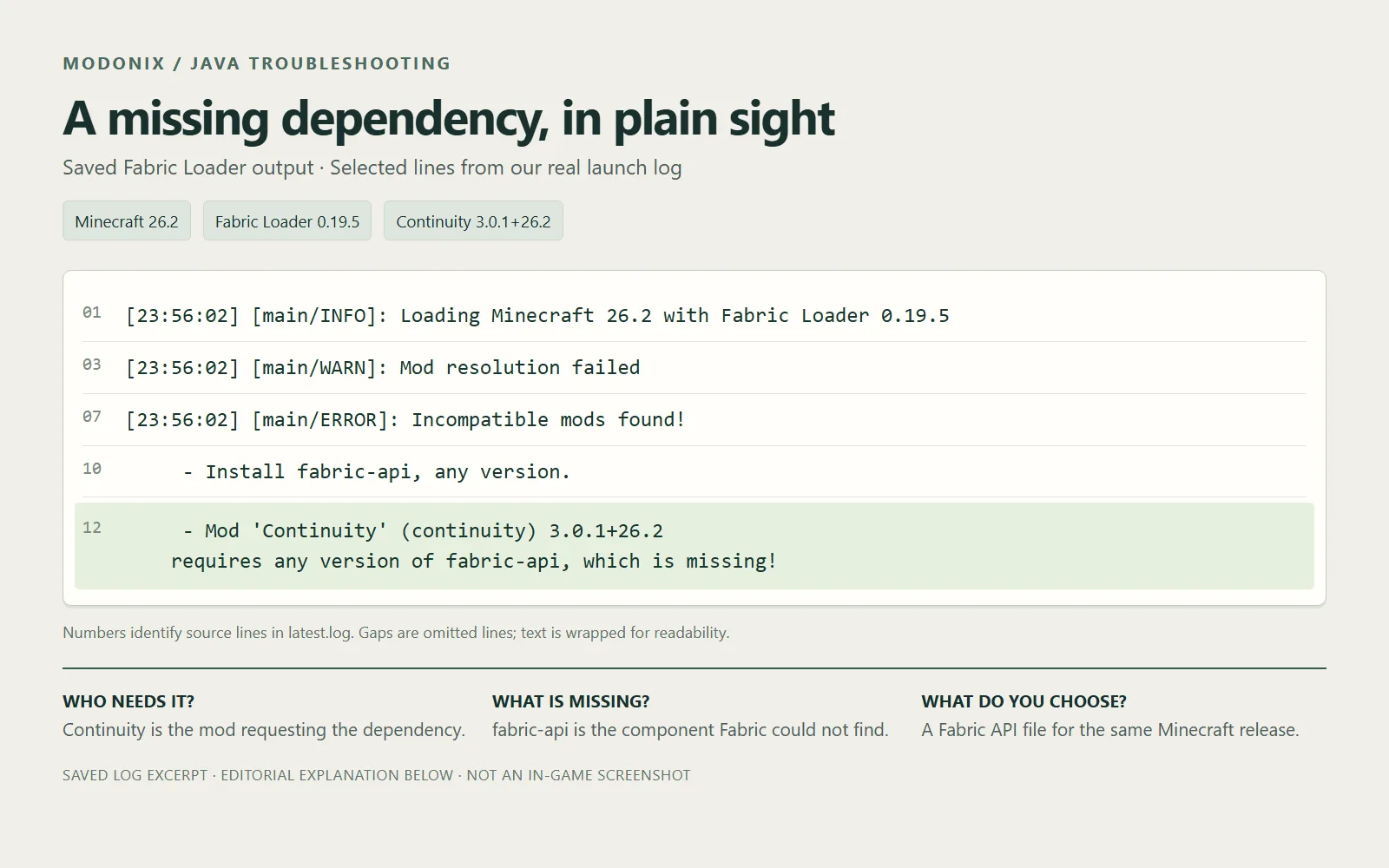
Saved Fabric Loader output from our Minecraft 26.2 launch: unchanged Continuity 3.0.1+26.2 requests the missing fabric-api component. Selected log lines, rendered for readability.
Start with the useful sentence
Our saved output says:
Mod 'Continuity' (continuity) 3.0.1+26.2 requires any version of fabric-api, which is missing!
Read that as three pieces: Continuity is asking for something; fabric-api is the required component; missing means the loader did not find it. The stack trace below shows where Fabric reported the problem. It is not a list of extra mods to download.
The suggested action is to install Fabric API. Fabric Loader and Fabric API are different pieces: selecting a Fabric installation in your launcher does not automatically mean its mods folder contains the API file this mod needs.
Choose a dependency for your game
“Any version” describes Continuity’s requirement, not permission to mix Minecraft releases. Open the official Fabric API project’s version list and choose Minecraft 26.2 / Fabric for this example. The matching file we selected is fabric-api-0.161.0+26.2.jar; its own metadata requires Minecraft 26.2 and Java 25 or later.
Close the failed instance. Open that instance’s game folder through your launcher, then open mods. Put the Fabric API JAR beside continuity-3.0.1+26.2.jar. Leave both JARs intact; they do not need unzipping. If you run several instances, check the folder belongs to the installation you are about to launch. A dependency in a different instance cannot fix this one.
Keep the rest of the setup unchanged and launch the same instance again. Reaching the menu answers the immediate startup question. Then open a disposable world and check the feature you wanted before bringing the setup into your everyday save. For Continuity, connected-texture appearance also depends on the resource pack you enable; successful startup alone does not demonstrate every visual feature.
After adding the matching Fabric API file, the same setup reached the menu and opened this new world. That resolves this missing-dependency example; it does not turn a successful launch into a complete connected-texture test.
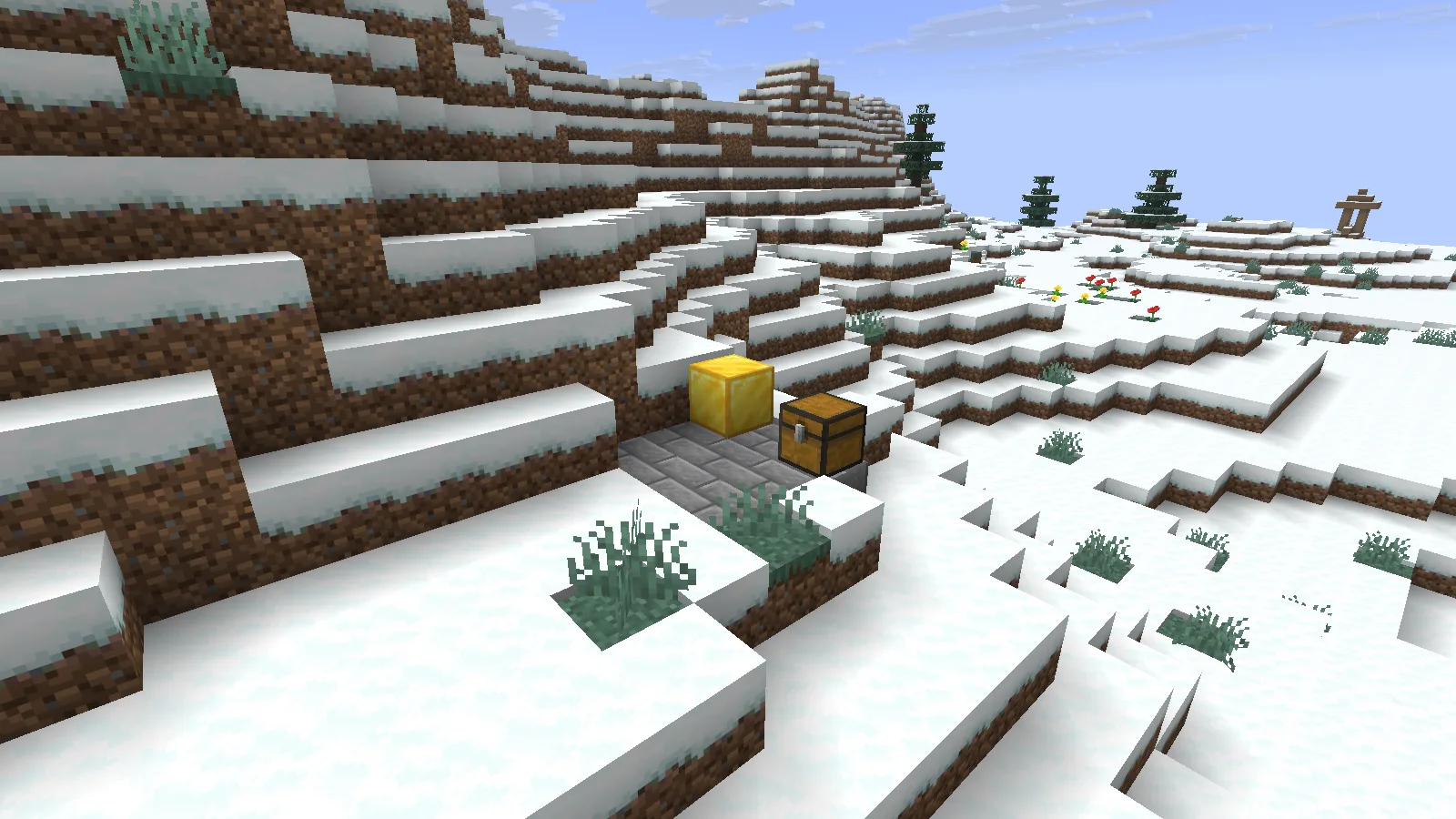
The corrected Minecraft 26.2 instance opens a new world with Continuity and Fabric API installed. This confirms startup and world loading, rather than every connected-texture feature.
Find the right report if it still stops
Save the message before trying another change. In the instance’s game folder, logs/latest.log records the latest launch. An actual Minecraft crash report, when one is created, is in crash-reports. This example produced a loader error in the log before the game opened; looking only for a crash-report file would miss the useful explanation.
Compare the new message with the old one. The same missing dependency suggests checking the active instance and downloaded file first. A different message is a new clue: follow its named requirement rather than repeatedly reinstalling everything.
If you need help, include the Minecraft version, loader and mod versions, the action that triggers the failure, the full relevant log, and the one change you already tried. Check the text for personal paths or server details before sharing it. Keep your world backup separate from this troubleshooting folder so a startup problem stays a small, reversible job.
Comments & questions
Share what worked, ask for help or reply to another player.
No comments yet. Share what worked for you.