
If your Tom’s Storage terminal sees the nearby chests but misses one across the room, check the block attached to that chest. Inventory Cable Connector joins the chest to the cable. Inventory Cable carries the connection back to the Inventory Connector in your working storage setup.
Here is the arrangement in our warehouse: a terminal and two nearby chests at one end, with a separate chest reached by a cable across the room.
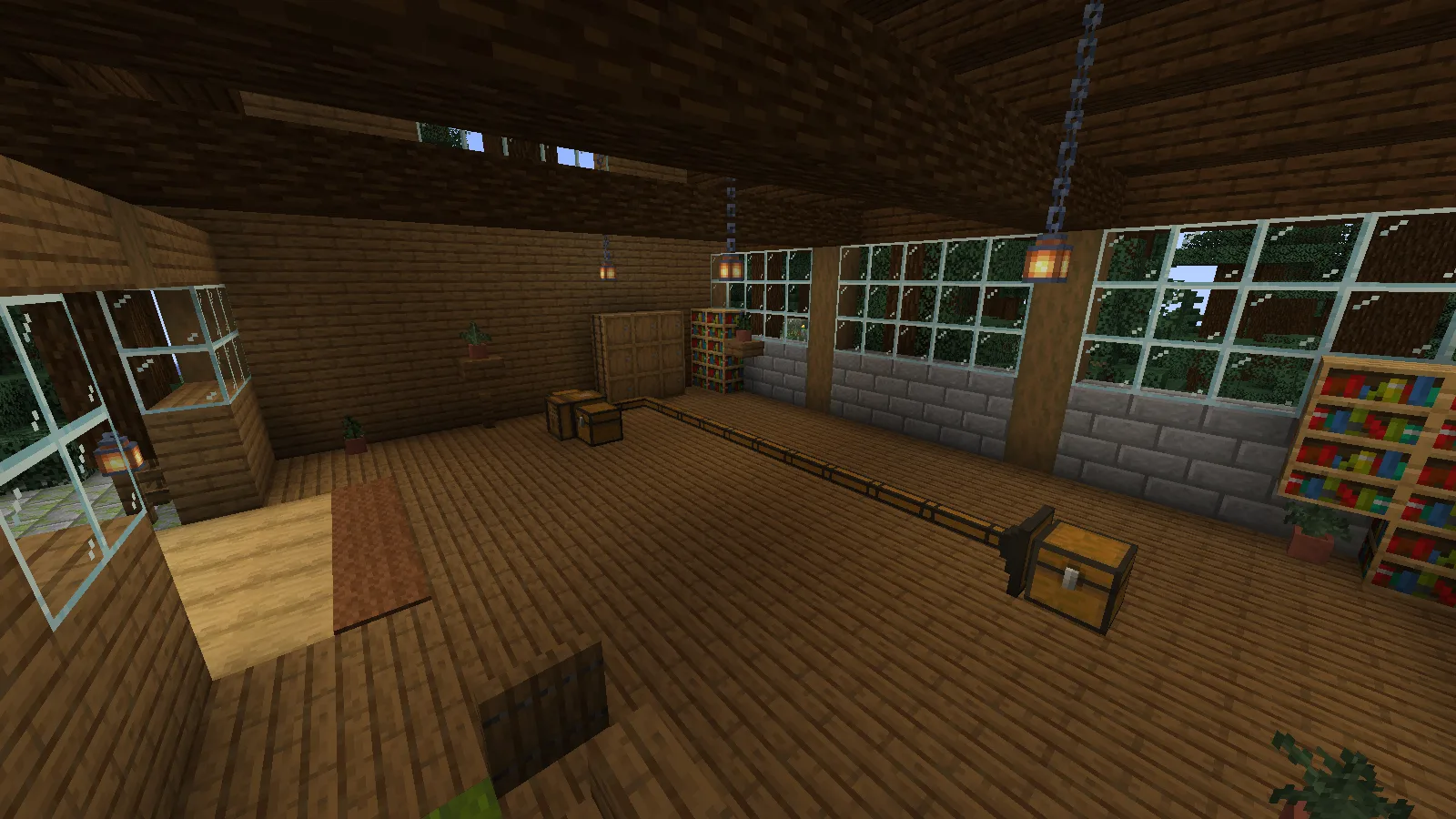
Attach the right connector to the chest
These three names are easy to mix up:
- Inventory Connector is the block already connecting the terminal and nearby storage in the starter storage setup.
- Inventory Cable forms the route across the room.
- Inventory Cable Connector attaches that route to the distant chest.
Keep the working Inventory Connector in place. At the other end, hold an Inventory Cable Connector, hold Sneak — Shift with the default controls — and right-click the side of the distant chest. Connect the cable to the outside of that connector, then follow the cable back to your original Inventory Connector.
The broad plate against the chest is the part to look for in the close-up below.
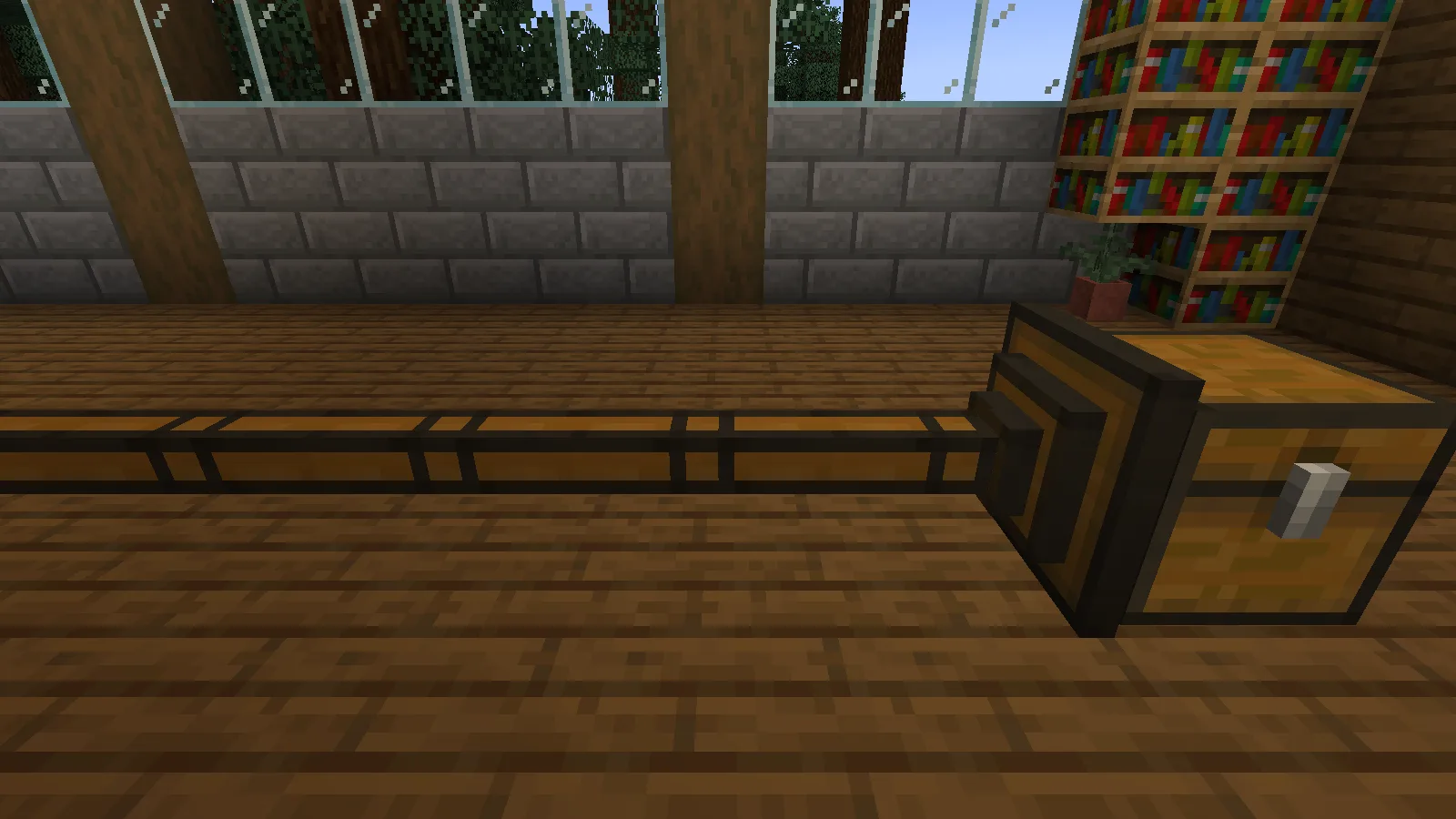
Leave the route visible while you get it working. It is much easier to spot a missing section before the cable disappears behind a finished wall.
Check the new chest with one recognizable item
Put an item in the distant chest that is absent from the rest of the network. We used 13 emeralds. With the chest connected, those 13 appeared alongside the materials from the nearby chests.
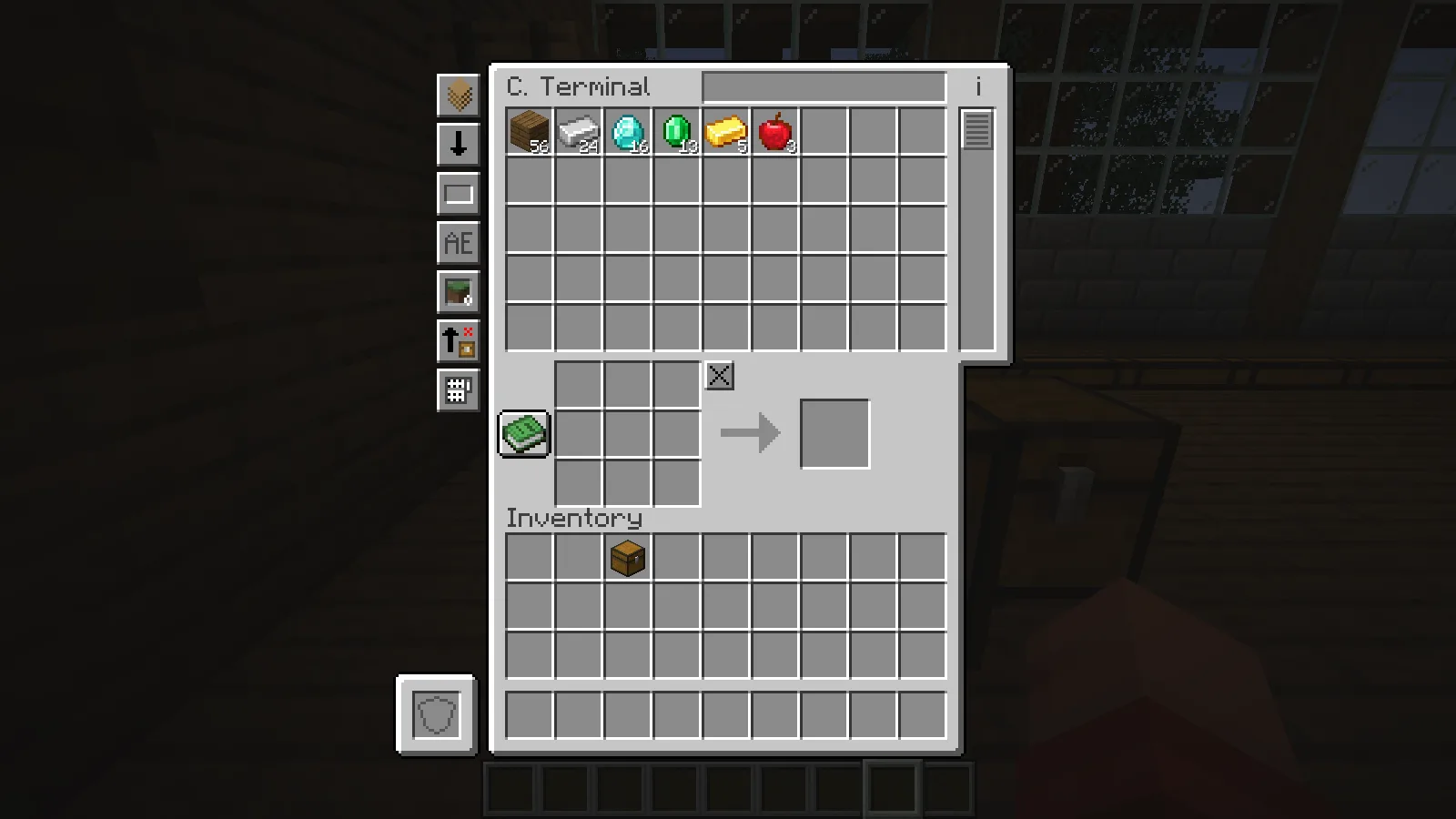
For a busy storage room, search for your chosen item at the terminal. Then take it out through the terminal and open the physical chest to check where it came from.
Taking all 13 emeralds through our terminal left the distant chest empty and put the stack in the player inventory.
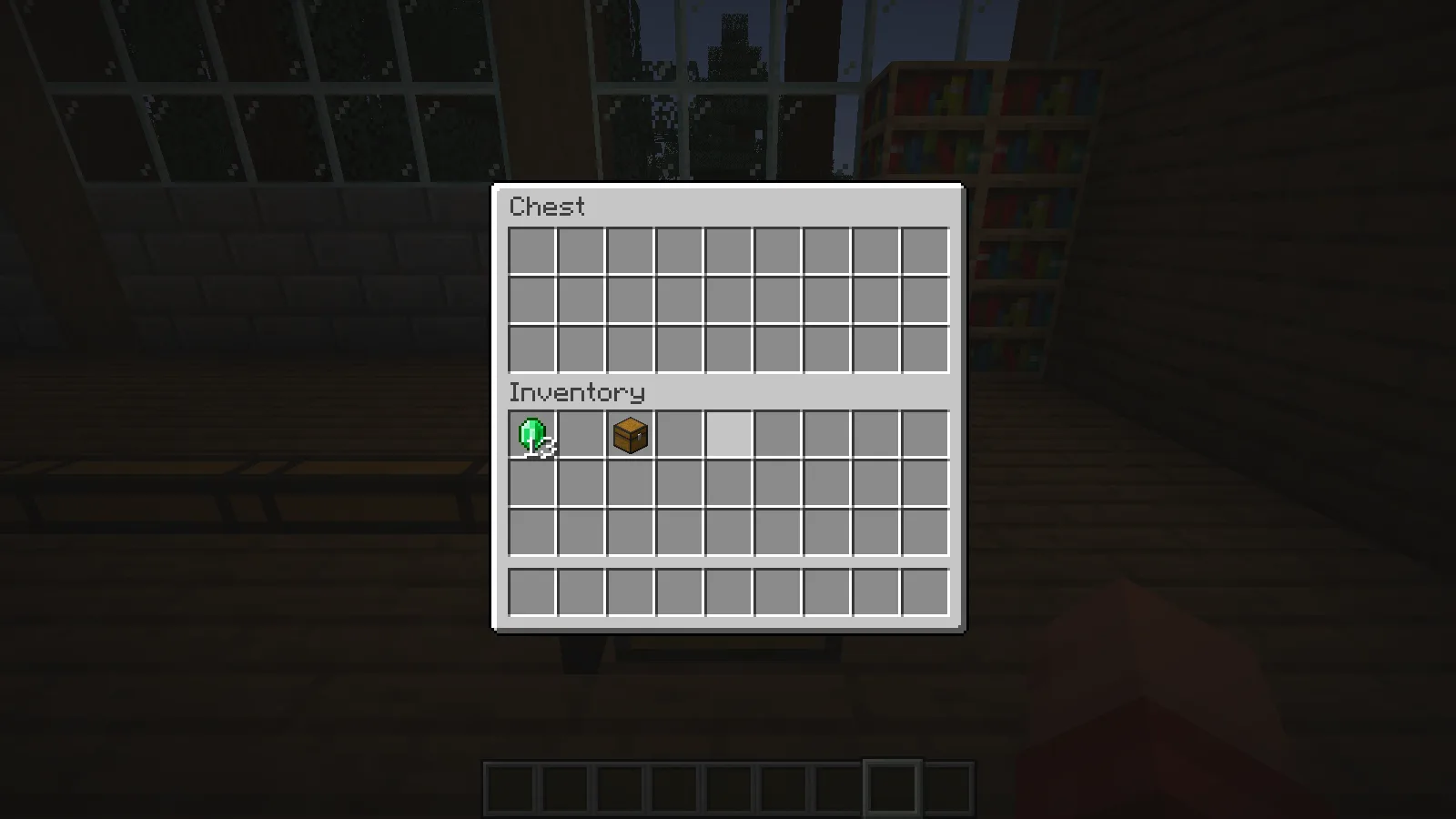
That is useful beyond troubleshooting: you can keep supplies in a chest across the workshop and retrieve them from your usual terminal. The chest still holds the items until you take them out; adding it to the network does not move its contents into a separate terminal inventory.
Nearby items remain, but the distant chest disappears
Follow the cable from the distant chest back toward the working storage. Check each turn and any section concealed by the floor or wall.
After returning the emeralds to their chest, we removed one section from the middle of the route.
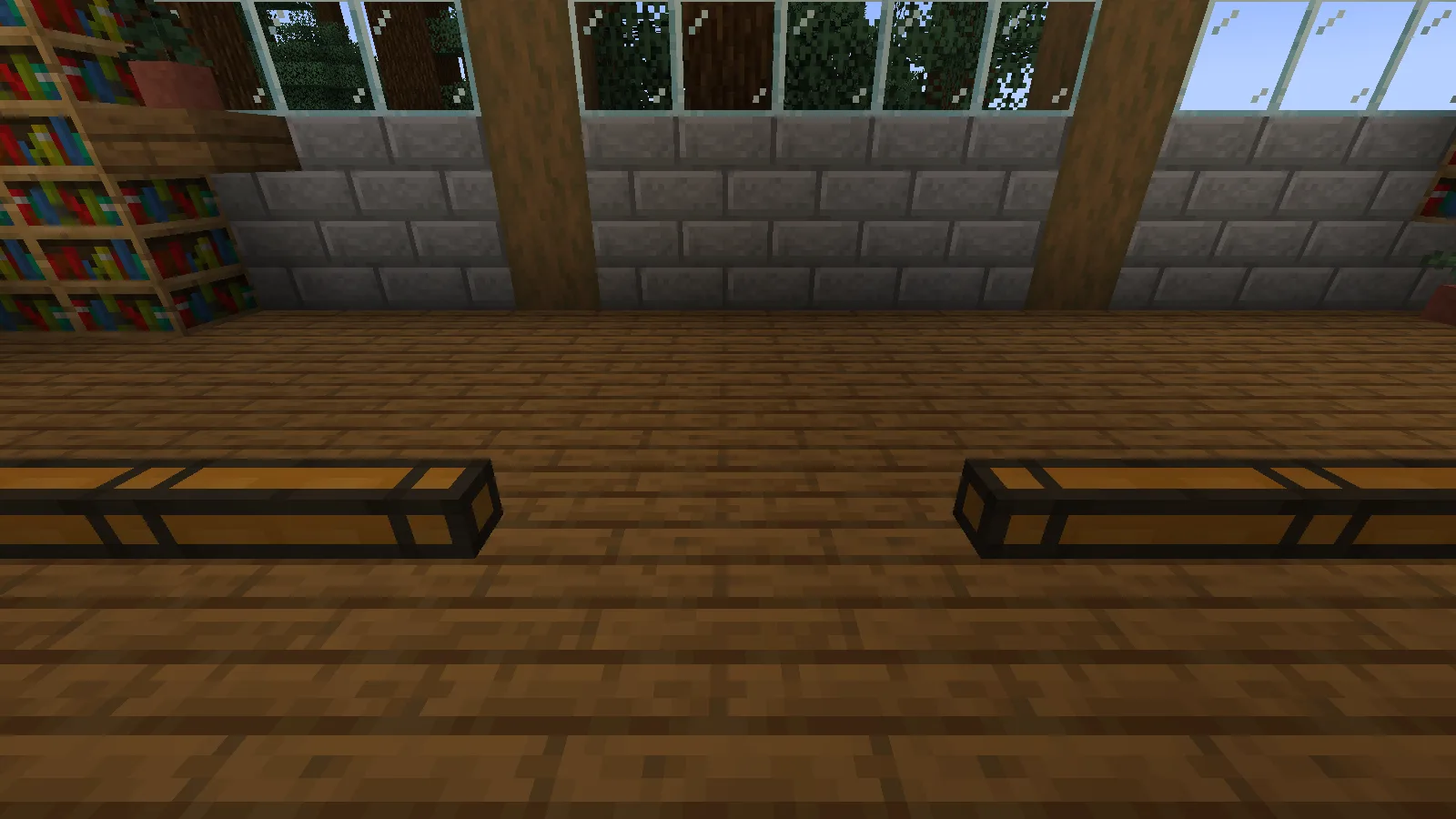
The terminal still showed the nearby planks, iron, diamonds, gold and apples, but the emeralds disappeared. All 13 were still inside the distant chest.
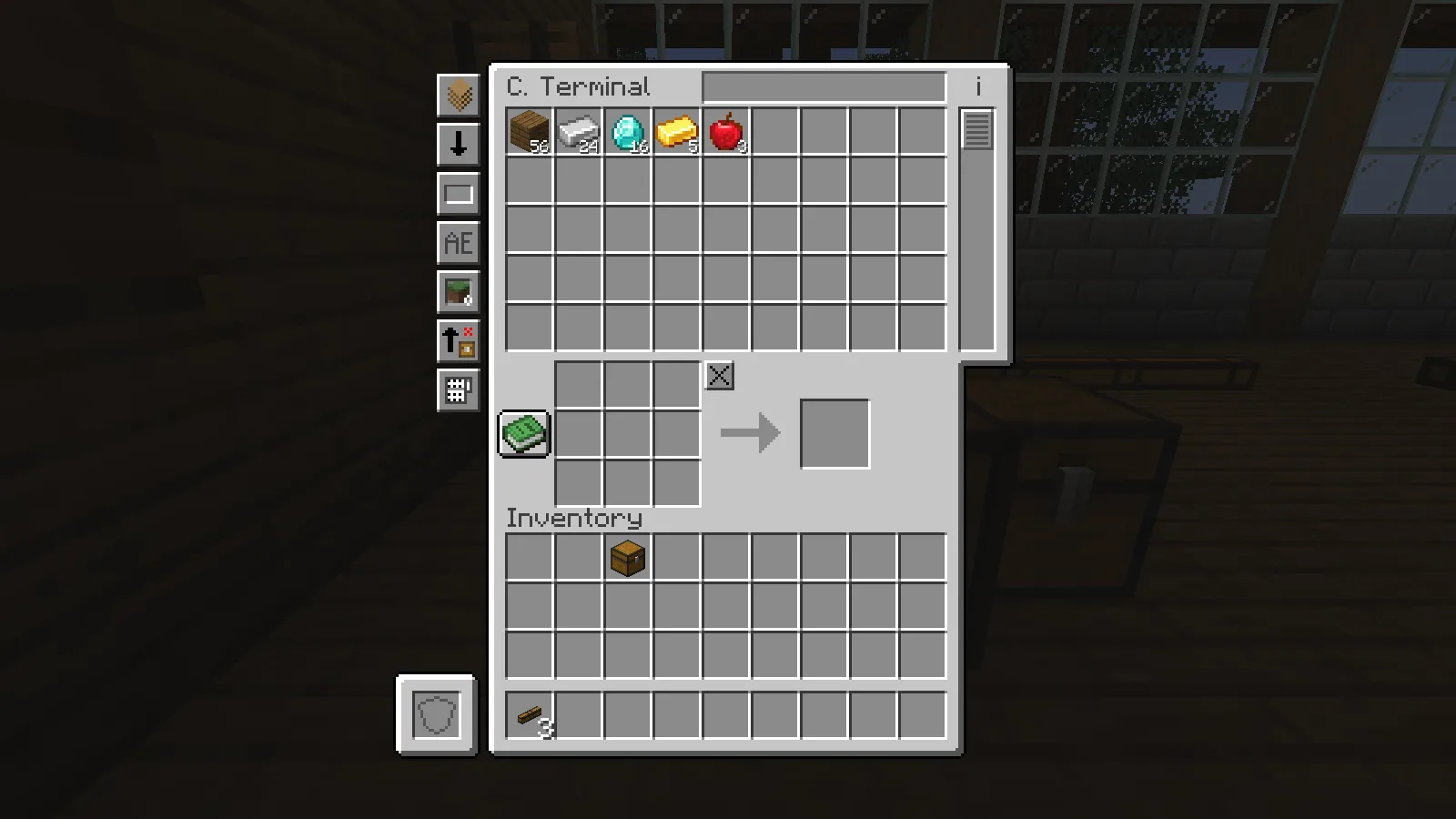
This gives you a useful clue: when only the added chest disappears, inspect its branch first. You do not need to dismantle the terminal and nearby chests to look for a gap farther along the cable.
Replacing the missing cable section brought the 13 emeralds back into the terminal. After each repair, reopen the terminal and check the same item again.
The cable reaches the chest, but its items never appear
Check the final block as well as the route. An ordinary Inventory Cable placed against the chest did not make this connection work.
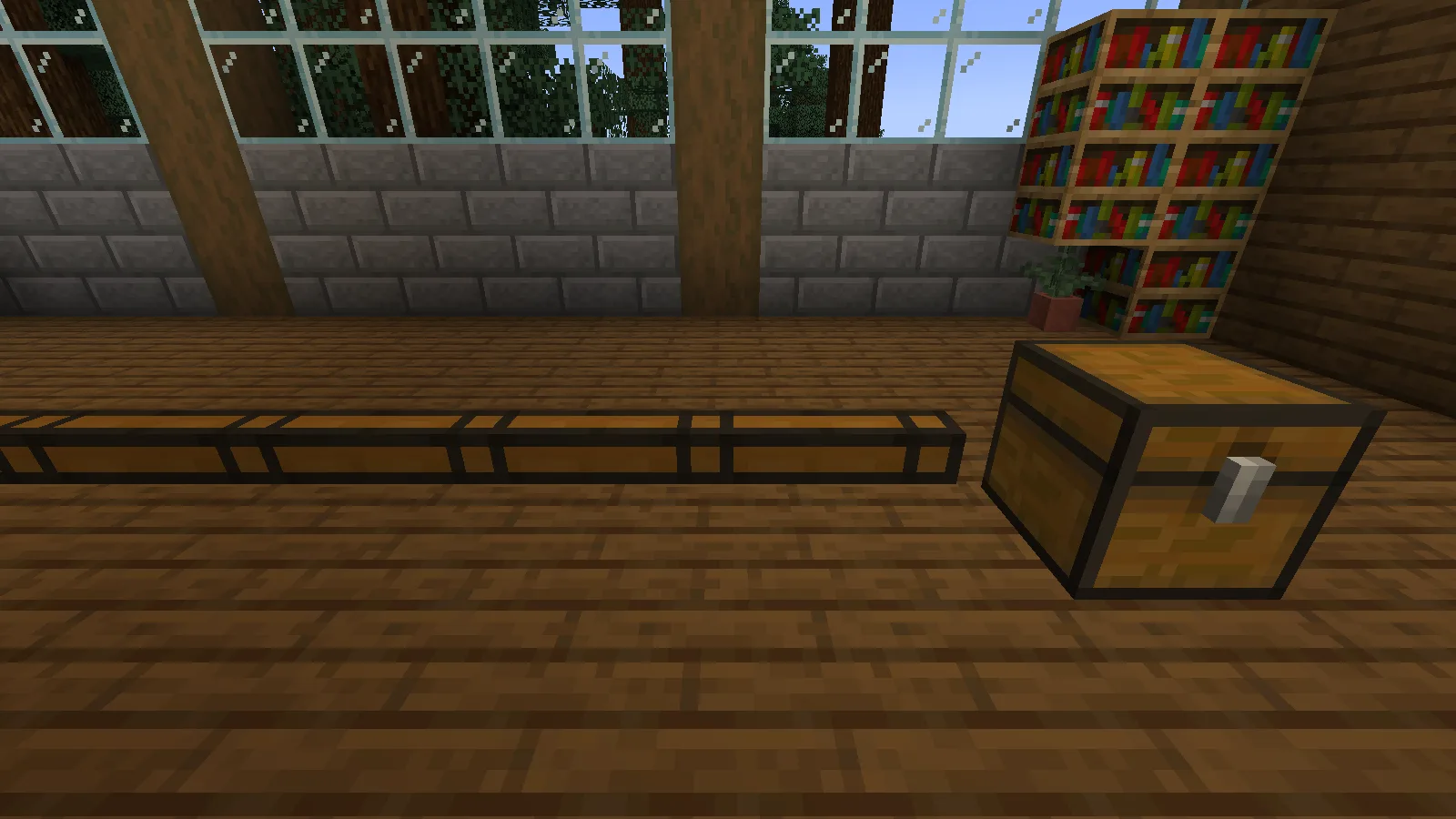
We replaced the Inventory Cable Connector with that plain cable while leaving the rest of the route intact. The emeralds disappeared from the terminal again. Removing the plain cable and attaching the correct Inventory Cable Connector to the chest restored all 13.
If right-clicking opens the chest, hold Sneak while placing the connector against its side. Then reconnect the cable and check your marker item.
When the terminal also misses its original nearby chests, check the local connector-and-terminal arrangement first. Once that works, add the distant chest and check each new connection before covering the route.
Comments 0
Share what worked, ask for help or reply to another player.
Use your Modonix account to join the discussion and manage your comments.
Sign in to commentNo comments yet. Share what worked for you.