
Nature's Compass helps you choose a biome and find a place to visit in Minecraft Java. If you want cherry wood for a build, a particular landscape for a base or a new destination for an expedition, it gives you a target instead of leaving you to search in random directions.
Craft the compass
At a crafting table, put one ordinary compass in the centre, four saplings in the corners and four logs in the remaining spaces. Our Survival test used spruce saplings and spruce logs and produced one Nature's Compass. Follow the arrangement in the screenshot; planks are not a replacement for the logs shown here.
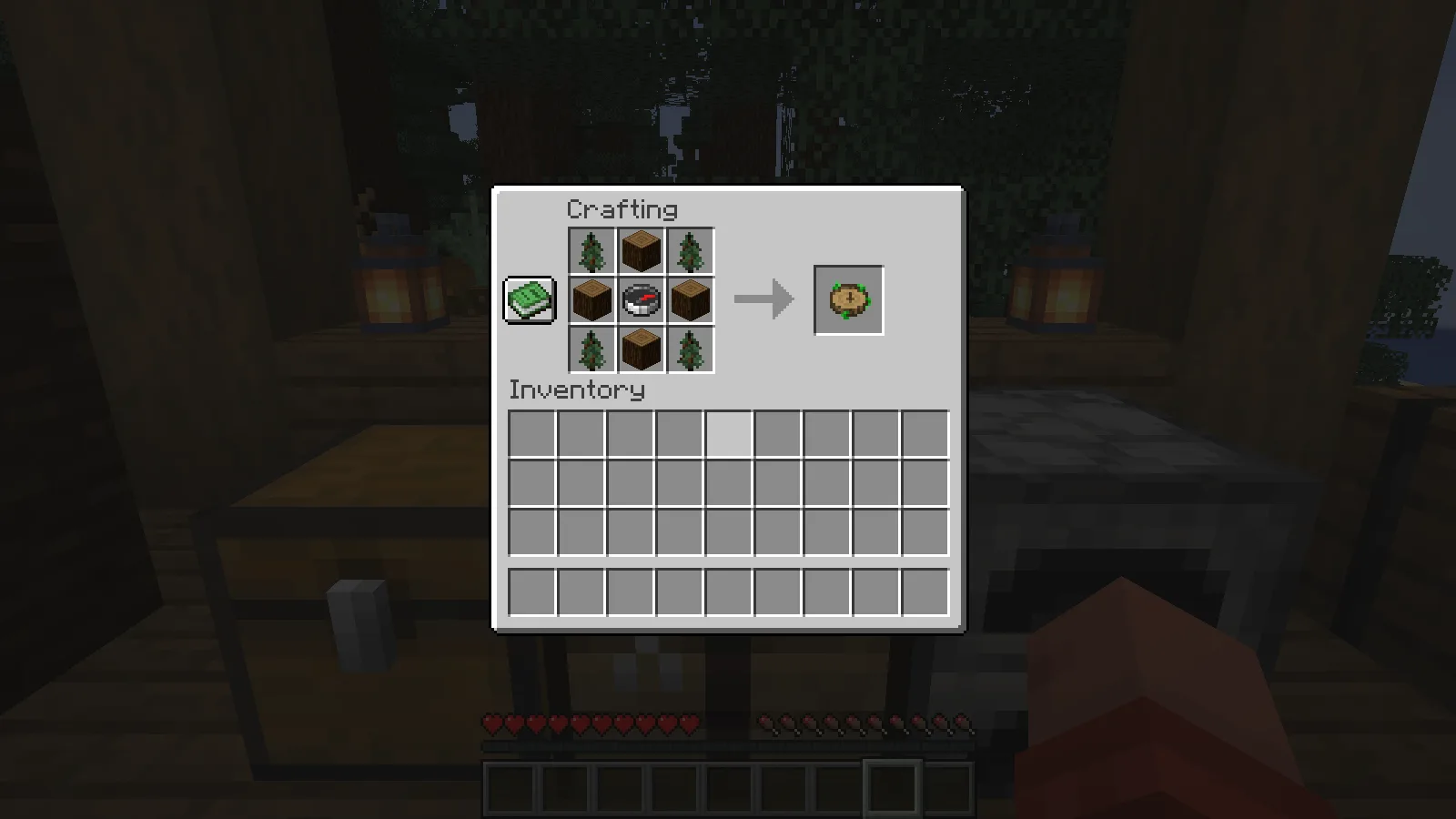
Select the crafted compass in your hotbar and use it to open the biome list. There is no need to type a command or know your world's seed to use the search menu.
Choose a biome and start searching
Type part of the biome's name in the search box. We entered cherry, which reduced the list to Cherry Grove. Select that row, then press Search on the left. Typing the name filters the list; selecting a result and starting the search are separate steps.
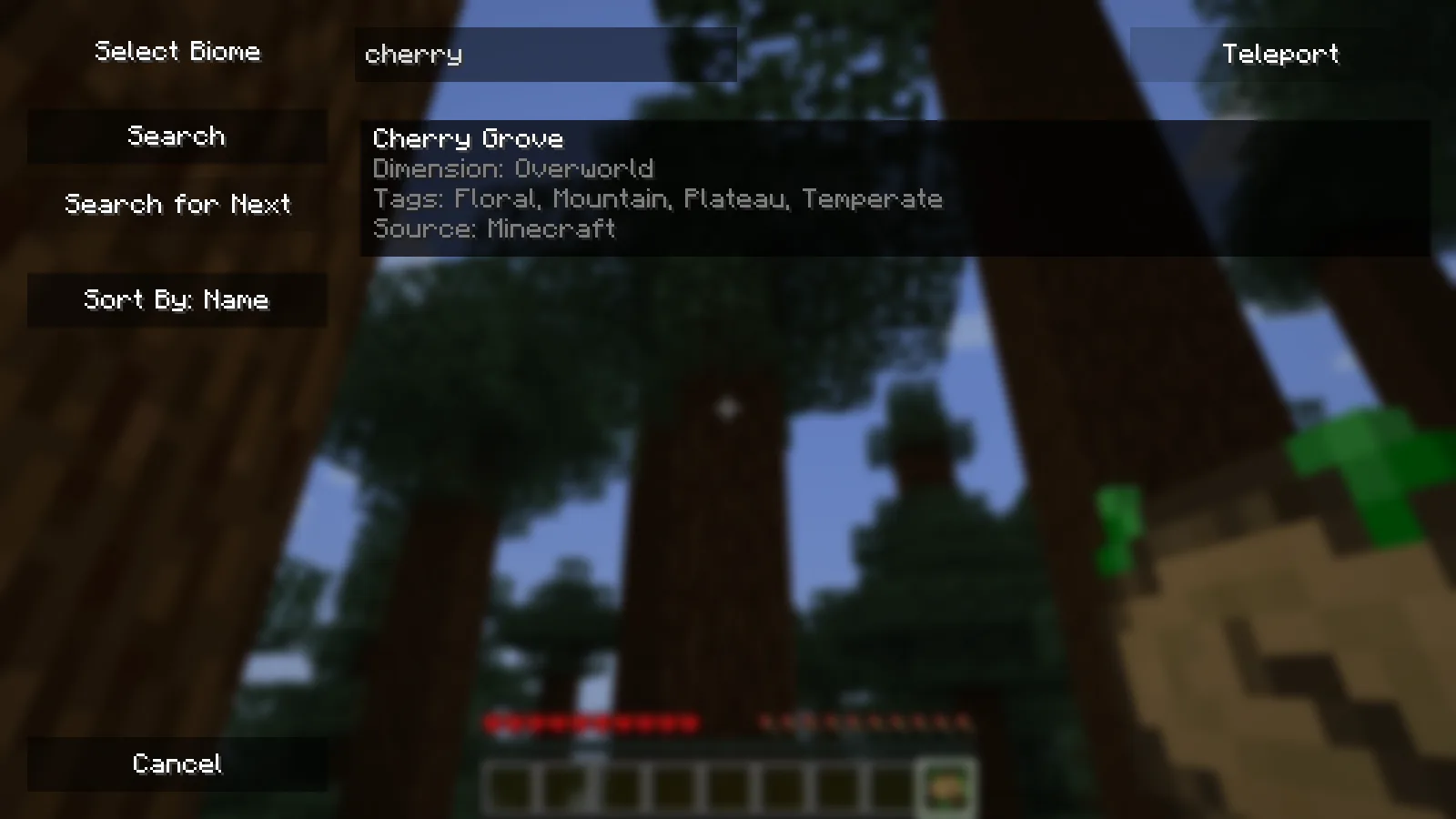
Each entry in this release shows its dimension, tags and source. Those details help distinguish similarly named places, especially when a modpack adds more biomes. Our screenshots and destination checks use vanilla Cherry Grove.
Read the result while exploring
After our search, the display showed Found, the biome name, its coordinates and a distance of about 2,489 blocks from the forest base. Keep the compass selected to see those details and use the direction it indicates to head towards the target.
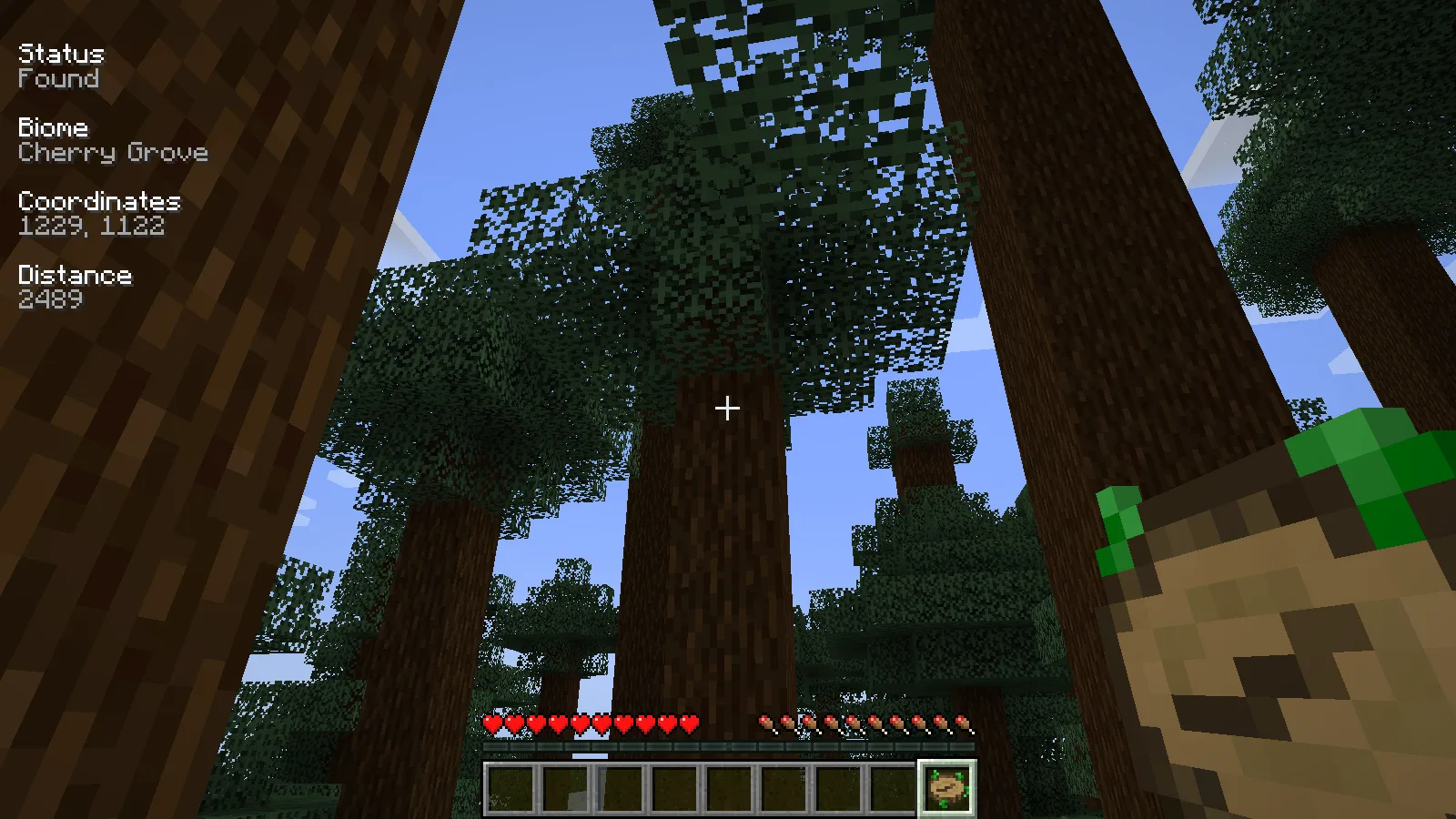
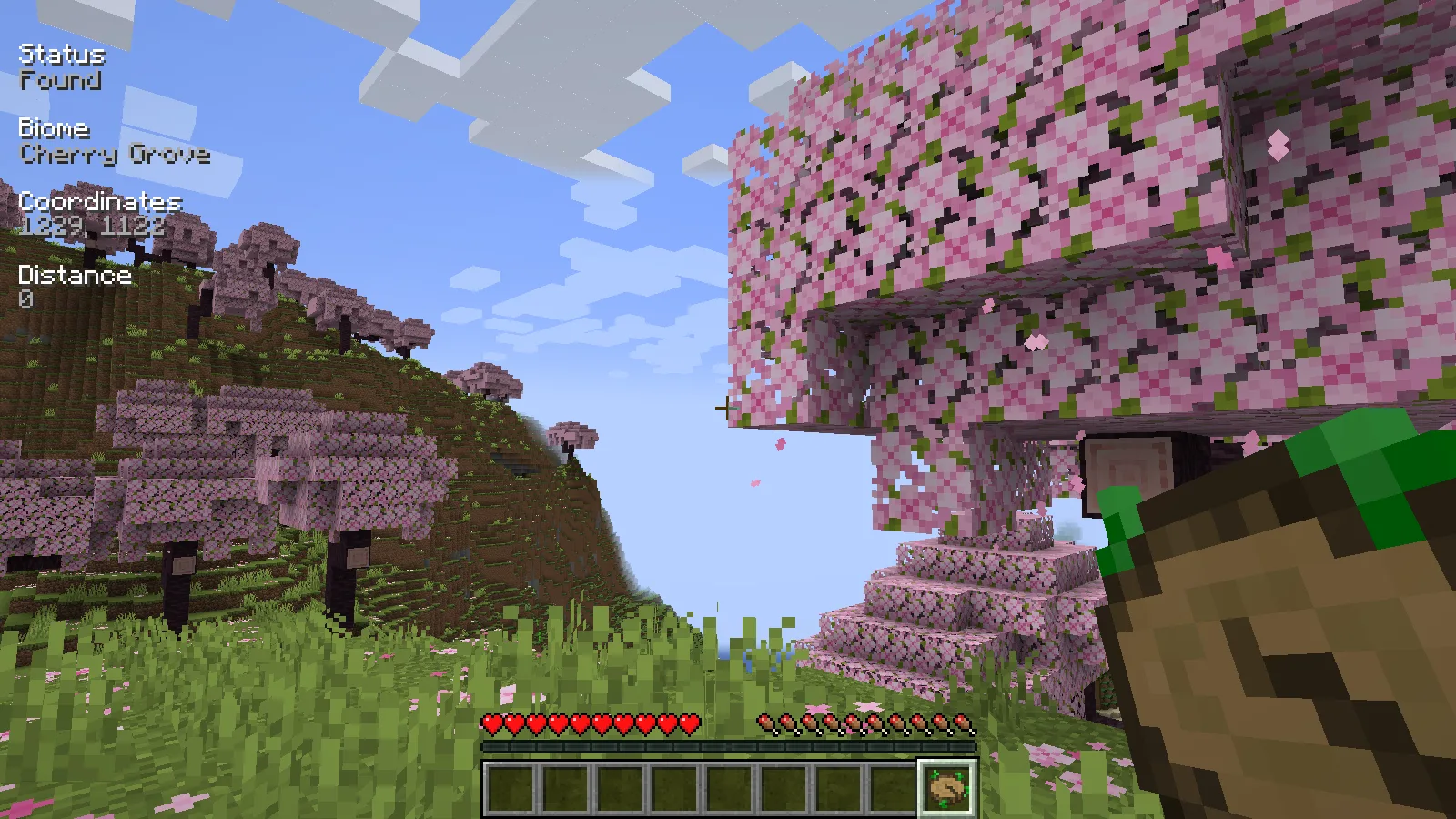
The numbers in our pictures belong to this review world. Your seed and starting position will produce a different destination. The compass identifies a location; it does not draw a safe walking route around rivers, cliffs or caves, so pack for the journey.
We checked the returned point in the actual world. It was a naturally generated cherry grove, and the distance display reached zero at the target's horizontal coordinates. The opening screenshot was taken there with the crafted compass in hand. We used a review-world teleport to inspect the destination efficiently, rather than treating the distance as a measured walking route.
Look for another location
If you want to keep exploring, open the menu again, filter and select the same biome, then choose Search for Next. In our test, it replaced the first target with another Cherry Grove point, about 143 blocks from where we stood. We checked that second point too, and it was also inside the cherry biome.
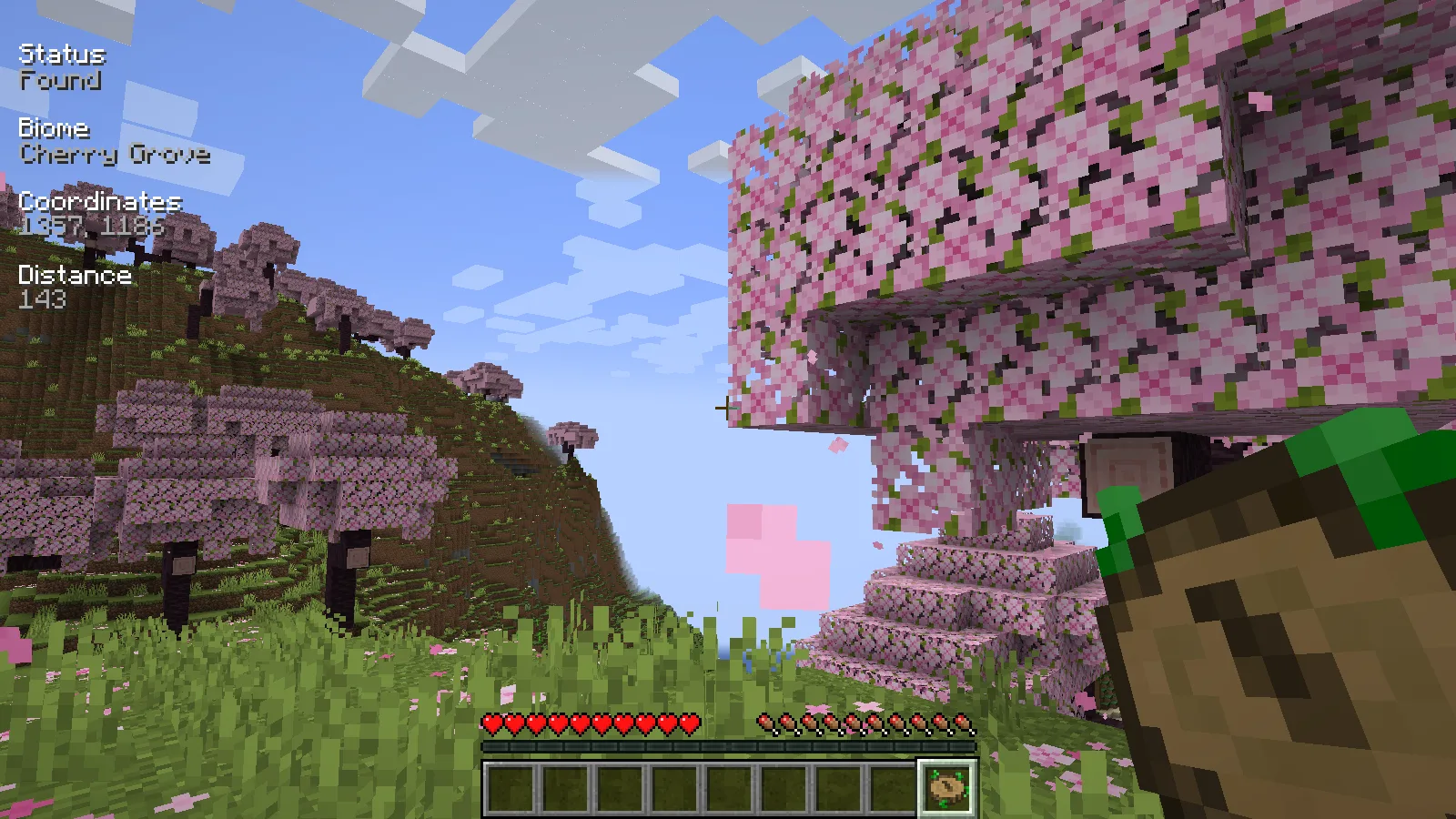
A new target does not necessarily mean a completely separate forest or mountain range. Nearby samples can belong to the same larger landscape. This option is useful for moving past a previous result, but do not assume each press will reveal a faraway new region.
Reset the target
Hold sneak and use the compass to clear its active search. In our test, the biome and distance overlay disappeared while the compass stayed in the inventory. The creator describes the reset compass as pointing towards world spawn again; you can open the menu whenever you want to choose another biome.
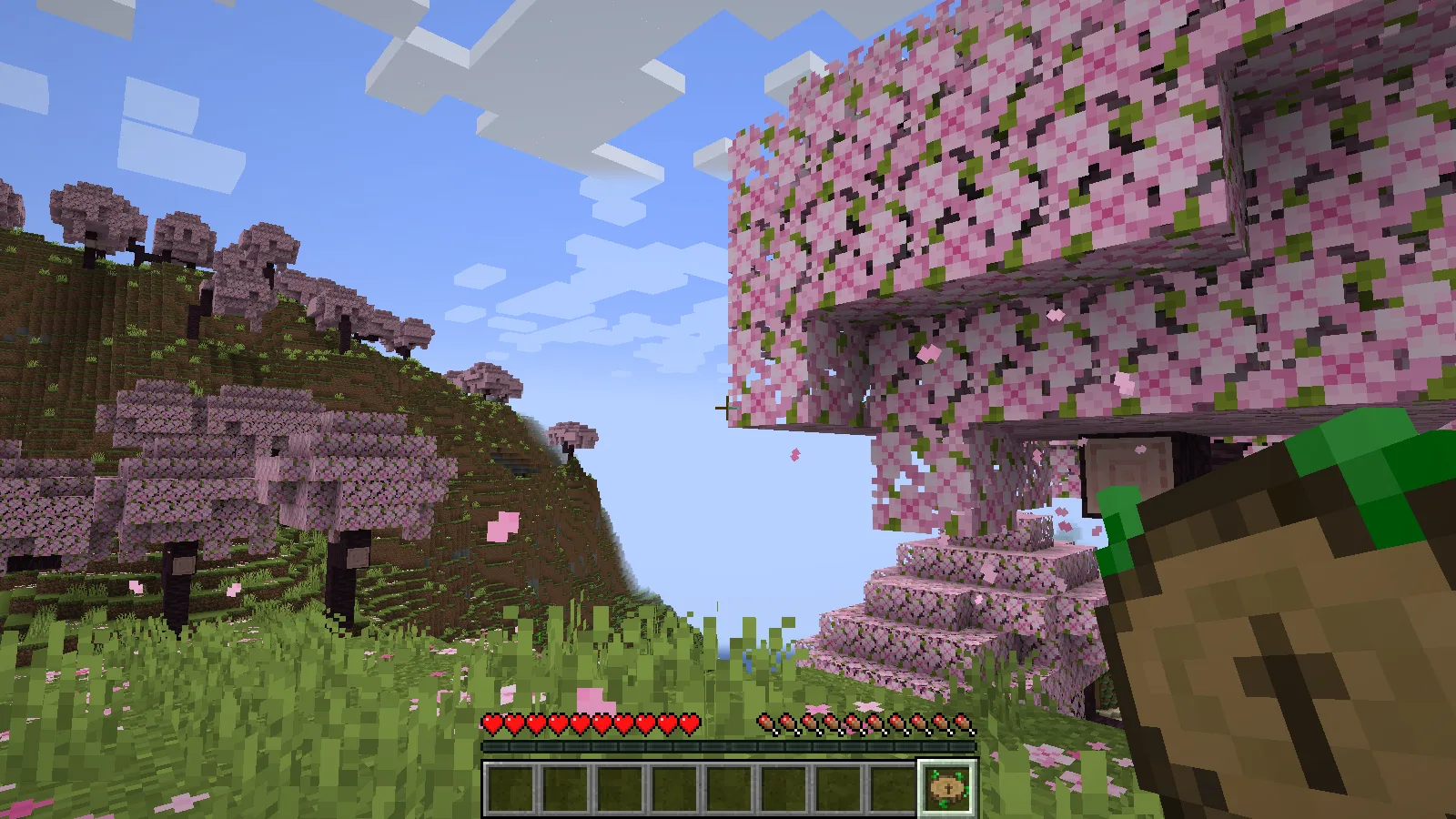
If a biome is not found, check its dimension and try from a different starting area. Searches have limits, and a server can change the search radius or exclude particular biomes. A failed search is not proof that the biome is absent from the entire world.
The Teleport control visible in our review-world menu is permission dependent. The creator enables it for Creative, operators or worlds with cheats; it is not a free travel ability that every Survival player receives.
Install the matching Java file
Choose the matching Nature's Compass JAR in Files and place it in the active instance's mods folder while Minecraft is closed. Reopen the game to craft it. When playing together, the host or server and participating clients need matching files.
Comments 0
Share what worked, ask for help or reply to another player.
Use your Modonix account to join the discussion and manage your comments.
Sign in to commentNo comments yet. Share what worked for you.