
MakeUp Ultra Fast offers a shader look built around effects you can adjust individually. The defaults shown here already give three ordinary locations distinct moods: strong tree shadows on a hillside, a reflective river and a warm wooden workshop after dark.
Follow the tree shadow
On the cherry slope, the shadow cuts clearly across the grass and flowers near the camera. The sunny upper steps and darker foreground make the shape of the path easy to see, while clouds and distant haze soften the valley beyond it.
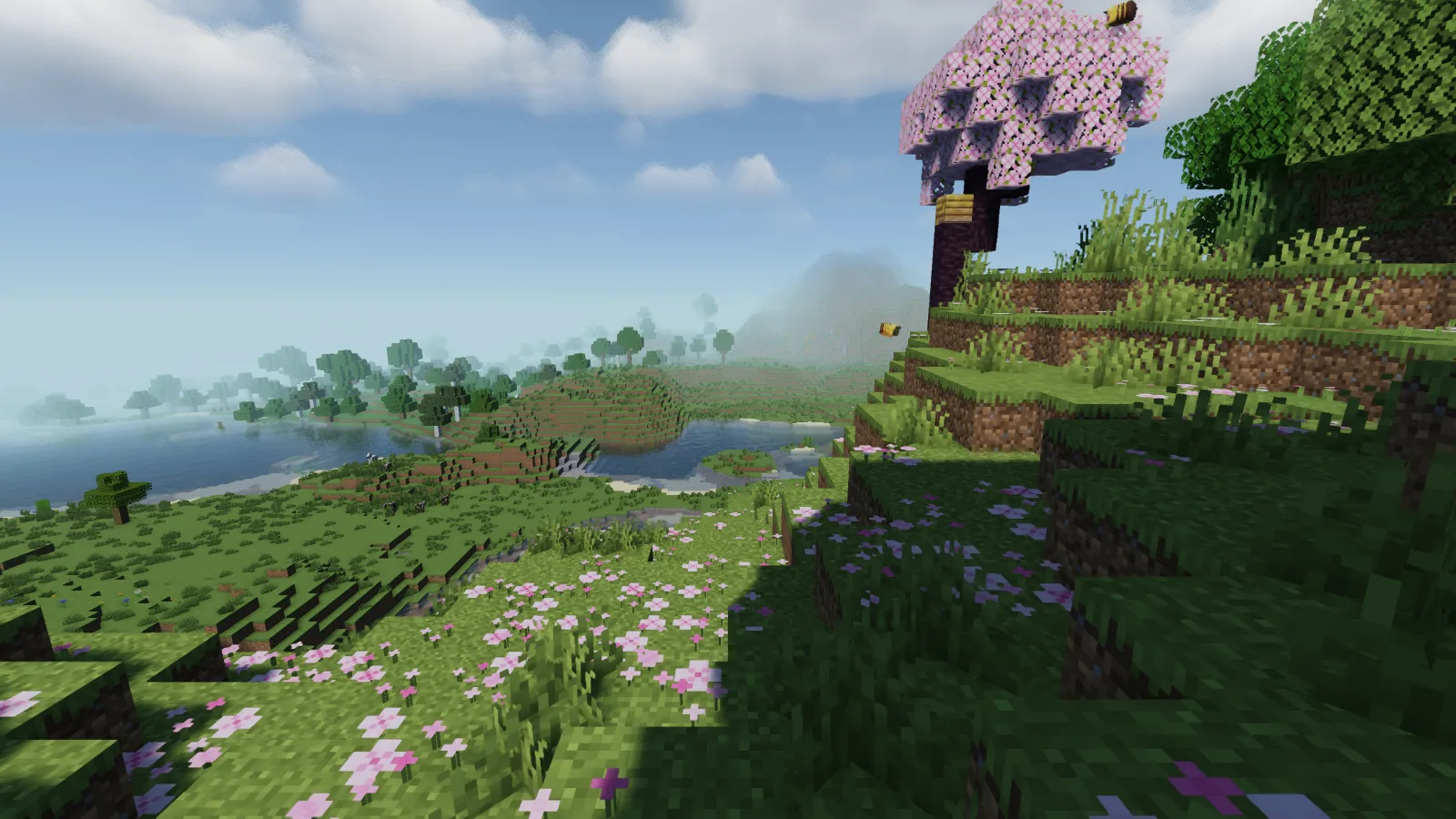
Use a place with both open sky and trees when judging this look. An entirely sunny field will not show how the same blocks read beneath foliage, where you may spend much of a garden or forest build.
Compare water with the nearby bank
The river surface has a noticeable reflective texture, while shallow blocks remain visible near the edge. The bright grass and darker water give the bank a clear boundary.
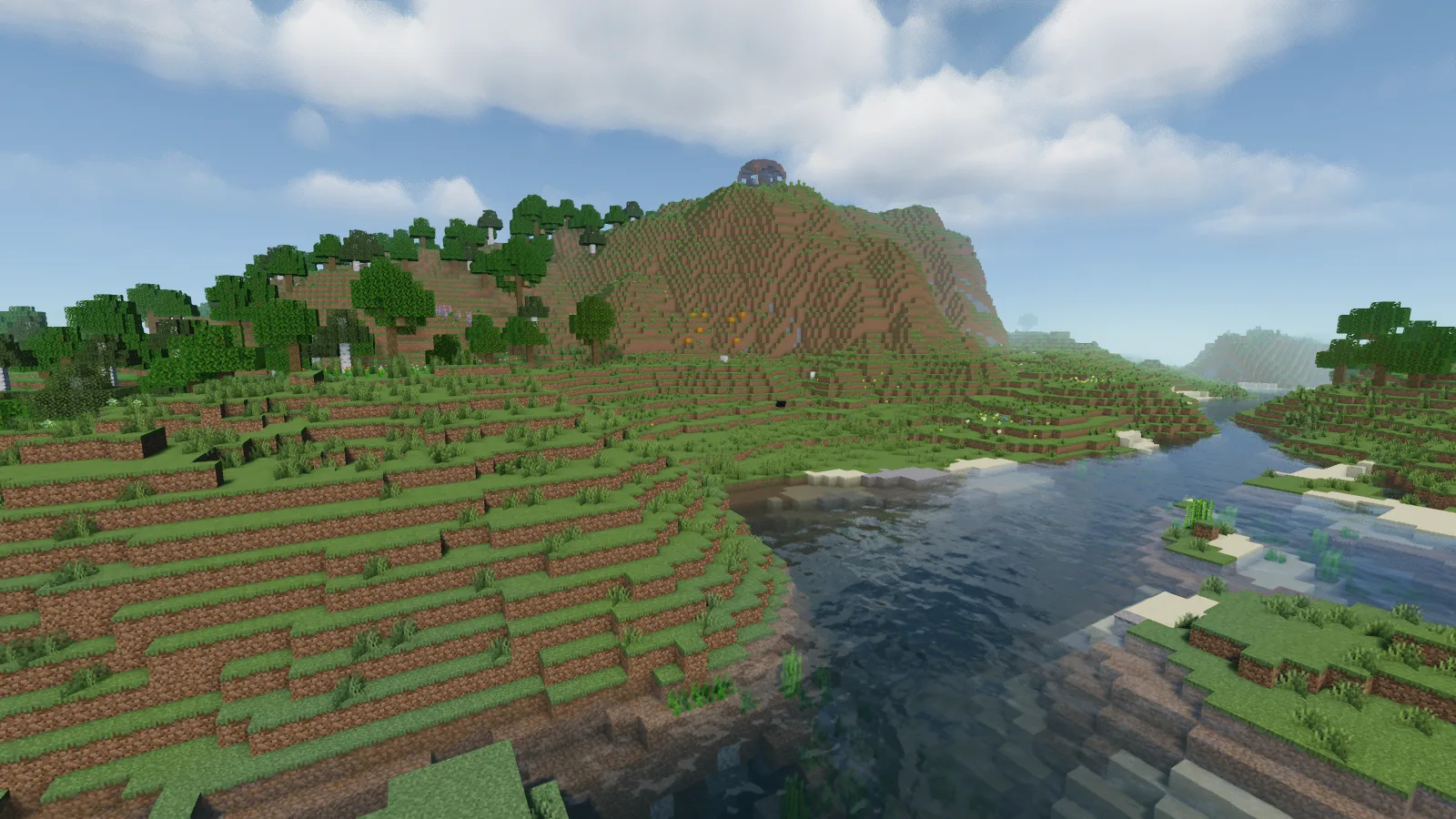
Try the pack beside a bridge or shoreline path. Check the water at your normal walking angle as well as from above: the amount of reflection you see can change the character of the view even when the build itself stays the same.
Keep a night view in the comparison
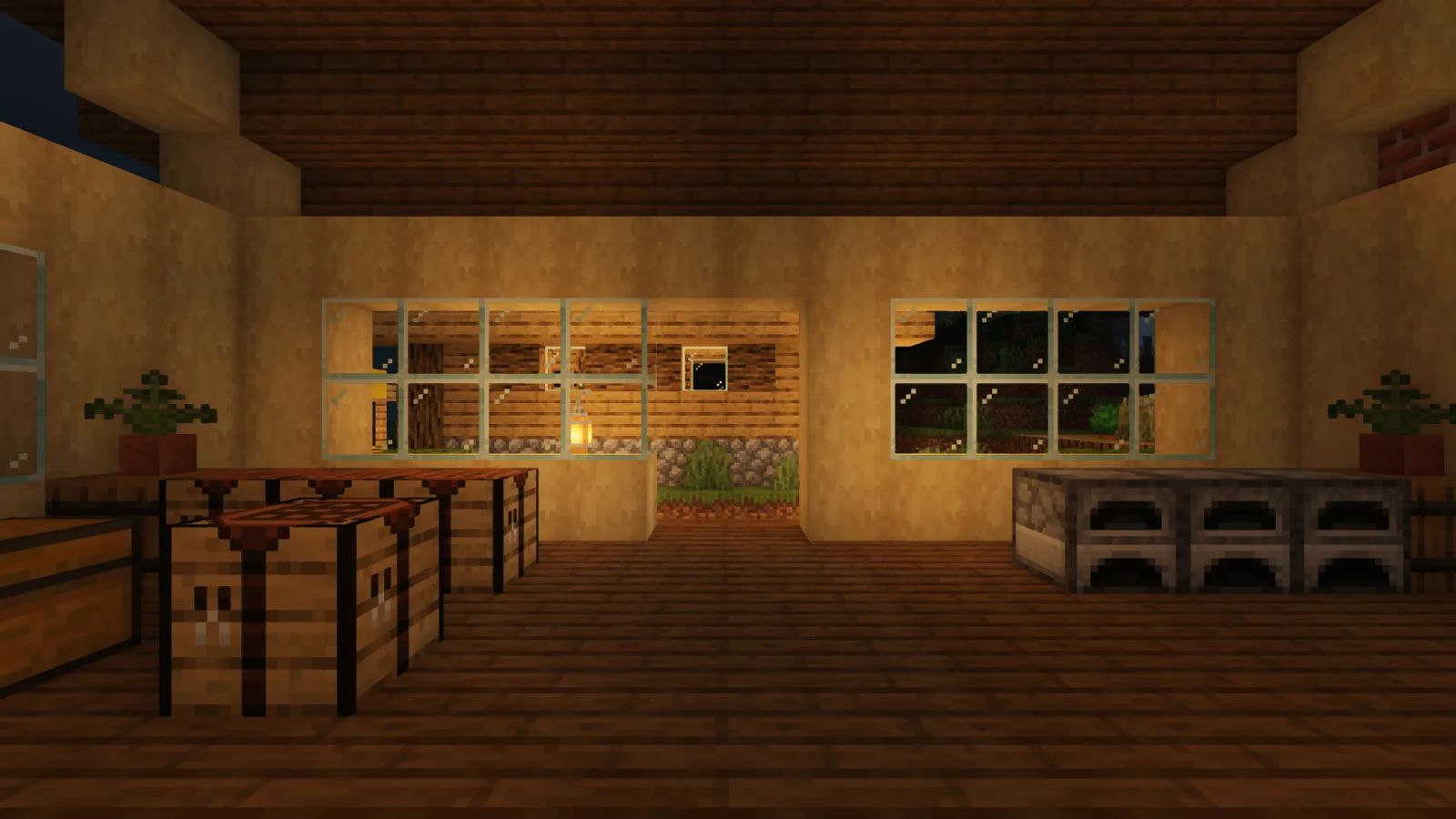
The workshop has a warm, golden cast around its opening and across the wooden surfaces. Crafting tables and furnaces remain easy to identify, with darker areas toward the edges of the room.
Decide whether the tree shadows are worth keeping
MakeUp separates low-cost presets with shadows from presets without them. In Shader Options, compare Shadowless Low with Low at the same tree: the latter enables shadows, while the former removes them along with other effects. That is a more specific choice than assuming every “Low” preset has the same appearance.
If you want to keep the tree shadow, open Advanced options → Shadows and try a shorter Shadow distance or lower Shadow quality. Judge the patch of ground you walk across before giving up shadows entirely. The default views above show the pack’s appearance; these controls offer ways to simplify it, without promising a particular frame rate.
Add it to the active profile
Install Iris and its matching Sodium release for your Minecraft version. Open Video Settings, Shader Packs and the folder button, then place the MakeUp ZIP in shaderpacks without unpacking it. Select the pack and let it load before returning to the world. Keep the original ZIP available so you can return to a clean starting point when experimenting with settings.
Comments 0
Share what worked, ask for help or reply to another player.
Use your Modonix account to join the discussion and manage your comments.
Sign in to commentNo comments yet. Share what worked for you.