
Golden Days gives a modern world an older Minecraft appearance through its textures, colors and other visual details. An ordinary workshop is a useful first stop: wood, glass, stone and crops are close enough to compare without rebuilding anything.
Get the pack order right first
Golden Days Base needs the built-in Programmer Art pack underneath it. Put the downloaded ZIP in resourcepacks, open Options and Resource Packs, then arrange the selected side from top to bottom: Golden Days Base, Programmer Art, Vanilla. Choose Done and wait for the resources to reload.
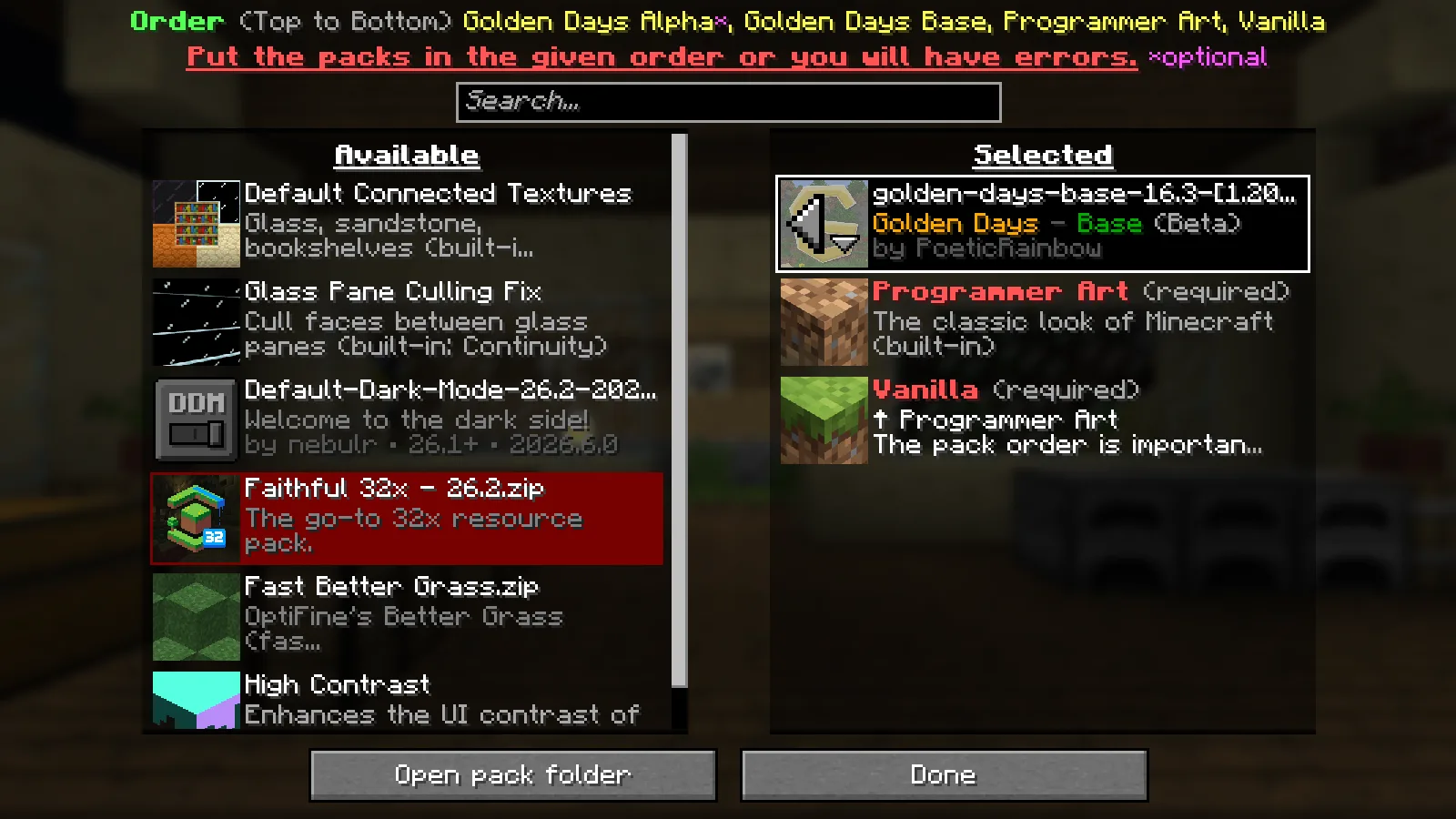
The order matters because the lower pack supplies part of the intended look. The setup shown here uses Base on its own above Programmer Art; the optional Alpha add-on is a separate choice.
Walk through an existing room
The workshop keeps the same crafting tables, floor and window openings. Their textures give the room a more classic appearance, particularly the strong pattern on the crafting tables, the wood grain and the glass marks across the view.
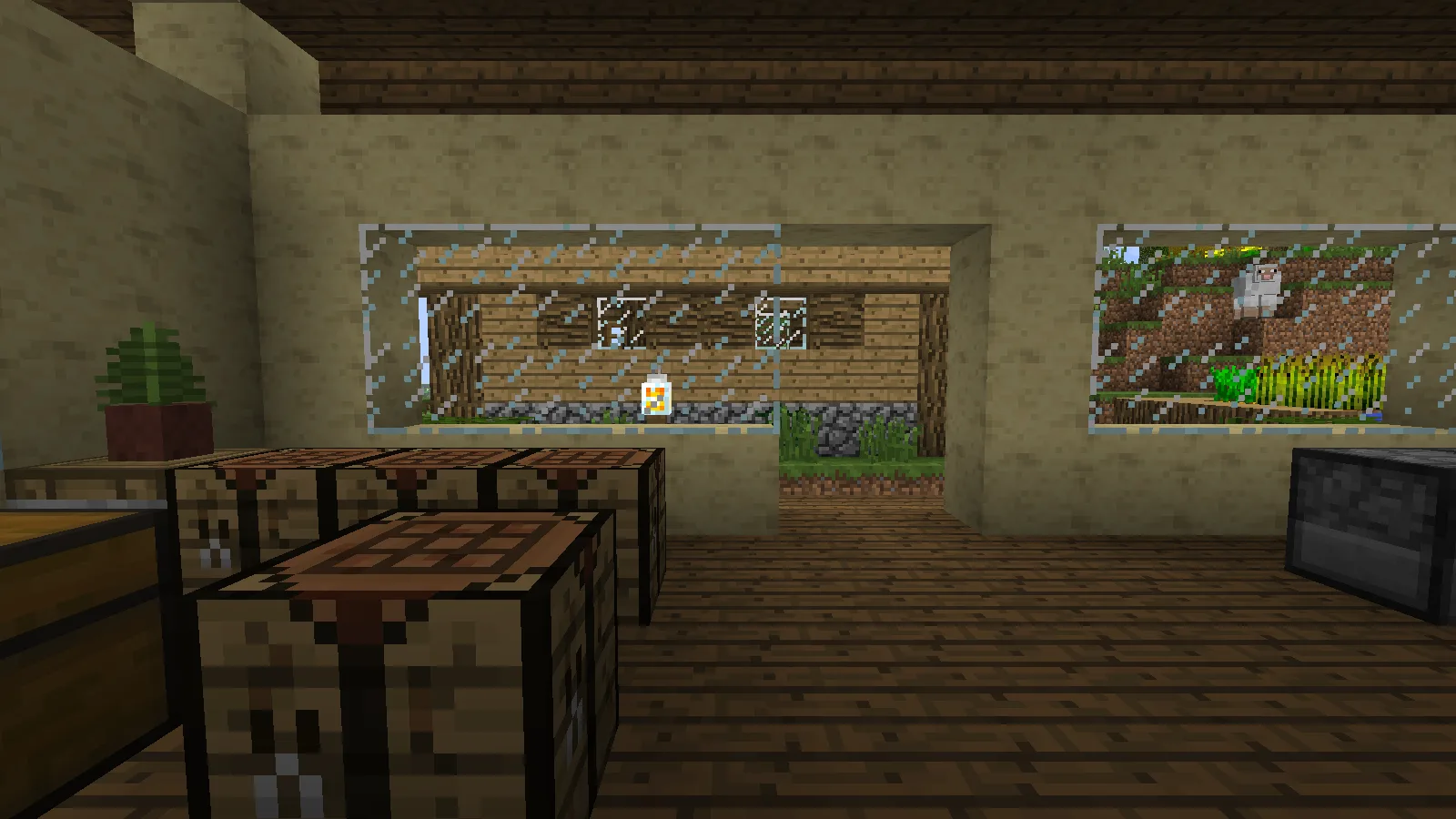
Try the pack where you already recognize the materials. That makes it easier to decide whether the older palette fits a finished build. The shown profile also has Continuity installed, which can handle connected textures supplied by a pack, so glass details may differ on an unmodified client.
Look beyond the walls
Outside, the nearby dirt and grass provide a clear foreground while the distant hillside takes on the pack's atmospheric look. Crops and wooden paths remain recognizable parts of the garden.
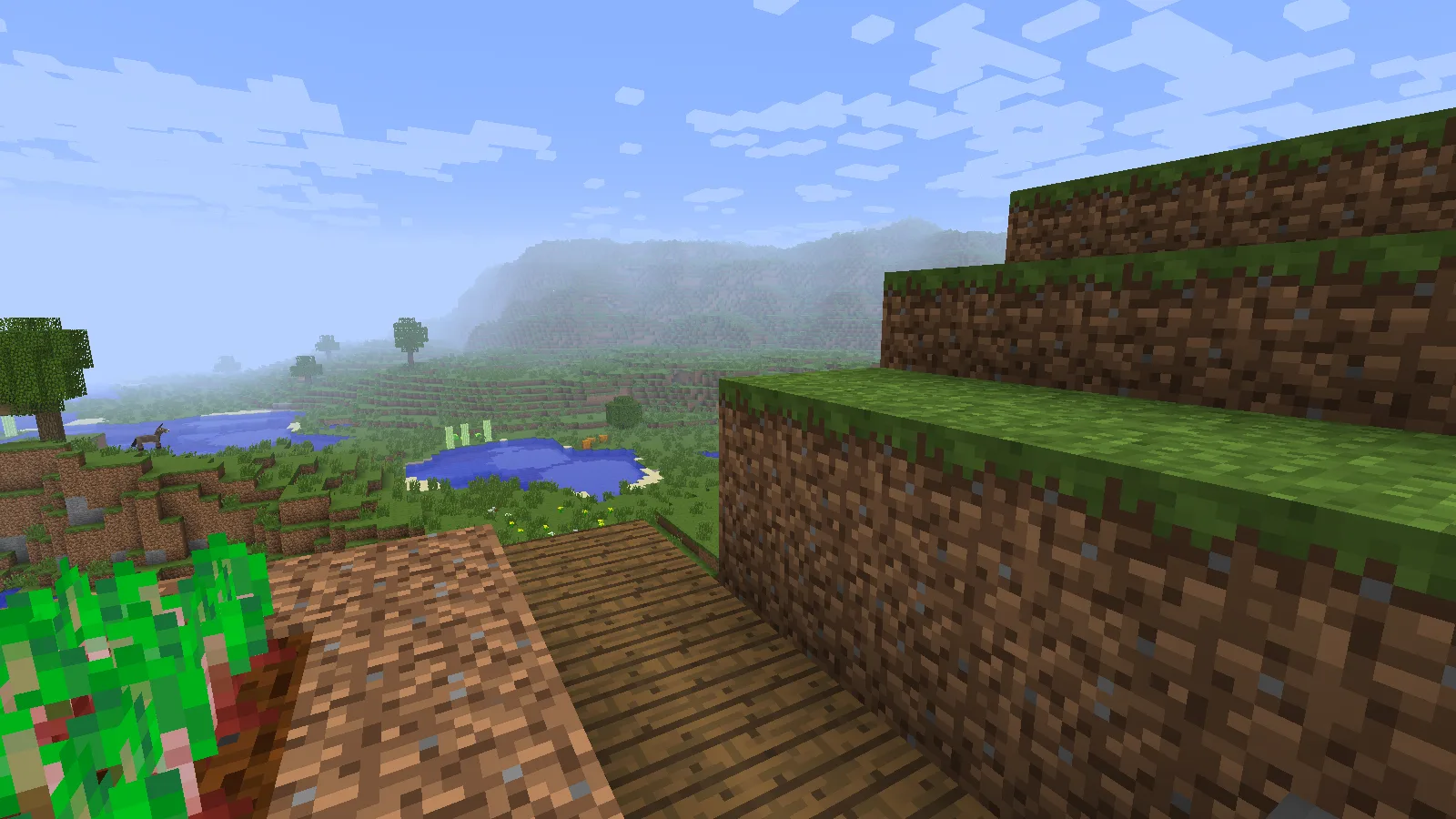
The wider grass-bank view is useful for judging how the style fits natural terrain. Check a slope, a path and your building together before deciding on the pack for the whole world.
Start with the Base setup
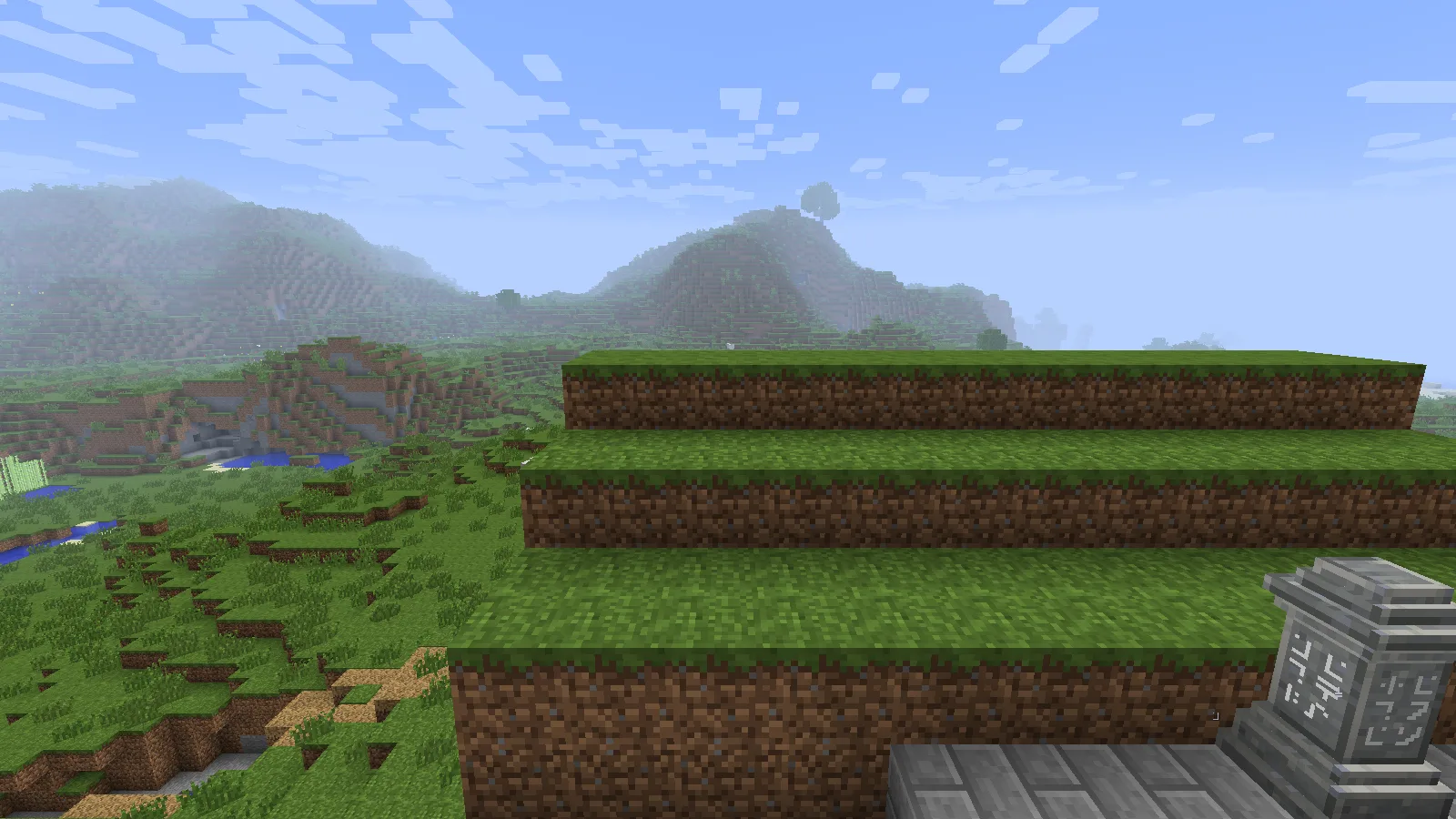
These images use Golden Days Base 16.3 on Java 26.2 with the correct Programmer Art layer and shaders disabled. Keep the ZIP intact. Begin with this pack order before adding other texture overlays, so you can identify which pack changes a material. The author's optional add-ons and supporting mods extend the experience, but they are not needed to reproduce the basic layer order shown above.
Comments & questions
Share what worked, ask for help or reply to another player.
No comments yet. Share what worked for you.