
Sodium replaces Minecraft's client renderer while keeping familiar blocks, textures and worlds. Its useful starting point is the video settings screen: choose how much terrain you want to draw and adjust that choice to your own computer before adding more visual mods.
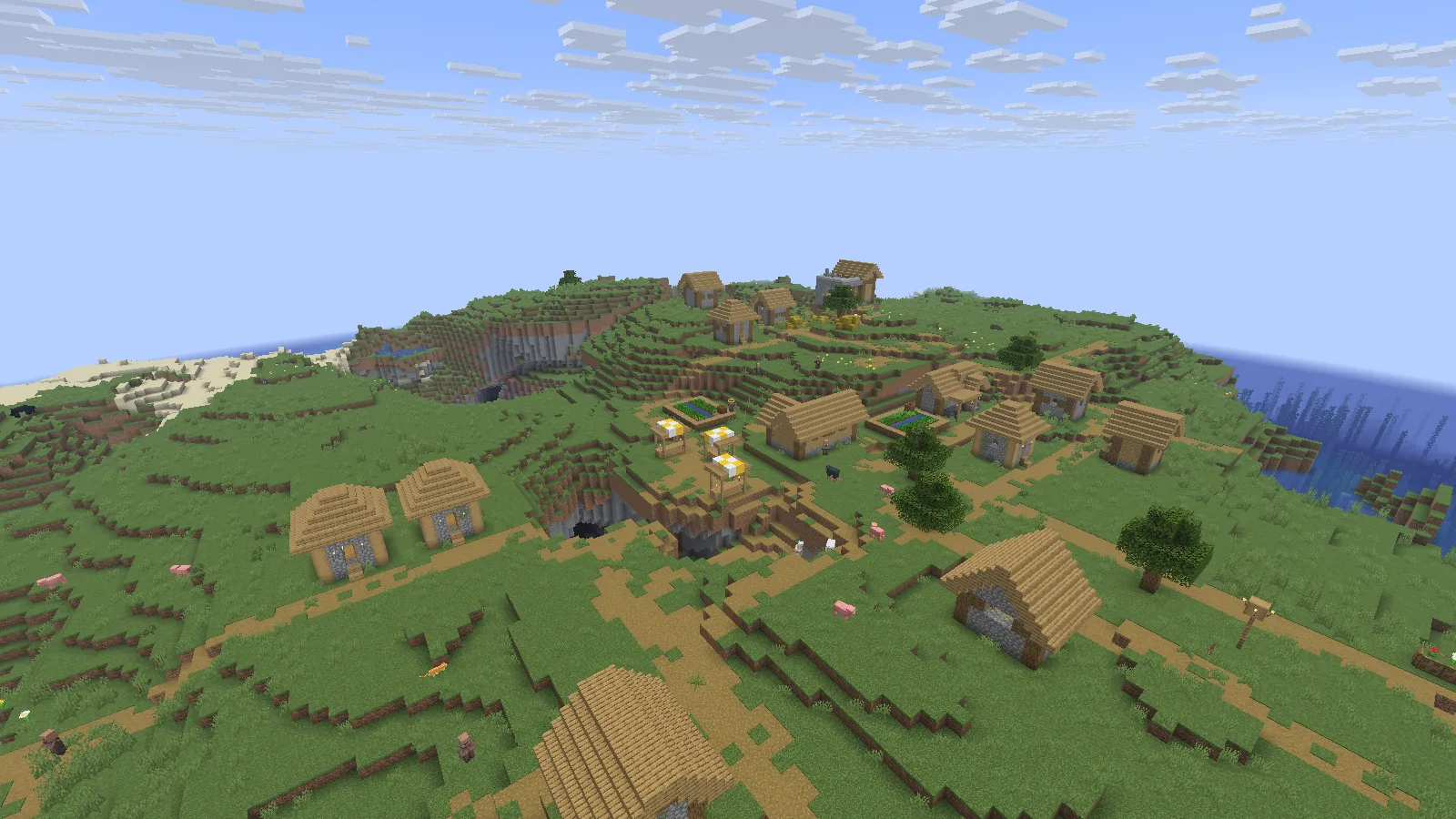
The same village camera at a render distance of 12 chunks, with simulation distance kept at 5. Sodium 0.9.2 on Java 26.2.
Install a matching version
For this example, use Sodium 0.9.2 for Fabric on Java 26.2 in a separate Fabric instance. Put the matching Sodium JAR in that instance's mods folder, launch the game and open a disposable world or a backup copy. Keep the Minecraft version and loader aligned; a NeoForge file is not a substitute for a Fabric file.
Open Options → Video Settings to reach Sodium's settings. Keep your first setup simple so another visual mod does not complicate your comparison.
Separate what you can see from what is simulated
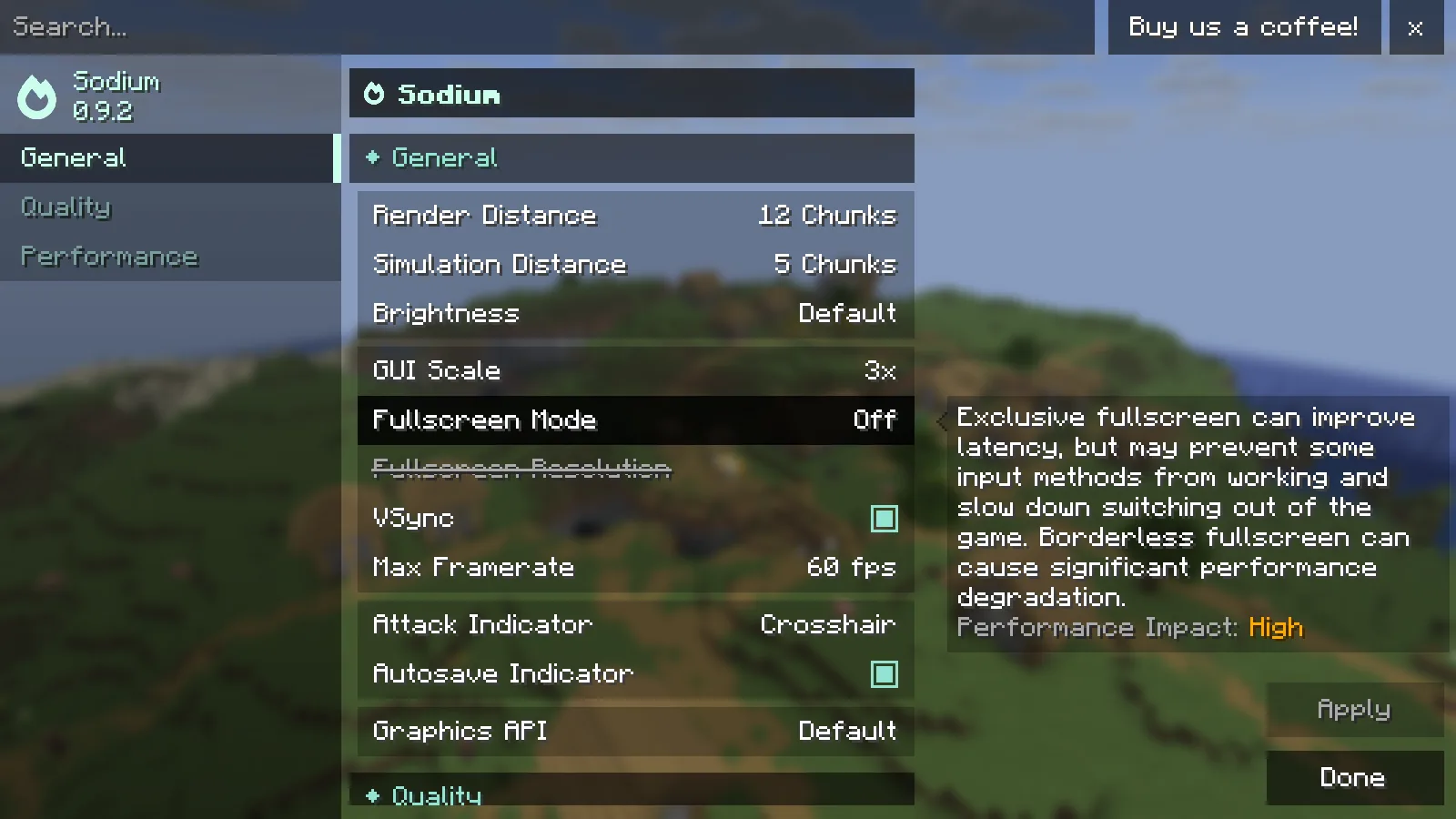
Sodium 0.9.2 shows separate Render Distance and Simulation Distance settings: 12 and 5 chunks in this example.
Render Distance controls how far the client draws chunks. Simulation Distance is a separate setting for nearby game simulation; increasing the visible horizon does not make it the same setting. In this single-player example, simulation stays at 5 chunks while render distance changes between 6 and 12.
Pick a landmark at the edge of your view, keep the camera still and compare one setting at a time. At 12 chunks, the far part of this village and the coast remain visible. At 6 chunks, distance fog hides more of that background.
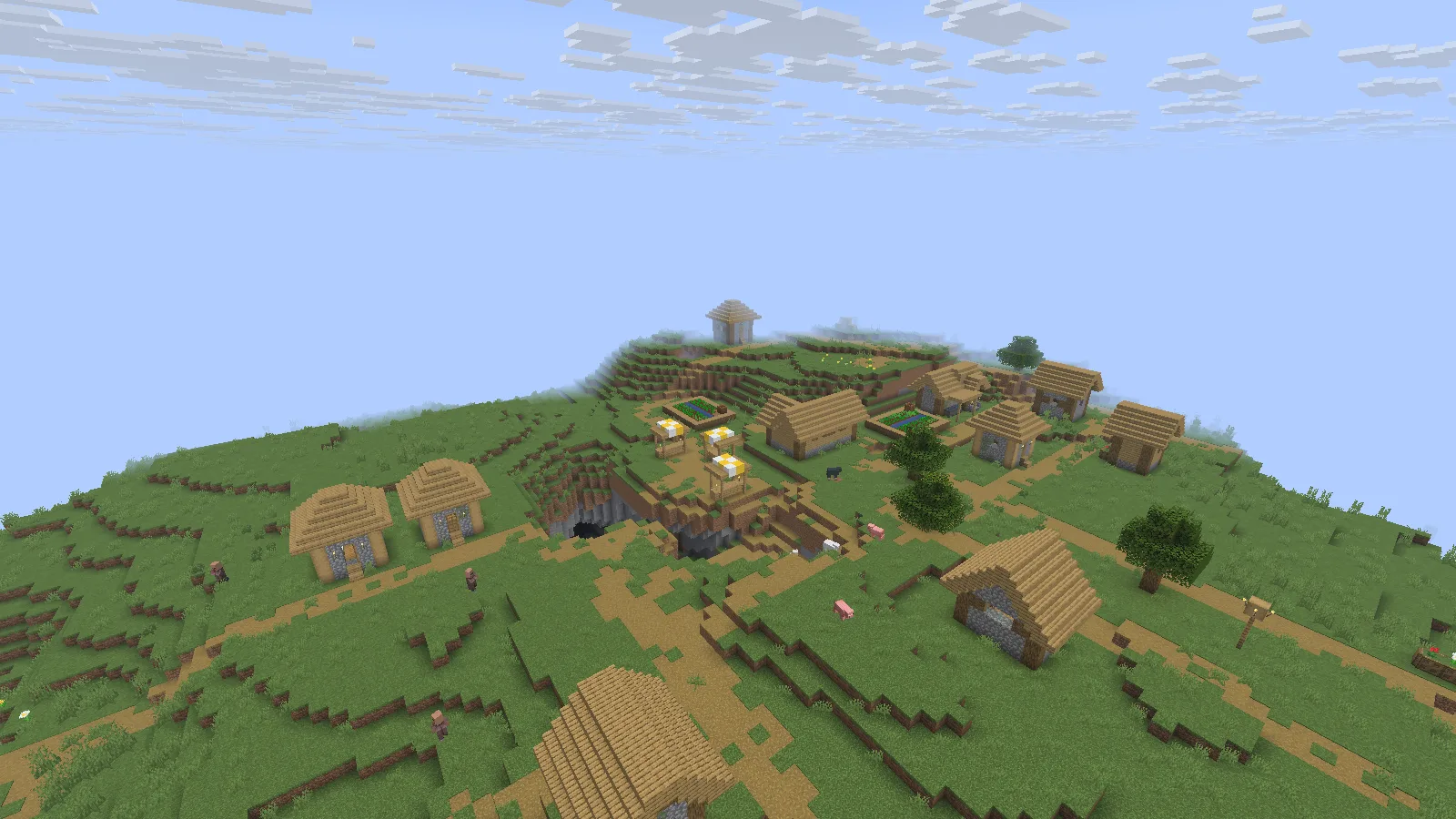
The same camera at 6 render chunks: the far side of the village is obscured by distance fog. Simulation remains at 5 chunks.
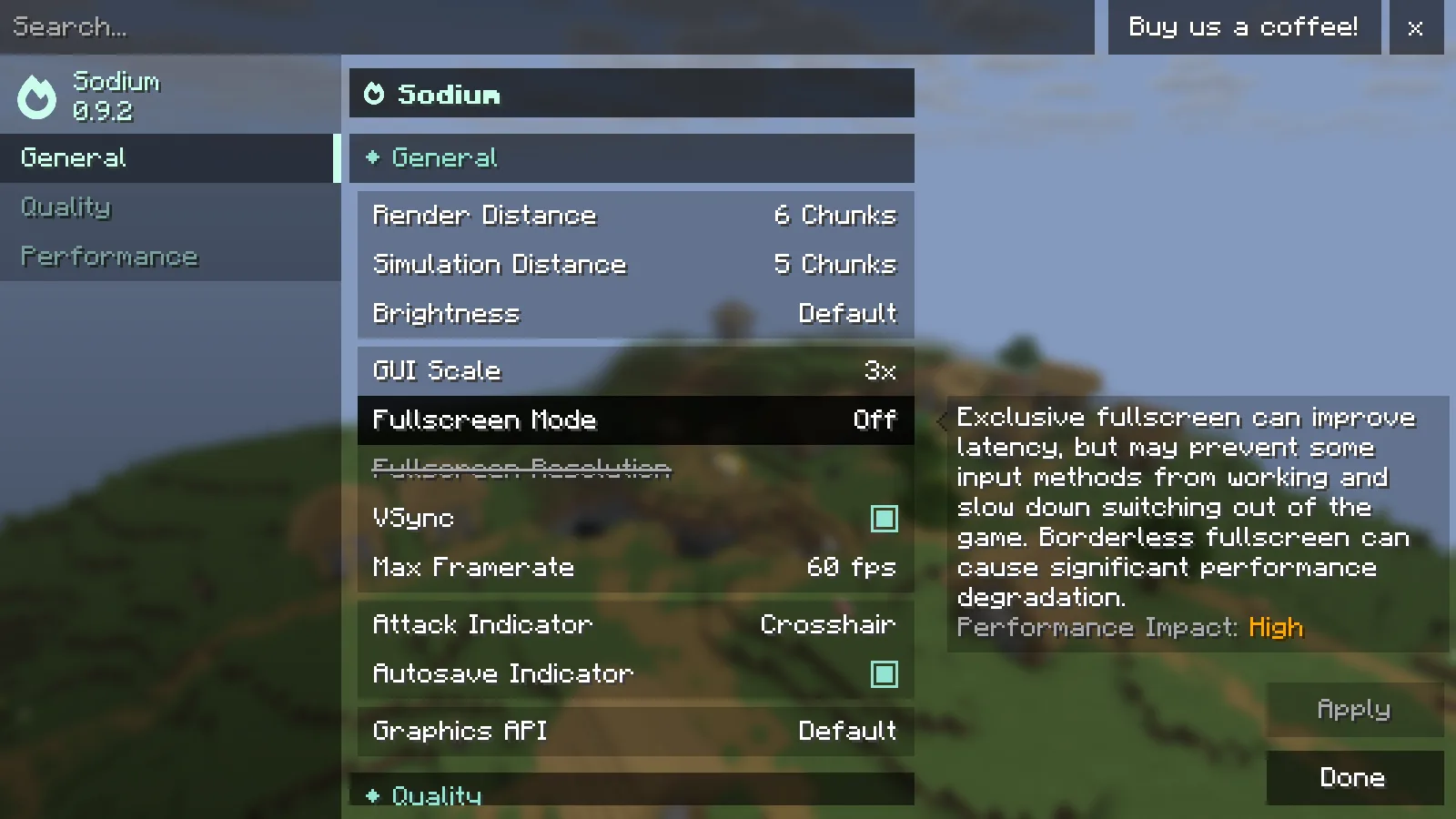
The real Sodium settings screen after setting Render Distance to 6 chunks; Simulation Distance stays at 5. The 60 fps menu value is a frame-rate limit; these captures compare view distance, not performance.
Tune around the world you actually use
Begin with a view distance that keeps nearby routes readable, then increase it in small steps if your computer has room. Check a busy settlement as well as an empty landscape. Keep the world, camera, resolution and other settings consistent when comparing smoothness, and change only one option at a time. Sodium does not add new terrain or change your save's building layout.
Comments & questions
Share what worked, ask for help or reply to another player.
No comments yet. Share what worked for you.