ModernFix

10 views 0 downloads

Improve the work behind startup, world loading and memory use while keeping your existing Minecraft routines.

ModernFix works behind the scenes on Minecraft's startup, world loading and memory use. It is worth considering when getting into a modded world feels cumbersome, even though you are happy with the world itself. You keep your buildings, recipes and ordinary controls; the mod adds optimizations and fixes rather than another layer of gameplay.
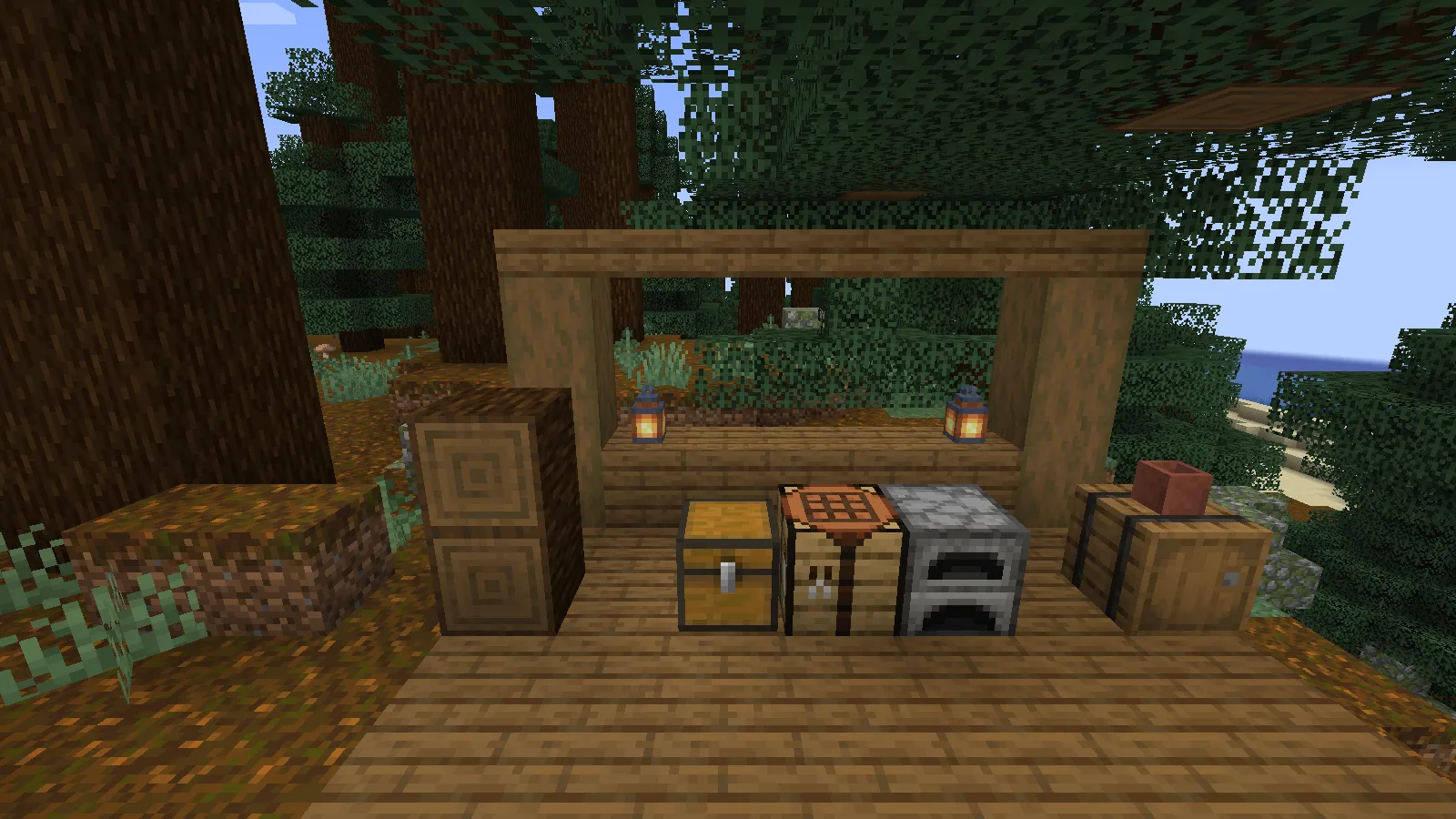
A Creative-built forest workbench with ModernFix on Java 1.21.1.

A Creative-built forest workbench with ModernFix on Java 1.21.1.

Choose the build for your instance

This download is ModernFix 5.27.24 for Java 1.21.1 on NeoForge. The example uses NeoForge 21.1.219. When choosing another NeoForge build, keep it on Java 1.21.1 and check the file requirements and the rest of your modpack.

  1. Install NeoForge in a separate Java 1.21.1 instance using Java 21.
  2. Put the matching ModernFix file in its mods folder, replacing any older copy of ModernFix.
  3. Launch the instance with the default configuration and open a backup of your world.

There is no in-world device to craft or activate. ModernFix begins working when the game loads. You can continue building and organizing your base as usual.
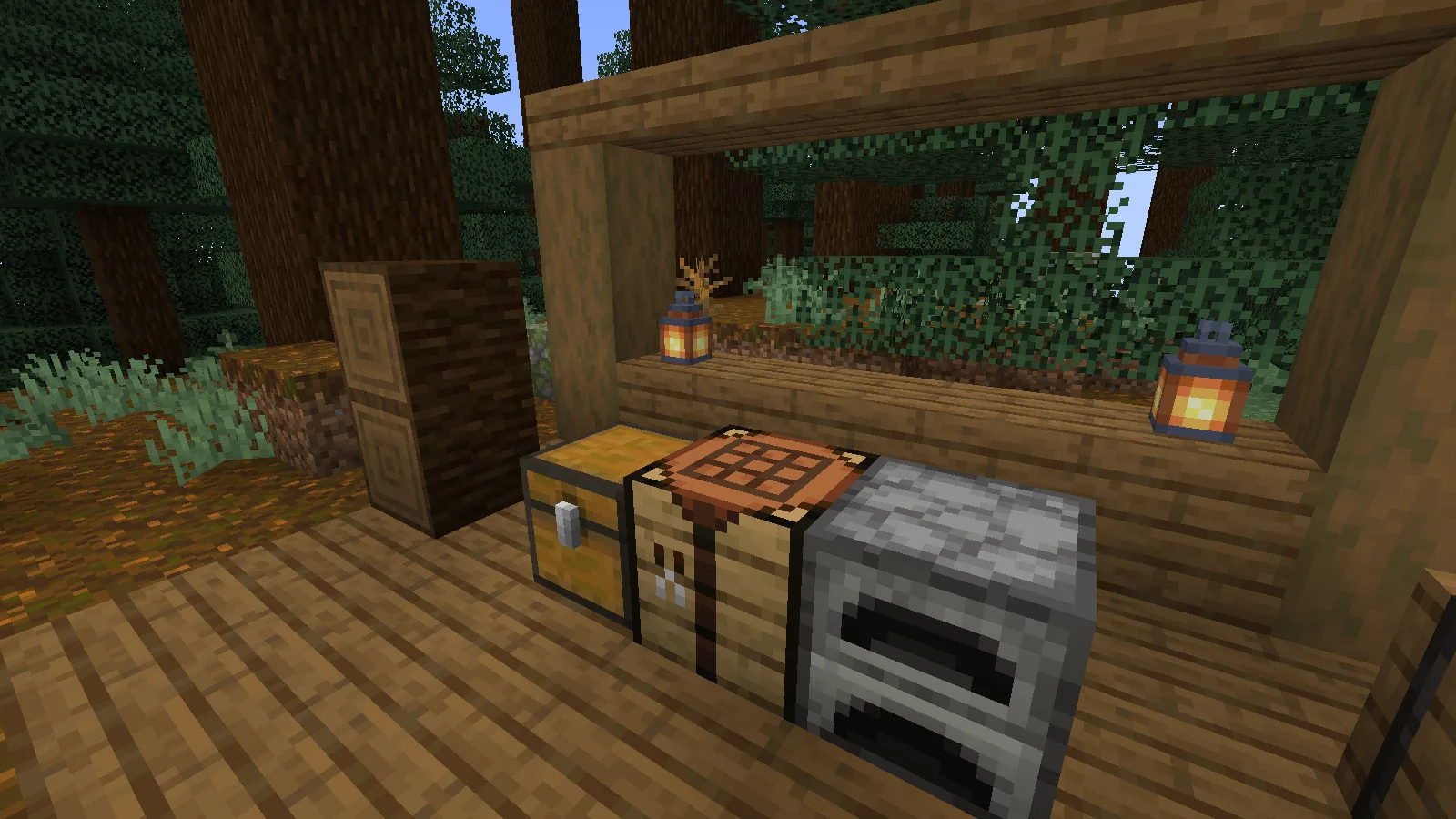
A compact storage corner for an ordinary building session.

A compact storage corner for an ordinary building session.

Use it alongside the right settings

ModernFix's focus is different from turning down shader quality or render distance. If the issue is entering a world or memory pressure, its optimizations are relevant; if a demanding shader is making camera movement choppy, start with the shader's settings as well.

This release recommends FerriteCore as a companion for memory optimization. It is optional, so the recommendation is not a missing-dependency error. Add a matching Java 1.21.1 NeoForge build if you want that companion, and keep each mod's default settings to begin with.
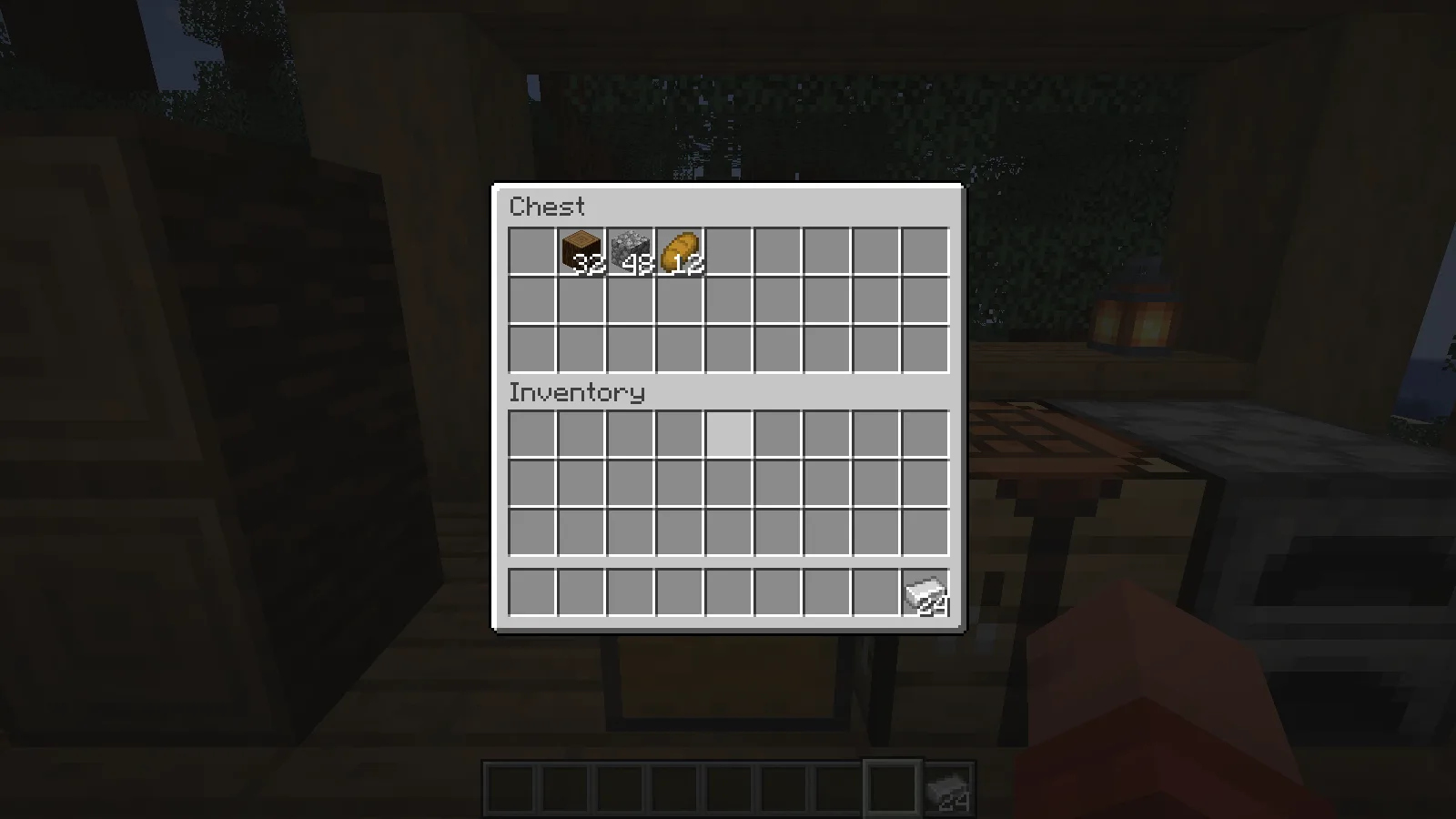
The same world reopened, with the chest supplies and carried items retained.

The same world reopened, with the chest supplies and carried items retained.

If the game stops loading

Check that the ModernFix file matches both Minecraft and NeoForge, and that the mods folder contains only one copy. If the problem began after several additions, return to the last working combination and add them one at a time. Keep the startup log with that instance so a named conflict is easier to identify. Avoid changing a collection of advanced options at once: it makes the cause harder to find.

Author links

ModernFix project

No ratings yet

Files

Filter files 1 fileAll release types
Show all files

Version 5.27.24+mc1.21.1

Stable

modernfix-neoforge-5.27.24+mc1.21.1.jar

Minecraft 1.21.1 NeoForge Client or server
0 downloads
Download · 590.2 KB
Requirements & details

ModernFix · NeoForge

  • Game version: 1.21.1 · Mod loader: NeoForge · Installation: Client or server · Game channel: Stable

Example setup: Minecraft 1.21.1 with NeoForge 21.1.219.

Put this JAR in a matching NeoForge instance’s mods folder. Remove older copies of ModernFix and back up your world before changing mods.

Requirements & notes
Required loader version
21.0.111-beta or later
Java runtime
Java21
Technical details
File details
Download type
Main
Mod ID
modernfix
Client, server & multiplayer behavior
Supports client and server use.
File information

Archive structure and entry integrity checked · 456 entries · 1.2 MB unpacked.

pack.mcmeta — Pack pack_format
6
META-INF/neoforge.mods.toml — Mod loader
javafml
META-INF/neoforge.mods.toml — Loader version range
[1,)
META-INF/neoforge.mods.toml — Mod modernfix
5.27.24+mc1.21.1
META-INF/neoforge.mods.toml — Required neoforge
[21.0.111-beta,)
META-INF/neoforge.mods.toml — neoforge physical side
BOTH
META-INF/neoforge.mods.toml — Required minecraft
[1.21, 1.22)
META-INF/neoforge.mods.toml — minecraft physical side
BOTH
META-INF/neoforge.mods.toml — Optional jei
[15.8.0.11,)
META-INF/neoforge.mods.toml — jei physical side
CLIENT
Manifests read (2)
  • pack.mcmeta · JSON structure
  • META-INF/neoforge.mods.toml · Selected fields only

Pack-format numbers and ranges are format identifiers, not Minecraft version numbers. They do not establish in-game compatibility.

Selected Forge/NeoForge TOML fields were read; this is not full TOML validation. Physical side declarations do not prove client/server multiplayer requirements.

Manifest values describe the package. They do not prove that it works with every game version. This check is not an antivirus scan.

SHA-256: e6e9446890f0feb3aab3f6e73ae18cb17575c370f232179fef7baa30e61538fe

Release updates

Version 5.27.24+mc1.21.1

Stable

ModernFix 5.27.24 for Minecraft Java 1.21.1 with NeoForge. Replace an older copy in the matching instance’s mods folder and keep a backup before changing your mod setup.

View files

Comments & questions

Share what worked, ask for help or reply to another player.

No comments yet. Share what worked for you.

Join the conversation

No account required. Confirm your email with a code before your first comment.

1Your name & email

Only a masked address appears with your name. Guest comments are reviewed before publication.

2Verify & post

Search Modonix

Search in