
ModernFix works behind the scenes on Minecraft's startup, world loading and memory use. It is worth considering when getting into a modded world feels cumbersome, even though you are happy with the world itself. You keep your buildings, recipes and ordinary controls; the mod adds optimizations and fixes rather than another layer of gameplay.
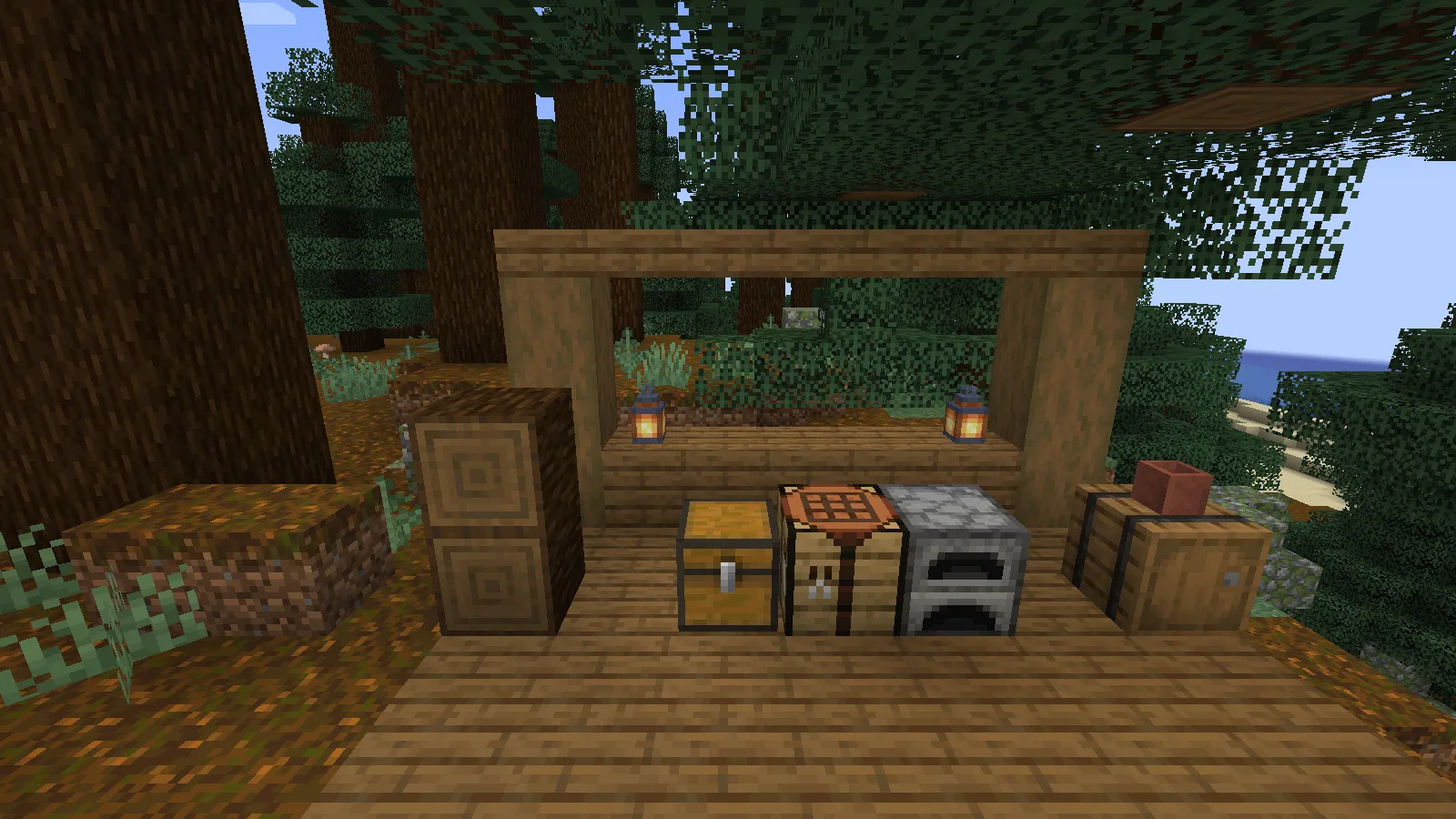
A Creative-built forest workbench with ModernFix on Java 1.21.1.
Choose the build for your instance
Use ModernFix when startup or world loading is the problem you want to address. Select the file for the existing instance in Files, then keep its current mod list and configuration as your starting point.
- Close Minecraft and open the folder for the NeoForge instance you intend to use.
- Put the matching ModernFix file in its
modsfolder, replacing any older copy of ModernFix. - Launch the instance with the default configuration and open a backup of your world.
There is no in-world device to craft or activate. ModernFix begins working when the game loads. You can continue building and organizing your base as usual.
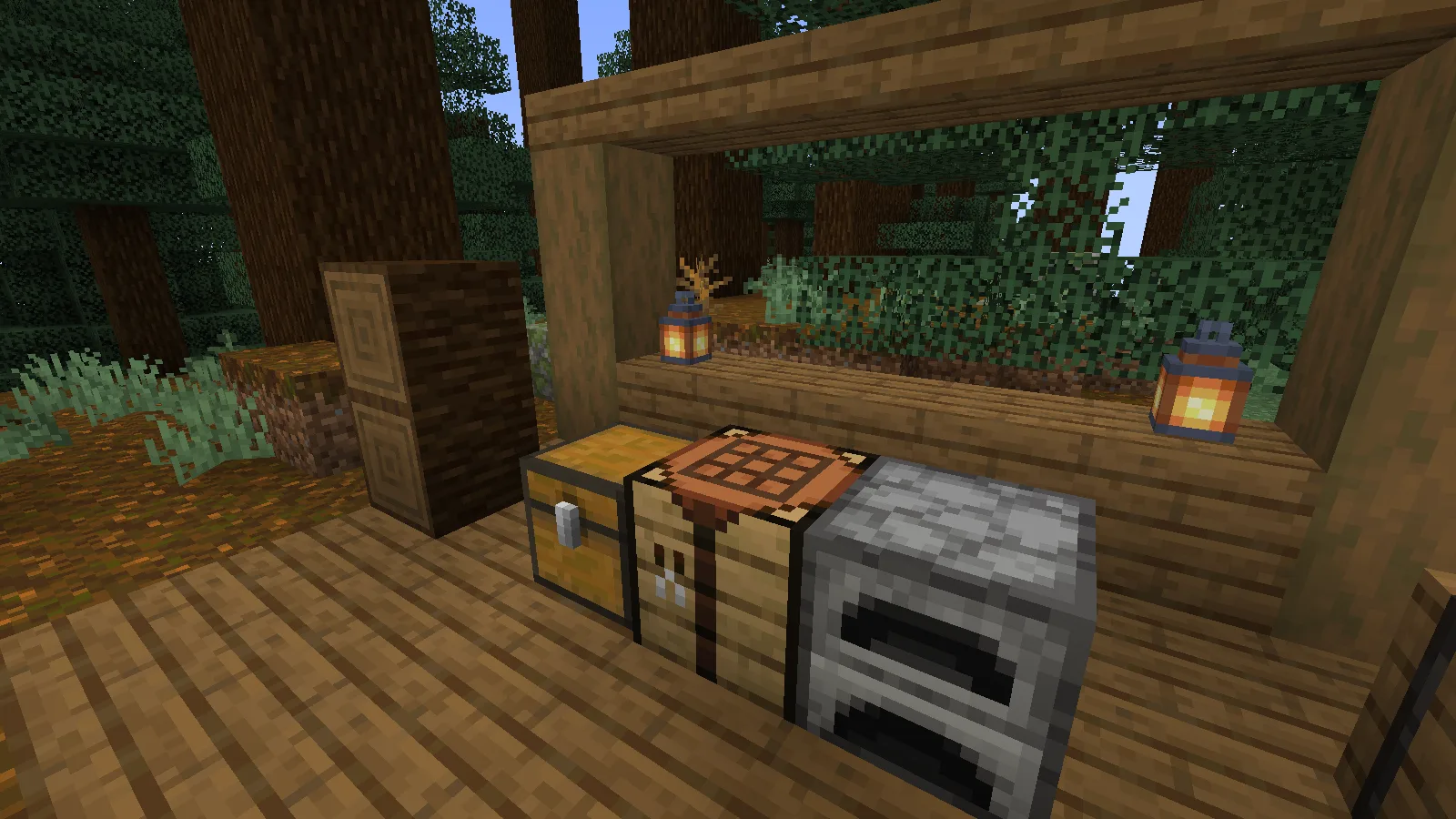
A compact storage corner for an ordinary building session.
Separate a loading problem from a rendering problem
A long wait before reaching the world and choppy movement after enabling a shader are different problems. ModernFix targets the loading and memory side; it is not a shader preset. If the slowdown begins only after switching a shader on, compare that shader’s quality settings before changing several unrelated mods.
FerriteCore is an optional companion for memory optimization, not a missing dependency that prevents ModernFix from loading. Check whether your pack already includes it before adding a compatible copy.
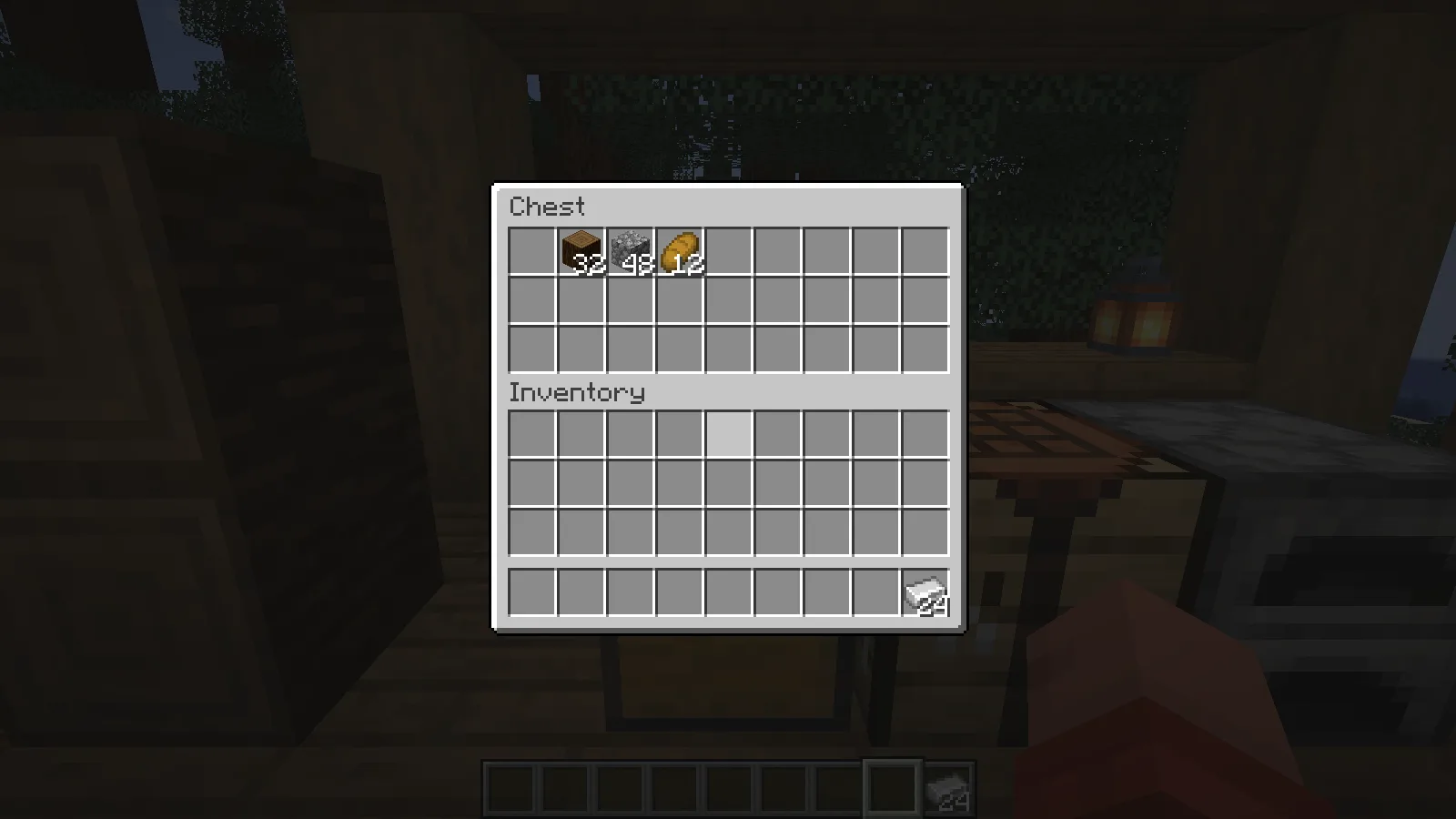
Ordinary chest storage and carried supplies remain part of the same world.
If the game stops loading
Check that the ModernFix file matches both Minecraft and NeoForge, and that the mods folder contains only one copy. If the problem began after several additions, return to the last working combination and add them one at a time. Keep the startup log with that instance so a named conflict is easier to identify. Avoid changing a collection of advanced options at once: it makes the cause harder to find.
Comments 0
Share what worked, ask for help or reply to another player.
Use your Modonix account to join the discussion and manage your comments.
Sign in to commentNo comments yet. Share what worked for you.