
Lithium works on Minecraft's simulation: the background work behind familiar worlds, containers and other game behavior. It does not add a new building block or change the appearance of your base. A useful place to begin is a world where you already have storage, furnaces and mechanisms you understand.
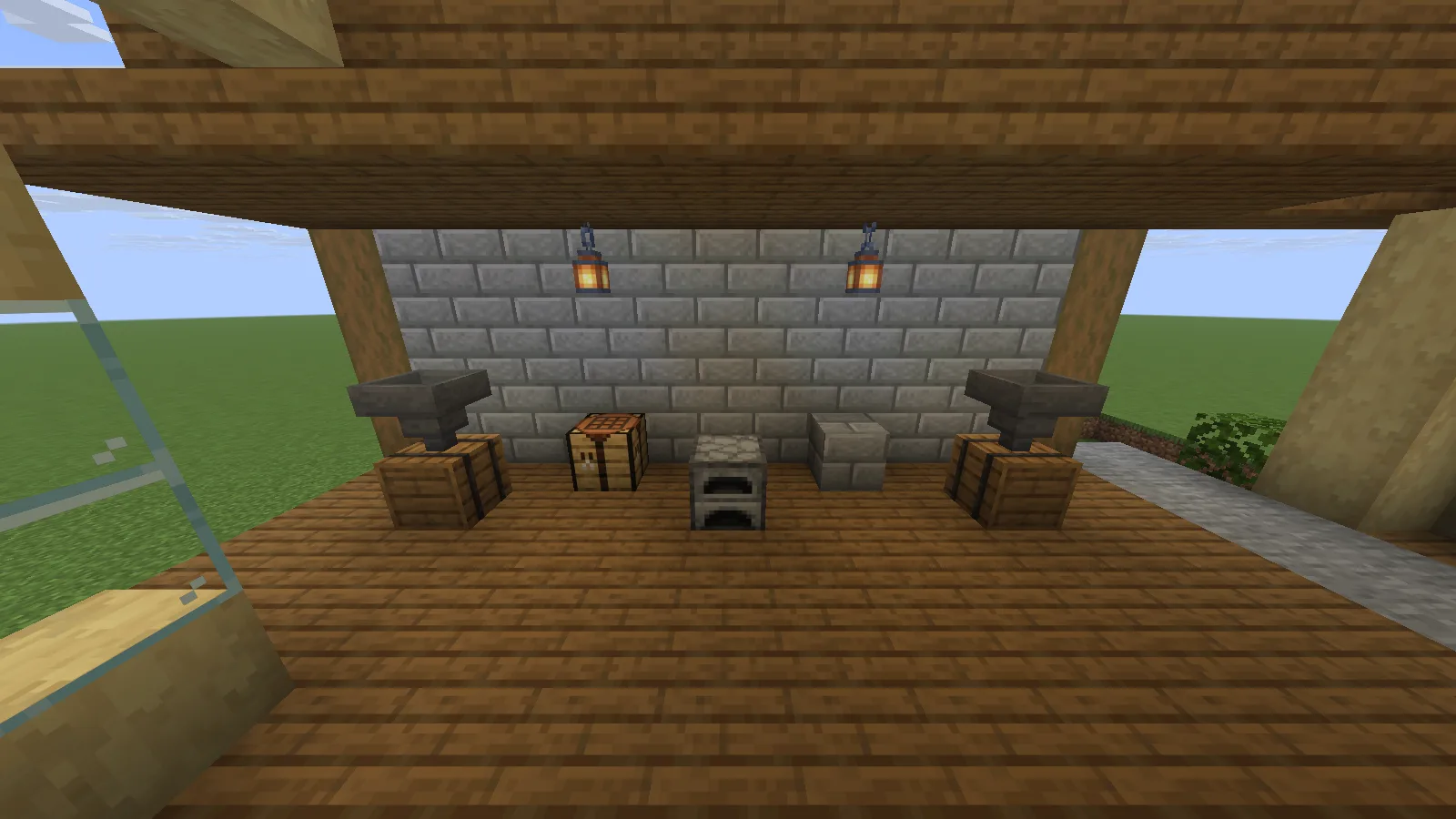
A compact Creative example with two hopper-and-barrel stations and a furnace, shown with Lithium 0.25.3 on Java 26.2.
Install it in the right instance
Choose the matching Lithium download in Files. Close Minecraft, put its JAR in the active instance’s mods folder and relaunch. Use a backup copy when trying it with an established world.
Lithium can run on clients and dedicated servers without requiring it on both sides. In single-player, the integrated server runs inside the game; a dedicated server’s owner manages its installation. Start with the default configuration. An empty configuration can mean the defaults are active; the creator block has the official installation guidance.
Keep a few familiar mechanisms handy
Use a small sorting corner to check what matters in your own world. Put a known stack into a hopper feeding a barrel, let it transfer, then open the destination. Count the stack and check that the source is empty. This is easier to understand than filling a new test world with unfamiliar machinery.
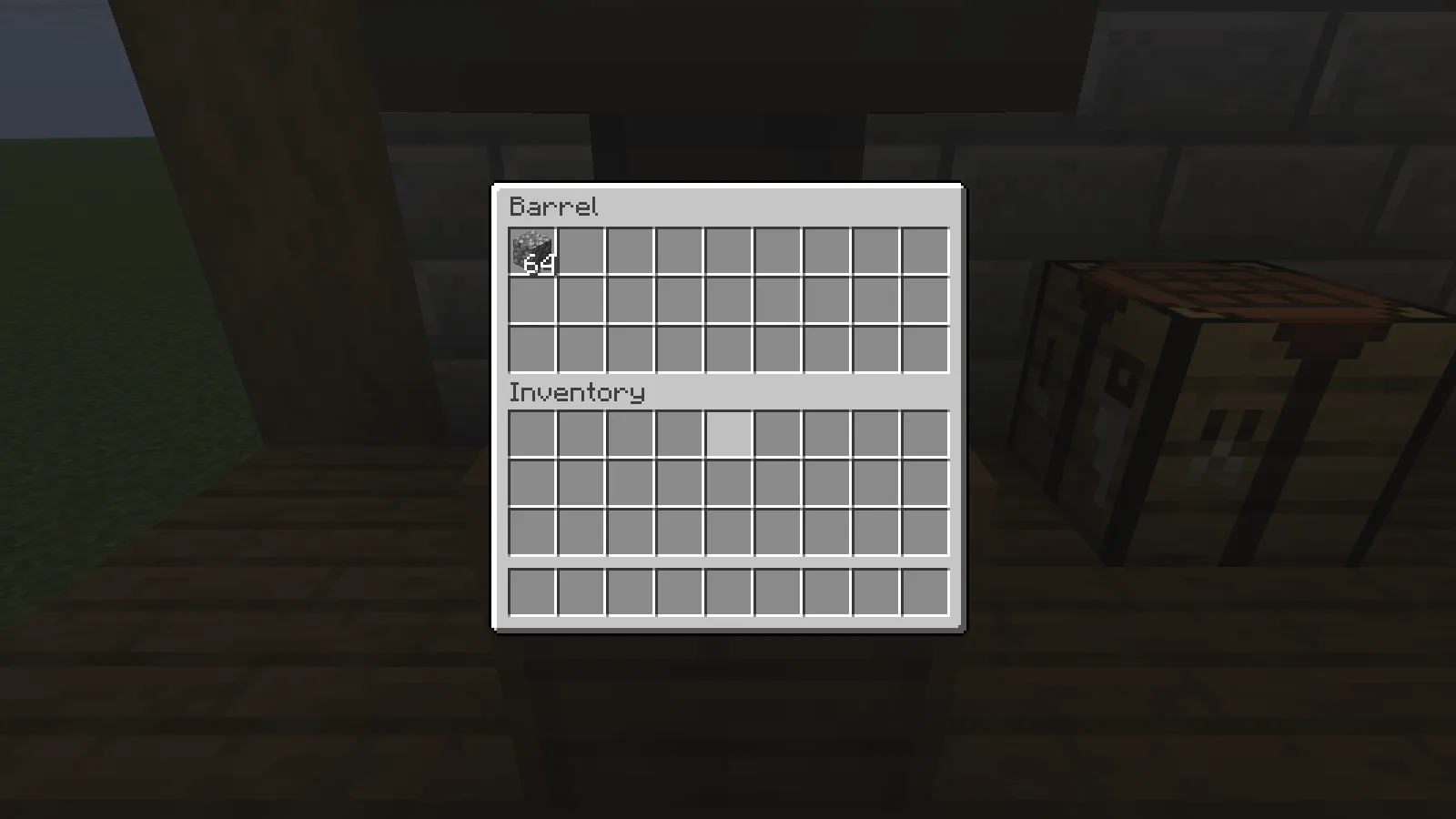
The first barrel contains the 64 cobblestone transferred from its hopper.
A furnace is another simple check: place one raw iron and suitable fuel inside, wait for smelting, then inspect the output. The example shown here contains the resulting iron ingot.
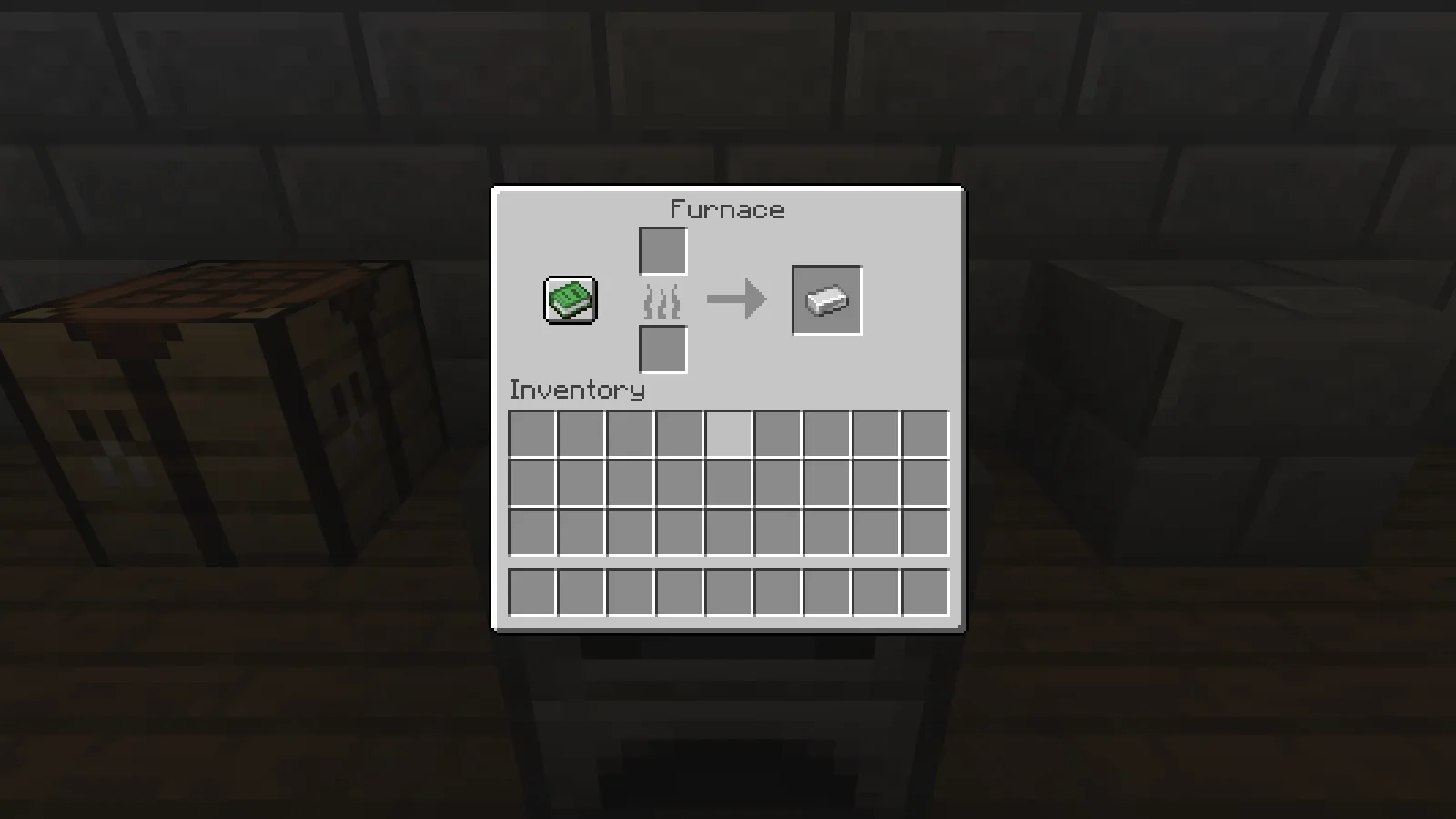
The furnace output contains one iron ingot after smelting.
If your storage uses redstone to lock hoppers, check the locked and unlocked states separately. Power should hold items in the hopper; removing that power should allow the connected container to receive them. The second barrel in our example holds the transferred iron stack.
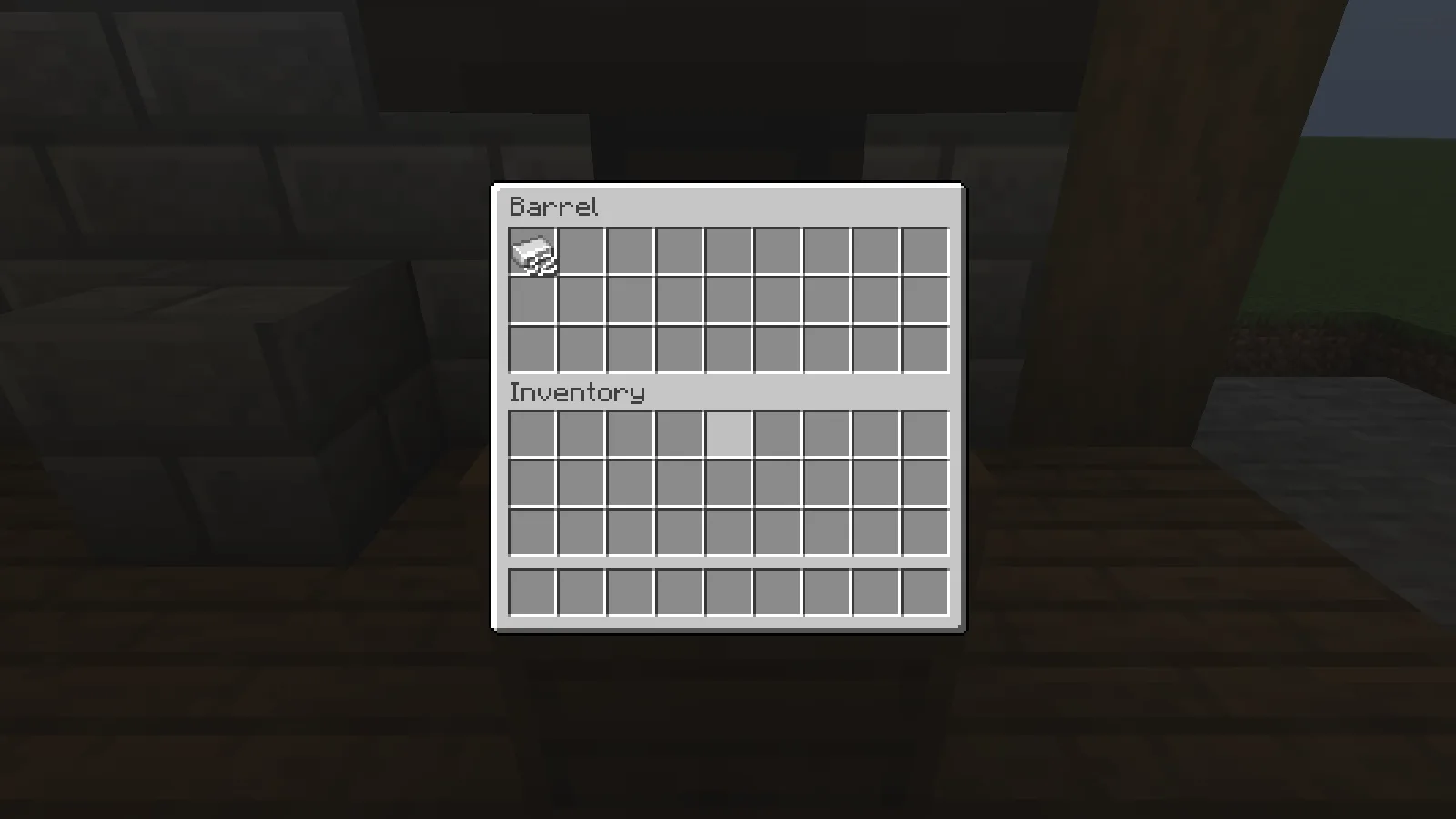
The second barrel contains 32 iron ingots after the hopper is unlocked.
The intended result is that familiar machines keep their normal rules while simulation work is optimized. Lithium should not turn one raw iron into two ingots or make a locked hopper pass items. If a machine reacts late, keep its area loaded and inspect the simulation side; if only camera movement is choppy, look at rendering settings too. The examples above illustrate storage and redstone checks, not a measured speed increase.
Comments 0
Share what worked, ask for help or reply to another player.
Use your Modonix account to join the discussion and manage your comments.
Sign in to commentNo comments yet. Share what worked for you.