Lithium works on Minecraft's simulation: the background work behind familiar worlds, containers and other game behavior. It does not add a new building block or change the appearance of your base. A useful place to begin is a world where you already have storage, furnaces and mechanisms you understand.
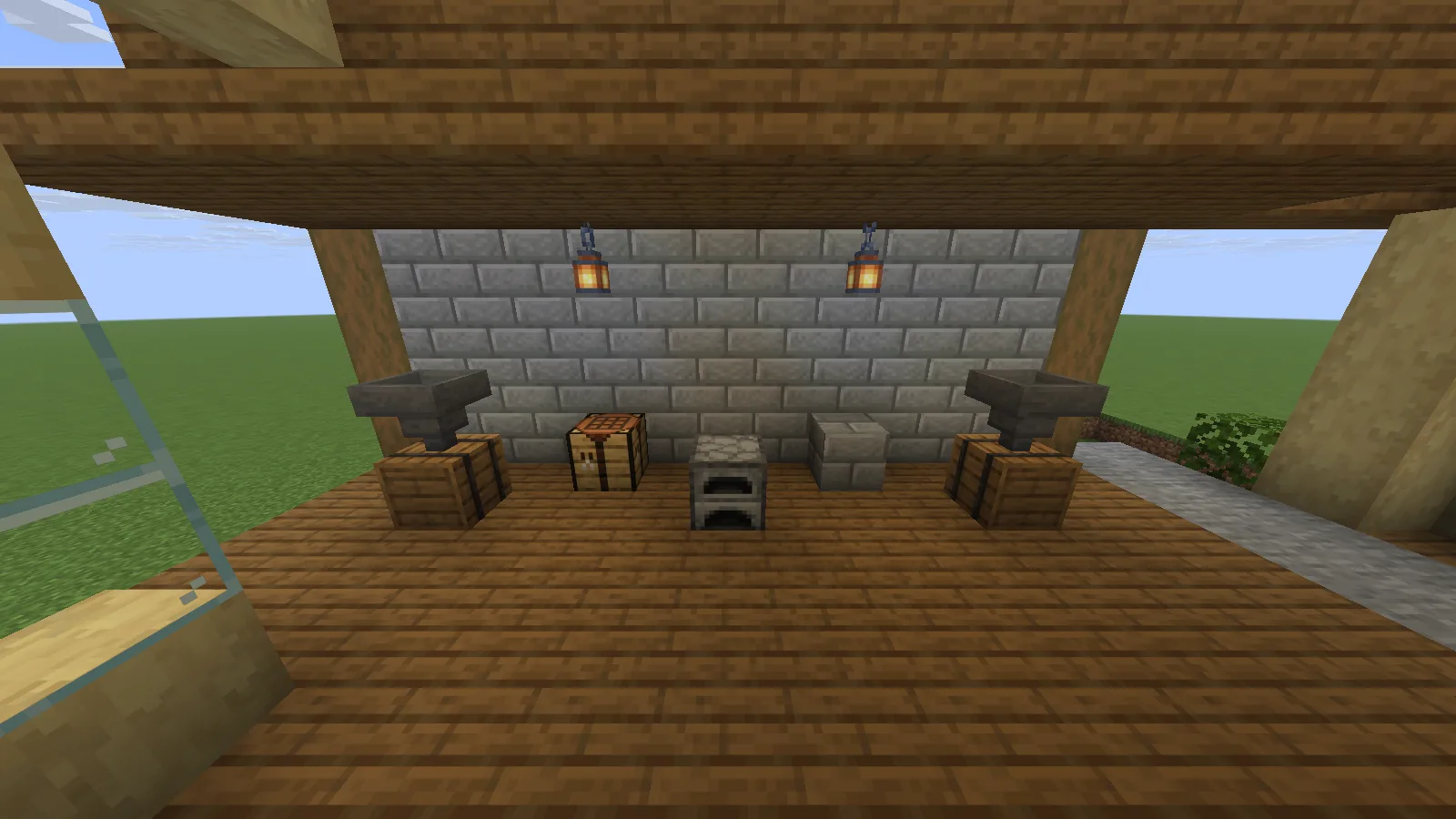
A compact Creative example with two hopper-and-barrel stations and a furnace, shown with Lithium 0.25.3 on Java 26.2.
Install it in the right instance
For the setup shown here, choose Lithium 0.25.3 for Fabric on Java 26.2. Install the matching Fabric loader, put the Lithium JAR in that instance's mods folder and launch a backup copy of your world. A file for another game version or loader is a different setup.
Lithium can run on clients and dedicated servers without requiring it on both sides. In singleplayer, the integrated server runs inside the game. On a dedicated server, its owner manages the server installation. Start with the default configuration; the project's installation and configuration guidance explains that an empty configuration can simply mean the defaults are active.
Keep a few familiar mechanisms handy
Use a small sorting corner to check what matters in your own world. Put a known stack into a hopper feeding a barrel, let it transfer, then open the destination. Count the stack and check that the source is empty. This is easier to understand than filling a new test world with unfamiliar machinery.
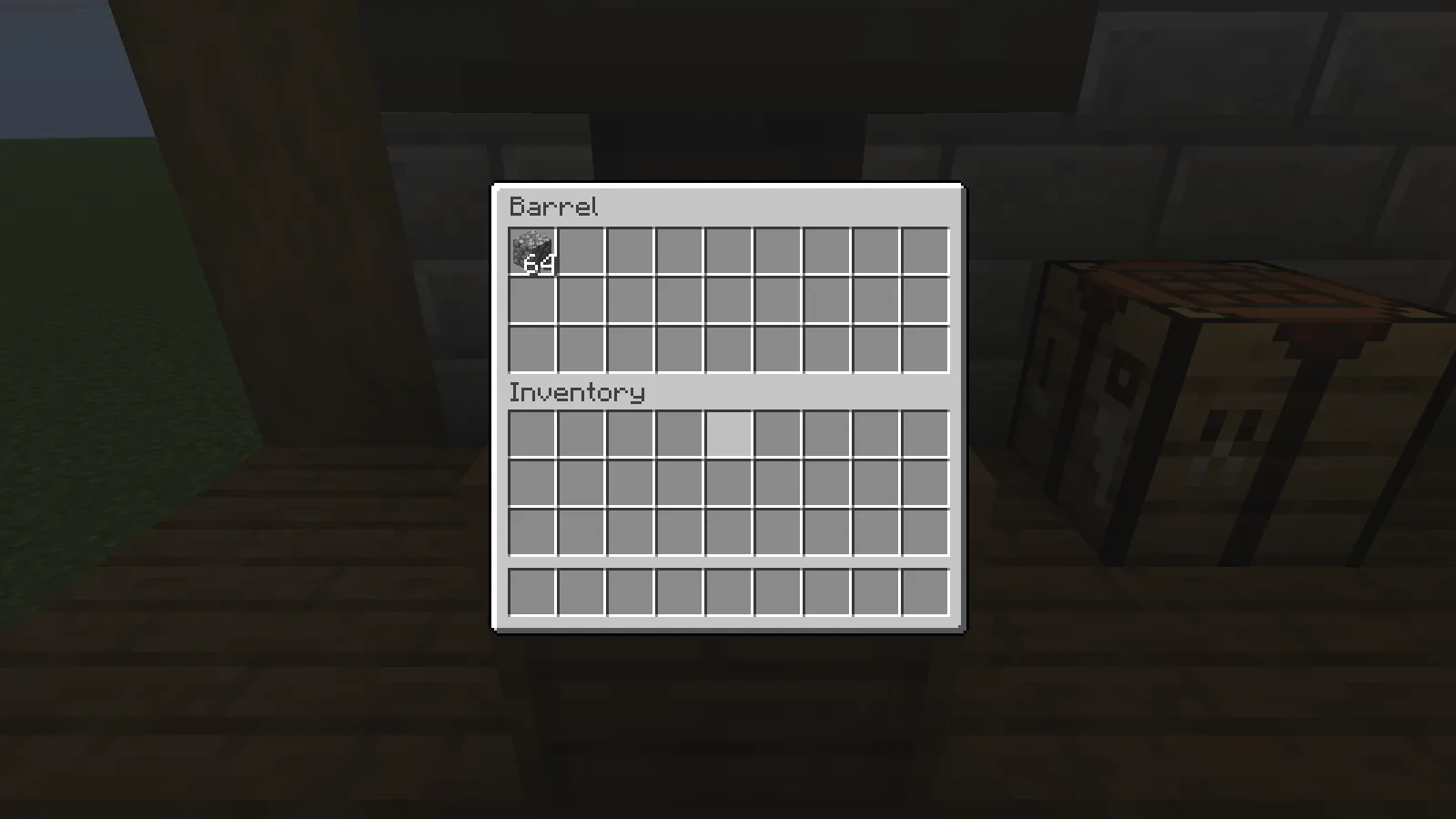
The first barrel contains the 64 cobblestone transferred from its hopper.
A furnace is another simple check: place one raw iron and suitable fuel inside, wait for smelting, then inspect the output. The example shown here contains the resulting iron ingot.
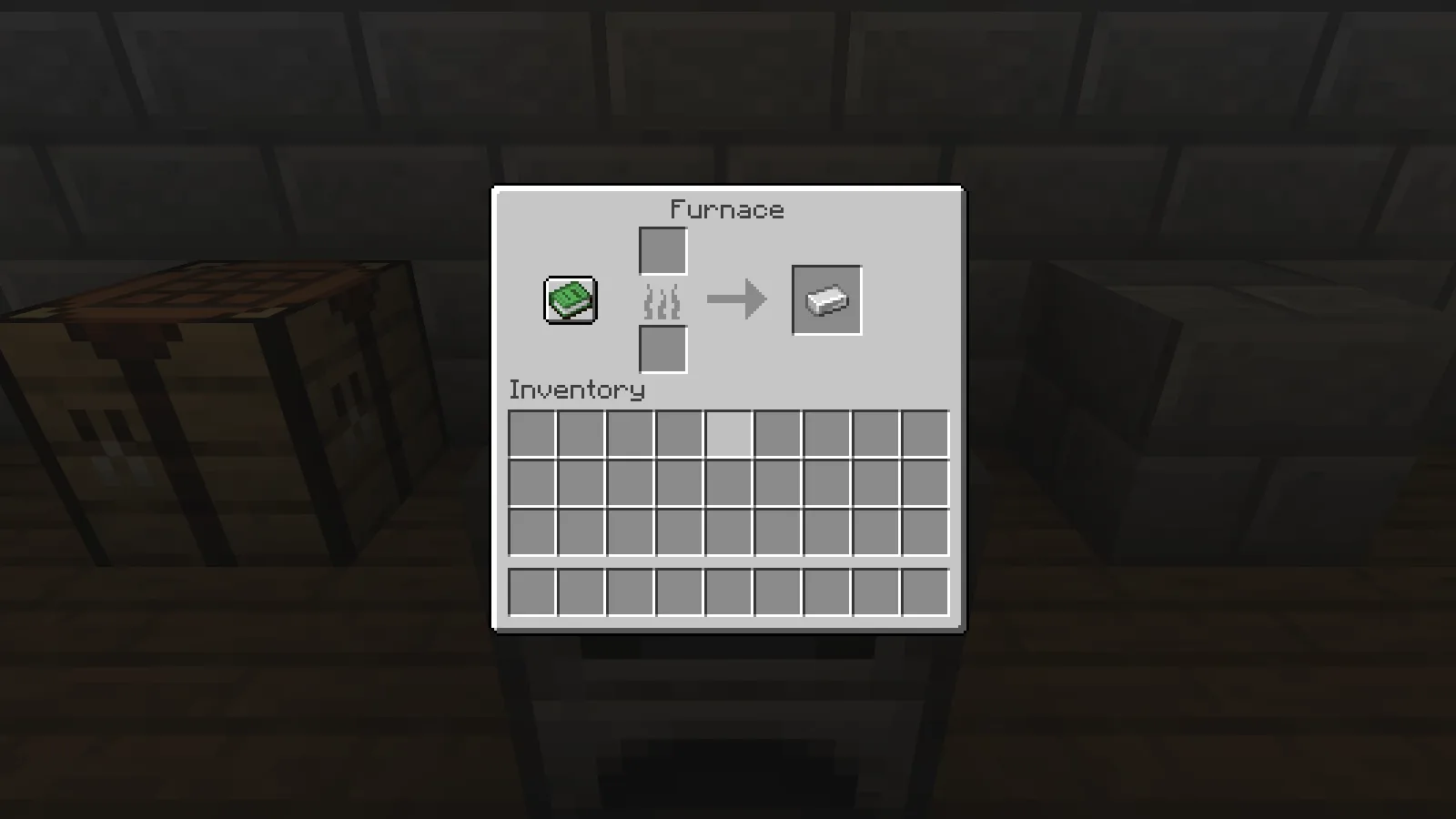
The furnace output contains one iron ingot after smelting.
If your storage uses redstone to lock hoppers, check the locked and unlocked states separately. Power should hold items in the hopper; removing that power should allow the connected container to receive them. The second barrel in our example holds the transferred iron stack.
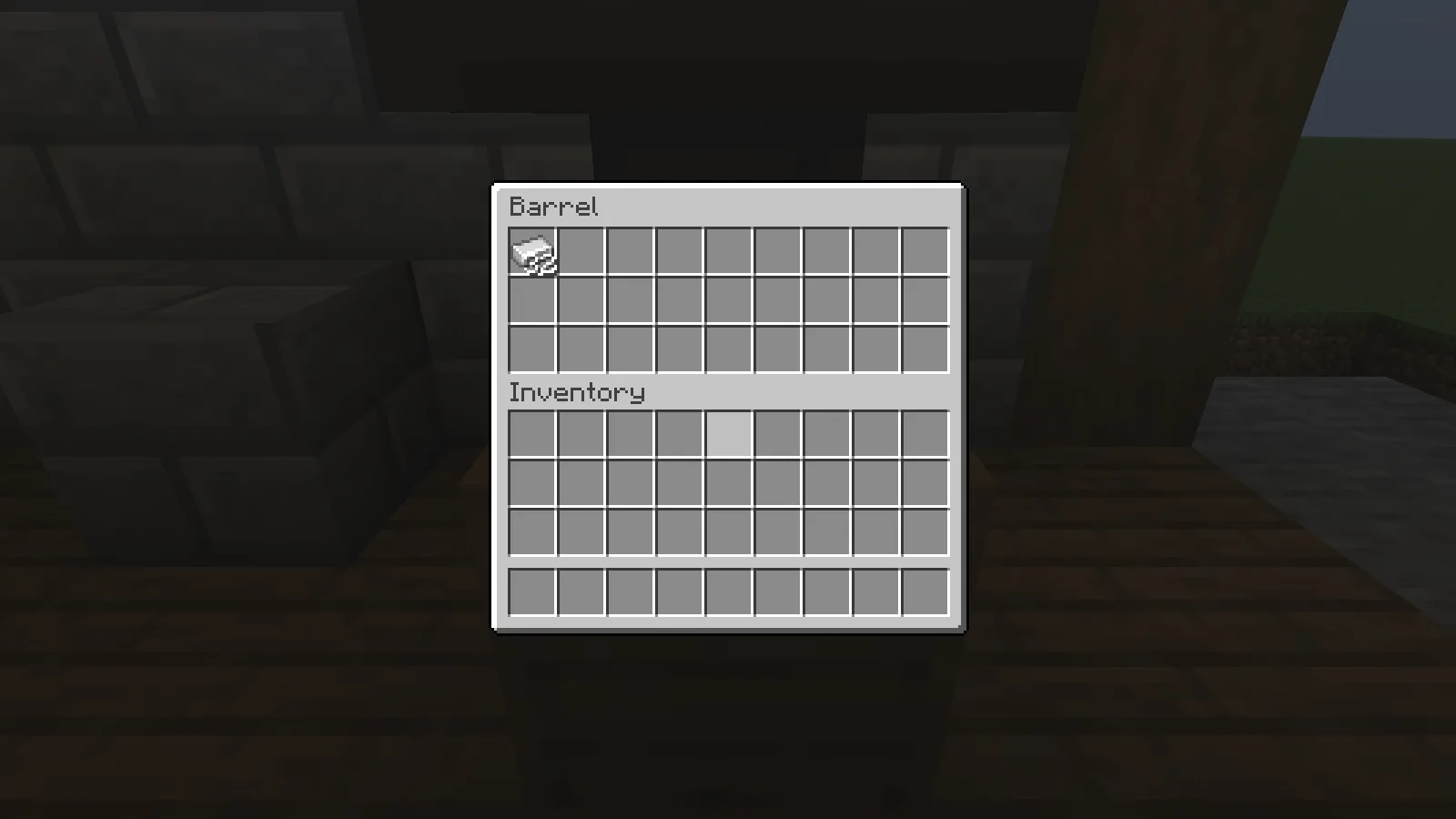
The second barrel contains 32 iron ingots after the hopper is unlocked.
These examples show ordinary item behavior with Lithium installed. They do not measure a speed increase. Keep simulation distance and loaded areas consistent when investigating a delayed machine, and distinguish that delay from choppy camera movement. Add one change at a time, retain your backup and follow the project's guidance if a specific optimization conflicts with your mod setup.
Comments & questions
Share what worked, ask for help or reply to another player.
No comments yet. Share what worked for you.