
ImmediatelyFast is a client optimization mod for the details that fill a Minecraft scene: creatures, block entities, particles, text and the interface. It groups rendering work more efficiently, with additional optimizations for maps, text and the HUD. A decorated base, a wall of signs or a busy village gives it a different job from simply drawing more distant terrain.
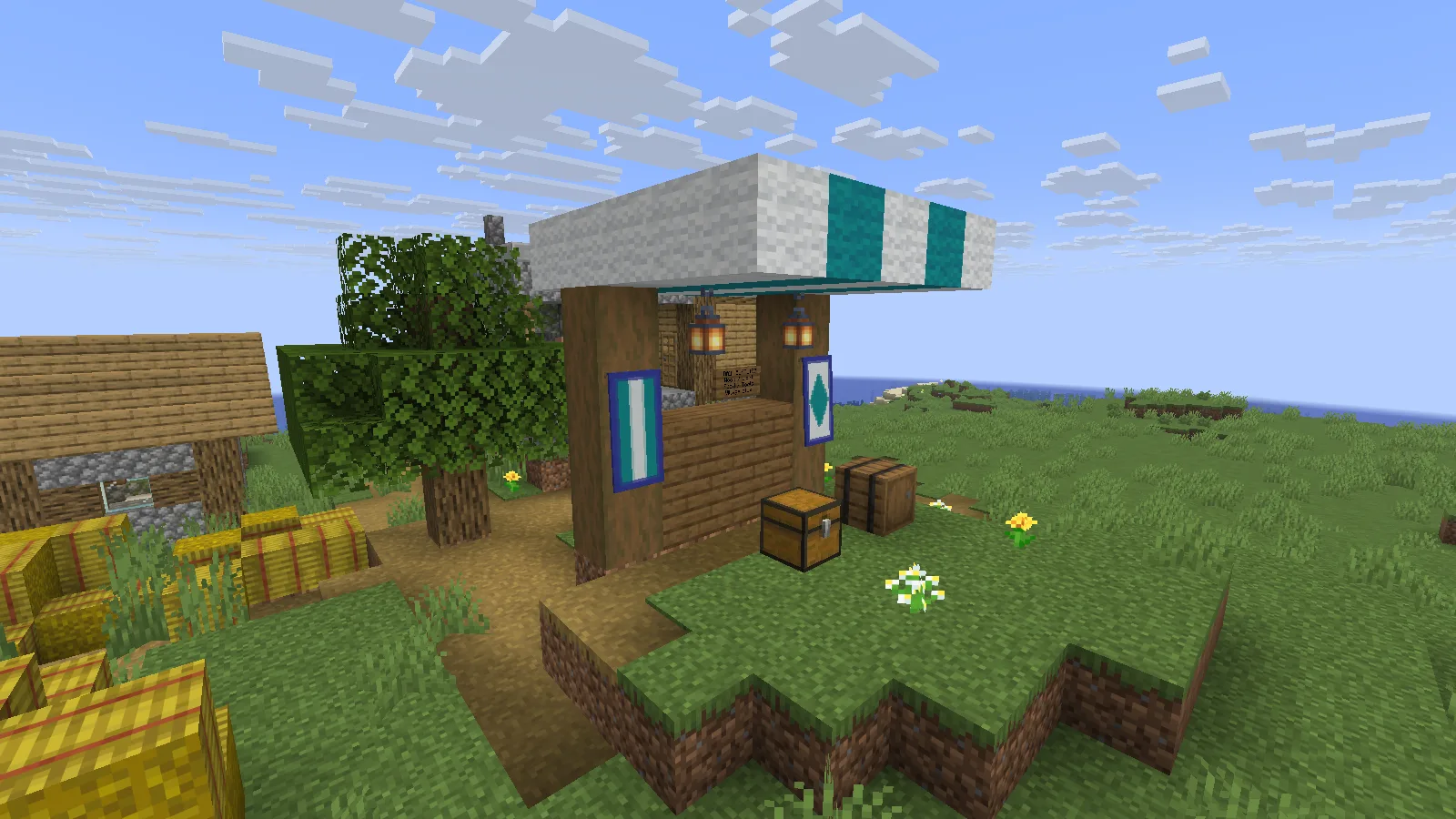
Our Creative-built supply stall in a natural village, with ImmediatelyFast on Java 26.2.
Who it is useful for
Consider it when you want to keep your usual world and visual style while reducing the rendering work handled by the CPU. There are no new blocks or controls to learn. Containers, signs and the hotbar remain the familiar Minecraft interface.
For a sign-heavy storage hall, the relevant work is drawing labels, containers and the interface as you turn or open a chest. That makes ImmediatelyFast a different choice from Distant Horizons, which extends the distant landscape, or Lithium, which works on simulation. This guide covers that choice and the initial setup.
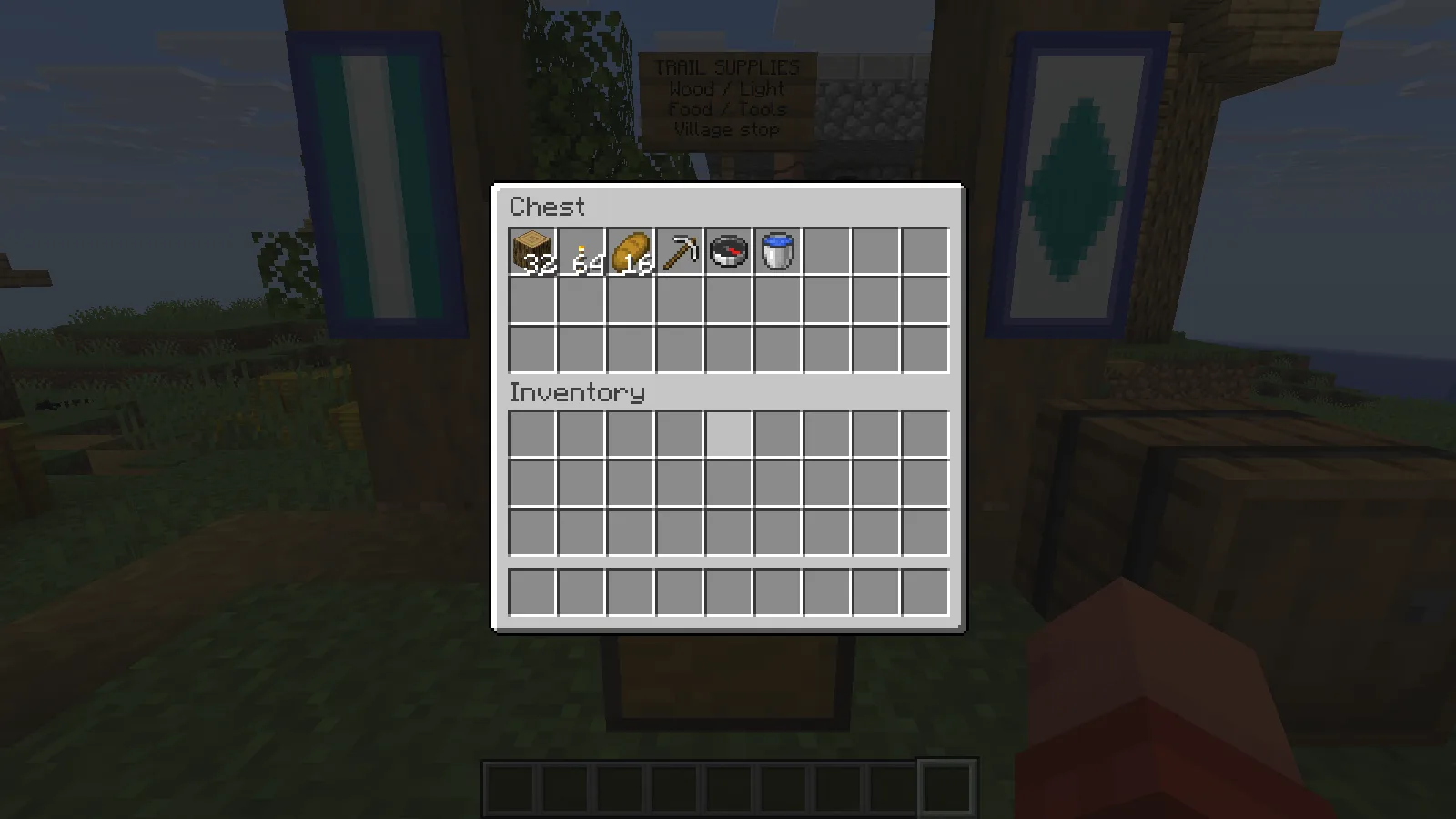
The familiar chest and inventory interface with ImmediatelyFast installed.
ImmediatelyFast runs on your computer; it does not need to be installed on a server you join. It does not replace settings such as render distance or shader quality. If heavy shaders are already pushing your graphics card hard, lowering their cost may matter more than changing this part of rendering.
Install it
- Select the matching ImmediatelyFast file in Files and close the instance you want to change.
- Put the JAR in that instance's
modsfolder. Remove an older copy of ImmediatelyFast if one is present. - Launch the instance and keep ImmediatelyFast's default configuration.
The mod itself does not require Fabric API. Other mods in your instance may still need it, so keep their dependencies in place.
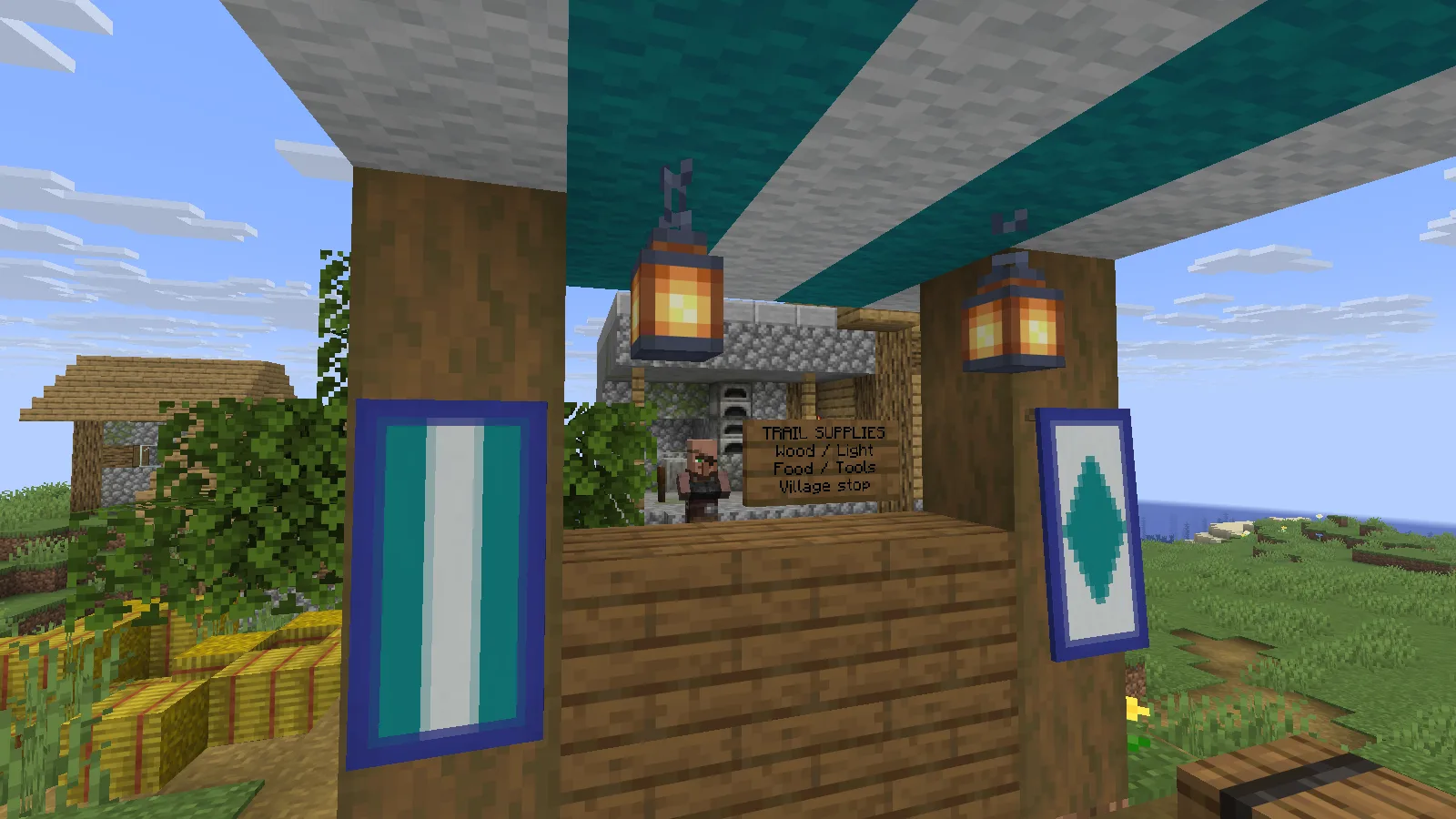
Sign text, patterned banners and lanterns in the village supply stall.
If something looks wrong
OptiFine and OptiFabric are listed as incompatible, so leave them out of this setup. If missing text or another visual glitch appears after adding a resource pack, switch back to the default pack first. If it appears after changing ImmediatelyFast's configuration, restore the previous values before adding another fix. Leave experimental options alone unless you are addressing a specific issue.
Comments 0
Share what worked, ask for help or reply to another player.
Use your Modonix account to join the discussion and manage your comments.
Sign in to commentNo comments yet. Share what worked for you.