Entity Culling

14 views 0 downloads

Skip hidden models behind solid geometry while keeping visible objects readable.

EntityCulling avoids drawing certain entities and block entities when solid geometry hides them from your view. It is a client-side rendering tool, useful around builds that contain animals, chests and other detailed objects behind walls. A hidden model can stop being drawn without removing the object from the world.
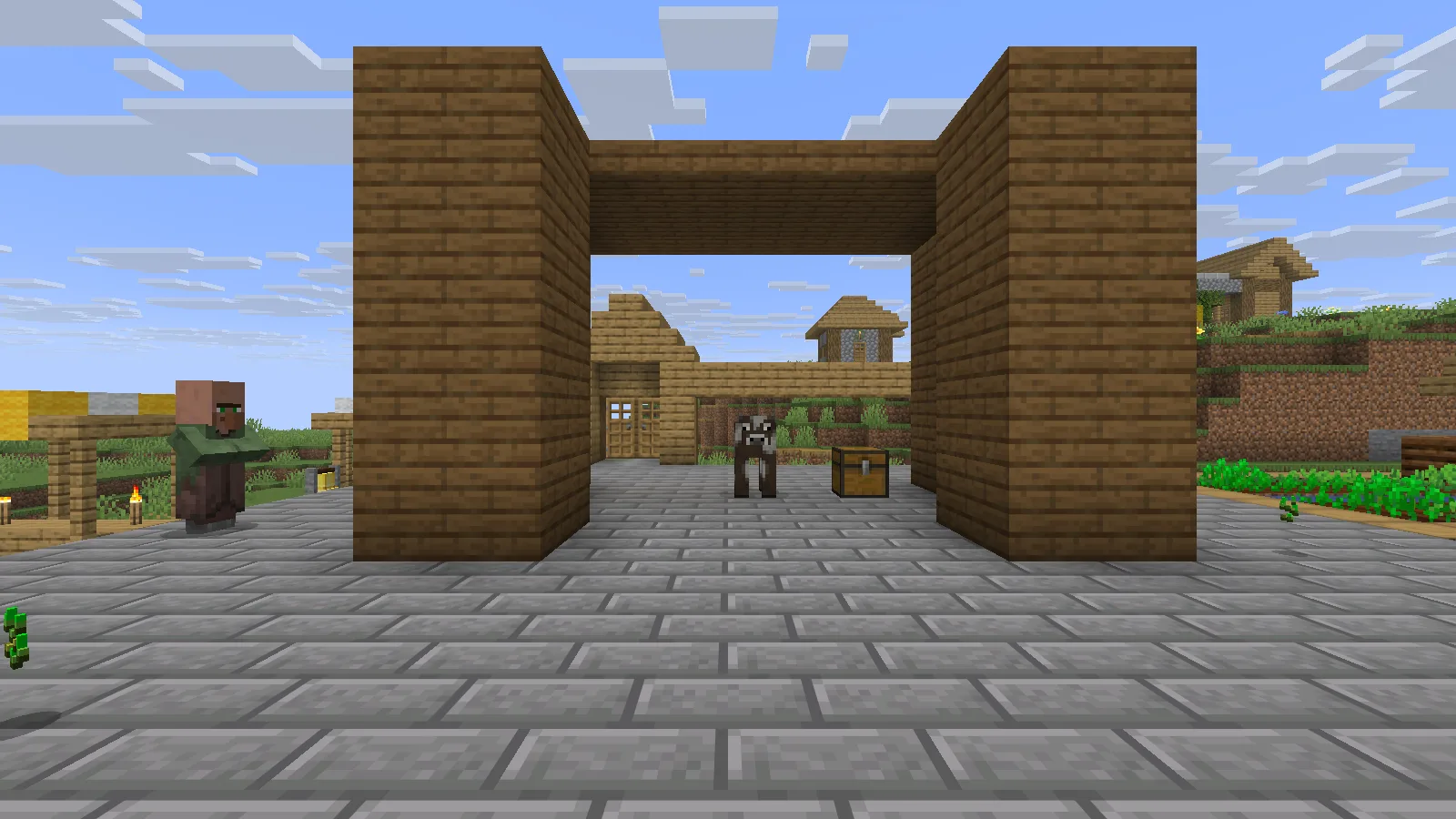
A Creative test booth with an open sightline to the same cow and chest. EntityCulling marks both as visible.

The cow and chest are visible through the open front of this staged Creative booth.

Keep the file matched to your client

Use the release for your exact Minecraft version and loader. This example uses EntityCulling 1.11.2 for Fabric on Java 26.2 in a separate instance. Choose the matching JAR in Files, add it alongside Fabric API in that instance's mods folder, and start a backup or disposable world first.

Check a hidden object and its clear view

A small enclosure makes the idea easy to follow. Put a chest and an animal behind a solid wall, look toward that wall, then open a clear sightline. The visible scene should stay correct: when you can see the objects, they should be drawn again.
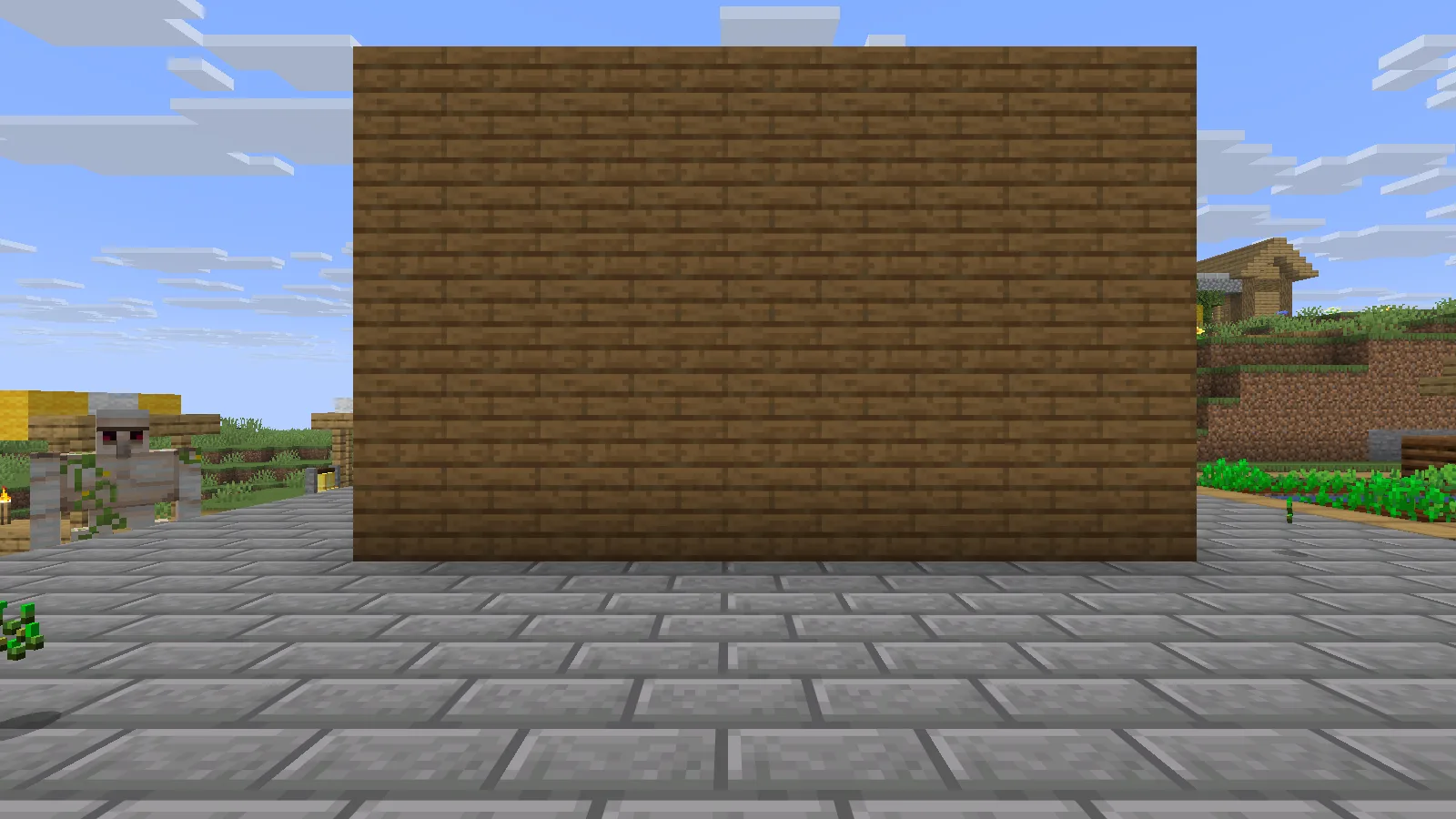
With the front wall closed, the same cow and chest remain in the world but are marked culled by EntityCulling.

A solid front wall hides the cow and chest; both objects remain in the world.

The cow and chest stay in the world while the wall hides them. Opening the front gives a clear view again: the animal and container should appear as usual, ready for ordinary interaction. The mod changes which hidden models are drawn, not which objects exist.
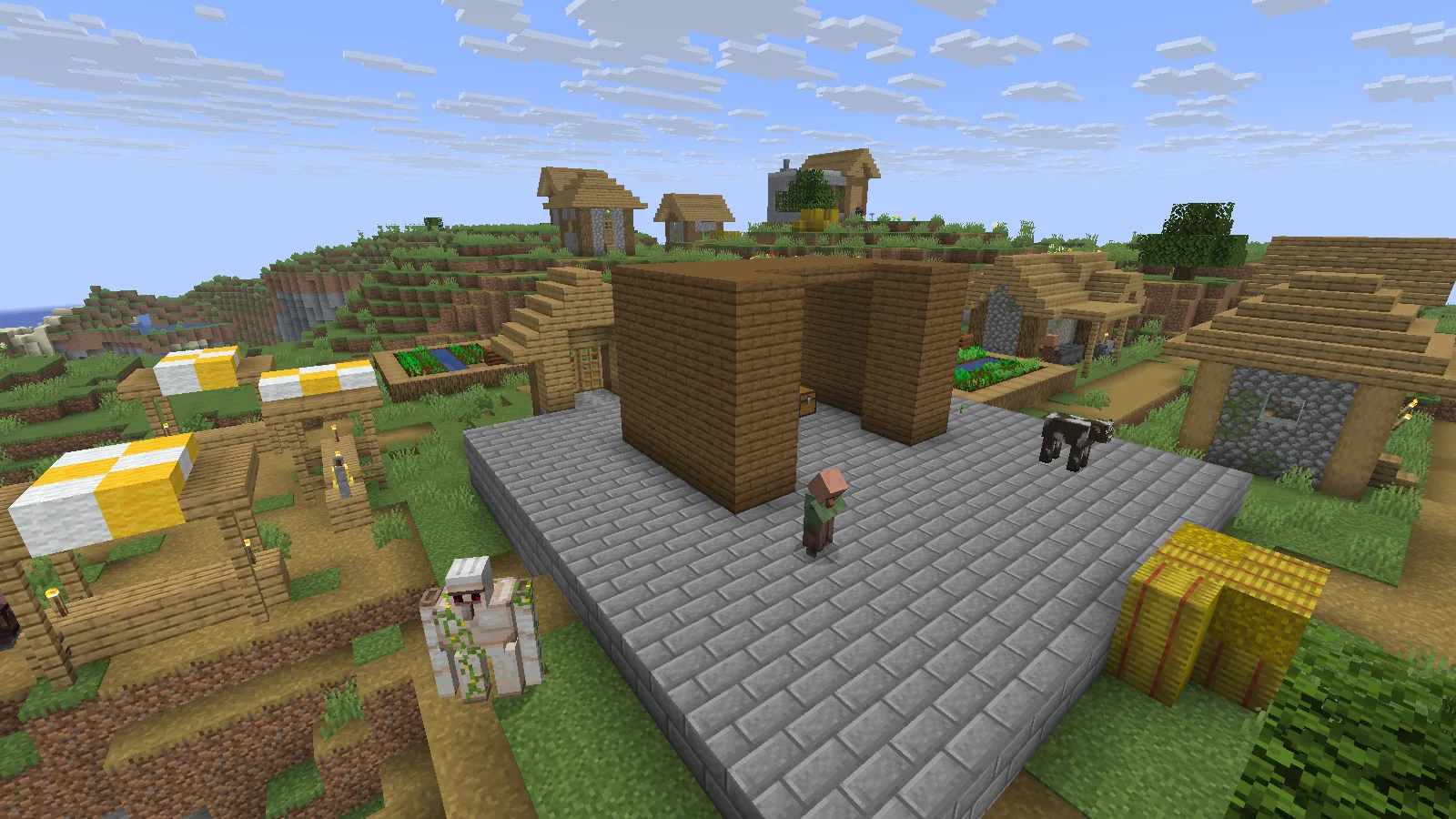
The small Creative test booth sits in an existing village. This setup checks occlusion behavior, not an FPS improvement.

The small Creative booth used to compare a blocked view with an open sightline.

Check the things you care about

Try a few representative views around your own base: a storage room, an animal enclosure and a clear line of sight through an entrance. If a visible model disappears unexpectedly, compare the same position with other visual changes disabled and review the developer's compatibility guidance. Keep a simple backup instance for that comparison instead of changing a valued save.

EntityCulling does not lower the world's population or empty your containers. Treat it as a rendering adjustment, and judge any performance difference with a consistent scene and settings on your own computer.

No ratings yet

Files

Filter files 1 fileAll release types
Show all files

Version 1.11.2

Stable

entityculling-fabric-1.11.2-mc26.2.jar

Minecraft 26.2 Fabric Client only
1 required dependency
0 downloads
Download · 1.4 MB
Requirements & details

Fabric26.2

  • Game version: 26.2 · Mod loader: Fabric · Installation: Client only · Game channel: Stable

Example setup: Minecraft 26.2 with Fabric 0.19.5.

Dependencies for this file
Requirements supplied by the author for this file.

Minecraft Java26.2, Fabric Loader and matching Fabric API. Install original EntityCulling JAR in mods; only local single-player was exercised.

Technical details
File details
Download type
Main
Mod ID
entityculling
Client, server & multiplayer behavior
Client rendering only.
File information

Archive structure and entry integrity checked · 90 entries · 1.7 MB unpacked.

Mod ID
entityculling
Mod version
1.11.2
Requires minecraft
~26.2
Requires fabric-api
*

Nested packages are present. Their internal contents require separate inspection.

Manifest values describe the package. They do not prove that it works with every game version. This check is not an antivirus scan.

SHA-256: ed48546f952edfbb4673aa44968650cc5966a573d2e64e727f58e11cbc36cf31

Release updates

Version 1.11.2

Stable

EntityCulling 1.11.2 for Minecraft Java 26.2 with Fabric. Entities and block entities hidden behind walls can stop rendering, then become visible again when the view opens.

View files

Comments & questions

Share what worked, ask for help or reply to another player.

No comments yet. Share what worked for you.

Join the conversation

No account required. Confirm your email with a code before your first comment.

1Your name & email

Only a masked address appears with your name. Guest comments are reviewed before publication.

2Verify & post

Search Modonix

Search in