
EntityCulling avoids drawing certain entities and block entities when solid geometry hides them from your view. It is a client-side rendering tool, useful around builds that contain animals, chests and other detailed objects behind walls. A hidden model can stop being drawn without removing the object from the world.
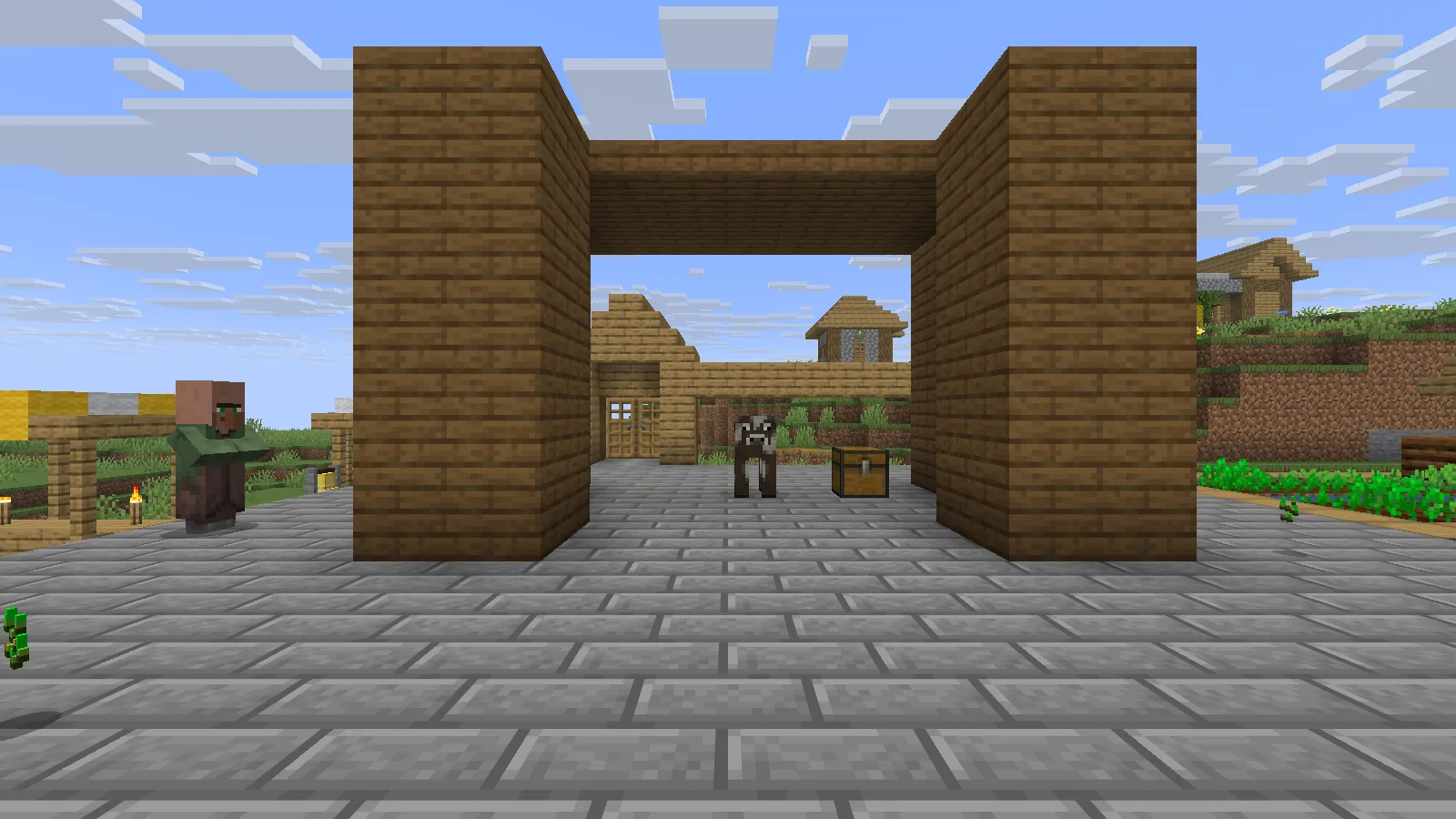
The cow and chest are visible through the open front of this staged Creative booth.
Keep the file matched to your client
Choose the matching EntityCulling JAR in Files, close the game and add it alongside Fabric API in your instance's mods folder. Relaunch the same instance before checking a familiar build.
Check a hidden object and its clear view
A small enclosure makes the idea easy to follow. Put a chest and an animal behind a solid wall, look toward that wall, then open a clear sightline. The visible scene should stay correct: when you can see the objects, they should be drawn again.
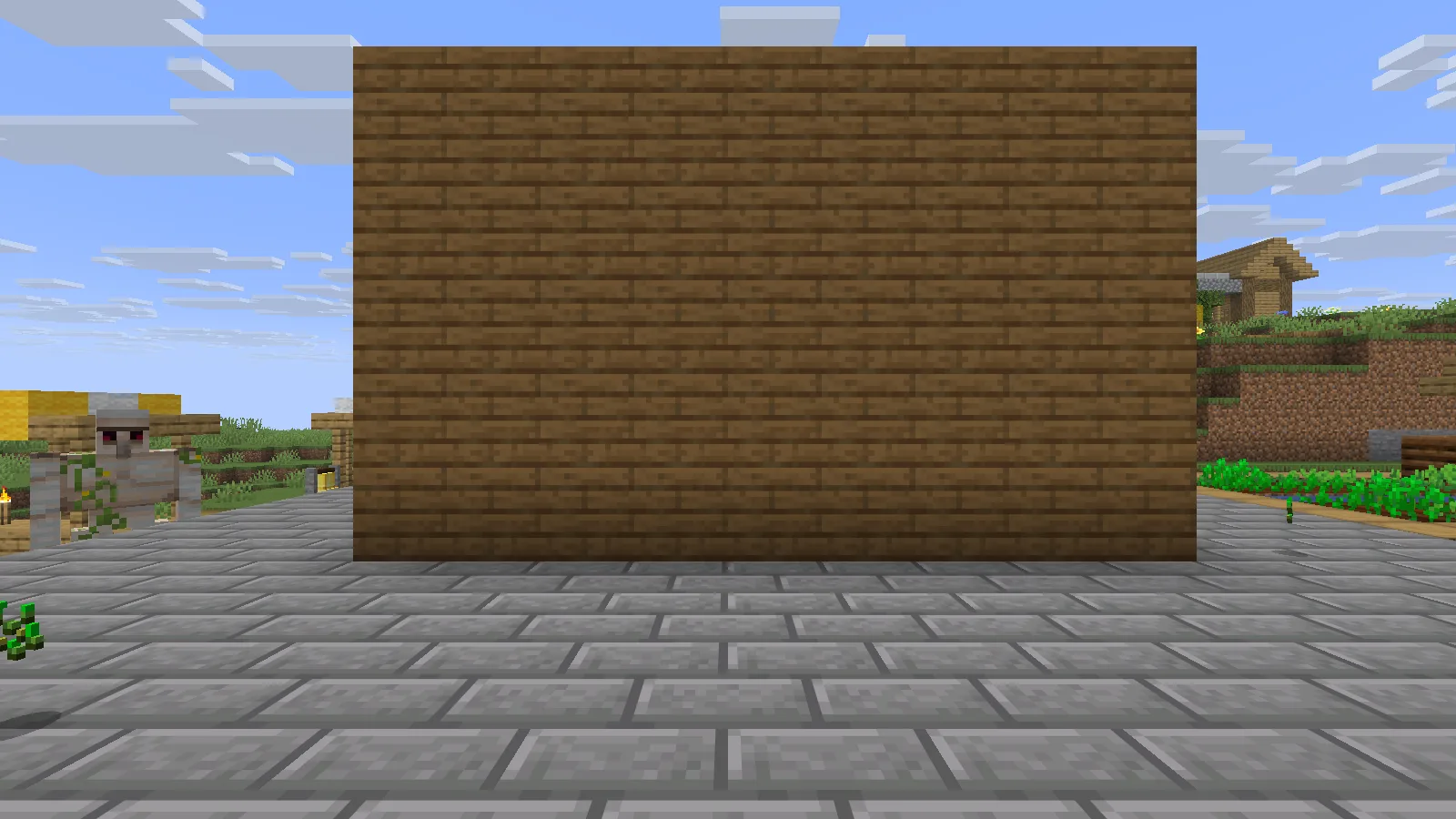
A solid front wall hides the cow and chest; both objects remain in the world.
In this enclosure, the hidden chest was excluded from drawing while the front wall was closed; it became visible again when the opening was clear. The cow and chest remained in the world. This is useful in a base with storage or animals behind walls: hidden models can be skipped while the doorway view still needs to look correct.
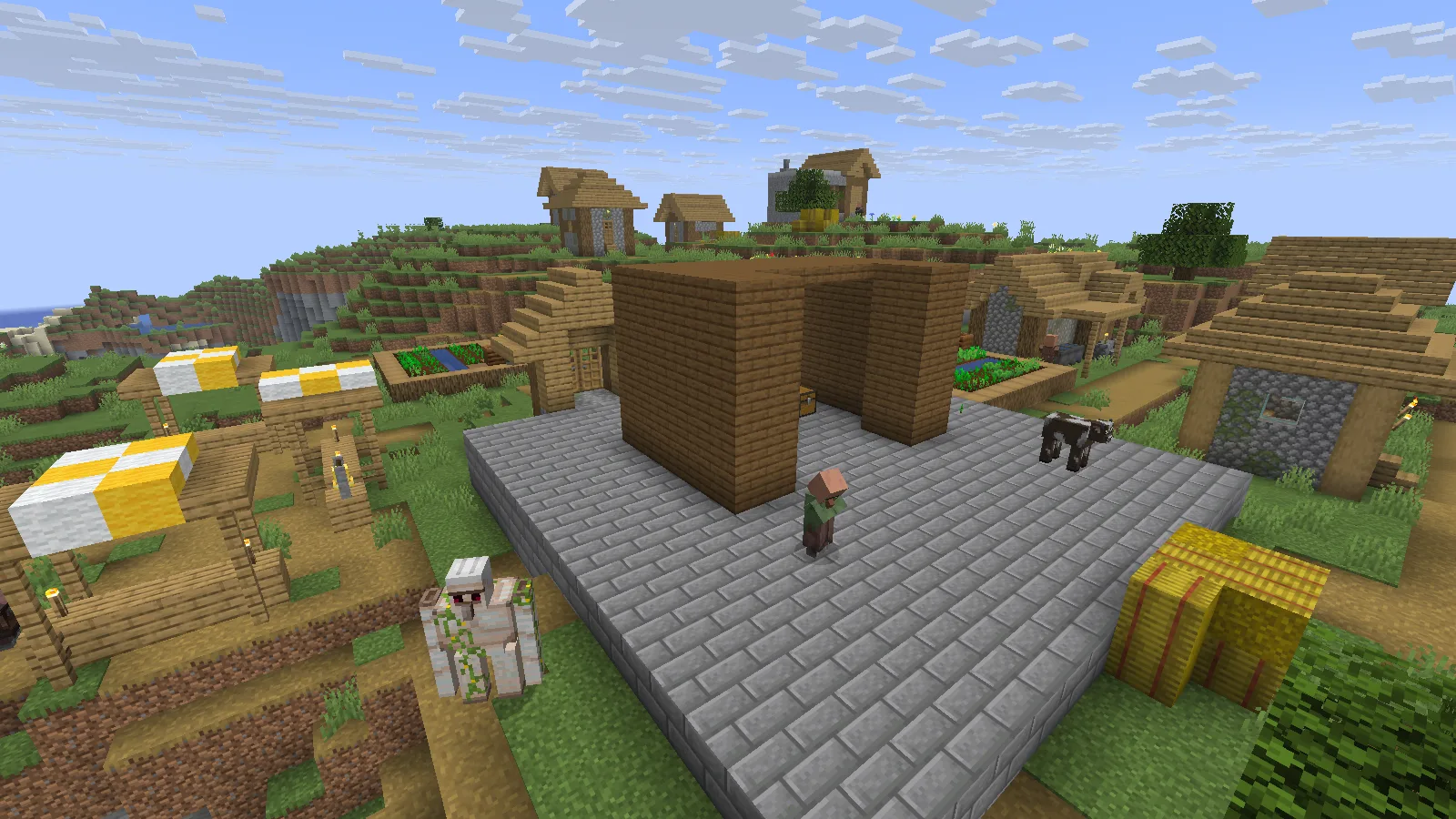
An enclosure with a removable front makes a blocked view and an open sightline easy to compare.
Check the things you care about
Try a few representative views around your own base: a storage room, an animal enclosure and a clear line of sight through an entrance. If a visible model disappears unexpectedly, compare the same position with other visual changes disabled and review the developer's compatibility guidance. Keep a simple backup instance for that comparison instead of changing a valued save.
EntityCulling does not lower the world's population or empty your containers. Treat it as a rendering adjustment, and judge any performance difference with a consistent scene and settings on your own computer.
Comments 0
Share what worked, ask for help or reply to another player.
Use your Modonix account to join the discussion and manage your comments.
Sign in to commentNo comments yet. Share what worked for you.