
The chest was in the right place when the workshop was small. Now it blocks a better arrangement. Carry On lets you lift a supported container with empty hands and set it down elsewhere, keeping its contents together during the move.
Prepare the destination first
Choose the new spot before picking anything up. Leave a clear route, make sure the destination is free and keep room above a chest so it can open. For a first move, a single chest inside the same room keeps the task simple.
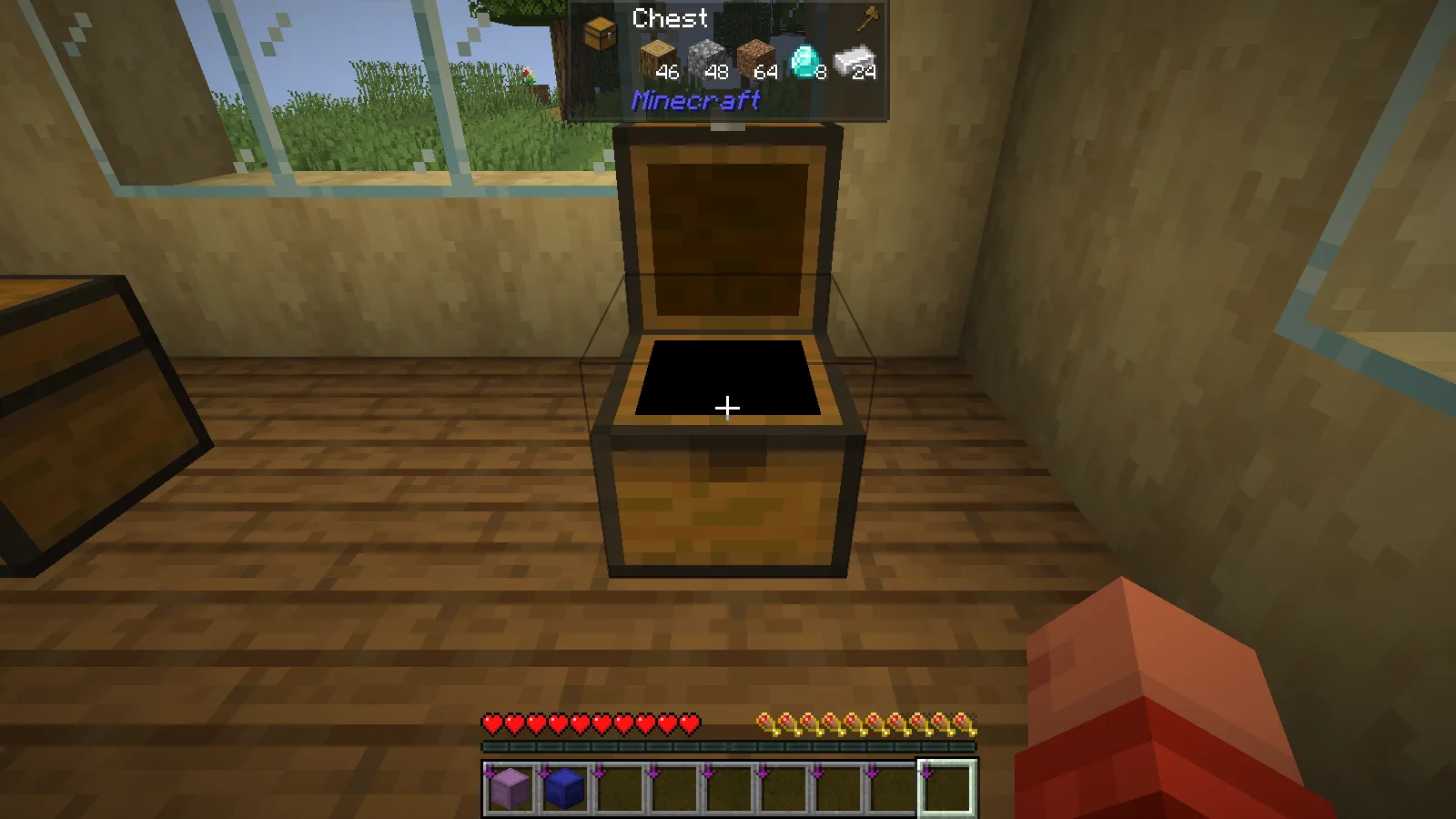
Empty both hands, including the offhand. Aim at the chest, hold Shift and right-click with the default controls. The chest appears in front of the player as the carried block. If you have changed the mod's pickup key, use that binding instead.
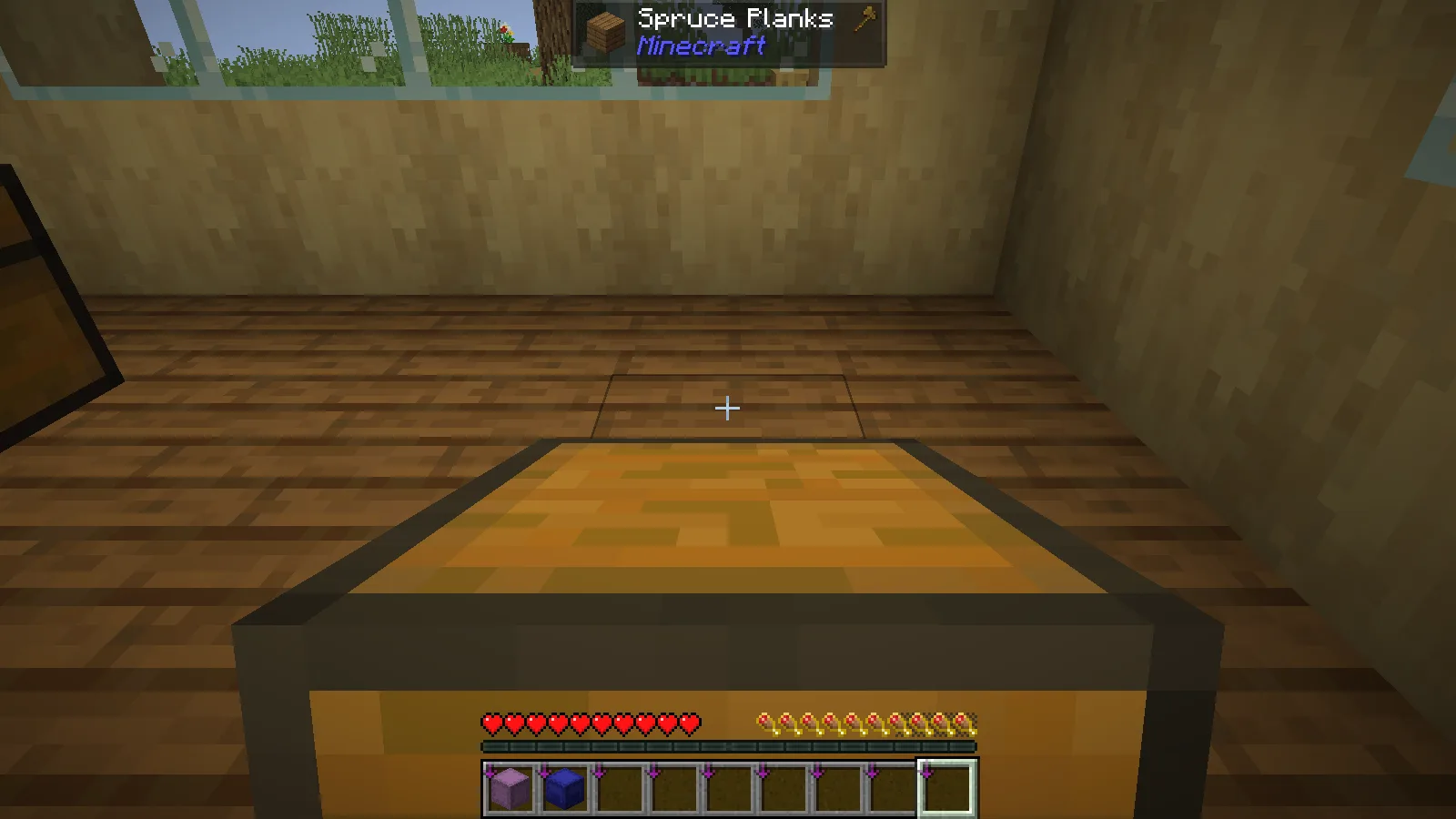
Move to the prepared spot, aim at the supporting surface and right-click to place the chest. Keep the route short while learning the interaction; the carried block takes up much of the view.
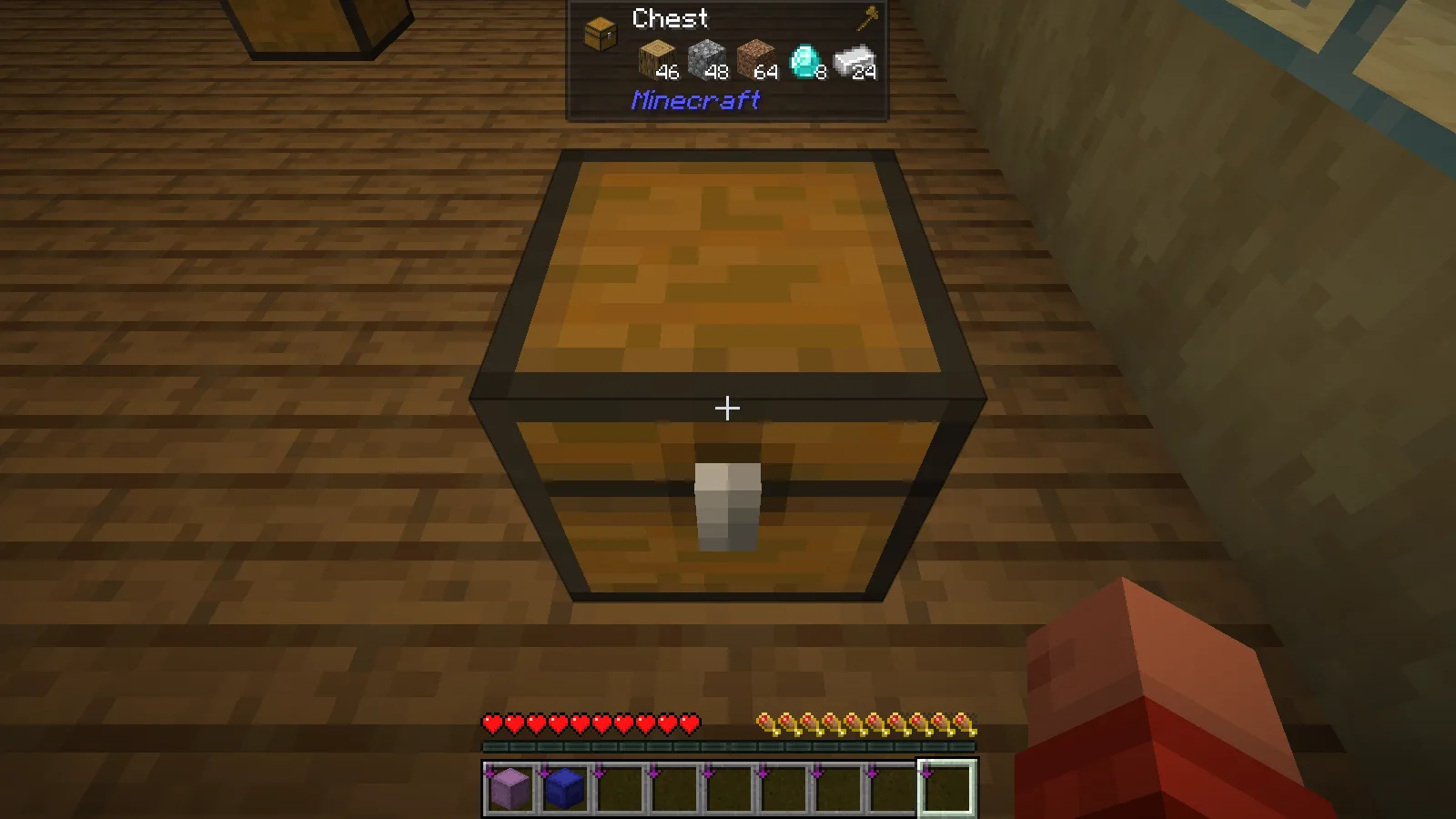
Open it after the move
In the workshop example, the chest moved four blocks along the room. It held 46 oak logs, 48 cobblestone, 64 dirt, 8 diamonds and 24 iron ingots before pickup. Those same five stacks remained after placement.
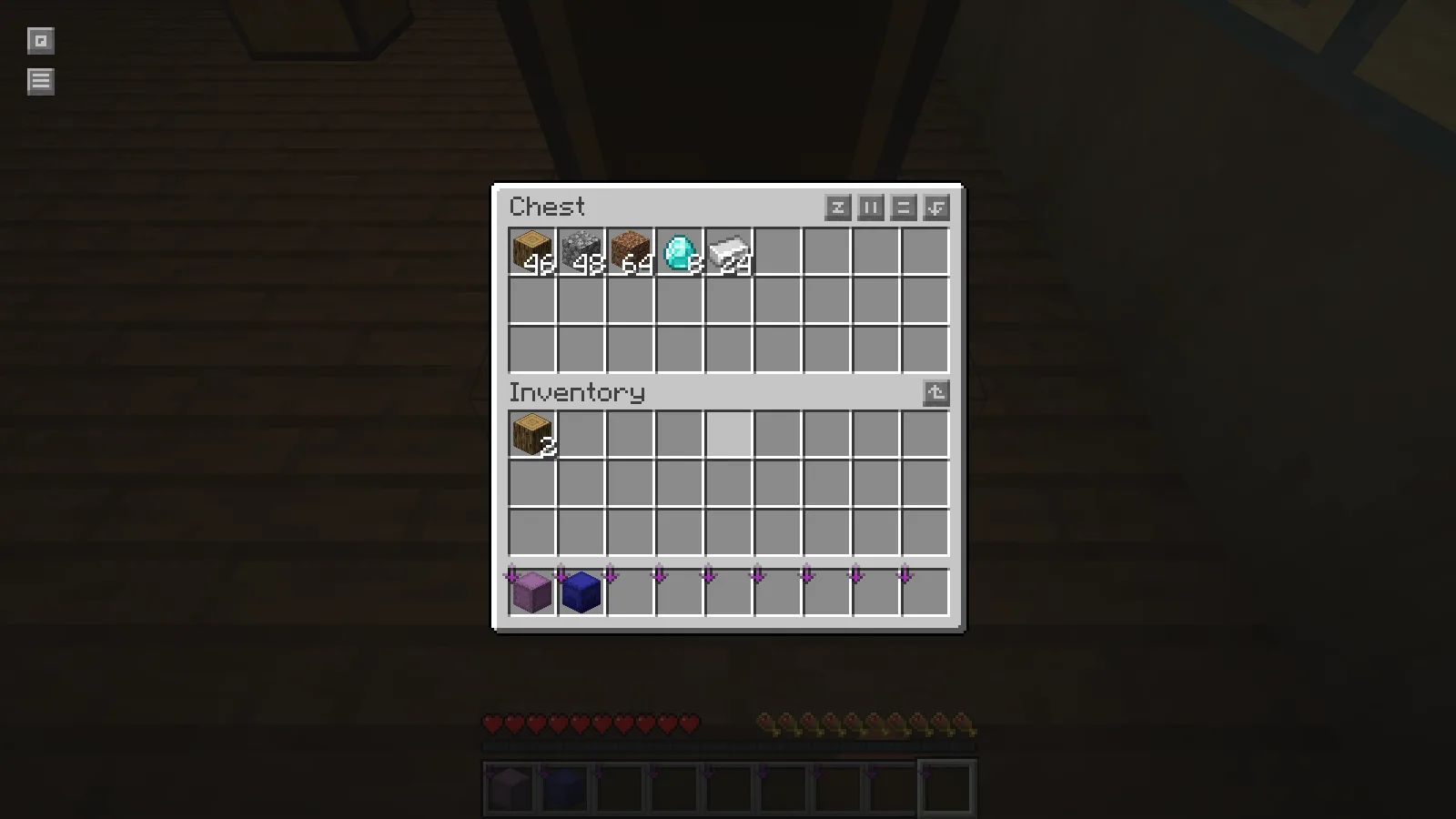
That makes a small storage rearrangement much less awkward: the destination chest is ready to use without unpacking its supplies into your inventory first. Open it after placement and check the contents before moving the next container.
The example uses an ordinary single chest. Other blocks and entities can be affected by the mod's configuration and by server rules, so use the same cautious first move when trying a different type of container. Do not assume a machine has identical behavior just because a vanilla chest worked.
Match the game and loader
Install Carry On and Fabric API together in the active profile’s mods folder. For a shared world, coordinate with its administrator: Carry On needs a matching installation on the client and server.
Comments 0
Share what worked, ask for help or reply to another player.
Use your Modonix account to join the discussion and manage your comments.
Sign in to commentNo comments yet. Share what worked for you.