
Hammer is a compact starting point for a NeoForge installation. Its focus is the rendering and game-logic foundation rather than new quests, buildings or a different art style. Choose it when you want to build around NeoForge mods while keeping the familiar Minecraft world. If you do not need NeoForge, the developer recommends Adrenaline instead.
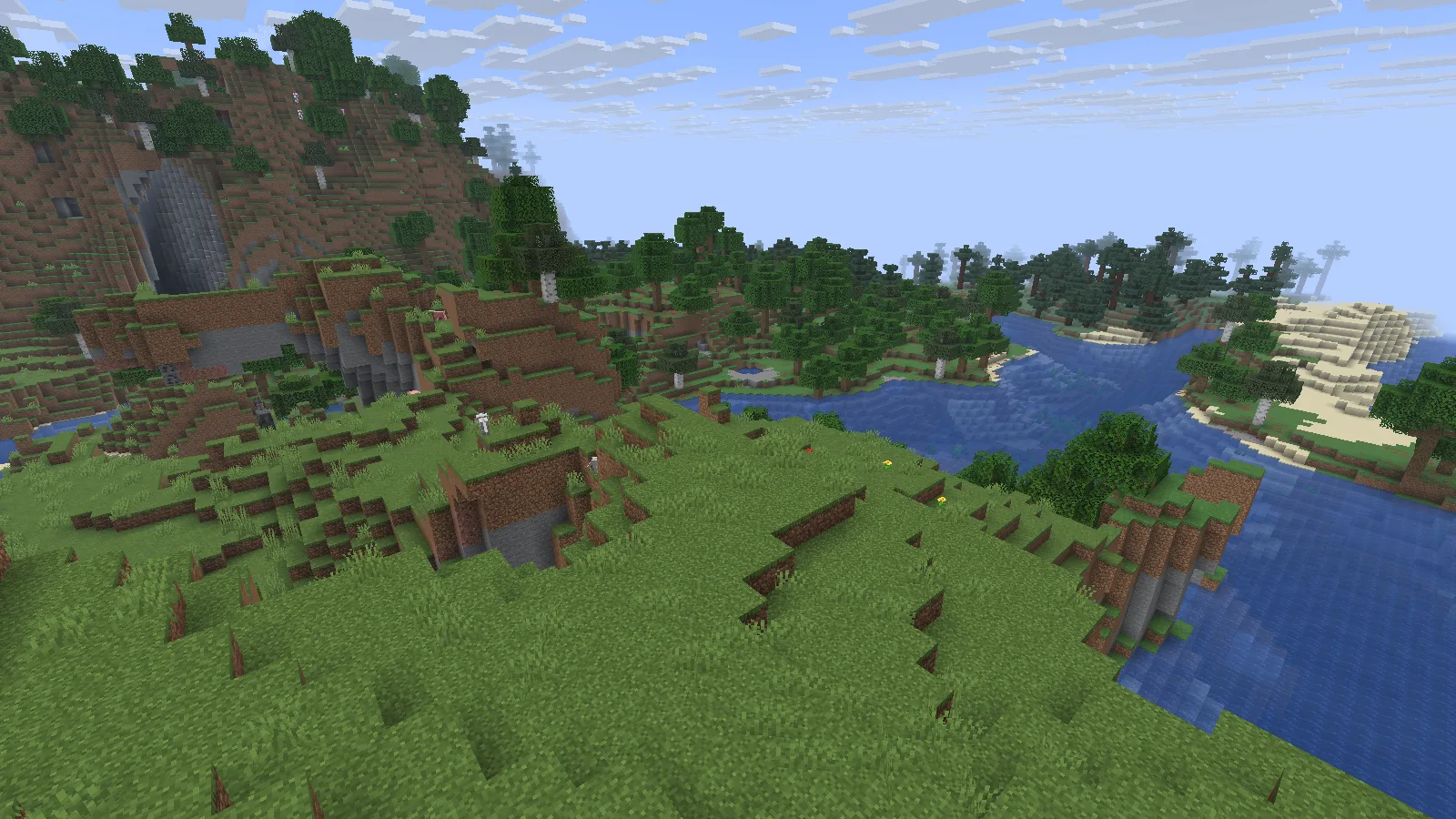
A naturally generated river valley in Hammer, with vanilla textures and no shader pack. Photographed in Spectator.
Import into its own Prism instance
- Download the original .mrpack from Files on this page. Keep the archive intact.
- In Prism Launcher, choose Add Instance → Import, browse to the file and confirm. Name the instance Hammer 26.2.
- Let Prism download the files specified by the release. Check Edit → Version for Minecraft 26.2 and NeoForge, then keep that combination together.
- Start a new world first. Use a separate backup copy when trying an existing save. Add further mods only when their Minecraft version and loader match.
The Prism Launcher guide explains the separate-instance workflow.
Check the game version and beta loader
Read the two version labels carefully. This example uses Hammer 1.20.1+26.2.neoforge on Minecraft Java 26.2. The pack number 1.20.1 does not mean Minecraft 1.20.1. Its NeoForge loader is 26.2.0.37-beta, and the title screen identifies that beta status. Treat this as a beta setup: try your intended mods in a disposable world before trusting it with a valued save.
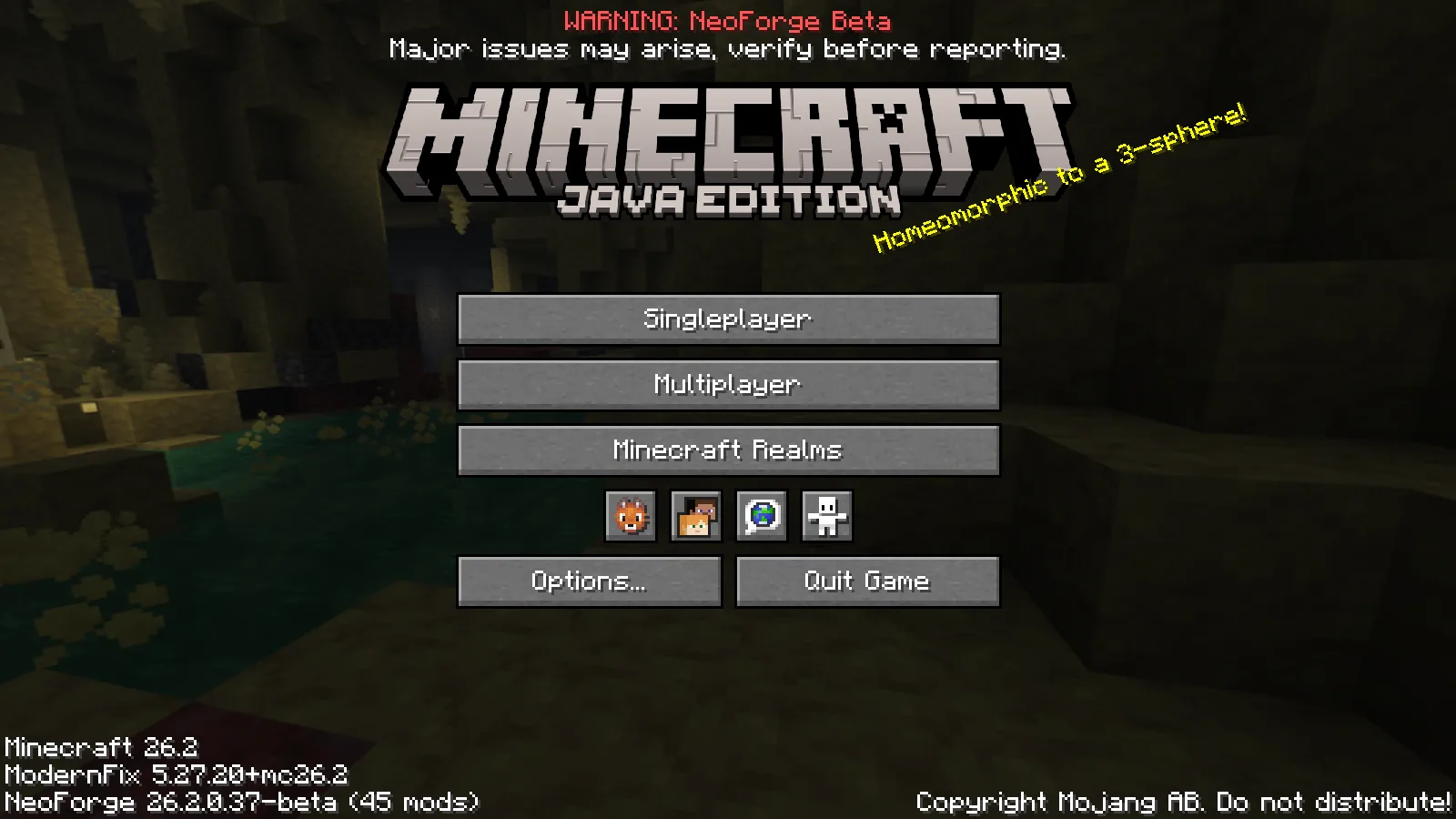
Hammer 1.20.1+26.2.neoforge runs on Minecraft 26.2; this release uses NeoForge 26.2.0.37-beta.
Try an ordinary task
Start with a new world and an ordinary task before expanding the mod list. A village furnace offers a simple example: place raw iron in the upper slot and coal below, then wait for the ingot in the output. Our Creative example supplies one of each ingredient to a naturally generated furnace. The burning furnace completes that real smelting cycle, and the ingot remains in the saved world.
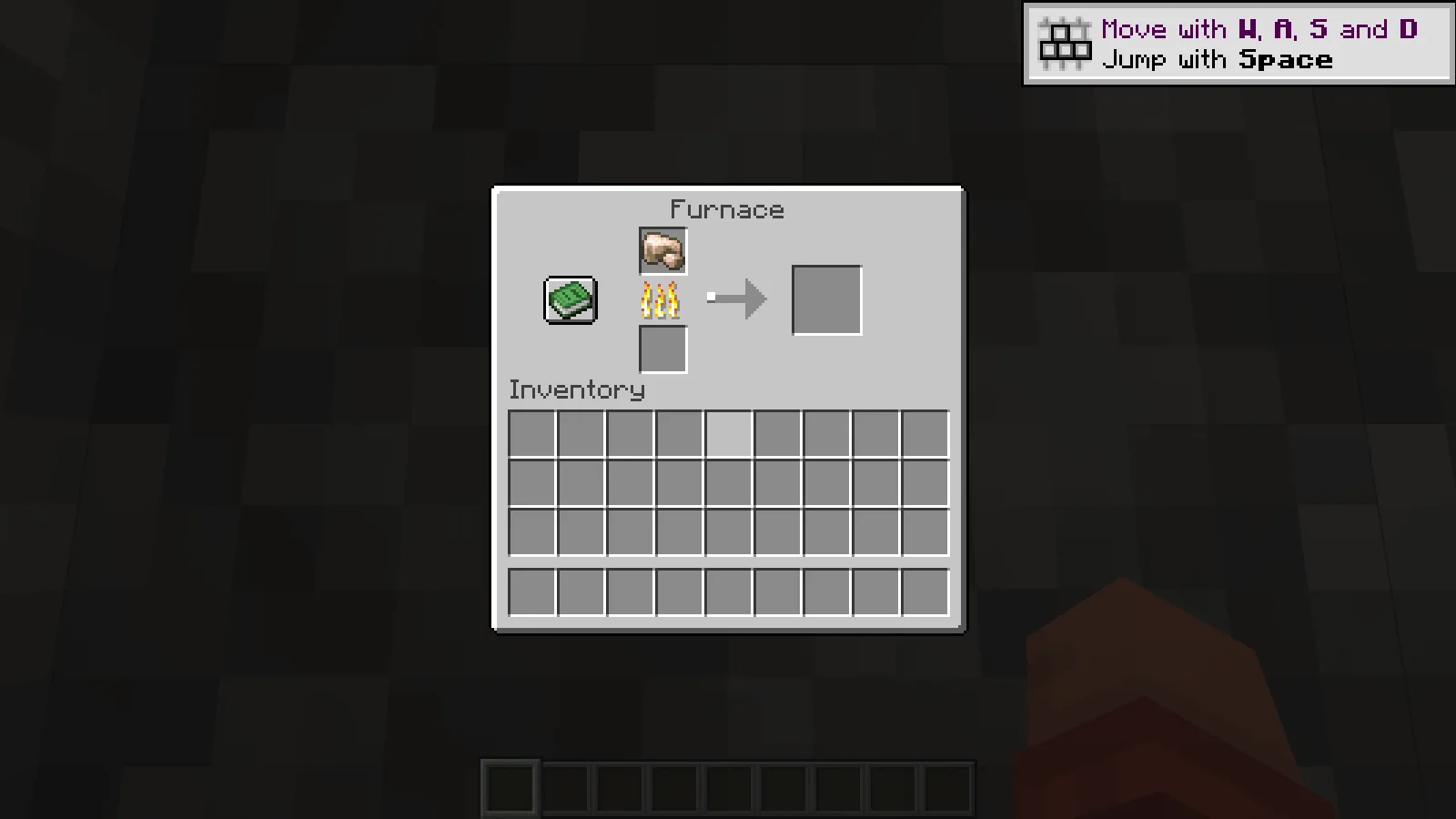
One staged raw iron begins smelting in a naturally generated village furnace. Creative demonstration.
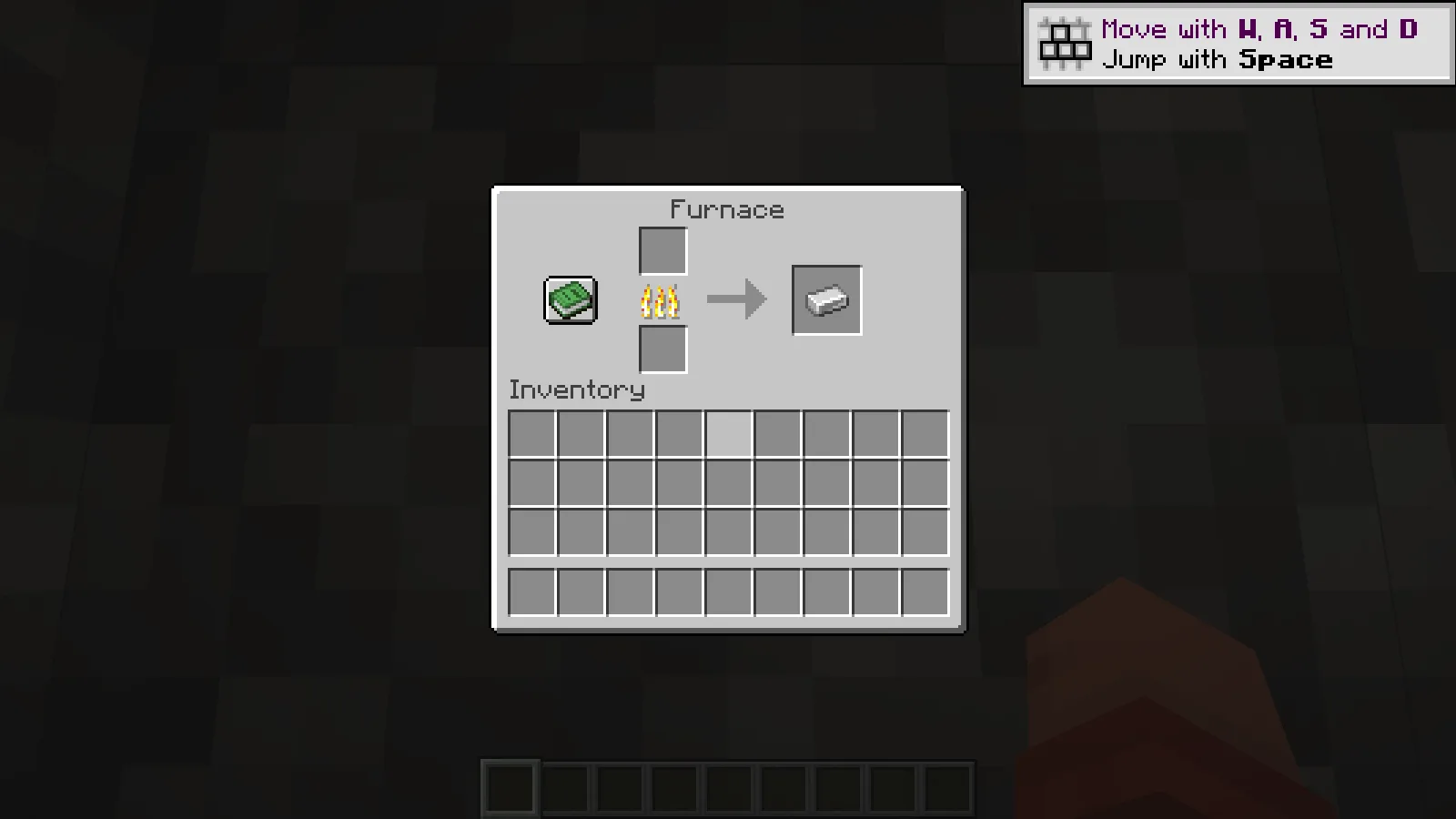
The real furnace produces one iron ingot; the output remains in the saved world.
Add one change at a time
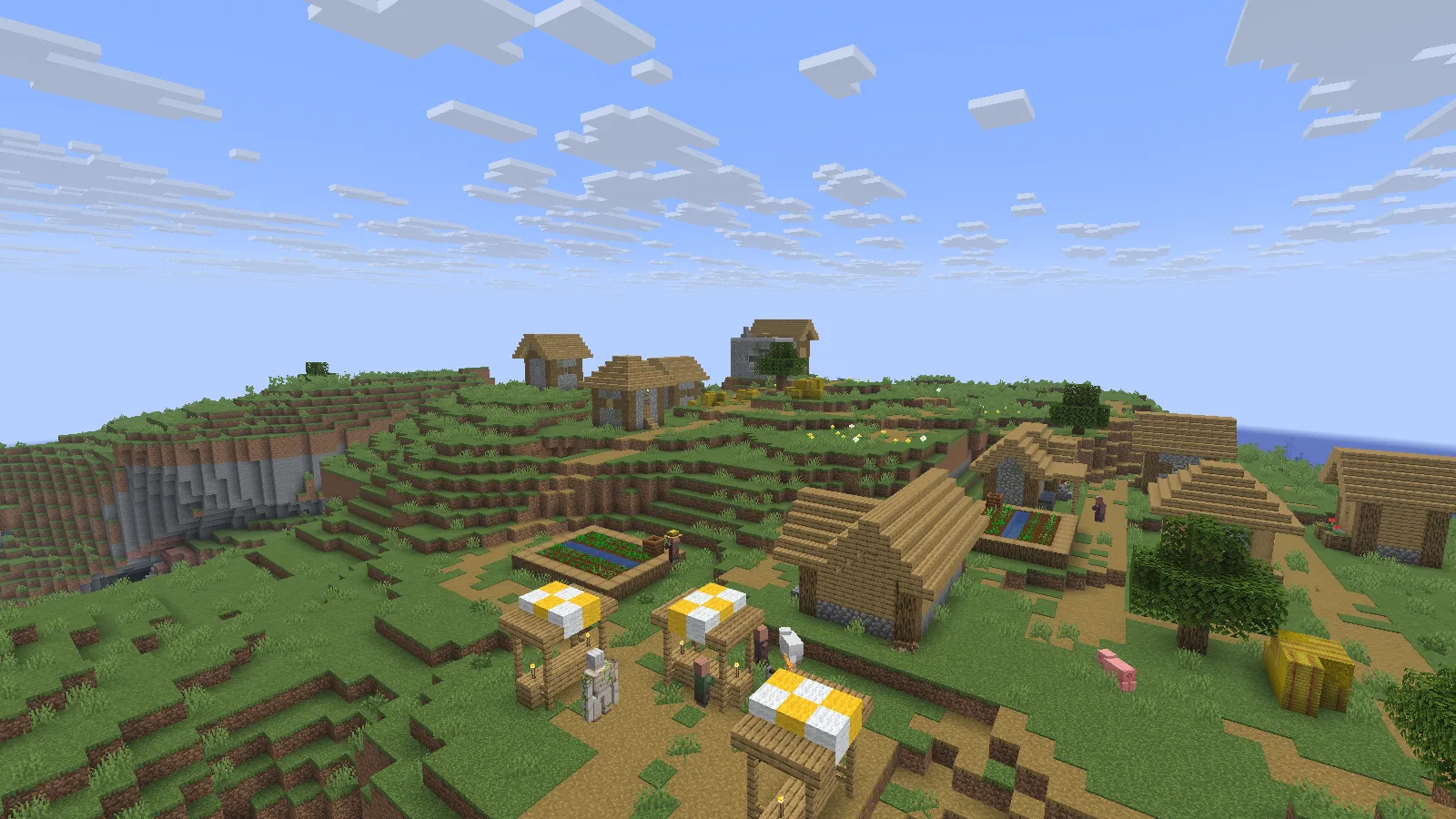
The same fresh world includes a naturally generated hillside village. Photographed in Spectator.
Explore a familiar route, open a container and adjust the view distance before adding another mod. Change one setting or addition at a time so you can trace any difference. These screenshots show ordinary rendering and a working furnace, not a measured speed increase. Compare performance on your own computer using the same world, camera and settings before deciding whether the pack improves your setup.
Comments & questions
Share what worked, ask for help or reply to another player.
No comments yet. Share what worked for you.