
Adrenaline gives you a focused Fabric setup for a familiar Minecraft world. Its selection centers on rendering, game logic and memory use, with projects such as Sodium and Lithium. Choose it when you want an optimization pack while keeping your own building plans and ordinary progression at the center of play.
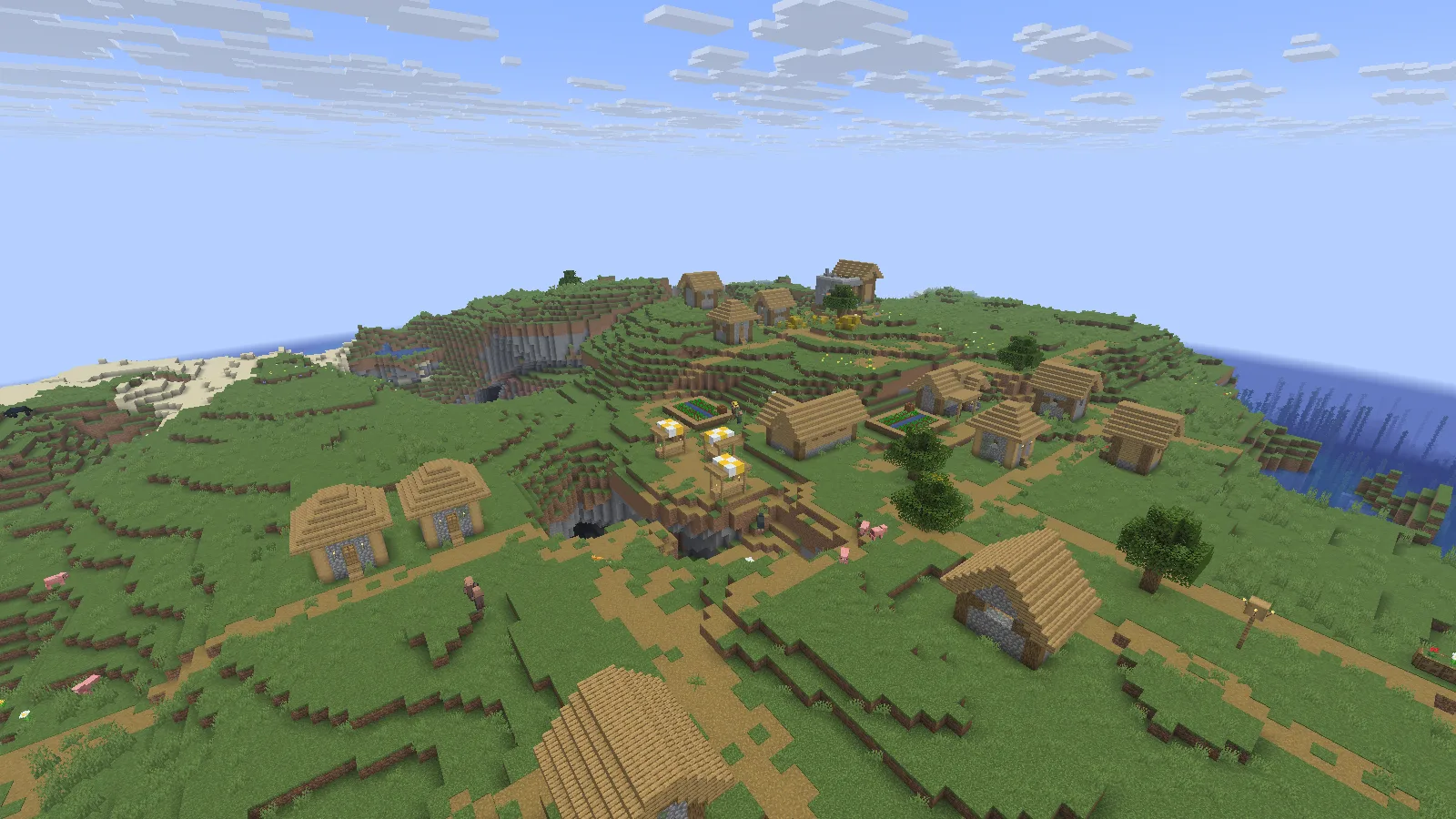
An overview of the village, with fields and paths spread across the slope.
Import the pack into its own instance
- Download the matching Adrenaline release in Files. Keep its .mrpack intact: this is a launcher import, not a JAR for a mods folder.
- In Prism Launcher, choose Add Instance → Import, browse to the file and confirm. Give the instance a name you will recognise.
- Let Prism download the pack's listed files. Open the instance's Edit → Version page and check that Minecraft and Fabric match the imported pack. Keep its selected versions together instead of changing Minecraft alone.
- Launch the instance and create a new world for the first visit. To try an existing save afterward, use a separate backup copy and keep the original untouched.
Start with the complete pack before adding extra mods. That gives you one known setup to return to if a later addition causes trouble.
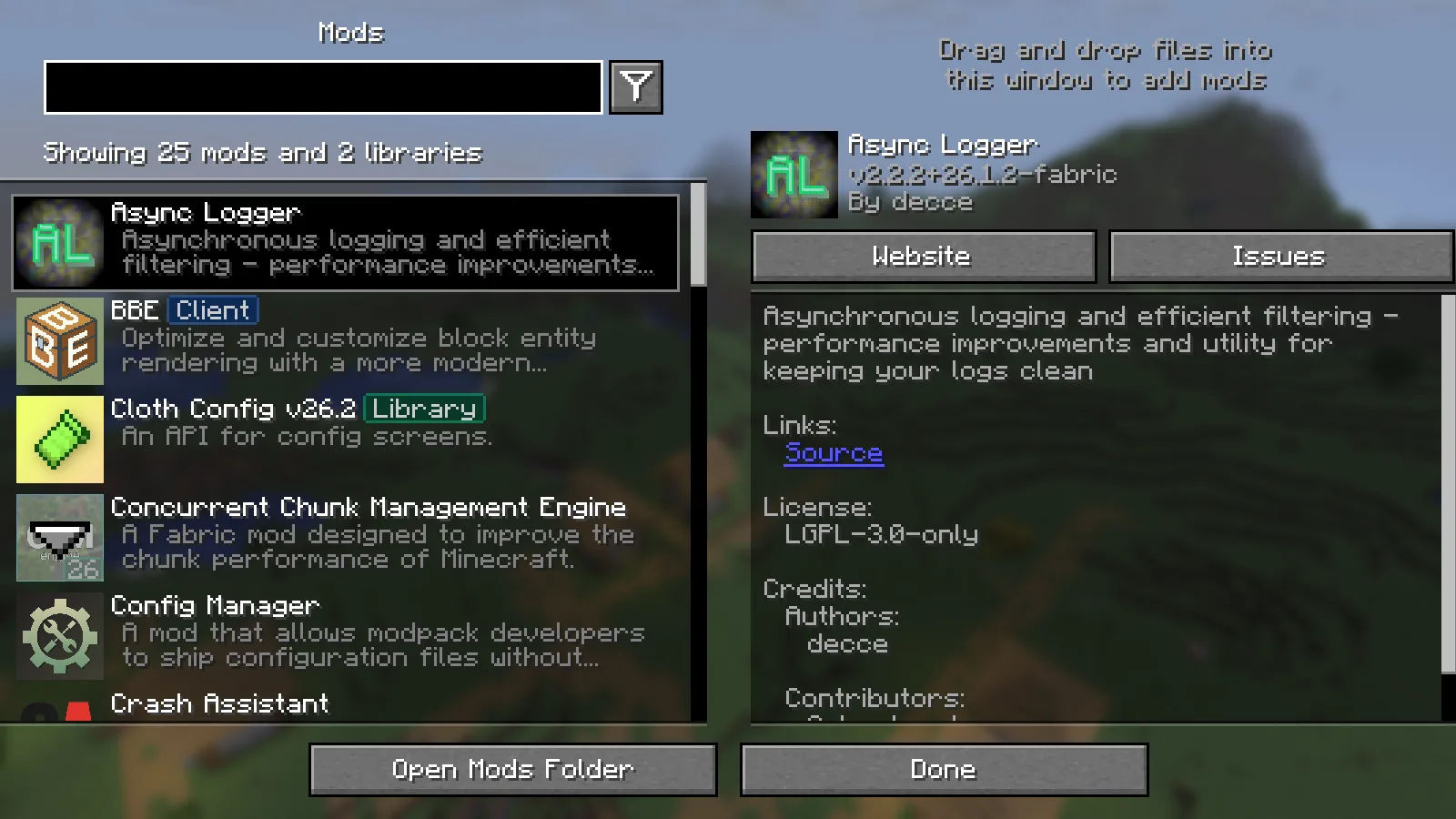
The installed Mods screen in this exact Adrenaline instance.
Know which part of the setup you are changing
The included mods divide the work: Sodium handles client rendering, Lithium focuses on simulation and FerriteCore on memory. Adrenaline puts them into one prepared Fabric instance. Its village still uses ordinary blocks and progression; the pack does not supply a new village theme or building set.
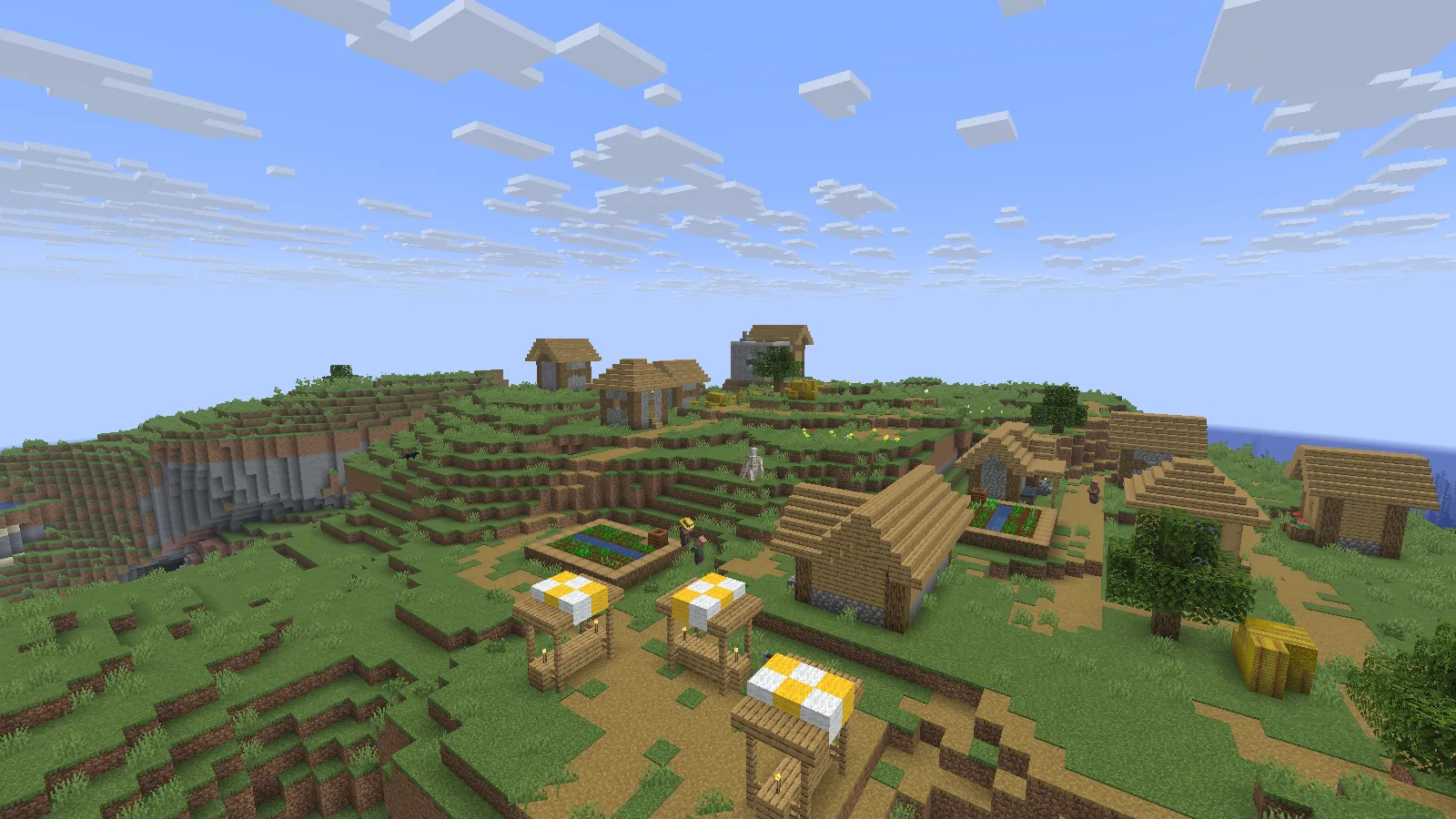
Village farms and paths keep their familiar block textures.
Choose a short route near your own base when adjusting video settings. Include an open view, some dense foliage and a busy area. Change one setting, revisit the same route and decide whether the result suits you. Render distance changes how far you see; simulation distance changes how far the world actively updates around you.
Everyday inventory interactions remain familiar too: open a chest and use the usual slots and quick-move controls.
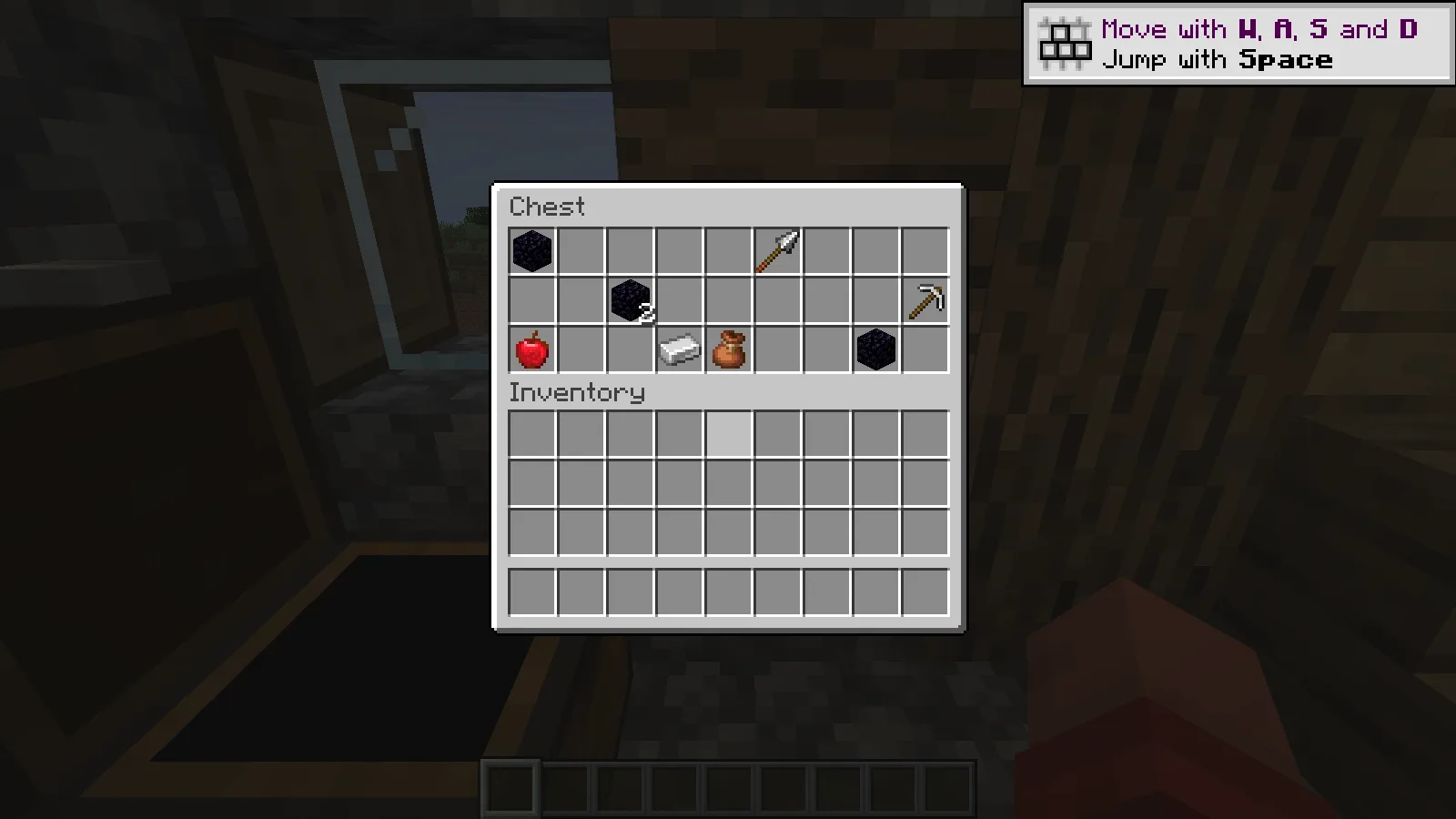
A generated weaponsmith chest opened through normal Minecraft interaction.
Match the release, then add extras gradually
Before adding a performance mod, search the imported instance’s Mods list. The pack already includes several common optimizations, so a second copy is not an upgrade. Add new gameplay mods only when their files match the imported instance.
Dynamic FPS reduces background work while Minecraft is inactive. Return the game to the foreground before judging its responsiveness. Adrenaline is a ready-made installation choice; the images here illustrate that setup without establishing a frame-rate gain on your computer.
Comments 0
Share what worked, ask for help or reply to another player.
Use your Modonix account to join the discussion and manage your comments.
Sign in to commentNo comments yet. Share what worked for you.