Adrenaline: a focused Fabric setup for a familiar world

12 views 0 downloads

Import the pack into Prism, keep your world familiar and adjust the setup around a route you know.

Adrenaline gives you a focused Fabric setup for a familiar Minecraft world. Its selection centers on rendering, game logic and memory use, with projects such as Sodium and Lithium. Choose it when you want an optimization pack while keeping your own building plans and ordinary progression at the center of play.
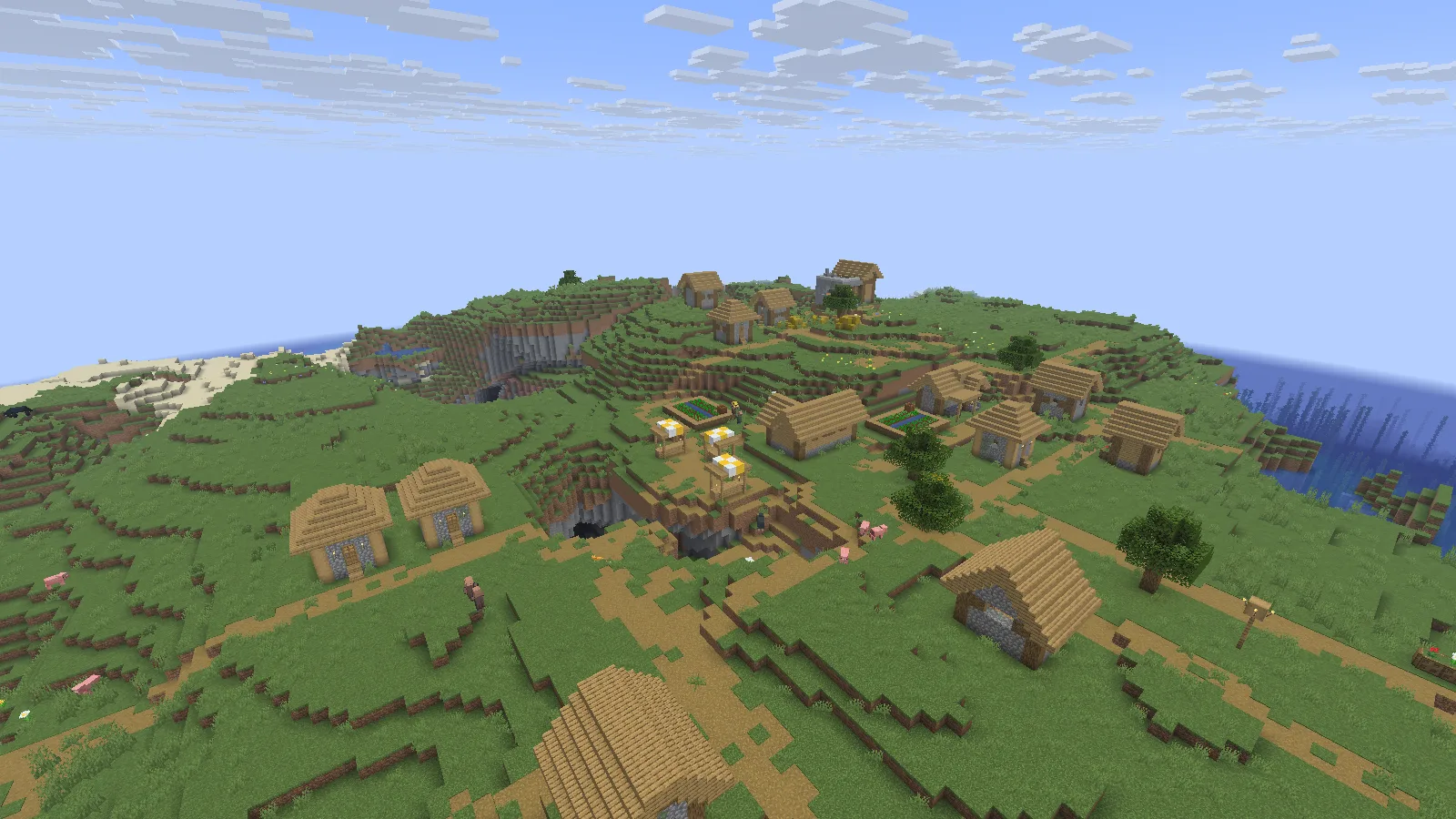
A naturally generated plains village rendered with Adrenaline 26.5.0 on Java 26.2. Overview photographed in Spectator.

A naturally generated plains village rendered with Adrenaline 26.5.0 on Java 26.2. Overview photographed in Spectator.

Import the pack into its own instance

  1. Open Files on this page and download the Adrenaline release for Minecraft Java 26.2. Keep the .mrpack file intact; it is the launcher import, not a JAR to drop into a mods folder.
  2. In Prism Launcher, choose Add Instance → Import, browse to the downloaded file and confirm. Give the instance a recognizable name, such as Adrenaline 26.2.
  3. Let Prism download the pack's listed files. Open the instance's Edit → Version page and check that Minecraft and Fabric match the imported pack. Keep its selected versions together instead of changing Minecraft alone.
  4. Launch the instance and create a new world for the first visit. To try an existing save afterward, use a separate backup copy and keep the original untouched.

Start with the complete pack before adding extra mods. That gives you one known setup to return to if a later addition causes trouble.
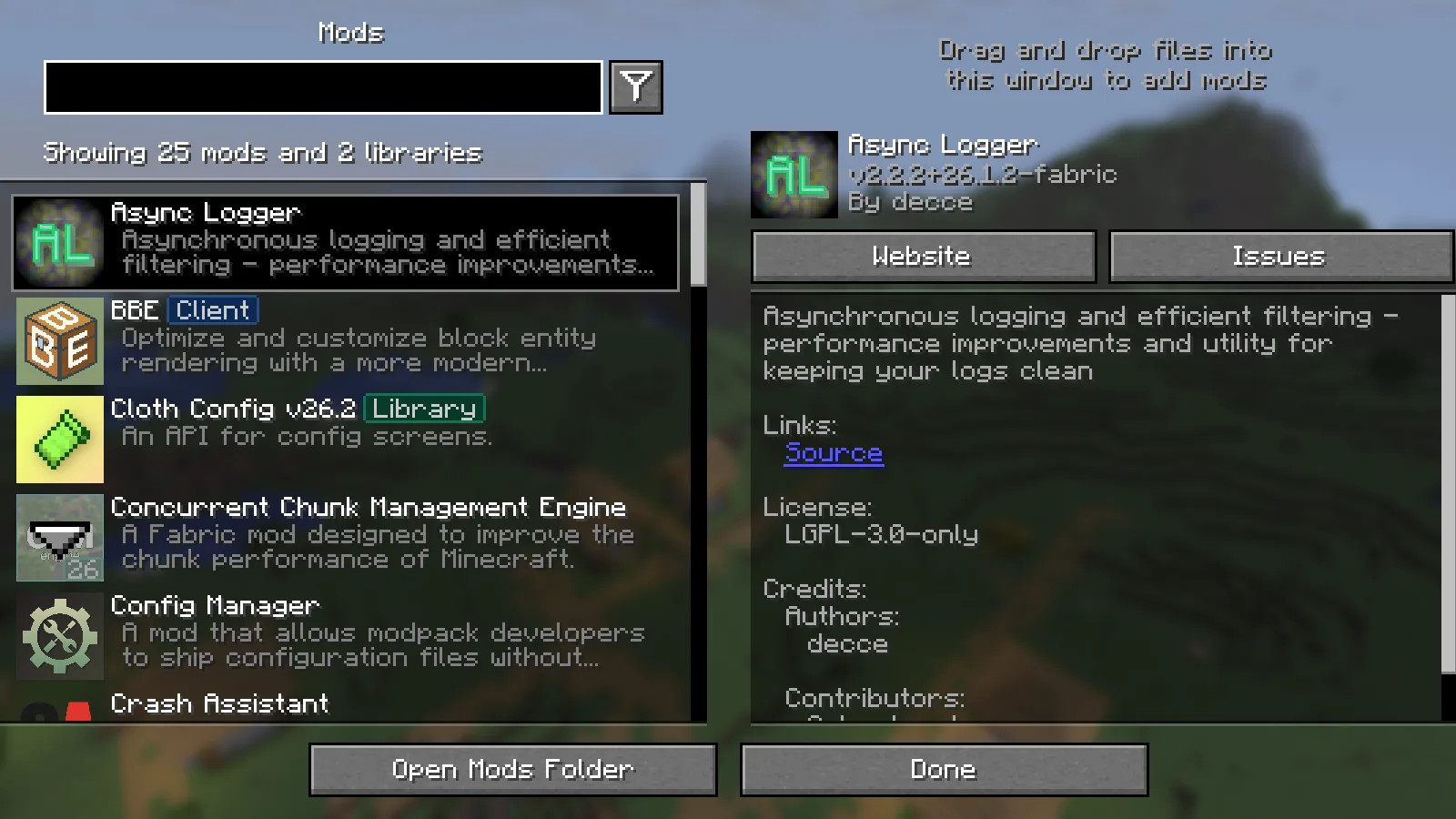
The installed Mods screen in this exact Adrenaline instance.

The installed Mods screen in this exact Adrenaline instance.

Keep a familiar route for settings changes

The village pictured here is ordinary Minecraft terrain: oak roofs, crop beds, villagers and paths winding across a grassy slope. Adrenaline is not adding a new village theme. These views show the familiar world you can continue building in.
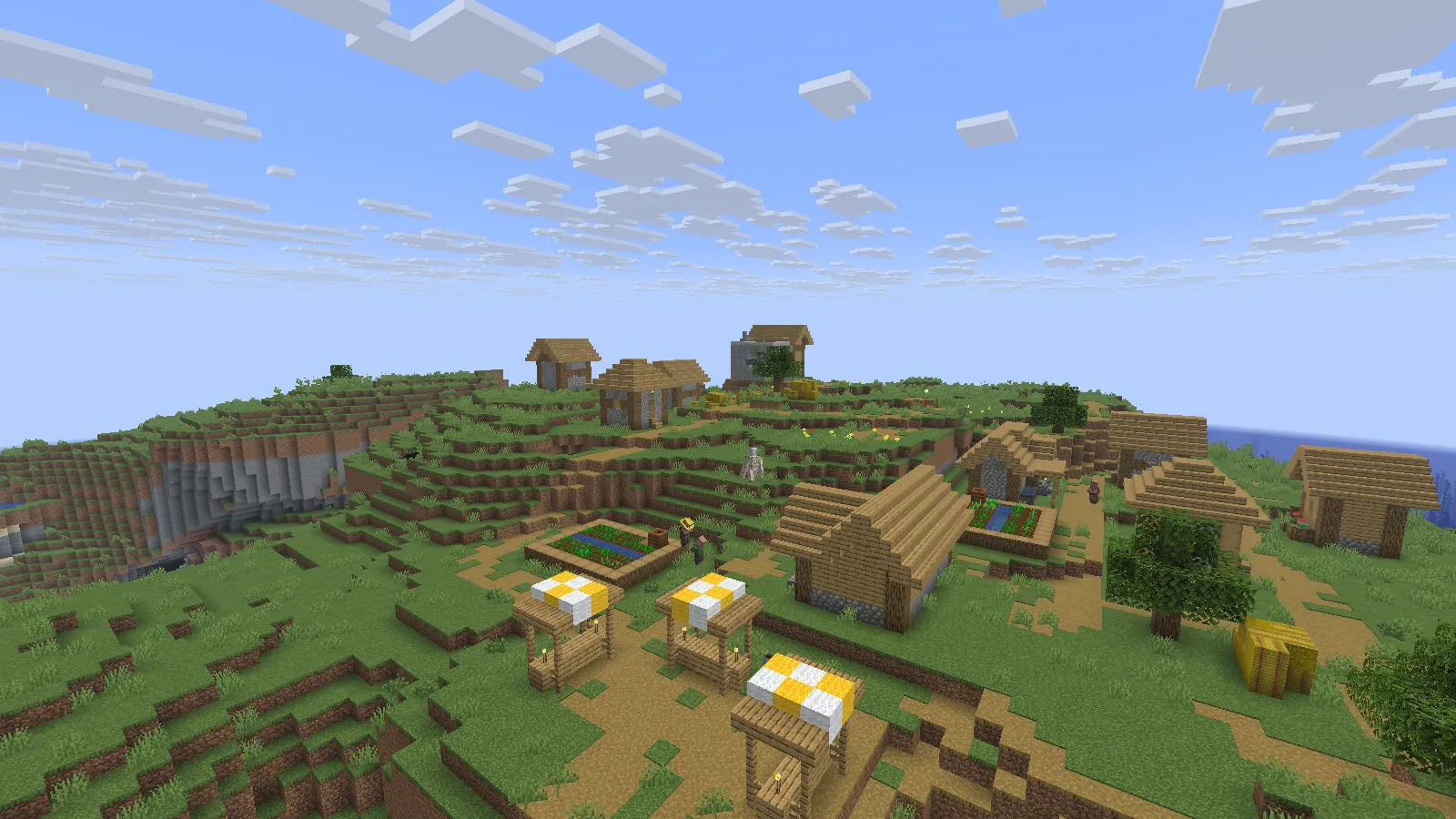
Village farms, villagers and familiar block textures in the same test world. Photographed in Spectator.

Village farms, villagers and familiar block textures in the same test world. Photographed in Spectator.

Choose a short route near your own base when adjusting video settings. Include an open view, some dense foliage and a busy area. Change one setting, revisit the same route and decide whether the result suits you. Render distance changes how far you see; simulation distance changes how far the world actively updates around you.

Everyday inventory interactions remain familiar too: open a chest and use the usual slots and quick-move controls.
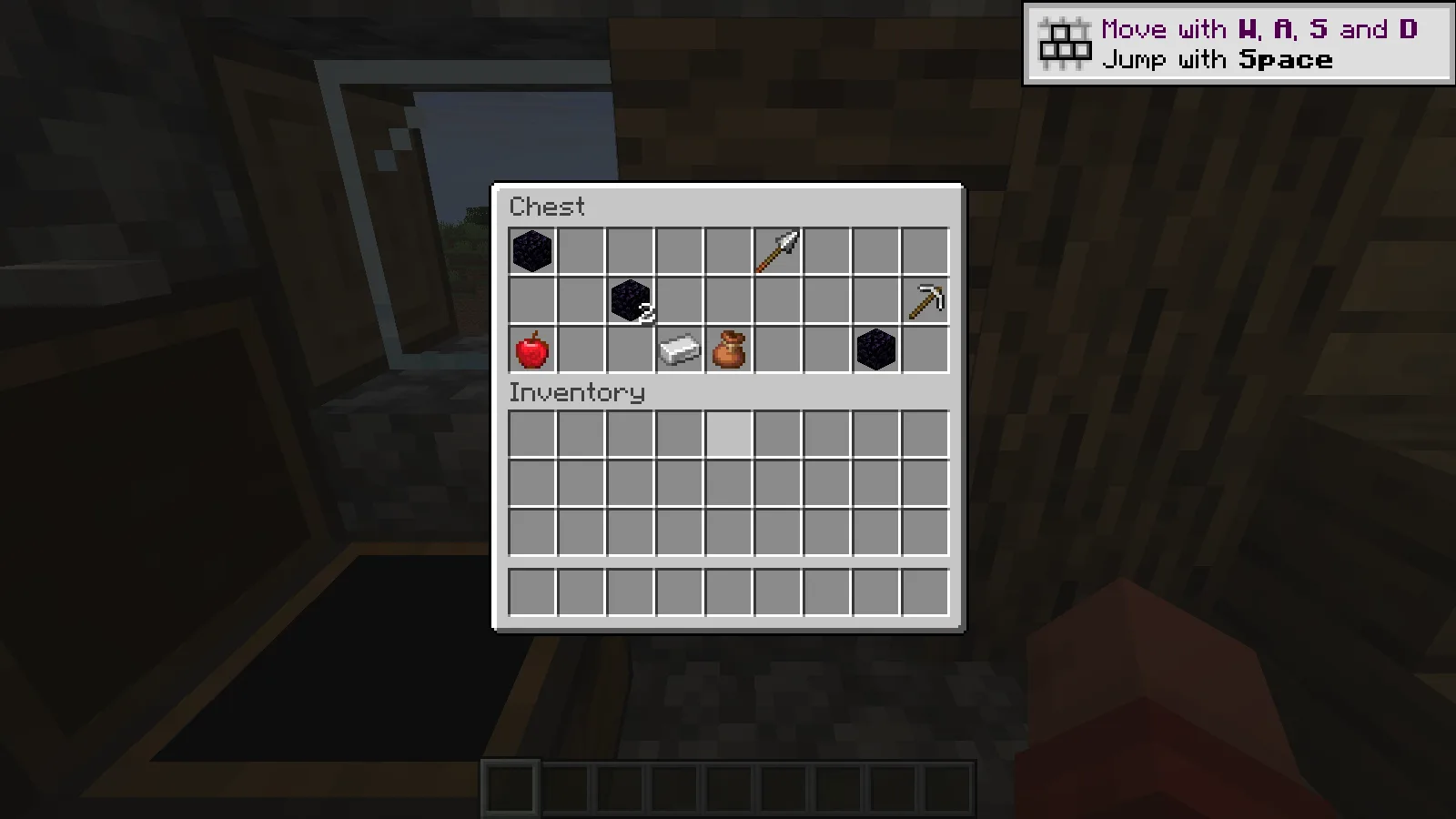
A generated weaponsmith chest opened through normal Minecraft interaction.

A generated weaponsmith chest opened through normal Minecraft interaction.

Match the release, then add extras gradually

The illustrated setup uses Adrenaline 26.5.0 for Minecraft Java 26.2, with Fabric. Choose files for that game version and loader when adding anything else, and add one project at a time.

Dynamic FPS is included to reduce background work when Minecraft is not active. Judge responsiveness while the game is in the foreground. Keep the same world, route and settings when comparing setups on your computer; the screenshots alone cannot show a frame-rate improvement.

No ratings yet

Files

Filter files 1 fileStable
Show all files

Version 26.5.0+mc26.2.fabric

Stable

Adrenaline-26.5.0+mc26.2.fabric.mrpack

Minecraft 26.2 Fabric
0 downloads
Download · 7.0 KB
Requirements & details

Java 26.2 · Fabric · Launcher import

  • Game version: 26.2 · Mod loader: Fabric · Server files: Included in manifest · Distribution format: Modrinth pack (.mrpack)

Download this original .mrpack, then use Prism Launcher: Add Instance → Import and choose the file. Let Prism resolve the manifest and Fabric version. Check Edit → Version for Minecraft 26.2/Fabric, launch a new world first, then use only a backup copy of an existing world.

Requirements & notes
Known issues
No foreground frame-rate baseline or comparative speed measurement No multiplayer/server or large mod compatibility test Private capture-only pauseOnLostFocus:false; DynamicFPS author config unchanged Startup warnings retained in startup-warnings.json
Java runtime
25
Technical details
File details
Download type
Client pack
Performance notes
No foreground frame-rate baseline, comparative speed measurement or remote-server benchmark was performed. The original pack configuration was kept; capture instrumentation changed only background pause behavior.
Included mods
ConfigManager-fabric-26.1_26.2-1.1.3.jar CrashAssistant-fabric-26.2-26.3-1.11.14.jar ImmediatelyFast-Fabric-1.16.5+26.2.jar Ixeris-4.6.8+26.2-fabric.jar ResourcefulConfig-5.0.0.jar ScalableLux-fabric-0.3.0-alpha.0.3-all.jar asynclogger-2.2.2+26.1.2-fabric.jar bbe-fabric-1.3.8-beta.1+mc26.2.jar c2me-fabric-mc26.2-0.4.2-alpha.0.52.jar cloth-config-26.2.155.jar cull-fewer-leaves-1.1.2+26.1-fabric.jar dynamic-fps-3.11.9+minecraft-26.2.0-fabric.jar entityculling-fabric-1.11.2-mc26.2.jar fabric-api-0.161.0+26.2.jar fabric-language-kotlin-1.14.1+kotlin.2.4.20.jar ferritecore-9.0.0-fabric.jar fzzy_config-0.7.7+26.2.jar lithium-fabric-0.25.3+mc26.2.jar modernfix-5.27.19-build.1.jar modmenu-20.0.2.jar particle_core-0.3.3+26.2.jar placeholder-api-3.1.0-beta.1+26.2.jar servercore-fabric-1.5.19+26.2.jar sodium-fabric-0.9.2+mc26.2.jar structure_layout_optimizer-1.1.4+26.1-fabric.jar zconfig-1.0.0+26.x.jar zfastnoise-1.1.0-beta.6+26.2.jar zmatcomp-1.0.0-beta.7+26.2.jar
Server installation
The original manifest has client/server environment entries. Only its client selection was exercised; no dedicated-server run is claimed.
Import or installation method
Prism Launcher: Add Instance → Import → choose the unchanged .mrpack. Keep Minecraft 26.2 and its declared Fabric loader together.
File information

Archive structure and entry integrity checked · 9 entries · 0.0 MB unpacked.

Pack version
26.5.0+mc26.2.fabric
Requires fabric-loader
0.19.5
Requires minecraft
26.2

Manifest values describe the package. They do not prove that it works with every game version. This check is not an antivirus scan.

SHA-256: d7cb0c03e98145e6e968e8be652f55a645234b235c7a4d15b28bdb18cb55d8e9

Release updates

Version 26.5.0+mc26.2.fabric

Stable

Adrenaline 26.5.0 for Minecraft Java 26.2 with Fabric is a separate client setup. Import the MRPACK into Prism Launcher and begin with a copy of your world.

View files

Comments & questions

Share what worked, ask for help or reply to another player.

No comments yet. Share what worked for you.

Join the conversation

No account required. Confirm your email with a code before your first comment.

1Your name & email

Only a masked address appears with your name. Guest comments are reviewed before publication.

2Verify & post

Search Modonix

Search in