Additive brings a collection of familiar visual conveniences to a Fabric setup: shader support, held-item lighting, zoom and extra resource-pack features sit alongside its performance-focused foundation. It is useful when you want these pieces prepared together instead of choosing every supporting mod separately.
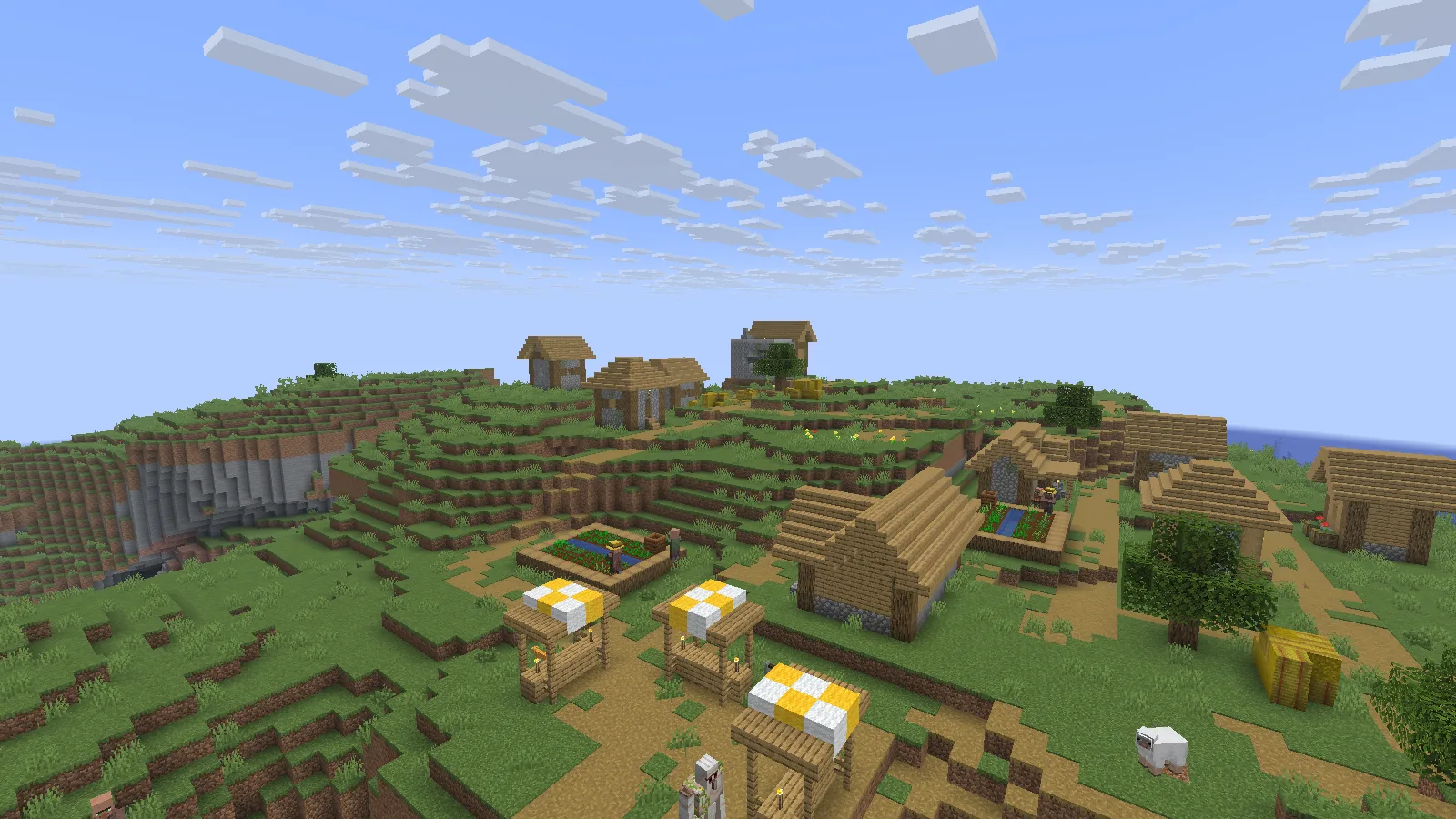
A naturally generated village in Additive 26.5.0, rendered without a shader pack. Photographed in Spectator.
Import into a separate Prism instance
This example uses Additive 26.5.0 for Minecraft Java 26.2, with Fabric.
- Download the matching .mrpack from Files on this page. Keep the archive intact.
- In Prism Launcher, choose Add Instance → Import, browse to the file and confirm. Name the new instance Additive 26.2 so it is easy to distinguish from your other setups.
- Let the launcher download the listed files. Check Edit → Version for the imported Minecraft and Fabric versions; keep them together.
- Launch a new world first. For an existing save, use a separate backup copy and keep your original untouched.
The Prism Launcher guide explains the separate-instance workflow.
Compare an empty hand with a held torch
A torch makes a useful first experiment. Put it in your hotbar, enter a dim area and switch between the torch and an empty slot. LambDynamicLights can illuminate nearby surfaces while the torch stays in your hand. Here, a single staged torch makes the natural dungeon wall and floor easier to read from the same camera position.
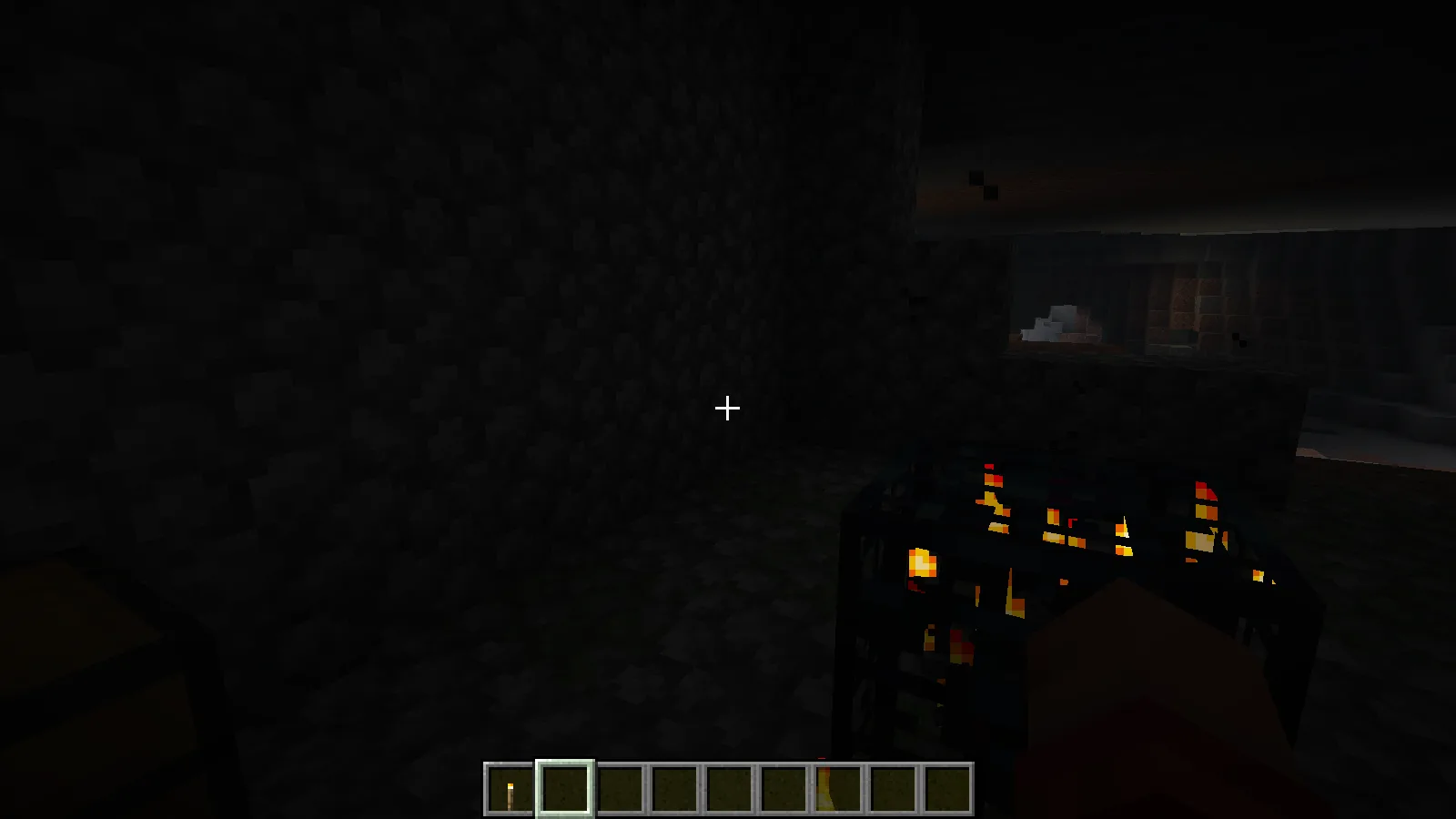
The dungeon wall from a fixed position with an empty hand. Creative demonstration.
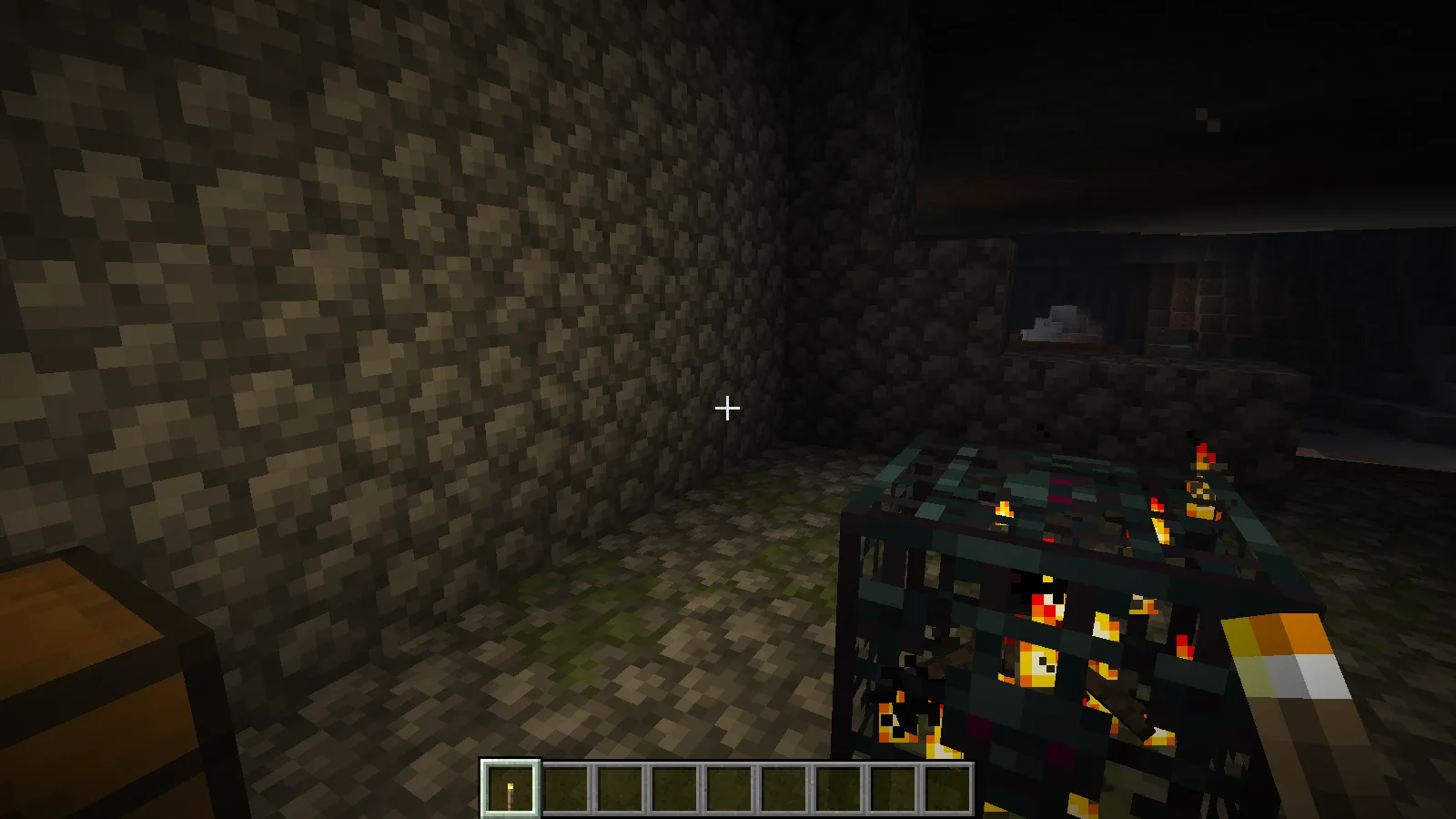
Holding the staged torch lights the nearby wall and floor through LambDynamicLights.
Add a shader when you are ready
Shader support does not mean that a shader pack is already included. Open Shader Packs to see what Iris can load. Our example starts with an empty list; choose a compatible shader separately when you want a different lighting style. Establish comfortable settings with ordinary rendering before adding a demanding shader.
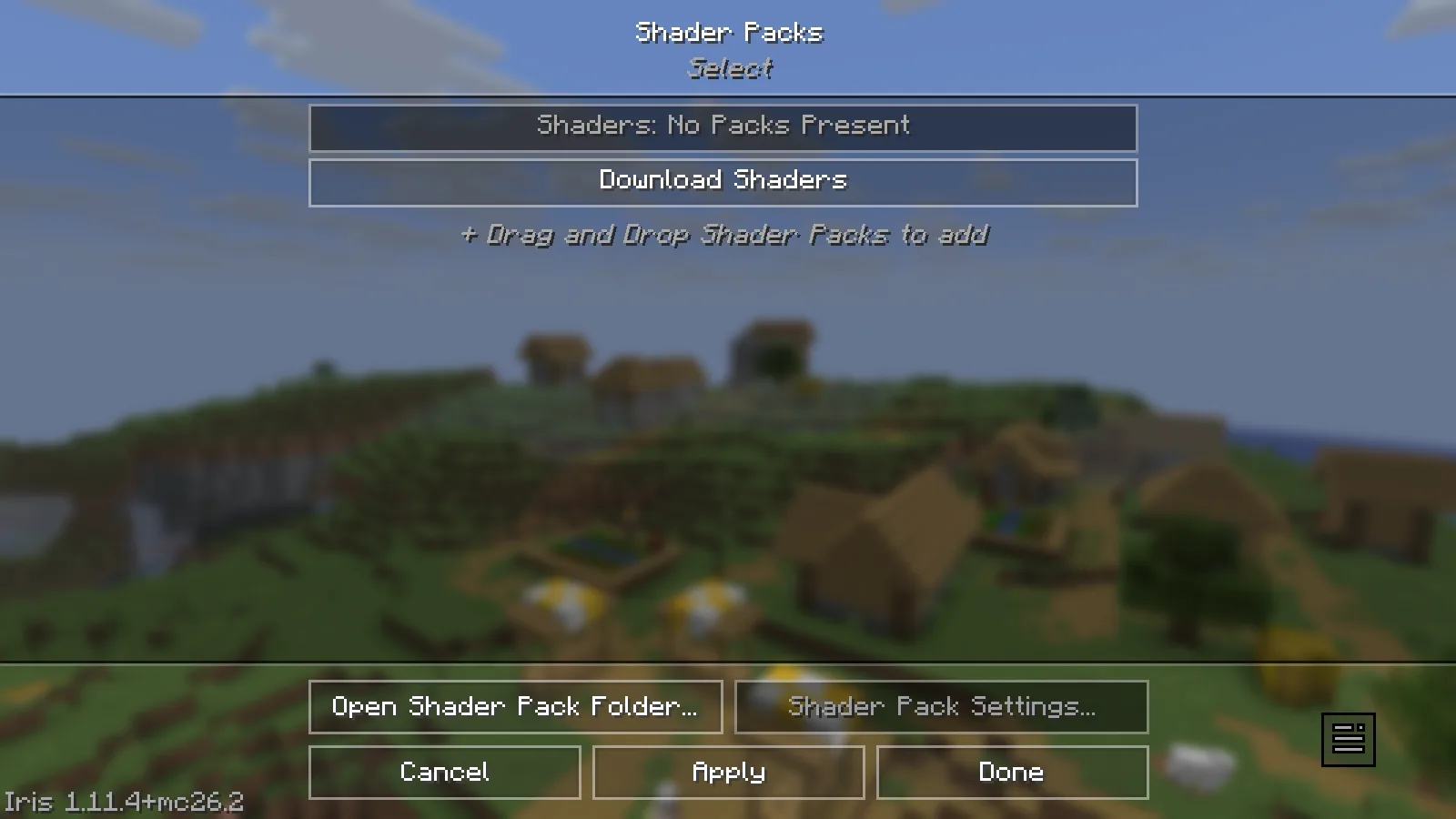
Iris is available; no shader pack has been added in this example.
Choose optional resource packs deliberately
The supporting mod and your selected resource pack also have distinct jobs. The resource-pack screen offers Default Connected Textures and Glass Pane Culling Fix from Continuity. Move a pack into the selected list and let Minecraft reload it when you want to use it. This screenshot shows those packs available, not activated.
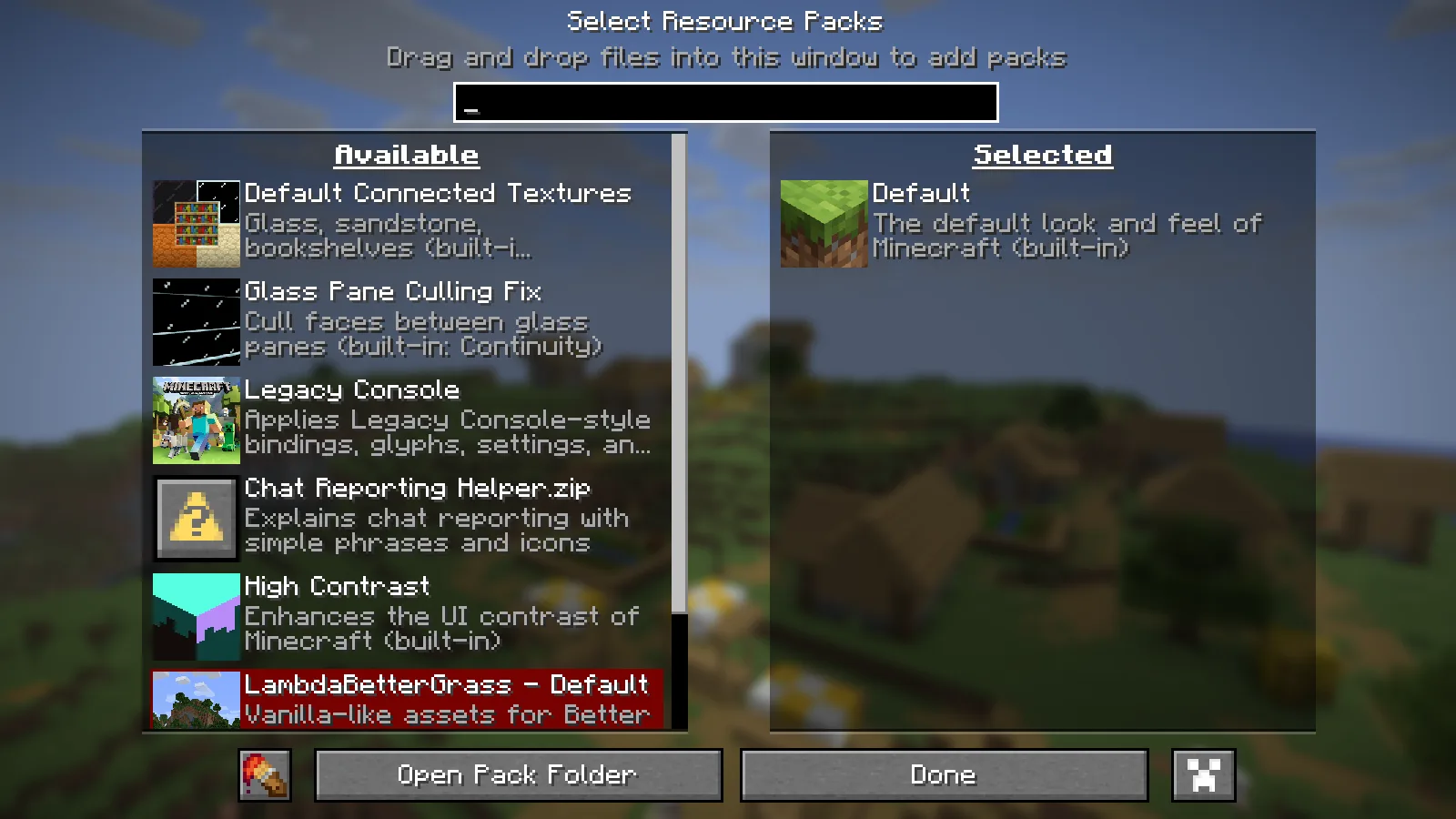
Optional Continuity packs are available; the Default resource pack remains selected.
Choose Additive for the broader visual toolkit. Adrenaline is the leaner alternative when you only want the performance foundation. A meaningful speed comparison still needs the same world, view and settings on your computer.
Comments & questions
Share what worked, ask for help or reply to another player.
No comments yet. Share what worked for you.