Nullscape: plan a route through crystal ridges and towering End islands

9 views 0 downloads

See crystal-covered ridges, tall island arches and lower ledges, then choose sensible places for a bridge, a landing or a small End outpost.

Nullscape makes choosing a route through the End part of the landscape's appeal. Instead of treating every island as a flat place to cross, look for ridges, lower shelves and arches that connect different heights. A small outpost or bridge can have a very different role depending on which level you choose.

Read the ridge before the horizon

In the crystal-covered area, purple formations sit above dark stepped ground. Behind them, the terrain drops sharply toward pale islands and distant slopes. The bright crystals draw attention, but the edge below them is the part to inspect before moving closer.
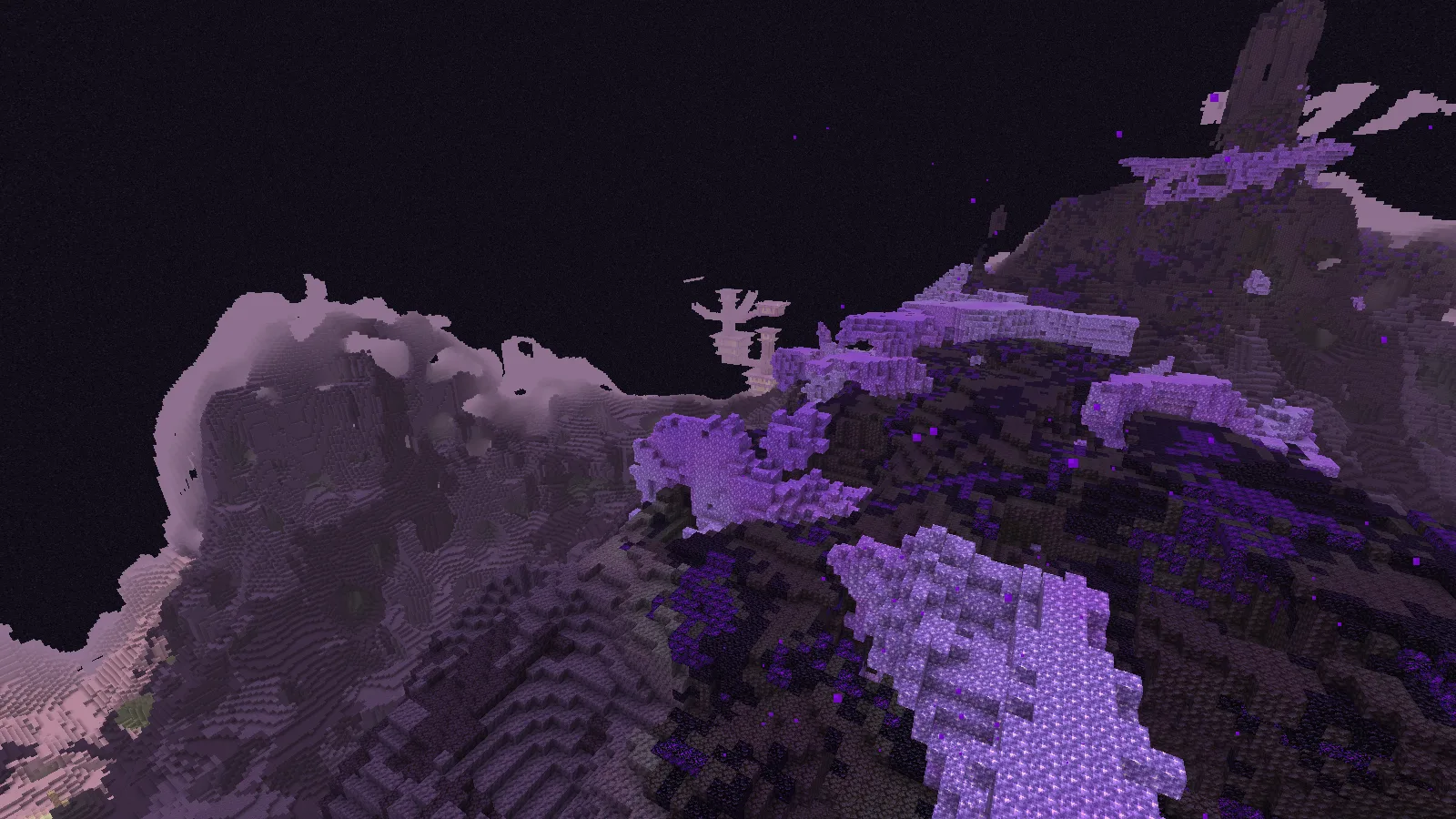
Crystal-covered ridges rise above a deep drop in the Nullscape End.

Choose a broad stopping place before planning the next crossing. A visible flat landing is more useful than aiming toward a distant peak just because it looks close. If you intend to use an ender pearl, first identify where you want to arrive; keep a bridge route in mind when the far side is narrow or obscured.

At ground level, the same area feels much tighter. Amethyst blocks rise beside the viewpoint, and the dark ridge is partly hidden between them.
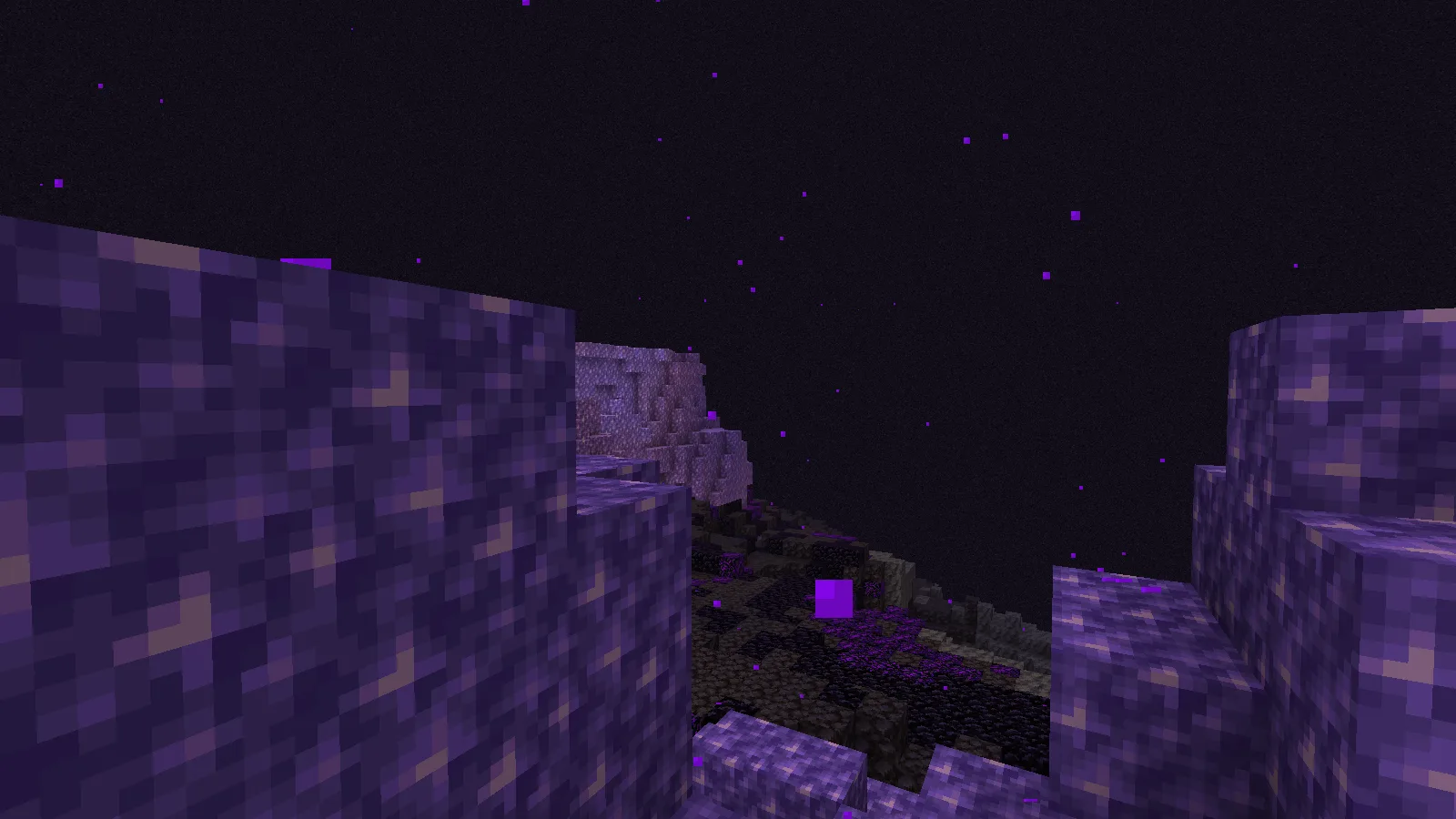
Amethyst blocks frame a narrow ground-level view across a darker ridge.

That close view suggests a small sheltered stop rather than a large cleared platform. A short marked path could lead around the formations, with storage set back from the drop. Leave enough open ground to turn around without stepping toward an unseen edge. Check the route back as carefully as the route forward.

Think in levels, not just distances

The tall island view near the Shadowlands target has open arches, stacked ledges and large gaps through the terrain. Two points can be close on a map while sitting at very different heights.
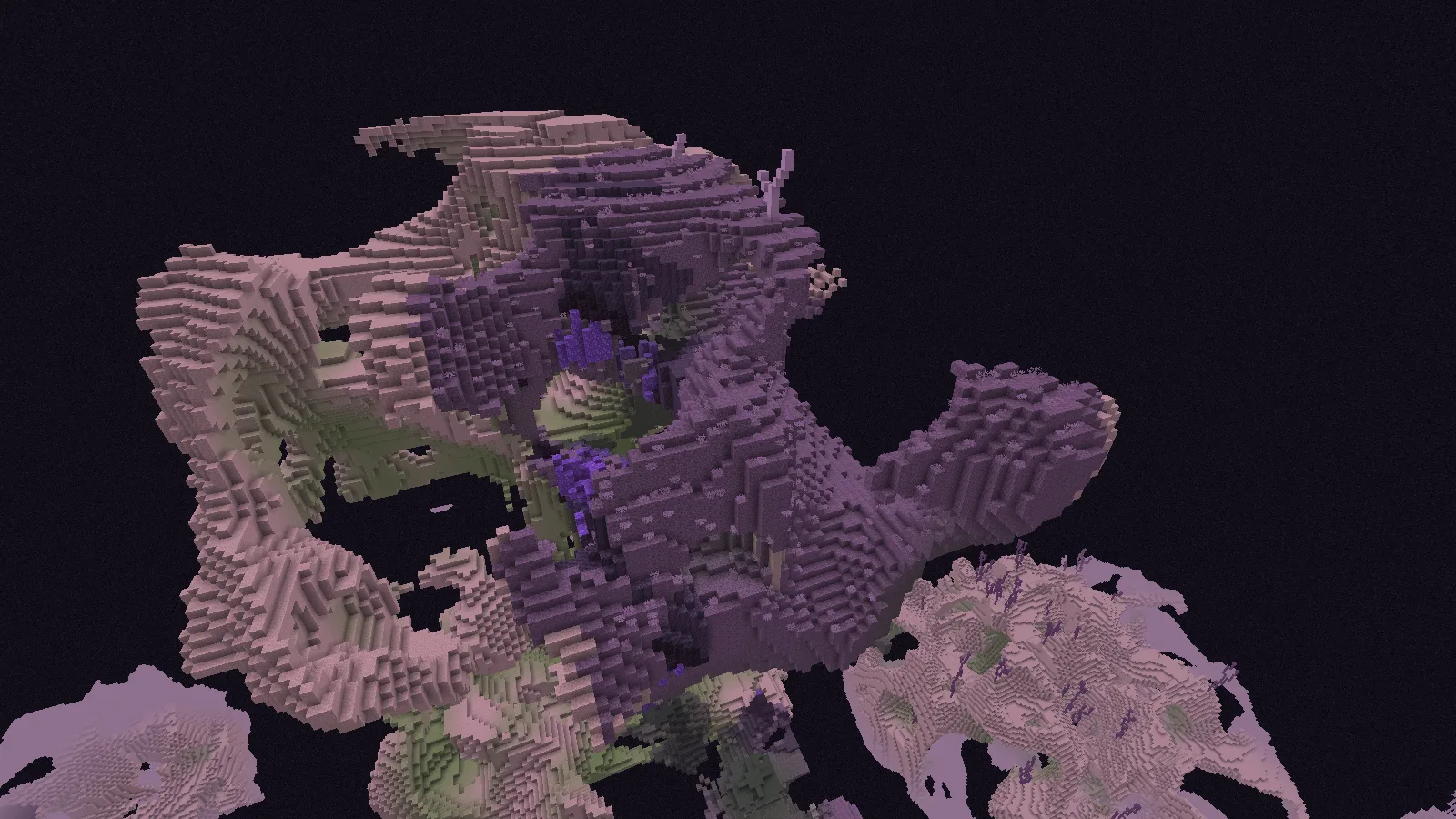
Tall layered islands and open arches in Nullscape terrain near the Shadowlands target.

For a bridge, look for two solid shelves at a similar level. Decide where each end will meet the island before filling in the span. A small landing at either end would give you room to stop, turn and keep the onward path clear. You do not have to connect the highest peaks to make a useful route.

The side view reveals how much open space sits underneath the upper terrain. Pale end stone, darker rock and crystals surround an arch with the void beyond it.
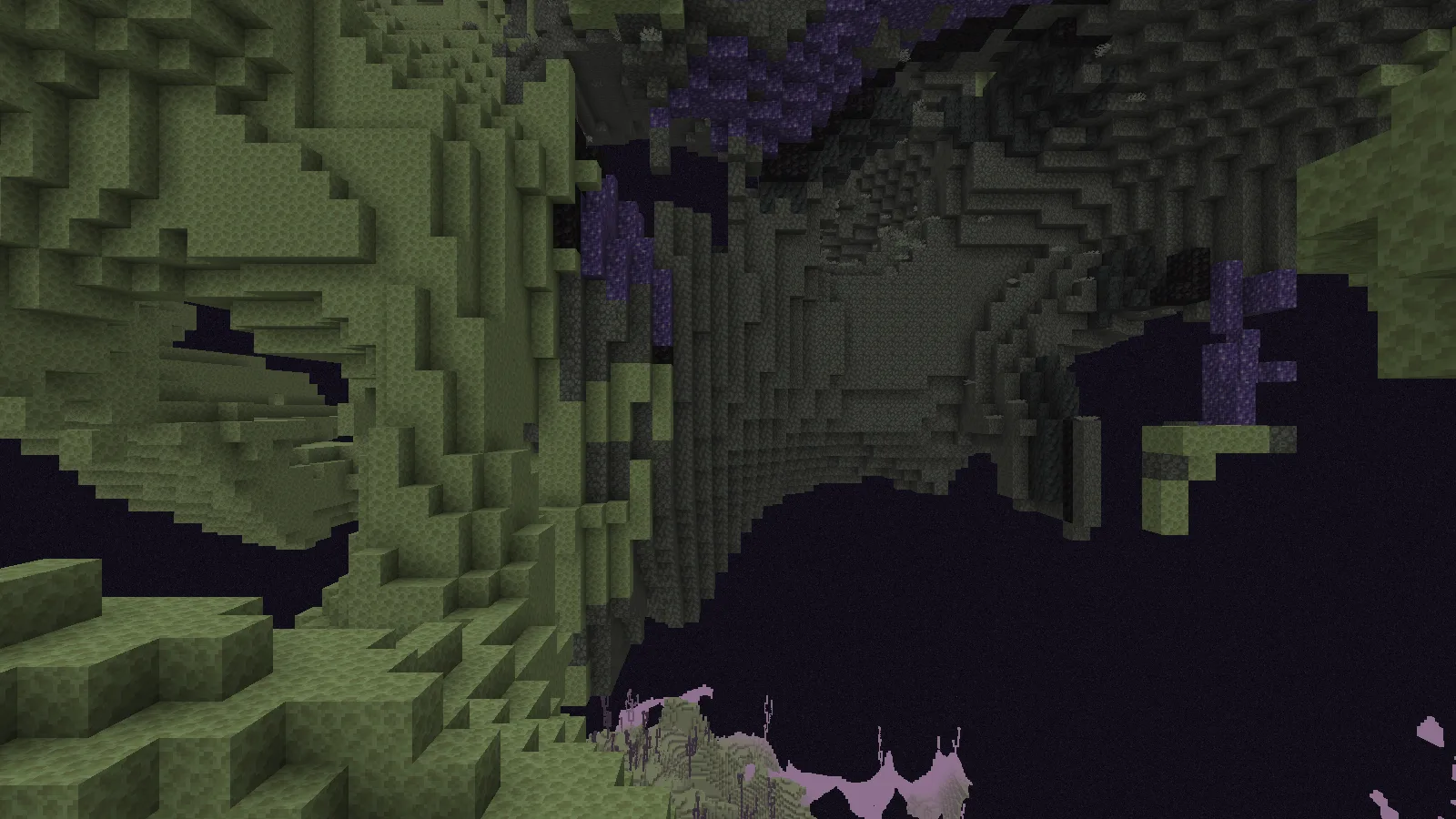
The underside of a large island arch, with pale end stone, dark rock and crystals.

A hanging lookout could fit this shape, but its access matters more than its silhouette. Plan a route down from a broad upper ledge, then decide where a small enclosed room could sit. Keep the exit obvious from inside; a dramatic window is less useful if the only way home is difficult to see.

Check the lower edge too

Near a lower island surface, a dark staircase-like slope faces a pale end-stone ledge across a gap. The view is less spectacular than the high arches, but it gives you a concrete route choice: follow the dark side, build toward the lighter shelf, or turn back to a wider crossing.
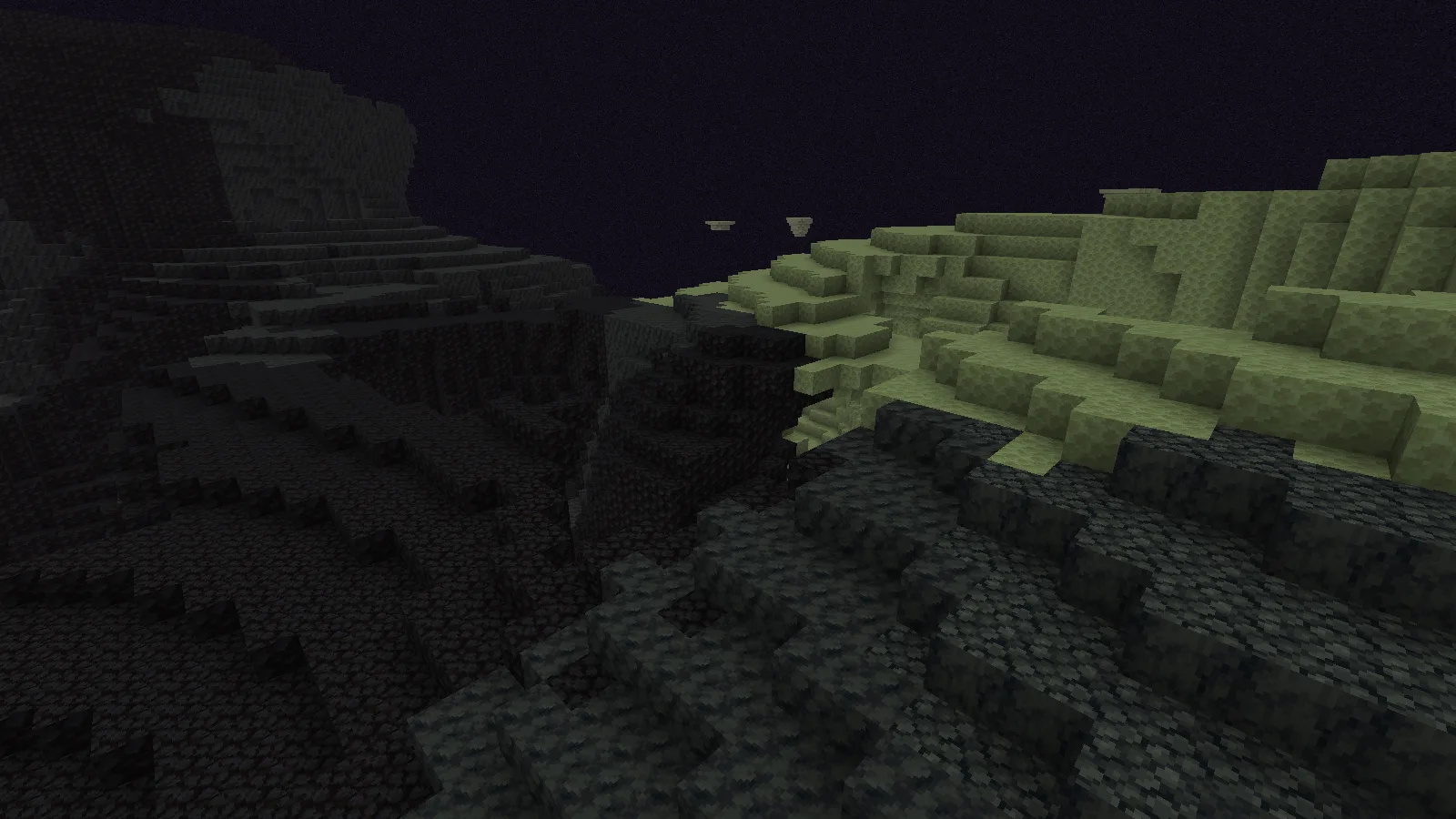
A lower island edge where dark stepped terrain meets a pale end-stone ledge across a gap.

Before committing materials, follow the visible shelf with your eyes and check whether it actually joins the next area. A tiny projecting ledge is a poor place for the end of a busy path. Favor a broad anchor point, even if it makes the bridge slightly longer.

Install before exploring the new End

Choose the Data Pack ZIP for your Java version. While creating a new world, open More → Data Packs, add the intact ZIP and move it to Selected. Choose Done before creating the world. This file belongs to the world; it is not a shader or resource pack.

Begin with a new world and fresh End terrain. Existing islands are already generated and will not reshape themselves to match the new rules. Nullscape's author advises against adding it to an existing End, so keep your established world intact and make a complete backup before changing its setup. There is no need to delete a dimension to try the pack in a separate world.

The views here use Nullscape 1.2.20 on Java 26.2, with default resources and no shader. The seed is 20260928100. Use the same game and pack version when comparing terrain; a later release can generate a different landscape.

No ratings yet

Files

Filter files 1 fileStable
Show all files

Version 1.2.20

Stable

Nullscape_26.2_v1.2.20.zip

Minecraft 26.2
0 downloads
Download · 335.7 KB
Requirements & details

Java 26.2 · Data pack

  • Game version: 26.2 · Resource pack: Not required · World requirements: New world required

Select the matching Java 26.2 datapack ZIP through Create New World > More > Data Packs, move it to Selected, and choose Done before creating the world. Keep the ZIP intact. Begin with a new world/new End generation; the author advises against adding Nullscape to an existing End. Back up an existing save before any changes; do not delete dimensions as an installation shortcut.

Requirements & notes
Known issues
No Survival crossing, ender-pearl throw, bridge construction, elytra flight or combat was performed. Wide shots contain terrain near the target biome; their entire visible area is not asserted to be one biome. The Void Barrens overview was rejected as mostly empty void; only the approved lower surface view is used, labeled as a lower island edge. No added terrain/building blocks, custom resource pack or shader in the shown scenes. No performance or complete End-progression benchmark; fixture OS performance-counter errors and generation lag are retained in its report. Installation menu instructions follow primary support documentation and project requirements rather than a recorded menu-based installation. Private reference copy only. Public distribution: not-permitted. The Stardust Labs license forbids standalone reupload or redistribution. This original ZIP is private local evaluation staging; no permission for an internet mirror is claimed. https://github.com/Stardust-Labs-MC/license/blob/main/license.txt
Technical details
File details
Download type
Main
Pack format range
min_format [107,1]; max_format [107,1]; no legacy pack_format field
Pack namespace
nullscape
Activation & commands
Select the matching Java 26.2 datapack ZIP through Create New World > More > Data Packs, move it to Selected, and choose Done before creating the world. Keep the ZIP intact. Begin with a new world/new End generation; the author advises against adding Nullscape to an existing End. Back up an existing save before any changes; do not delete dimensions as an installation shortcut.
Companion resource pack
None required for this datapack; screenshots use default resources.
Multiplayer setup
The datapack belongs to the world/server. The captured client used Fabric API and Sodium for the editorial setup; those client mods are not datapack installation requirements.
File information

Archive structure and entry integrity checked · 563 entries · 1.8 MB unpacked.

Nested packages are present. Their internal contents require separate inspection.

No supported compatibility manifest was read. Review the author’s file requirements.

Manifest values describe the package. They do not prove that it works with every game version. This check is not an antivirus scan.

SHA-256: ec7b0dfcd1add8c127c985dac1466a44168449b3b6641dd20e6b2e16153b66aa

Release updates

Version 1.2.20

Stable

Nullscape 1.2.20 for Minecraft Java 26.2 changes newly generated End terrain with tall ridges, arches and island edges. Back up an existing world before adding it; already generated islands stay as they were.

View files

Comments & questions

Share what worked, ask for help or reply to another player.

No comments yet. Share what worked for you.

Join the conversation

No account required. Confirm your email with a code before your first comment.

1Your name & email

Only a masked address appears with your name. Guest comments are reviewed before publication.

2Verify & post

Search Modonix

Search in