
An arcade cabinet with legs is a fun outfit for a minigame night. DrgnFireYellow’s three skins keep a simple black silhouette and put the colorful game screen on the front of your character. Pick a favorite activity, or give each friend a different design so your group looks like a little walking arcade.
Three looks, three separate downloads
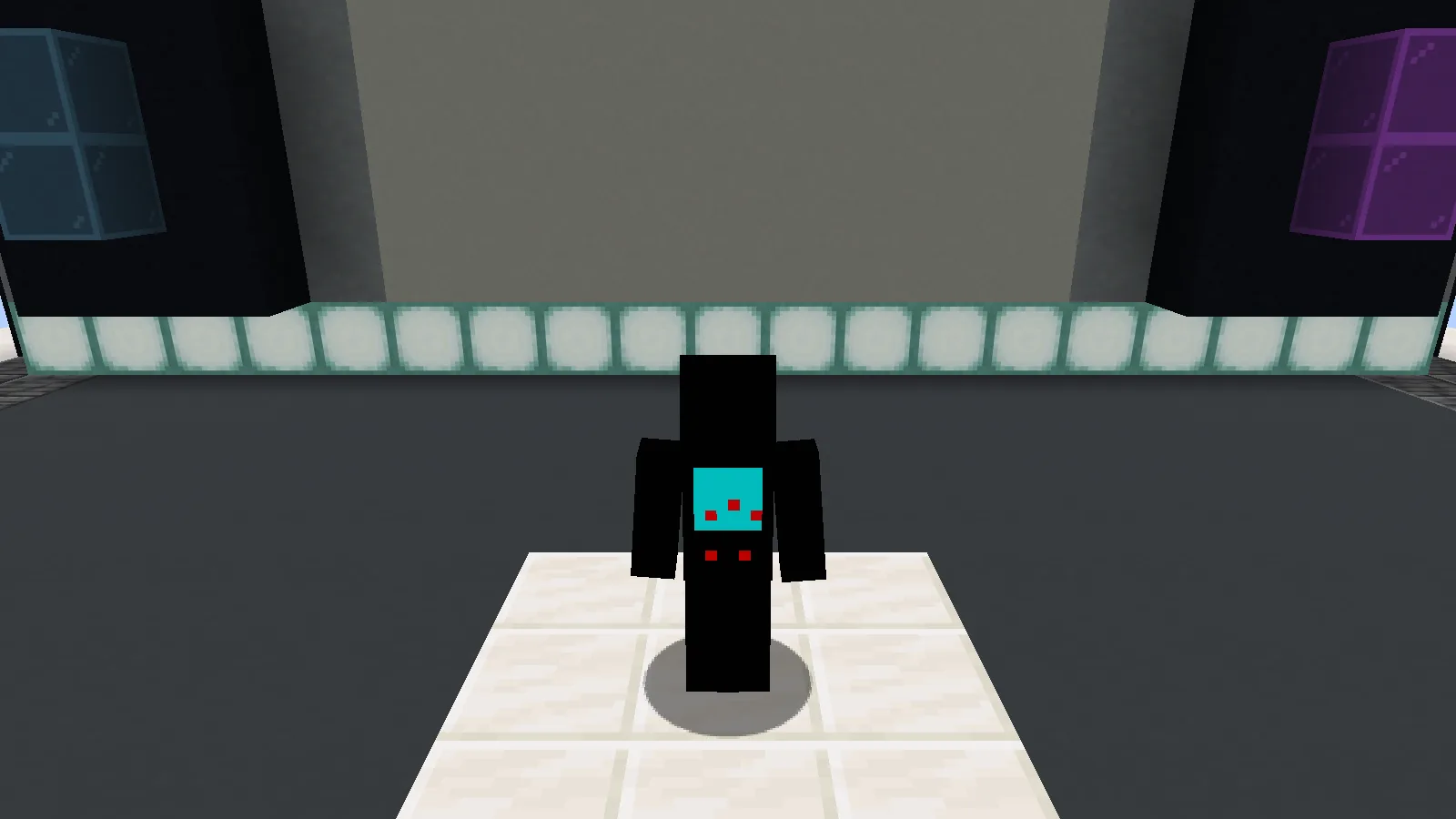
Parkour on a Classic Java character, photographed in our own Creative display.
Parkour has small red platforms against a cyan screen. It is the clearest choice if your next evening involves jumping across rooftops or a homemade obstacle course. The tiny red controls underneath finish the arcade-cabinet idea.
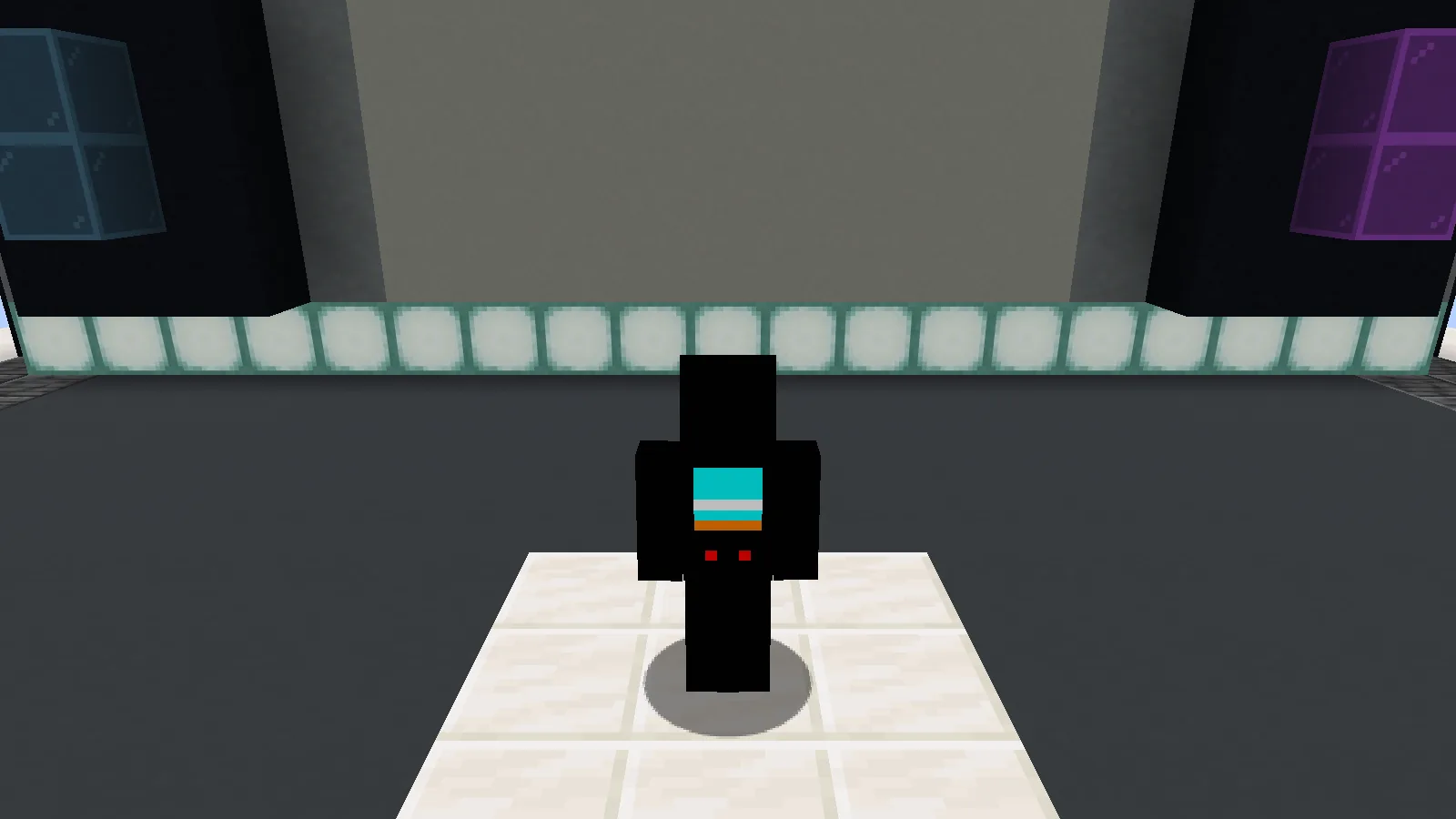
Spleef changes the tiny screen design; it does not add a minigame.
Spleef uses a different little scene on the front, with pale horizontal layers against the blue. The change is in the artwork; it does not install a Spleef arena or change the way blocks break.
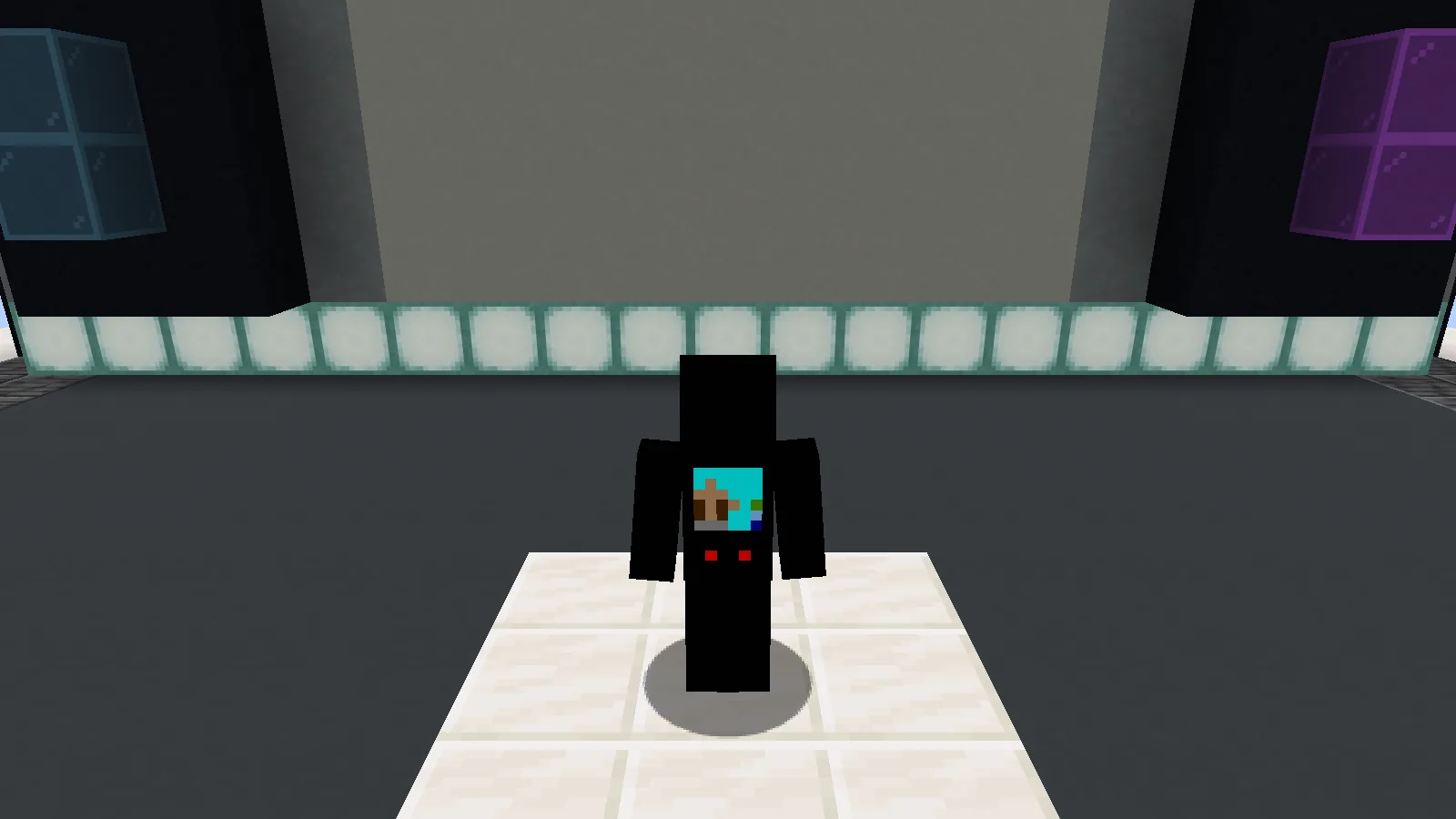
Village Defense in the same scene, so the three designs are easy to compare.
Village Defense is the third alternative. Compare the screen design at the front before choosing: from a distance, the three outfits share much of the same dark outline. For a team photo, face the camera and use a light background so the bodies do not disappear into a dark wall.
These are cosmetic skins. You keep the ordinary Minecraft player shape, movement and abilities. The stage in our pictures is a small scene we built for the comparison; it is not included in the PNG downloads.
Put one on your Java character
- Open Files and choose Parkour, Spleef or Village Defense. They are alternatives, not updates you need to install in order.
- Save the original PNG. Do not take a screenshot of the preview or rename the image to a JAR.
- In the Minecraft Launcher, open Minecraft: Java Edition → Skins → New skin. Browse to the PNG and choose the Classic player model.
- Give the skin a name, check the rotating preview, then save and use it. Start Java with that account to see your character in game.
If the arms look wrong, check the Classic/Wide model choice first. If the game still shows the previous outfit, restart the game with the account whose skin you changed. A resource-pack folder is not where an account skin is installed.
Make the little screen part of the photo
Use third-person view for a full outfit check. A bright arcade lobby, pale wall or daytime courtyard gives the black frame enough contrast. For a group picture, let everyone face forward; a distant back view hides the detail that makes each variant different. Keep your usual skin saved so you can switch back after the event.
The original artwork is by DrgnFireYellow. Playing on a Bedrock device instead? The Bedrock skin page explains its separate import route.
Comments & questions
Share what worked, ask for help or reply to another player.
No comments yet. Share what worked for you.