
Complementary Reimagined keeps familiar block shapes at the center of the view while changing how light reaches them. A cherry hillside, a shallow river and a workshop at night show three different reasons to try it in an existing world.
Start somewhere with sun and shade
On the hillside, the bright grass steps contrast with the shadow beneath the trees. The cherry leaves catch the light, while the distant valley fades into haze. The clouds retain a block-shaped silhouette instead of turning the sky into a completely different style.
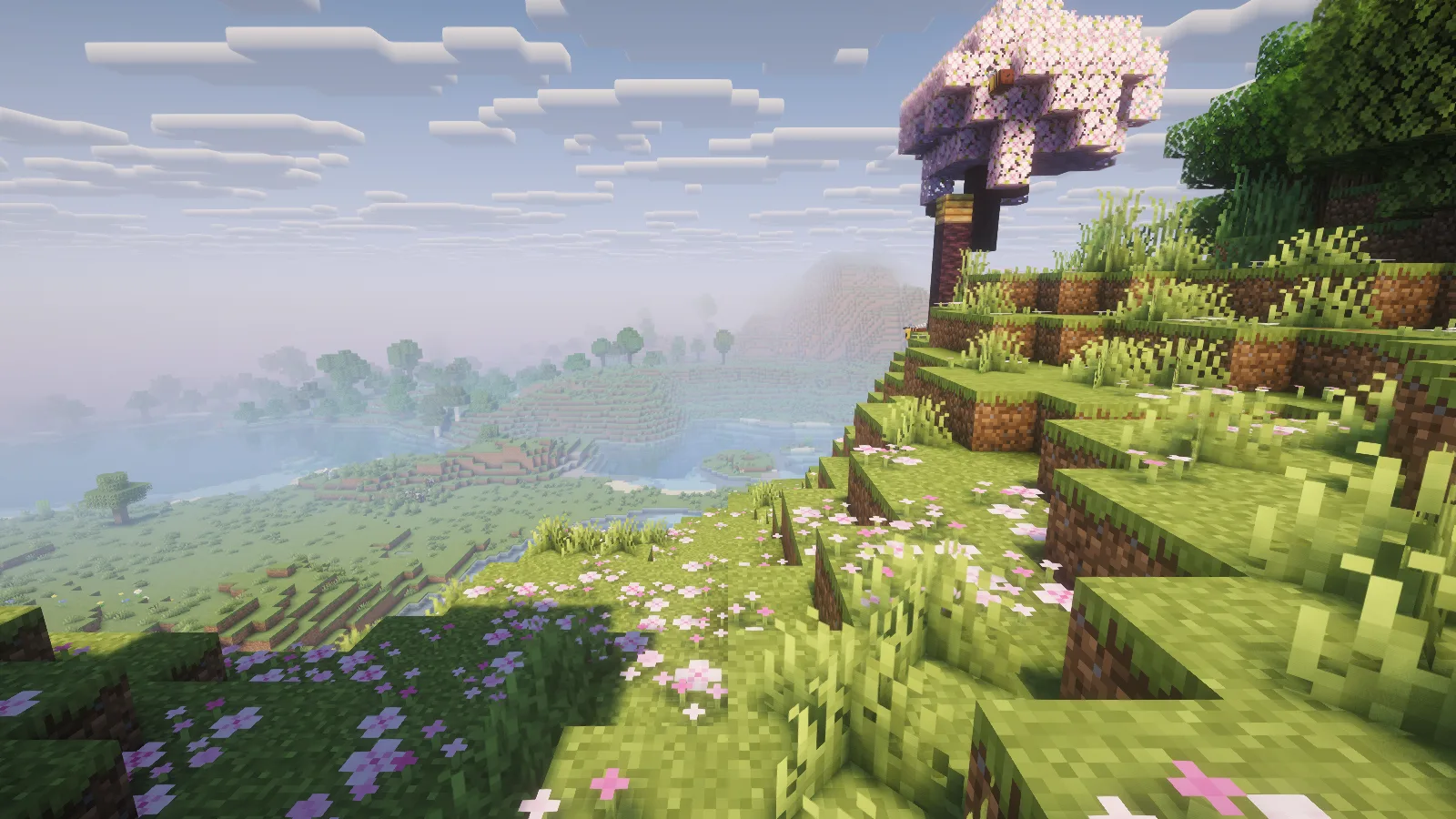
This view is useful for judging a path or garden. Look at both the sunny steps and the darker ground you would actually walk across. A shader should suit those ordinary spaces as well as the skyline.
Check the shore before the deep water
At the river bend, the shallow blocks and underwater plants remain visible beneath a pale reflection of the sky. The surface adds another layer to the view without hiding the whole riverbed.
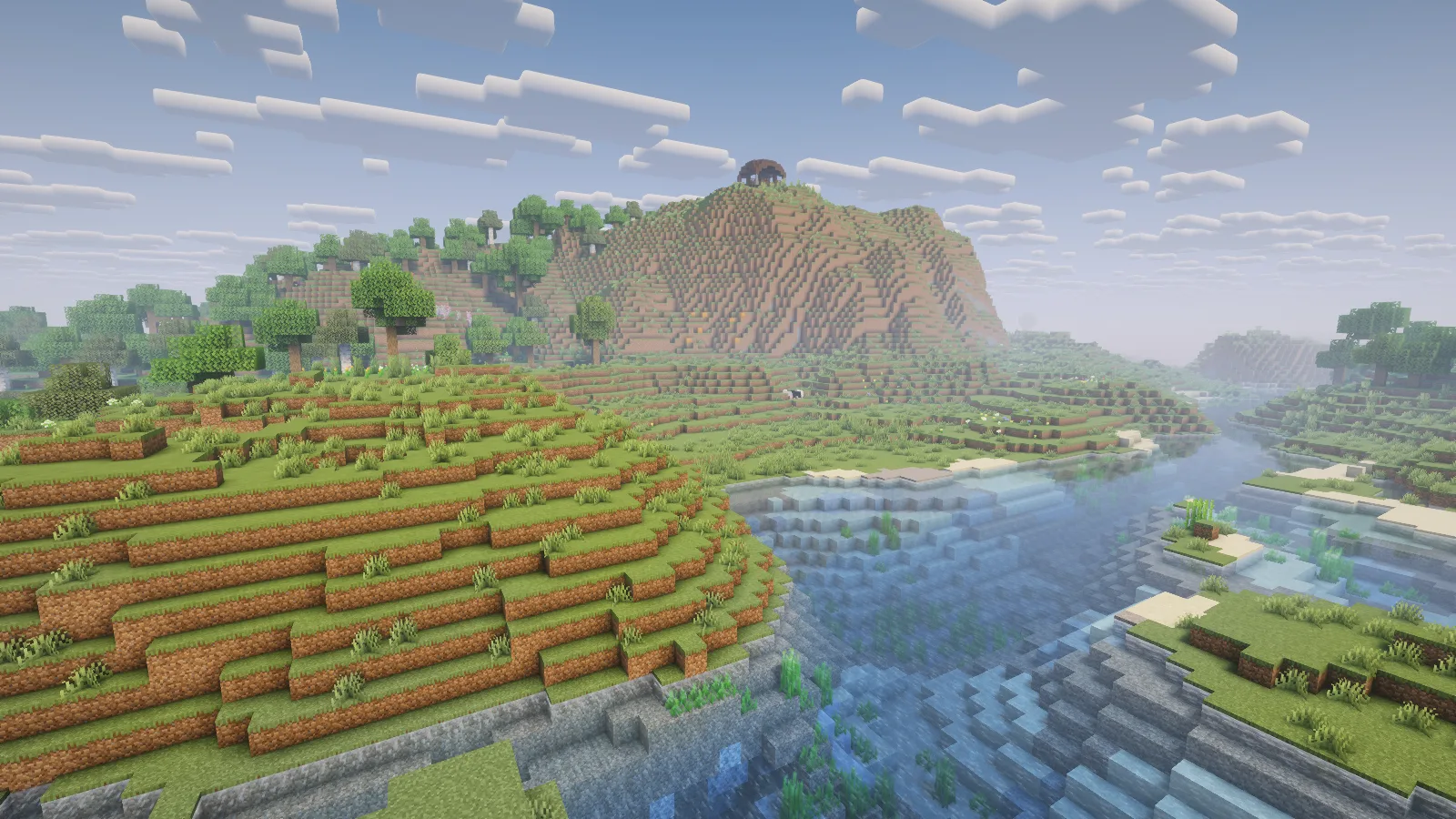
Try a similar spot near a bridge or riverside build. It shows how the shader treats the boundary between land and water, where sand, plants and reflections all meet. Then look toward deeper water to decide whether the overall color fits the surrounding terrain.
Return after dark
The workshop becomes a quieter scene. A lantern across the opening provides a warm point of light, while the floor and ceiling stay darker. The windows remain useful parts of the composition even when the landscape outside is no longer the main attraction.
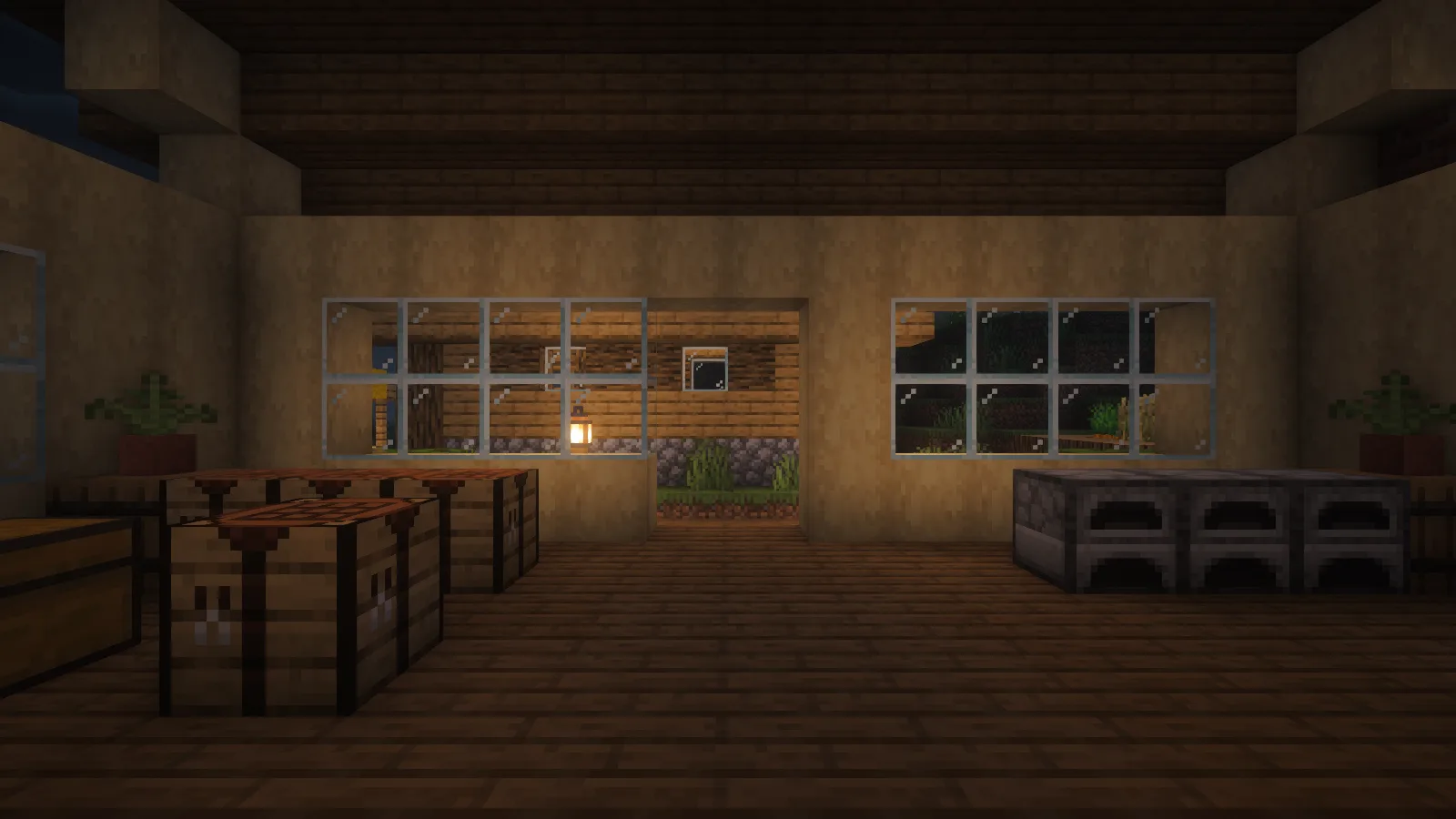
Check the corners where you craft and store supplies, not only the brightest window. These images use the pack's defaults. The author also provides cloud, water and quality controls in Shader Options, so start from this look and change one setting at a time if you want a different balance.
Load it with Iris
Install Iris and its matching Sodium version for your Minecraft profile. Open Video Settings, then Shader Packs, and use the folder button. Put the Complementary ZIP in that shaderpacks folder without unpacking it, return to the menu and select it. Let the shader finish loading before comparing the same view again.
Comments & questions
Share what worked, ask for help or reply to another player.
No comments yet. Share what worked for you.