
BSL gives a familiar landscape a bright, softly lit appearance. The most useful way to choose it is to look at several places you already use: an open hillside, the water beside a path and the room where you spend the evening crafting.
Read the hillside as a whole
In the cherry-grove view, the pink leaves sit against rounded-looking clouds and a blue sky. Sunlit grass is bright, while tree shadows separate the lower path from the upper steps. The hill across the valley remains recognizable beyond the foreground detail.
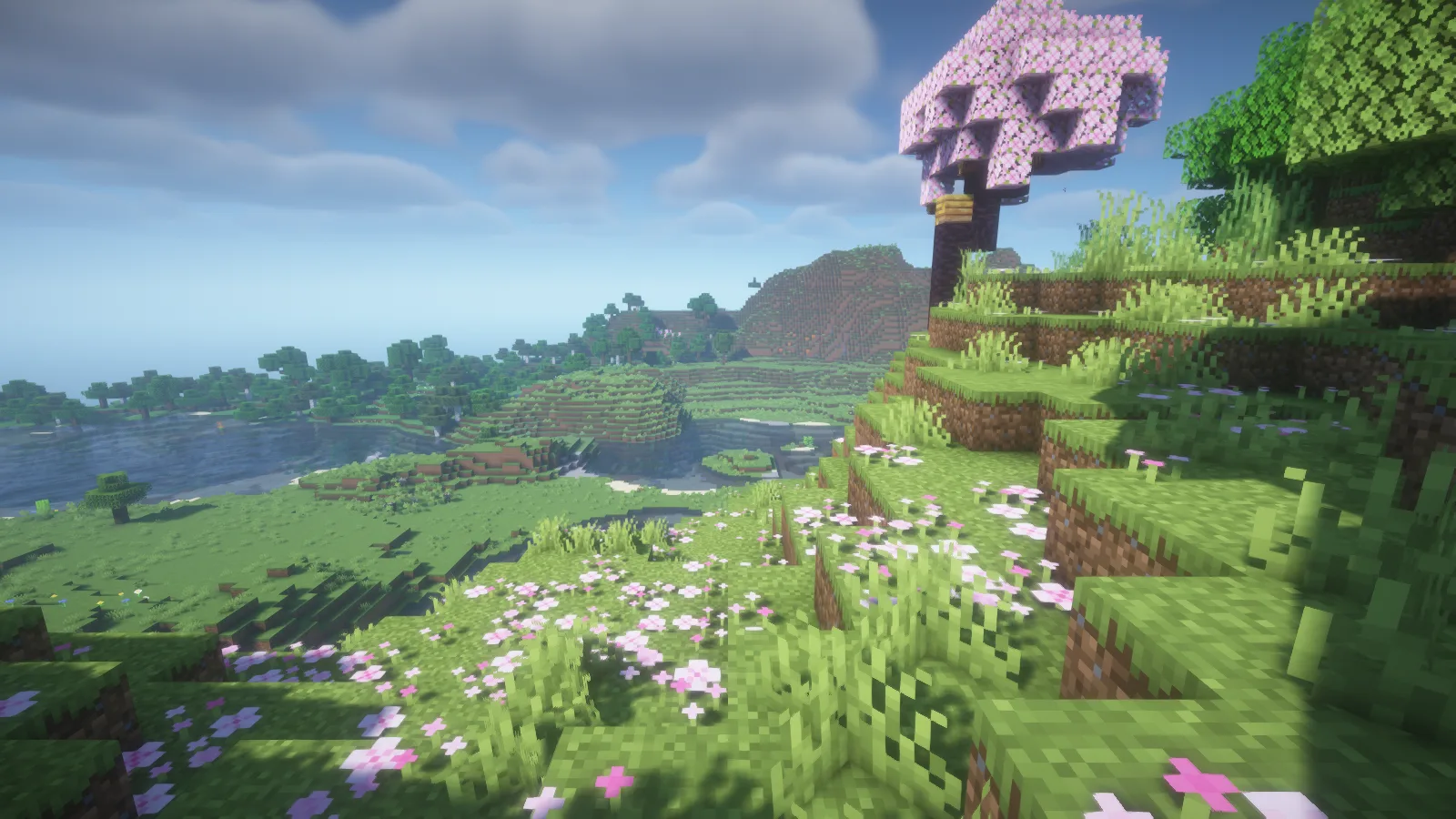
Look at the transition between those areas before changing settings. A pleasing distant view is only part of the choice; the grass and flowers beside the camera are the surfaces you see while playing.
Look through the river surface
At the river bend, reflections give the water a darker, cooler appearance than the sunlit bank. The shallows still reveal the stepped bottom and plants, so the shoreline stays readable.
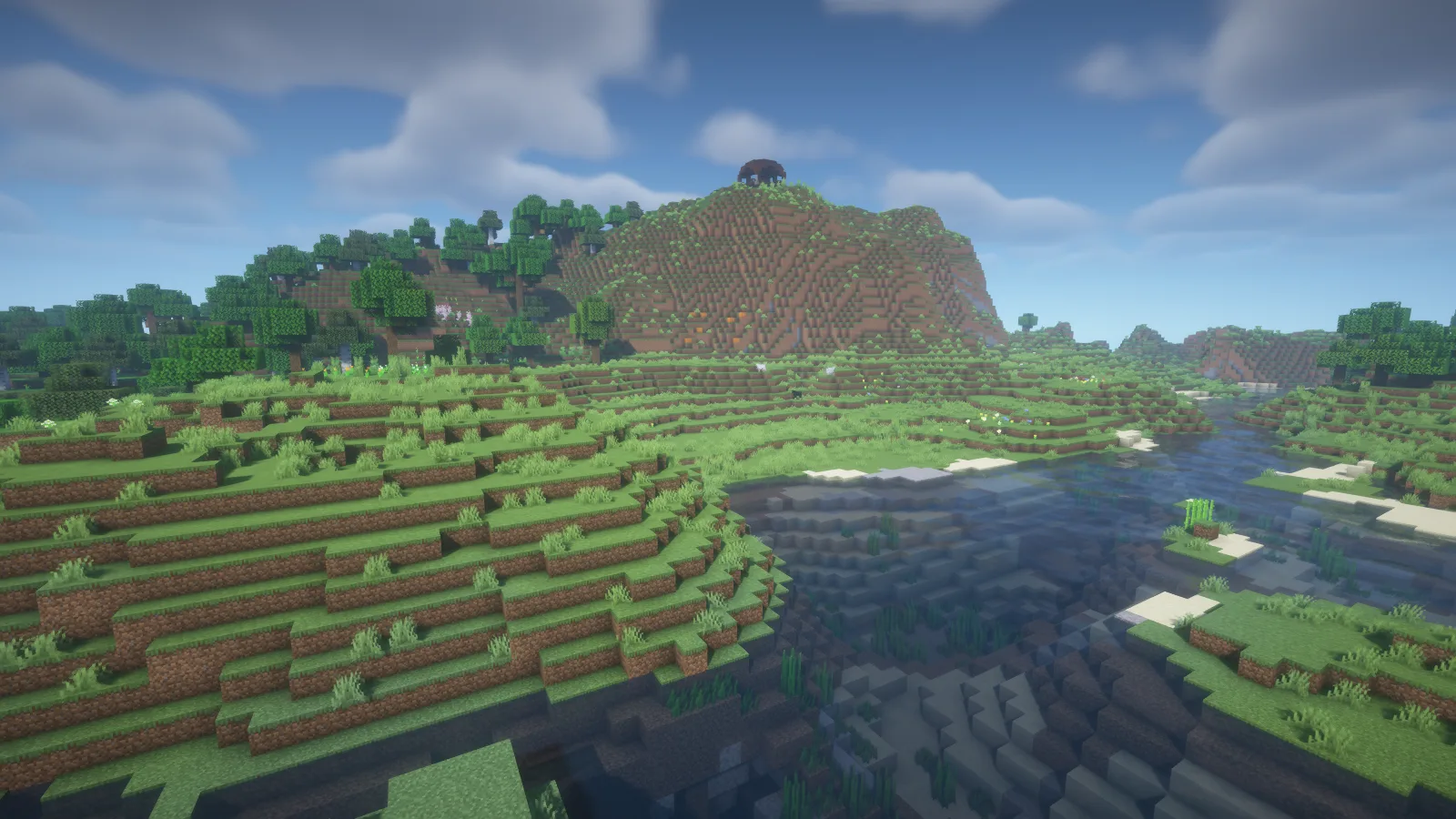
This is a good place to compare a waterside build. A dock, bridge or window overlooking the river will share the scene with those reflections. Move between the bank and your usual viewing spot before deciding whether the water has the balance you want.
Check a working room at night
The workshop example keeps its ordinary crafting tables, furnaces and wooden walls. BSL gives the lantern outside the doorway a warm glow, with softer light around the window and darker corners farther inside.
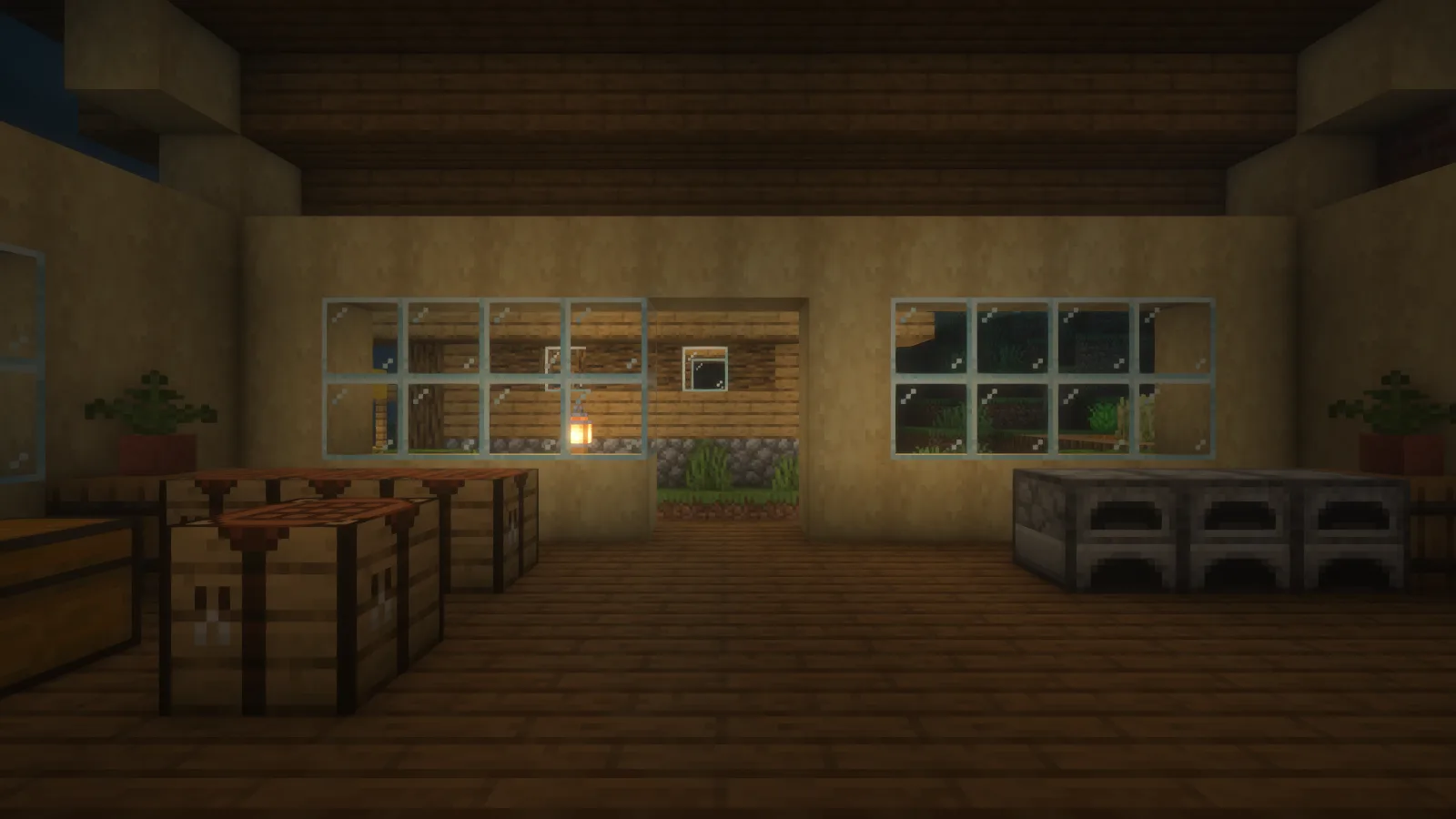
The screenshots use the default settings. BSL's author documents adjustable clouds and water, along with optional effects such as depth of field and motion blur. Keep the defaults as a reference and change one option at a time, checking the same room afterward so the effect is easy to judge.
Install the shader ZIP
Use Iris and a matching Sodium release for your Minecraft version. In Video Settings, open Shader Packs and its folder button. Copy the BSL ZIP into the shaderpacks folder without extracting it, then select BSL in the menu. If it does not appear, confirm that you opened the folder for the profile you actually launched.
Comments & questions
Share what worked, ask for help or reply to another player.
No comments yet. Share what worked for you.