
That blue lake and grassy hillside from Minecraft’s old menu are places you can walk around. Seeing them without the menu’s blur changes the experience: the familiar background becomes a shoreline, a cave opening and a possible spot for a small cabin.
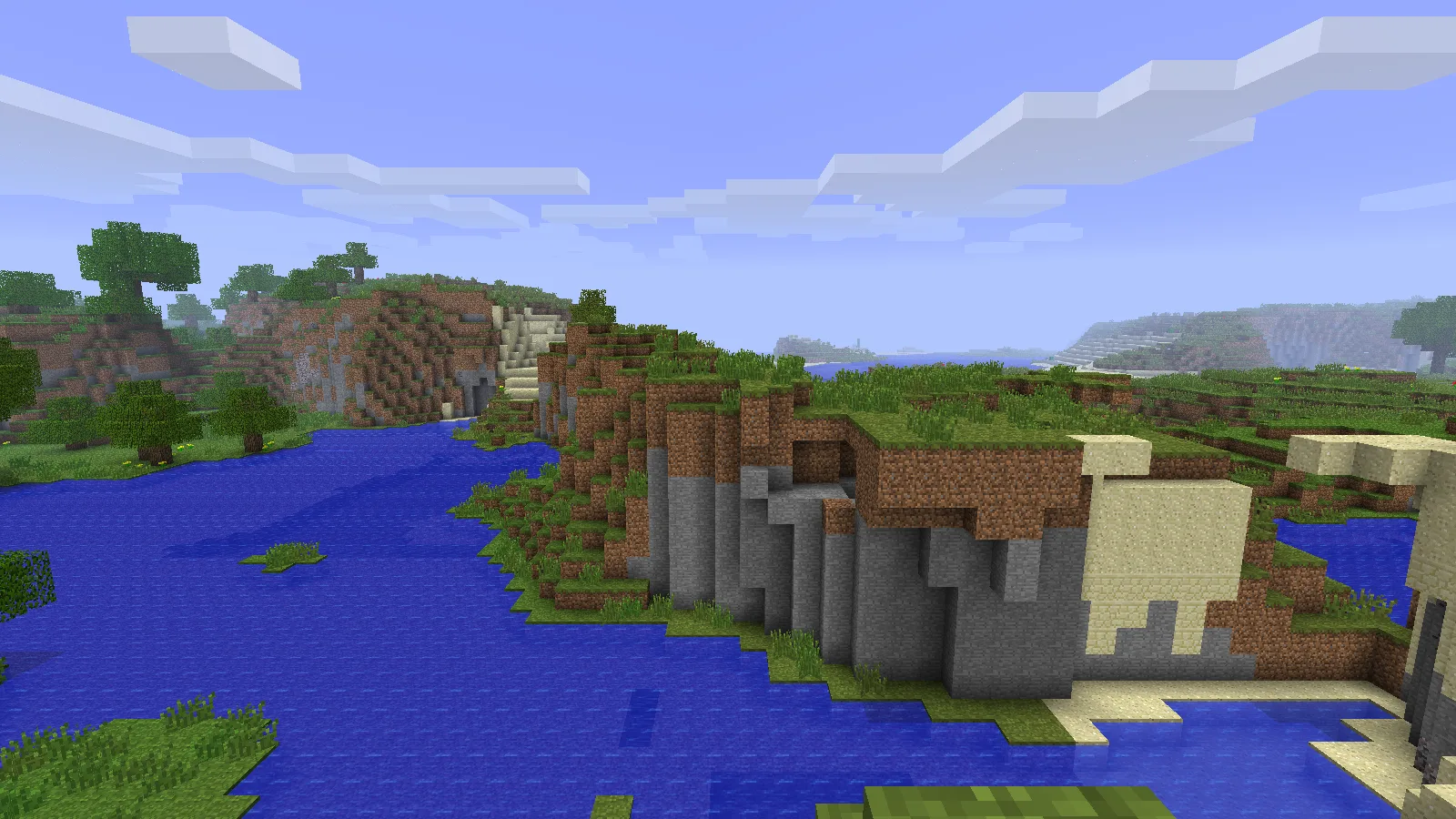
Seed 2151901553968352745 in Beta 1.7.3, viewed near the historic panorama location with default textures.
Start with the right old Minecraft
The landscape uses Java Beta 1.7.3 and seed 2151901553968352745. The other seed found by Minecraft@Home, 8091867987493326313, produces the same terrain. The panorama appeared in the menu starting with Beta 1.8; use the earlier generator to visit the landscape itself.
- In the official Minecraft Launcher’s settings, enable historical versions. Under Java’s Installations tab, create a separate installation for old_beta b1.7.3.
- Give it its own game directory. Keep your modern worlds in their existing installation.
- Start Beta 1.7.3, choose Singleplayer → Create New World, and enter the complete numeric seed in its seed field.
- Create the world and use F3 to follow the coordinates toward X 61, Z -69. The research camera position is approximately X 61.48, Y 75, Z -68.73.
Beta does not have today’s ordinary Creative flight and command workflow. For a first visit, gather a few blocks and walk around obstacles rather than expecting a modern teleport command to work. Keep the old installation separate when switching back to current Minecraft.
Read the shape of the shore
Our screenshots are from a newly generated Beta 1.7.3 world with the first seed, using the game’s default textures. We positioned the local camera near the historic viewpoint for these views; these are exploration pictures, not a claim that we reproduced every pixel of the original panorama.
Look at the pale patch of sand on the far slope, the exposed stone underneath the grass, and the way the water bends between the hills. Those larger shapes are better landmarks than an individual tree. Minecraft@Home explains that trees can vary with the order in which the chunks generate.
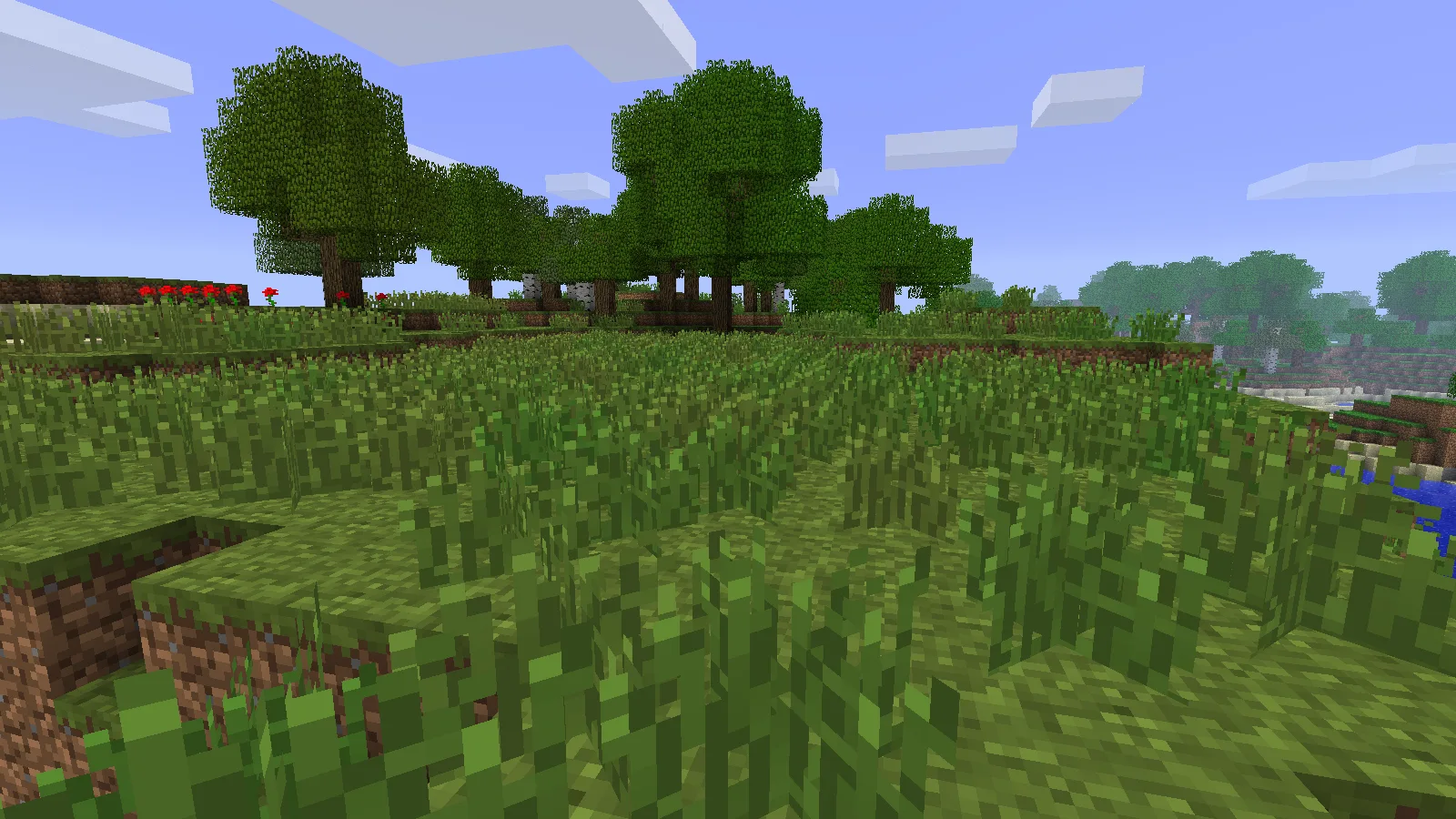
The grassy bank suggests room for a small cabin. Keep an untouched copy if you want to preserve the original landscape.
Make something small beside a familiar view
Try a wooden lookout on the grassy bank. A narrow deck and a short path let you enjoy the lake without flattening the hill that makes the scene recognizable. For a longer visit, put a starter cabin farther back and leave the water-facing slope open.
Before changing anything, take your own first screenshot. Then photograph the same angle after your build. It turns the world into a small personal before-and-after project: a place you once saw behind menu buttons becomes somewhere you made a home.
If you want to compare the original landscape later, keep an untouched copy of the world. A higher render distance can reveal more of the surrounding land, but shaders and modern texture packs are not needed to recognize the view.
Why your view may look different
- Completely different hills: check the full version name and seed. A current release with similar numbers uses a different generator.
- Right hills, different trees: compare the shoreline first. Tree differences alone do not mean the seed is wrong.
- A tree blocks the recorded camera position: move a few blocks to see the terrain around it. The coordinates identify a historic camera, not a guaranteed clear standing spot in every regeneration.
- No matching view at spawn: travel to the recorded coordinates; the picture is not a promise about the starting position.
The discovery belongs to Minecraft@Home. Modonix generated and photographed the world for this guide. There is no map ZIP required: the seed and the matching game version are what create the landscape.
Start your world.
2151901553968352745Panorama viewpoint: X ≈ 61.48, Y = 75, Z ≈ -68.73
Comments & questions
Share what worked, ask for help or reply to another player.
No comments yet. Share what worked for you.