
Fast Better Grass changes a small but very visible part of an outdoor view: the exposed sides of grass blocks. A stepped hillside makes the difference easy to judge because several rows face the camera at once.
Compare the terraces
With default resources, each step has a green top and a mostly brown dirt side. Those horizontal brown bands separate the levels of the slope.
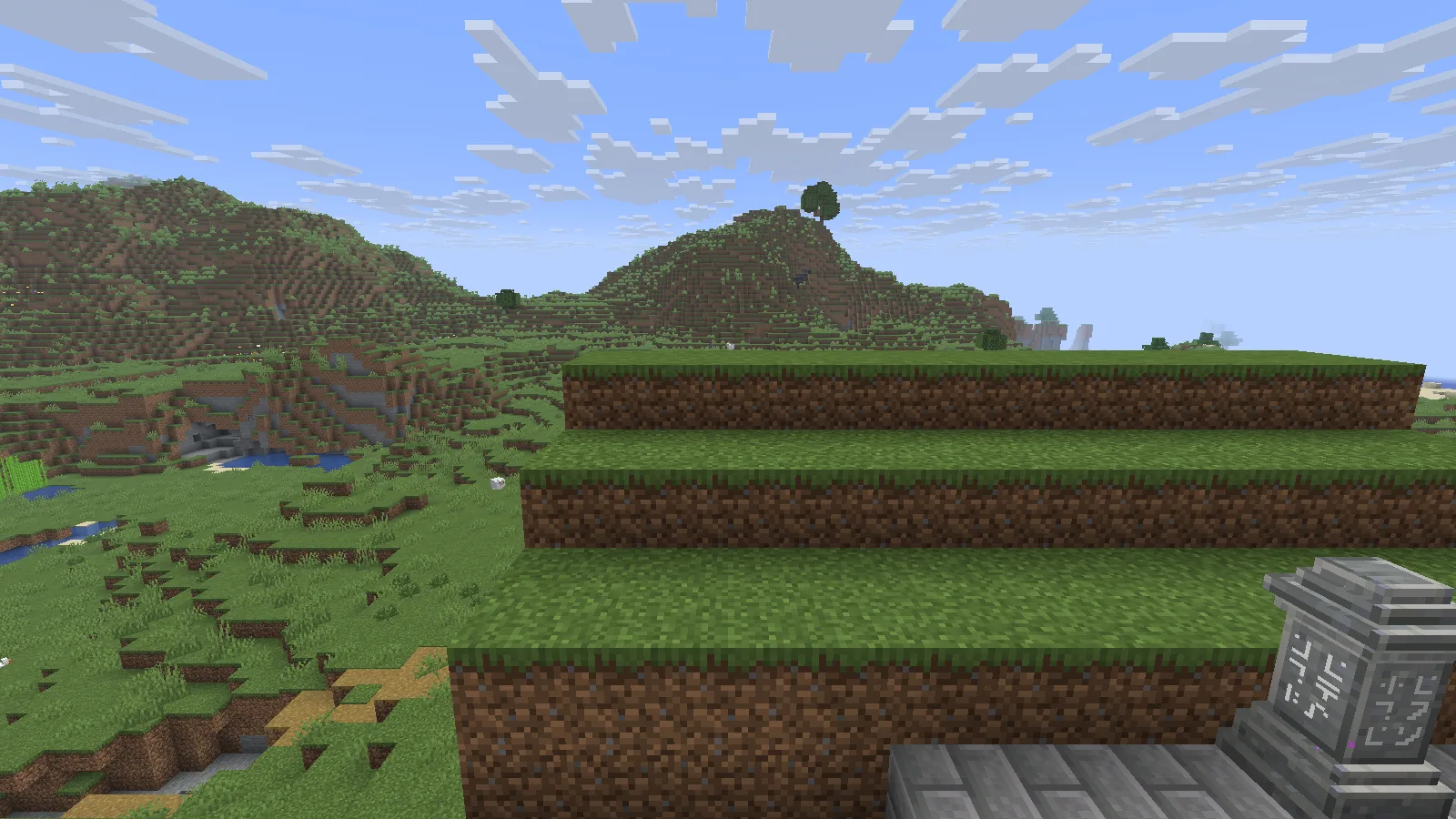
With Fast Better Grass selected, the exposed sides become green. The terraces keep the same shape, but the hill reads as a more continuous grassy surface. The camera stays in the same position for this pair.
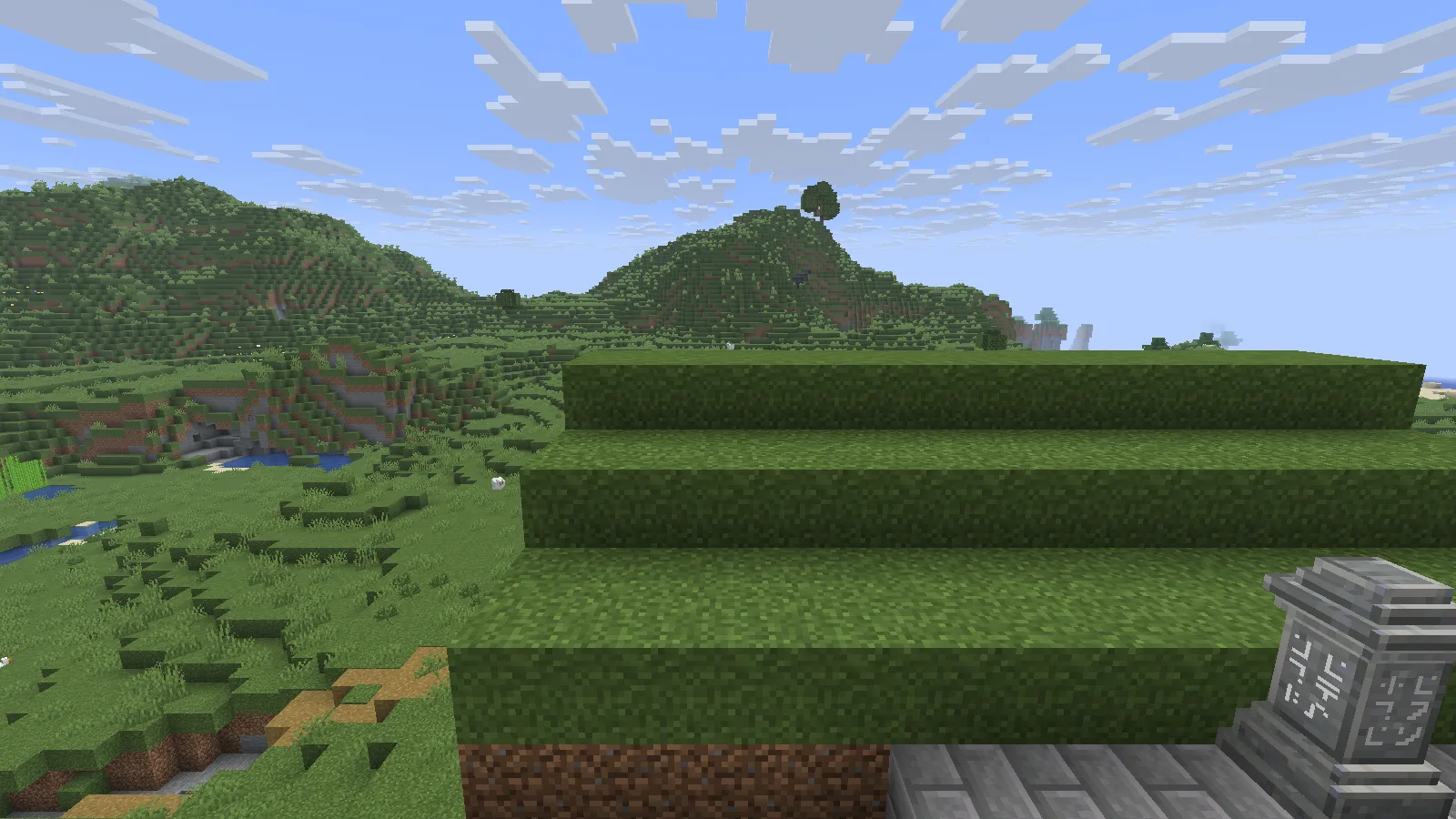
Use a slope near your base to make the choice. If you like the greener surface, the change can suit a garden bank or a path climbing a hill. If the brown sides help define the terrain the way you want, the default appearance may fit better.
Put it first in the pack list
The demonstrated file targets Java 26.2. Place the ZIP in the resourcepacks folder, select it in Options and Resource Packs, and move it to the top of the selected list as the pack instructs. Choose Done and return to the same slope.
If you combine it with other resource packs, check that order before assuming the effect is missing. To compare again, move it back to the available side, let resources reload and look from the same spot.
Comments & questions
Share what worked, ask for help or reply to another player.
No comments yet. Share what worked for you.