
Faithful 32x is a useful place to start when you like Minecraft's familiar materials but want more detail in them. The shapes of the build stay recognizable: a crafting table still reads as a crafting table, while its surface has more pixels to describe the wood and tools.
Look at materials you use every day
The first workshop view uses the default textures. Look at the crafting tables in the foreground, the planked floor and the cobblestone outside the window.
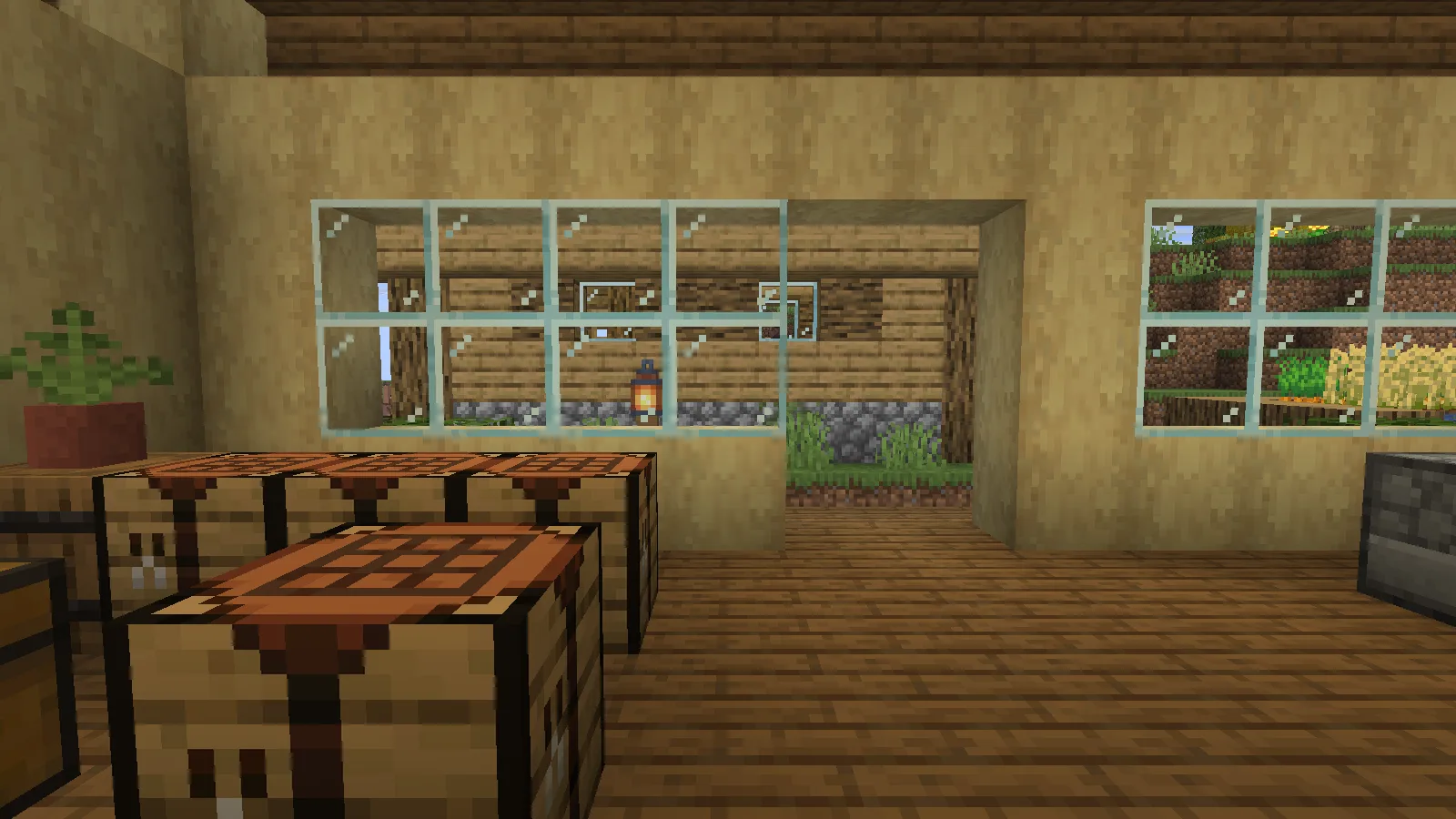
Select Faithful and look from the same spot. The wood grain, stone surfaces and small details become finer without changing the room's layout. This makes an existing build a better comparison than a specially chosen wall of unfamiliar blocks: you can judge the materials you already live with.
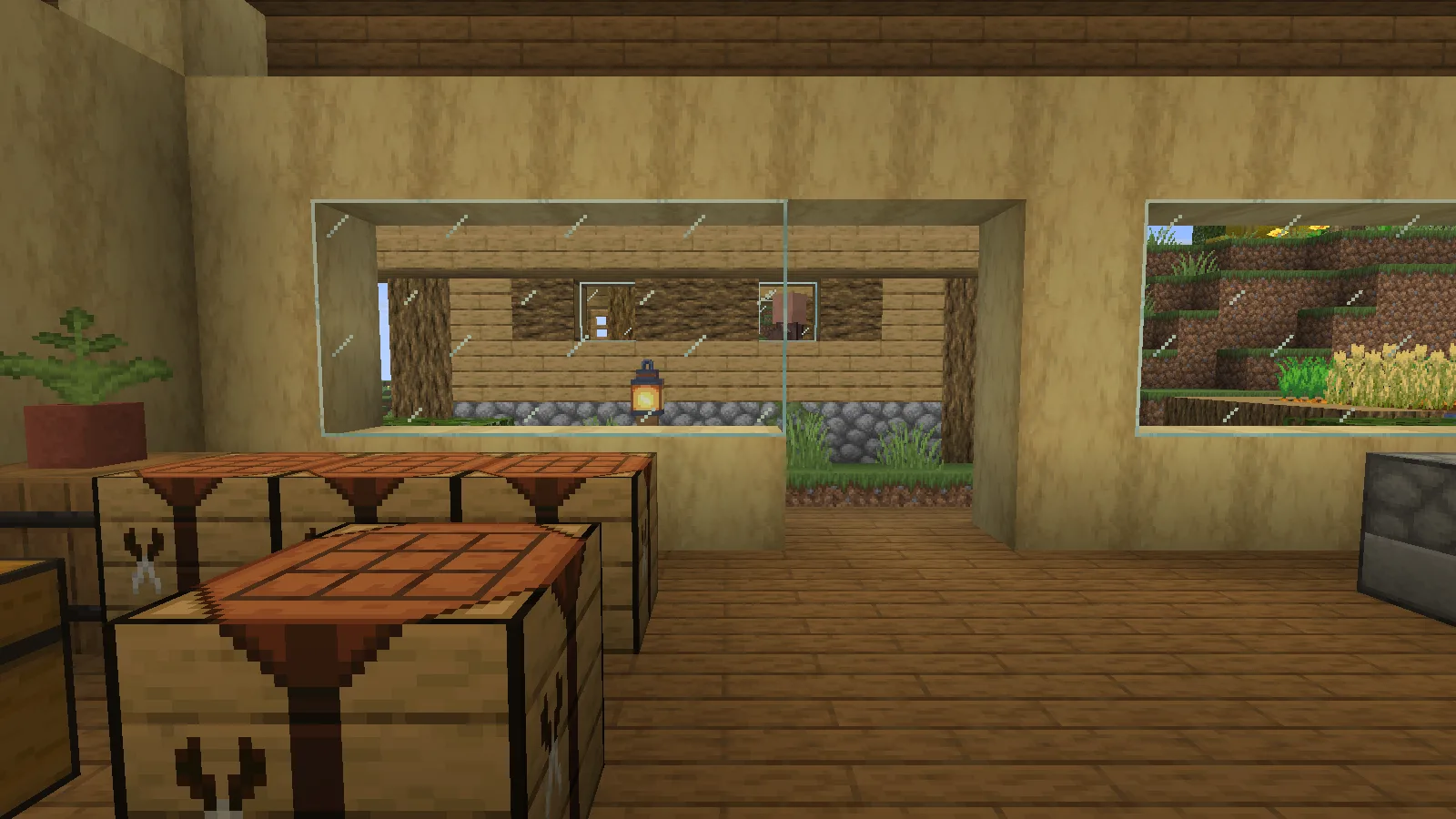
The workshop setup also has Continuity installed. Its own built-in packs are disabled, but it can still render connected textures supplied by Faithful. Treat the joined glass shown here as part of that setup, rather than expecting the same glass effect from the ZIP alone.
Check the view outside
The garden comparison keeps the same viewpoint over the hillside. Default grass, dirt and wooden planks give a baseline near the camera.

With Faithful selected, those nearby surfaces show the extra detail most clearly. The distant hill keeps its familiar outline and color relationships. Walk between an interior and an outdoor path before deciding whether the texture density fits the whole world.

Put the ZIP in Resource Packs
Open Options → Resource Packs → Open Pack Folder. Place the matching Faithful ZIP there without unpacking it, move Faithful to the selected side above the default resources and choose Done.
Start with other texture packs disabled so you can see what Faithful changes. If you later add overlays, check their order when a texture does not match the result you expected.
Comments 0
Share what worked, ask for help or reply to another player.
Use your Modonix account to join the discussion and manage your comments.
Sign in to commentNo comments yet. Share what worked for you.