
WorldEdit turns repetitive block placement into a precise selection and one command. It is useful for a workshop foundation, a retaining wall or a material sample beside a larger build. Start small enough that you can see every edge before editing a whole structure.
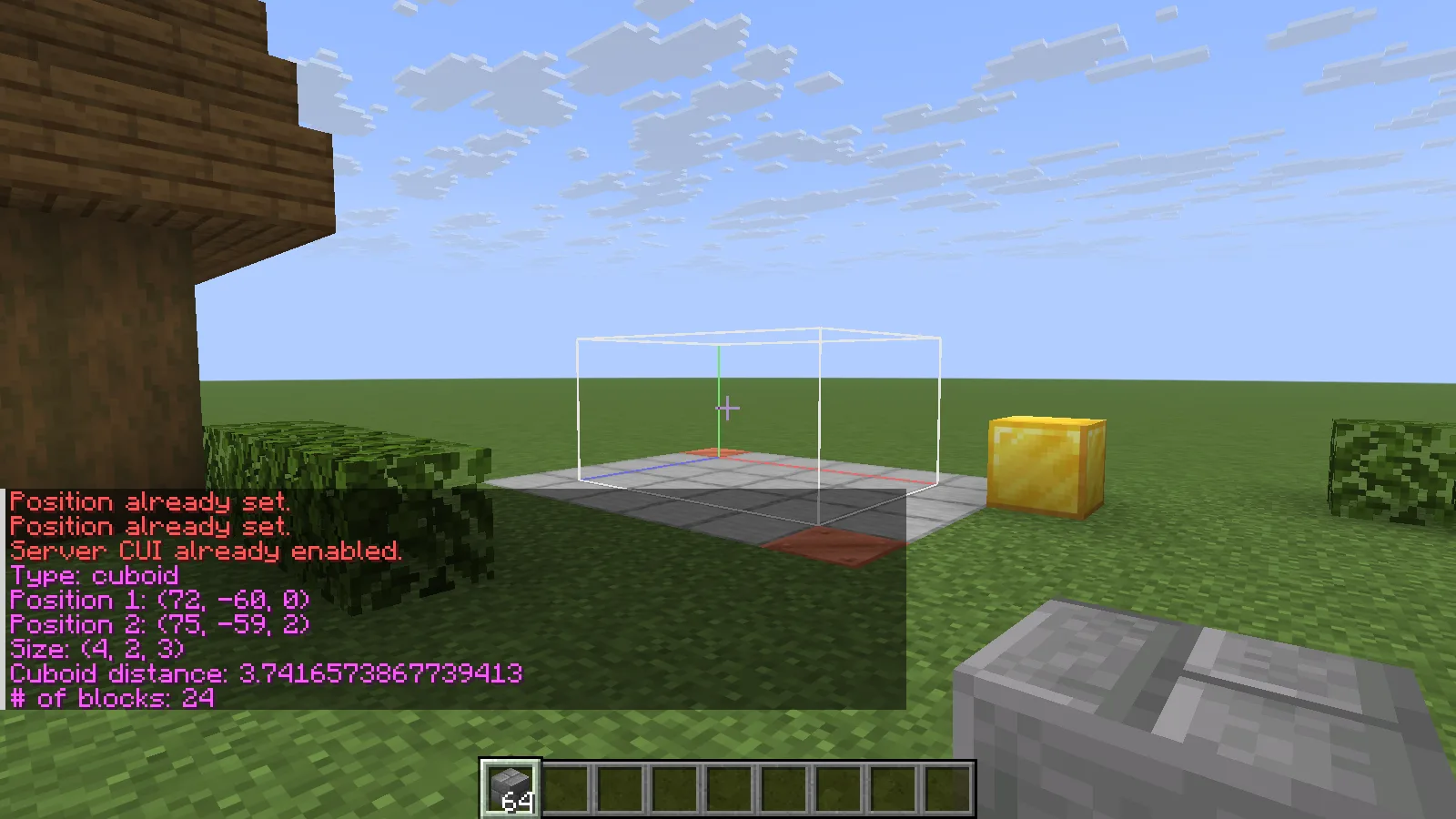
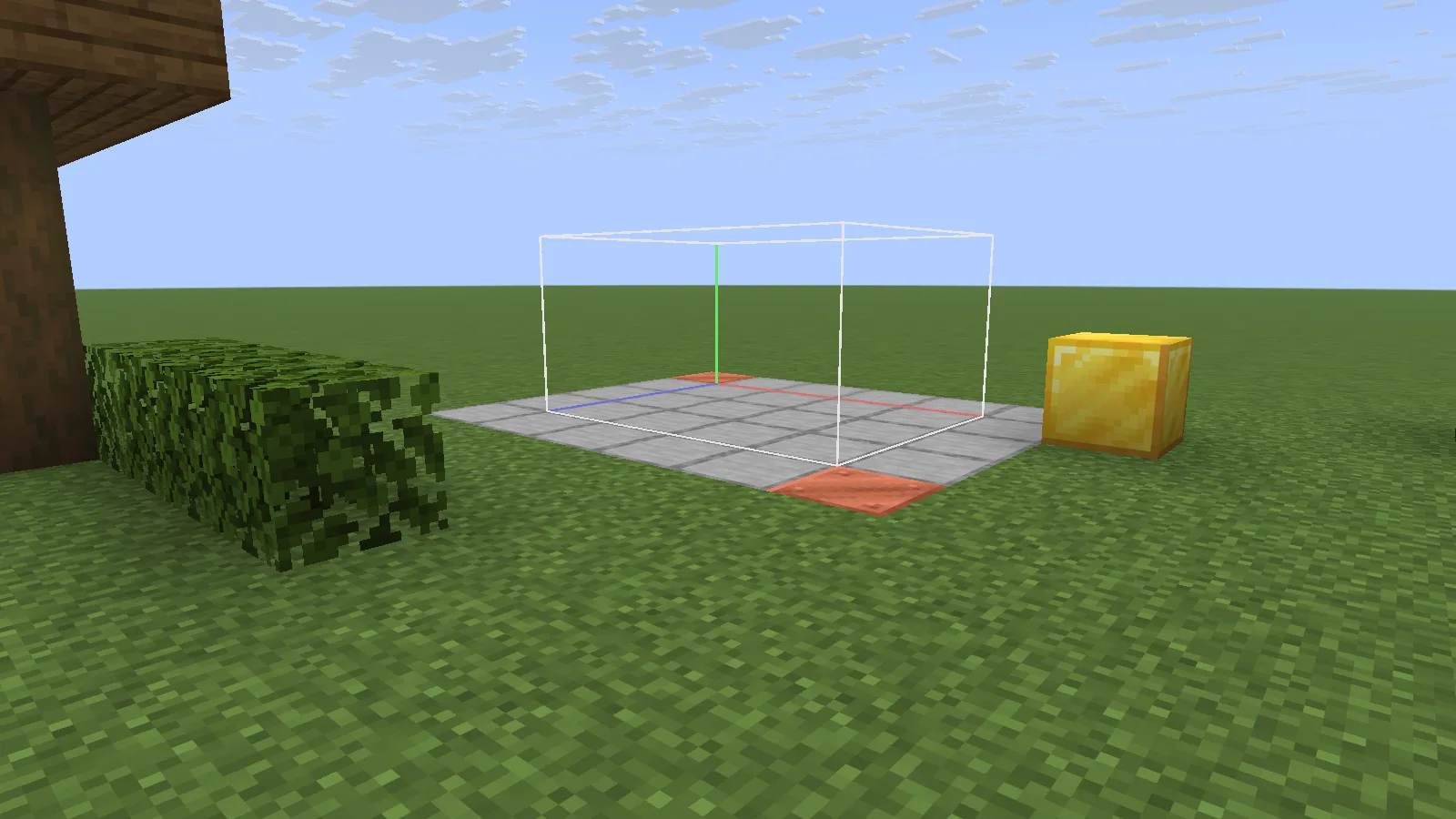
WorldEdit server CUI outlines a 24-block cuboid after //drawsel true; //size shows its dimensions.
Select a small sample
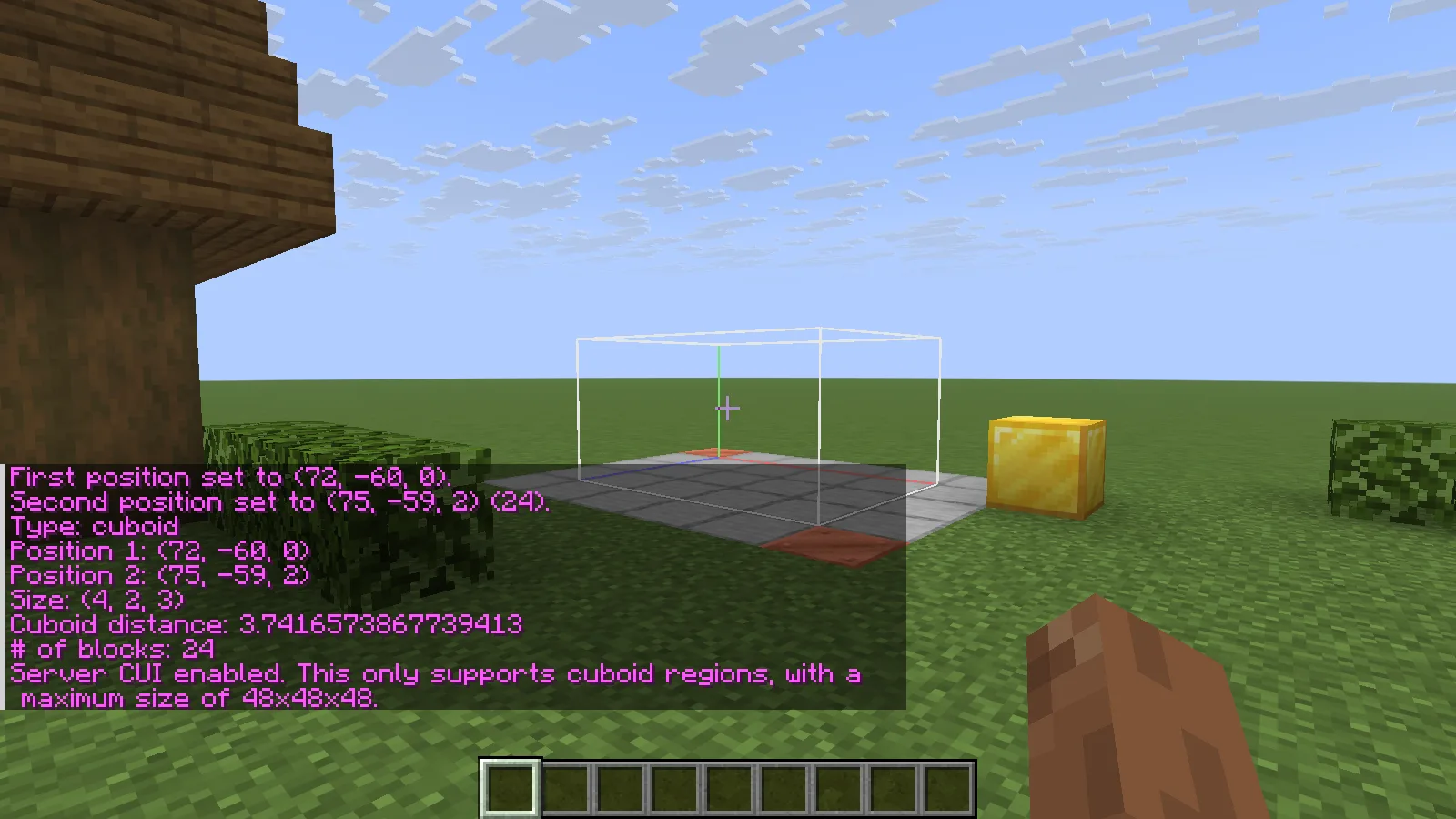
Choose two opposite corners with //pos1 x,y,z and //pos2 x,y,z, replacing the coordinates with positions in your own build. Both corners count. A selection four blocks wide, two high and three deep contains 24 blocks; run //size to check before changing anything.
For the built-in outline, use Creative mode and run //drawsel true. This native server CUI works without a client CUI mod for cuboids up to 48 × 48 × 48. The server must allow it (server-side-cui: true in plugins/WorldEdit/config.yml), and your account needs worldedit.drawsel. Use //drawsel false to hide it.
If no outline appears, check the mode, permission and server setting before editing. //size still gives the selection's dimensions and block count when you have worldedit.selection.size, including in Survival.
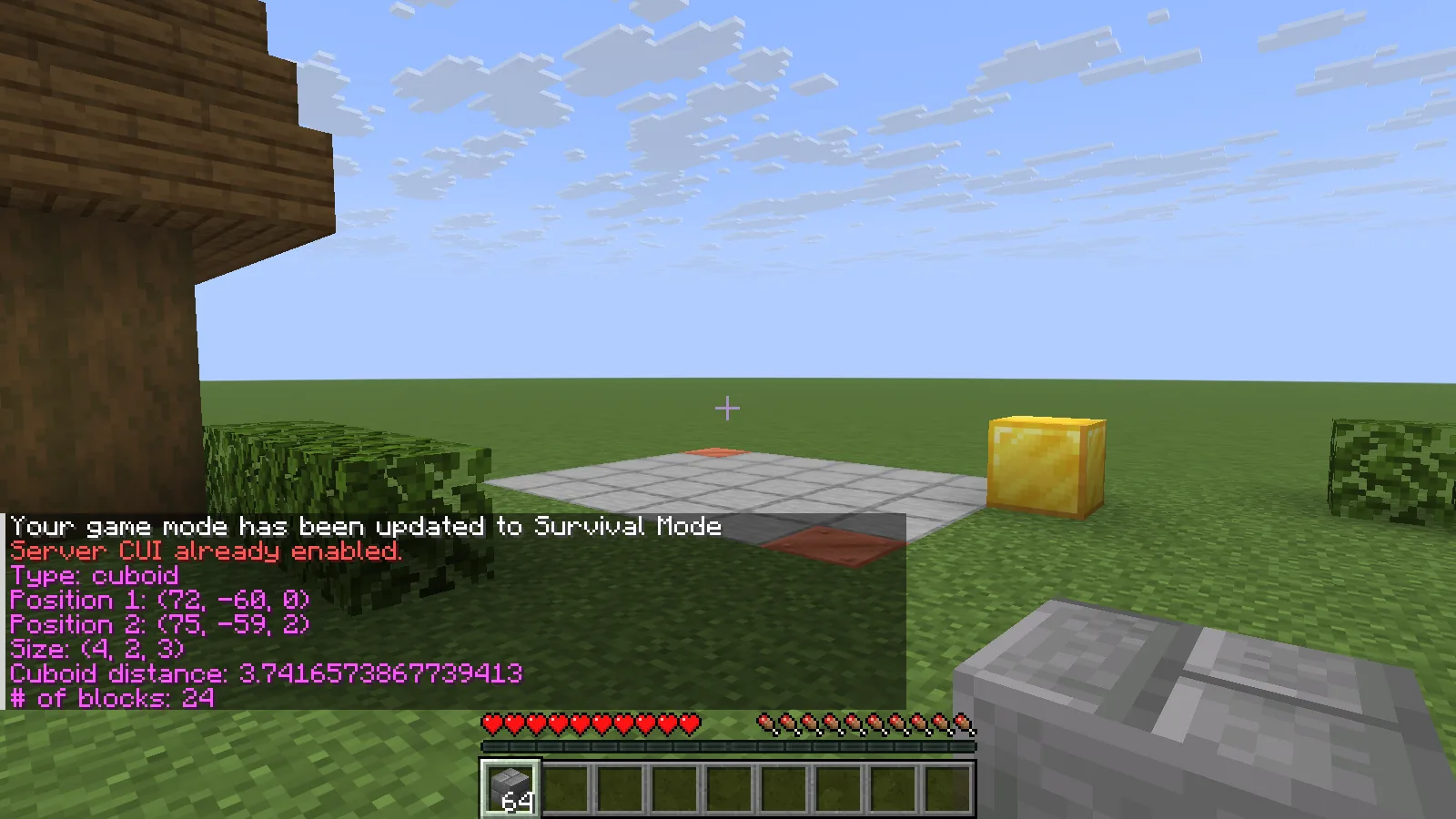
Switching to Survival hides the native outline. The selection is still there: //size reports the same 24 blocks. Check the numbers before filling an area you cannot see outlined.
Leave a contrasting marker just outside the region. Keep your first sample away from storage, plants and flowing water, so the boundary is easy to understand.
Fill, compare and undo
Run //set stone_bricks to fill the selected volume. Check its footprint and height against the surrounding build before extending the idea.
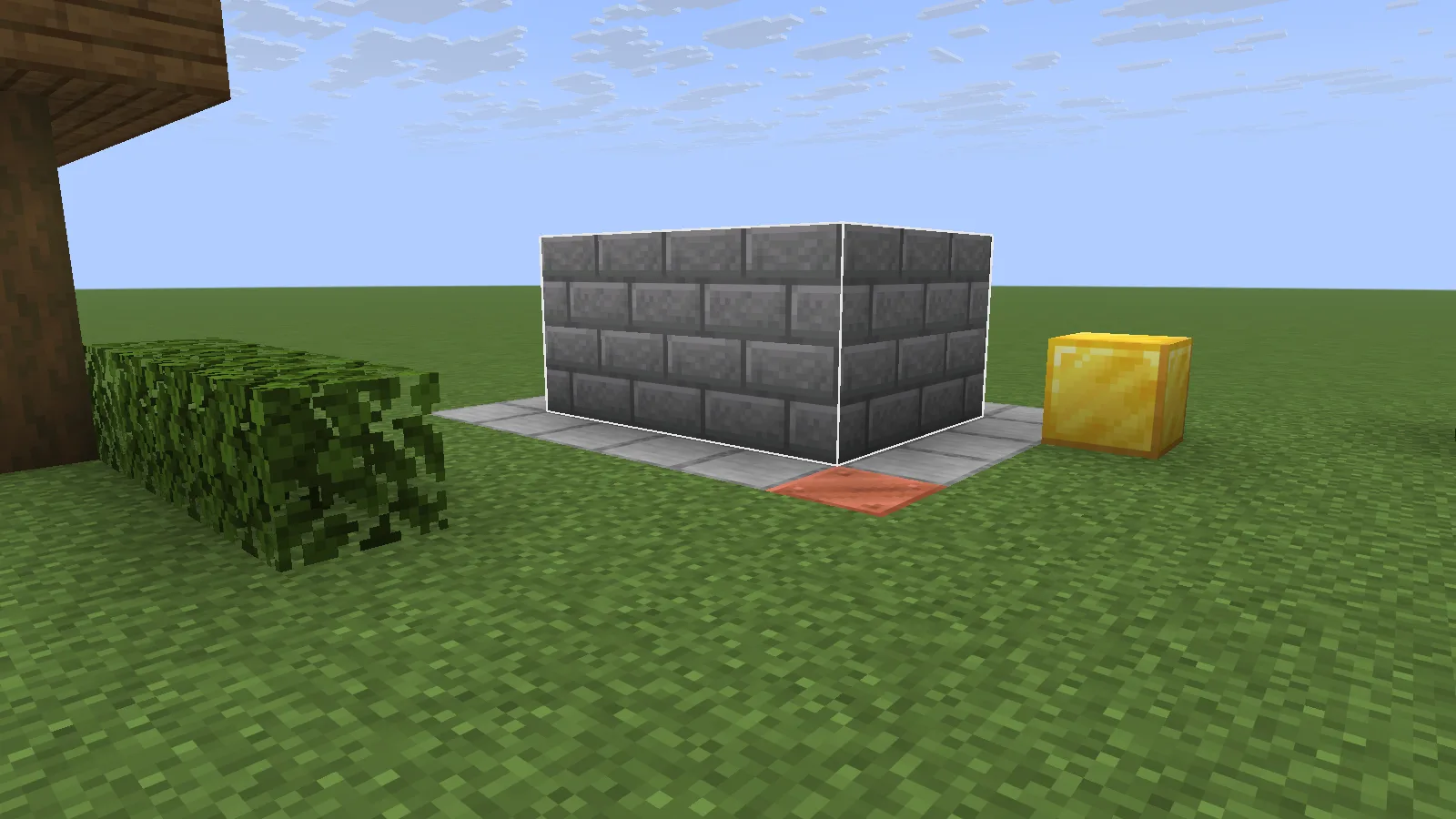
The selected volume filled with stone bricks; the gold block sits outside it.
Use //undo to reverse the last edit. In this small example the stone-brick volume disappears, while the floor and the gold block outside the selection stay in place. This makes it practical to try a wall material or foundation shape before committing to it.
The same view after //undo, with the floor and gold block unchanged.
For bigger work, keep a world backup. Undo history is useful for WorldEdit's direct changes; secondary effects such as flowing water or attached blocks breaking can need separate attention.
Install and get access
Stop your Paper server, put the matching WorldEdit Bukkit/Paper plugin in its plugins folder, then restart. The Fabric and NeoForge mod downloads are different files. Ask the server owner for the selection, region-editing and history commands needed for your build. If a command is denied, resolve that permission rather than granting every player operator access.
Comments & questions
Share what worked, ask for help or reply to another player.
No comments yet. Share what worked for you.