
LuckPerms helps a server owner decide who can use which commands and features. A builder can get building tools, a helper can get moderation tools, and ordinary players can keep a smaller set of permissions. You do not have to make everyone an operator just to unlock one command.
It manages access to features provided by Minecraft and your other plugins. It does not create a home command, an economy or a chat format by itself.
A small example you can understand immediately
On our local Paper 26.2 server with LuckPerms Bukkit 5.5.71, an ordinary player could not use the time command. We made a builder group, allowed that one command and added the player to the group.
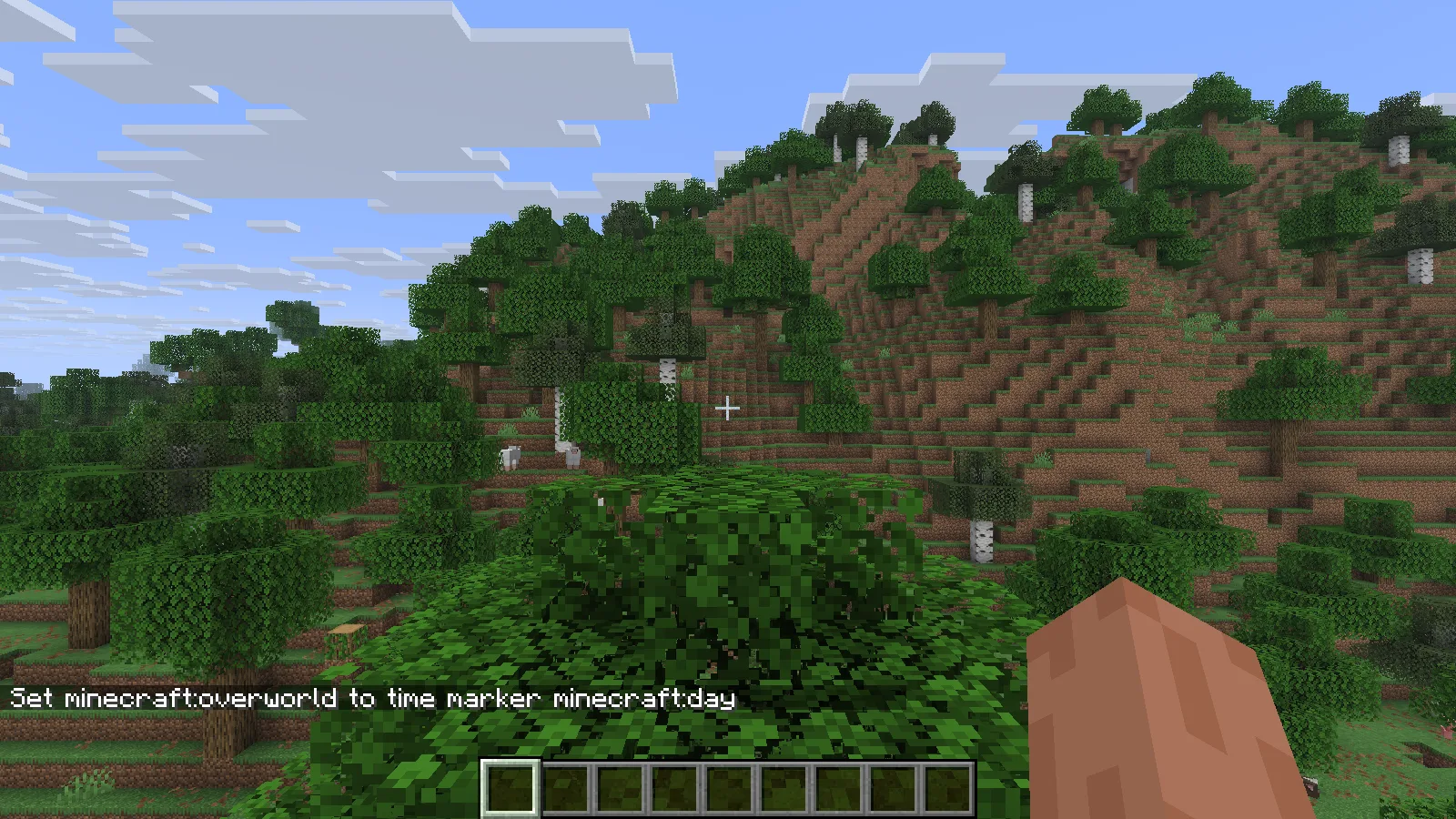
The builder group grants this player the time command.
After the group was assigned, the same player could set the time to day. Then we removed that group from the player.
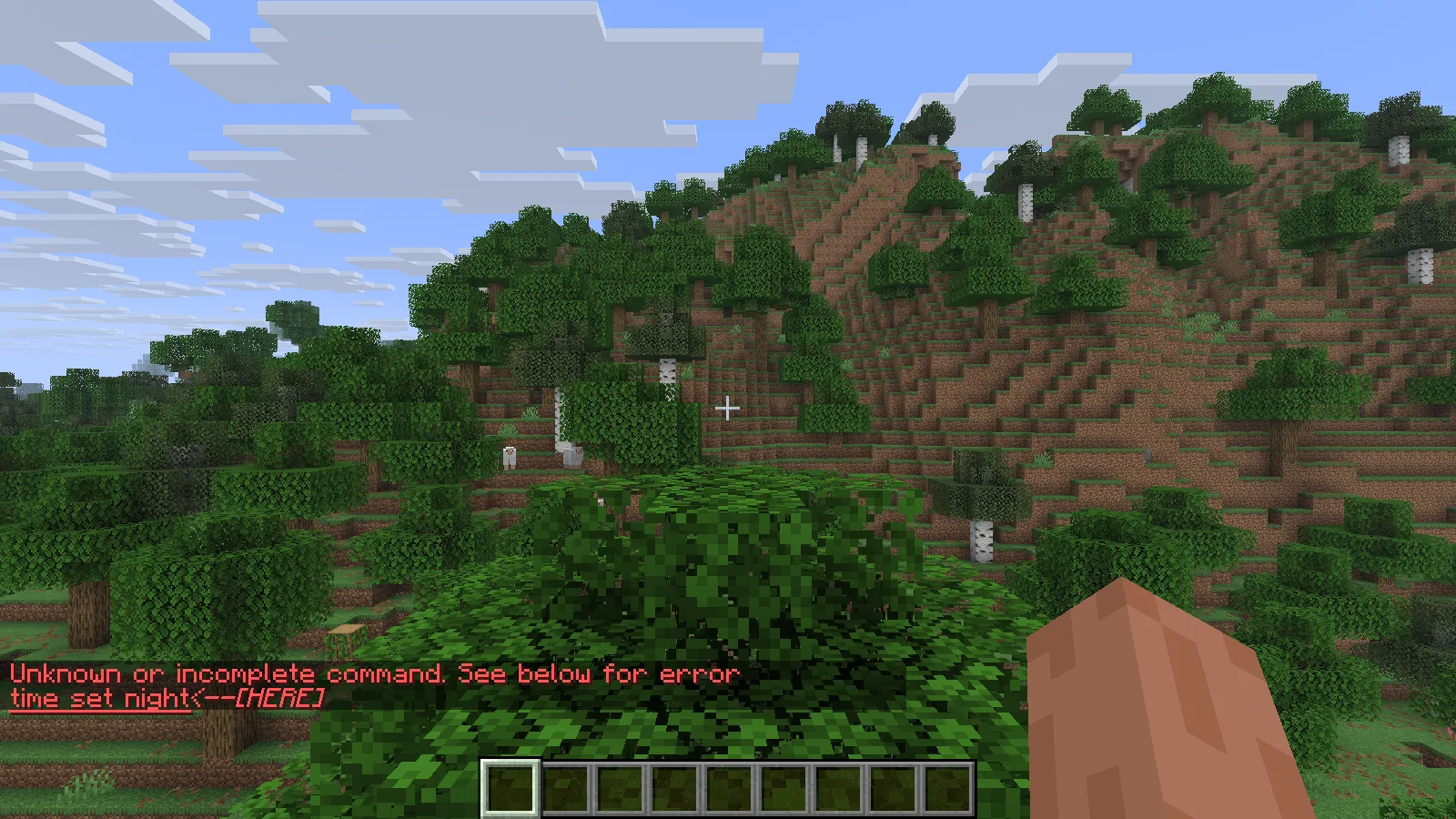
Removing membership takes that access away again.
The time command was unavailable again. That is the useful idea: a group's permissions travel with membership. The player never needed operator access for this example.
Install the server plugin
- In Files, choose the Bukkit/Paper build for your server setup. LuckPerms also has builds for other platforms; those are not interchangeable.
- Stop the server normally and put the JAR in its plugins folder.
- Keep one LuckPerms JAR in that folder, then start the server again.
- In the server console, run lp info to check that LuckPerms is available.
Players joining a Paper server do not need to install this Bukkit plugin in their clients. A client mods folder is the wrong destination for this file.
Create a group with one permission
Run these commands in the server console, replacing PlayerName with the player who has already joined your server:
lp creategroup builder
lp group builder permission set minecraft.command.time true
lp user PlayerName parent add builder
Ask that player to try /time set day in game. This deliberately small example is easy to check, but choose permissions appropriate for your own server: changing the time affects everyone in that world.
To take the builder membership away:
lp user PlayerName parent remove builder
For WorldEdit, homes or other plugin features, use that plugin's actual permission names. The words you use as group names do not automatically unlock similarly named features.
Plan groups around jobs
Start with the few roles your community already needs. For example, regular players, trusted builders and helpers may be enough. Add a permission because it solves a specific problem, then check it with an ordinary account.
An operator account can hide mistakes because it may already have access. Likewise, a player can keep a permission through another group even after you remove it from one place. Look at all of that player's memberships before assuming the change failed.
Avoid granting every permission to solve a single missing command. A broad grant can expose administrative actions from plugins you add later.
Why is a command still missing?
- The plugin that supplies it is absent: LuckPerms cannot unlock a feature that is not installed.
- The player name is unknown: have the player join first, then select the correct account.
- The node is wrong: a command's visible name and its permission name are not always identical.
- The command exists only in another context: world or server-specific permissions can apply differently after moving.
- A rank prefix does not appear in chat: prefix data needs a compatible chat/display setup to show it. A permission group alone does not redesign chat.
The time-command example is a starting point, not a ready-made permission scheme for every server. LuckPerms is by lucko and contributors. Modonix created the local group demonstration and screenshots.
Comments & questions
Share what worked, ask for help or reply to another player.
No comments yet. Share what worked for you.