EssentialsX gives familiar destinations short commands. A personal home is useful for returning to your workbench; a named warp can point to a farm or shared building area. Set each arrival point deliberately so the player faces somewhere useful instead of a wall or a busy doorway.
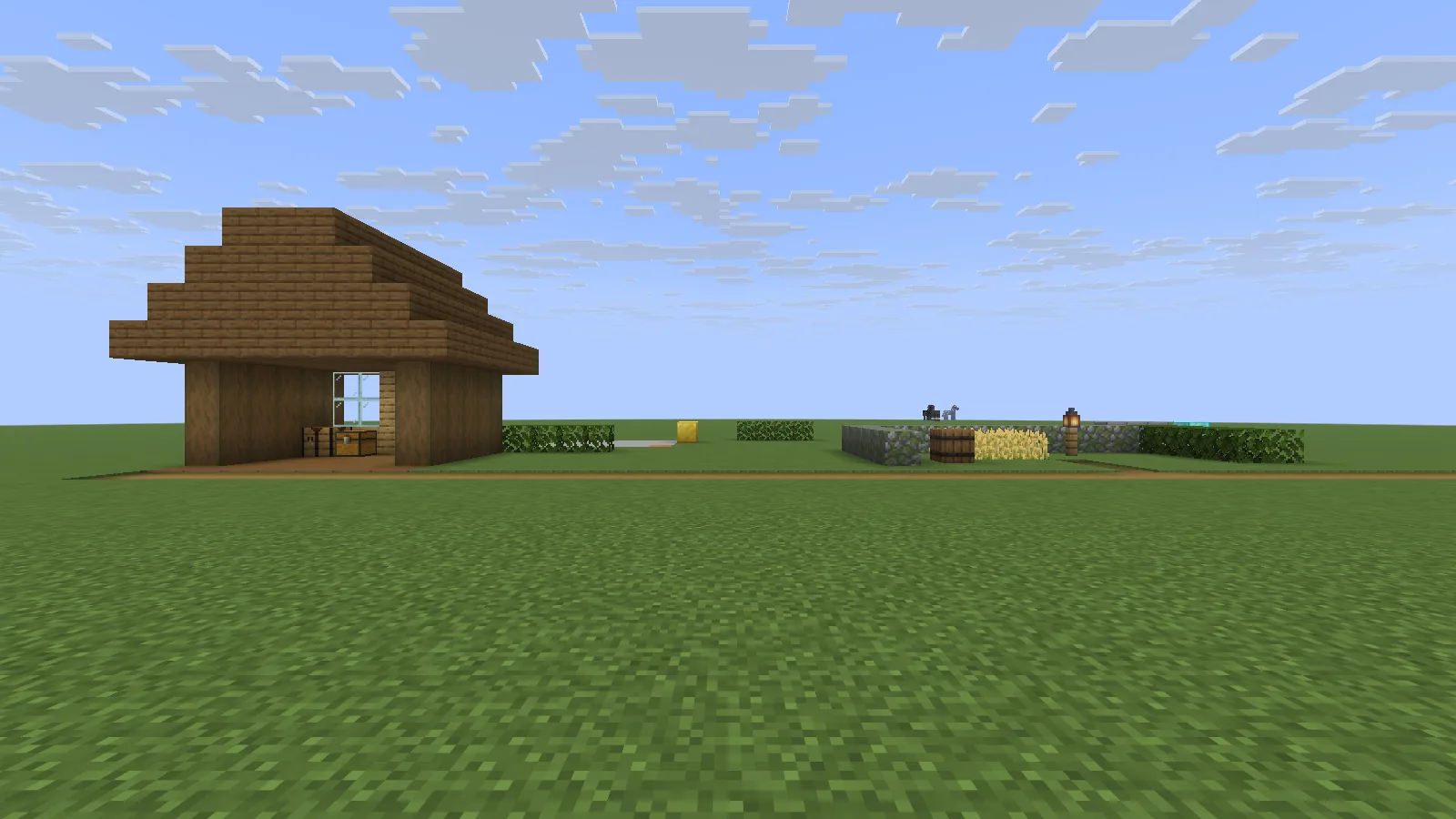
The workshop home and named garden warp are distinct destinations on one small demonstration site.
Keep a personal workshop home
Stand on solid ground beside your storage and face the work area. With the server's permission, use /sethome to save that location. Later, /home returns you to it.
Leave enough room to arrive without blocking a chest or falling off an edge. If the spot feels cramped, move a few blocks and set the home again. Saving one convenient home is more useful than memorizing a long coordinate string every time you return from gathering materials.
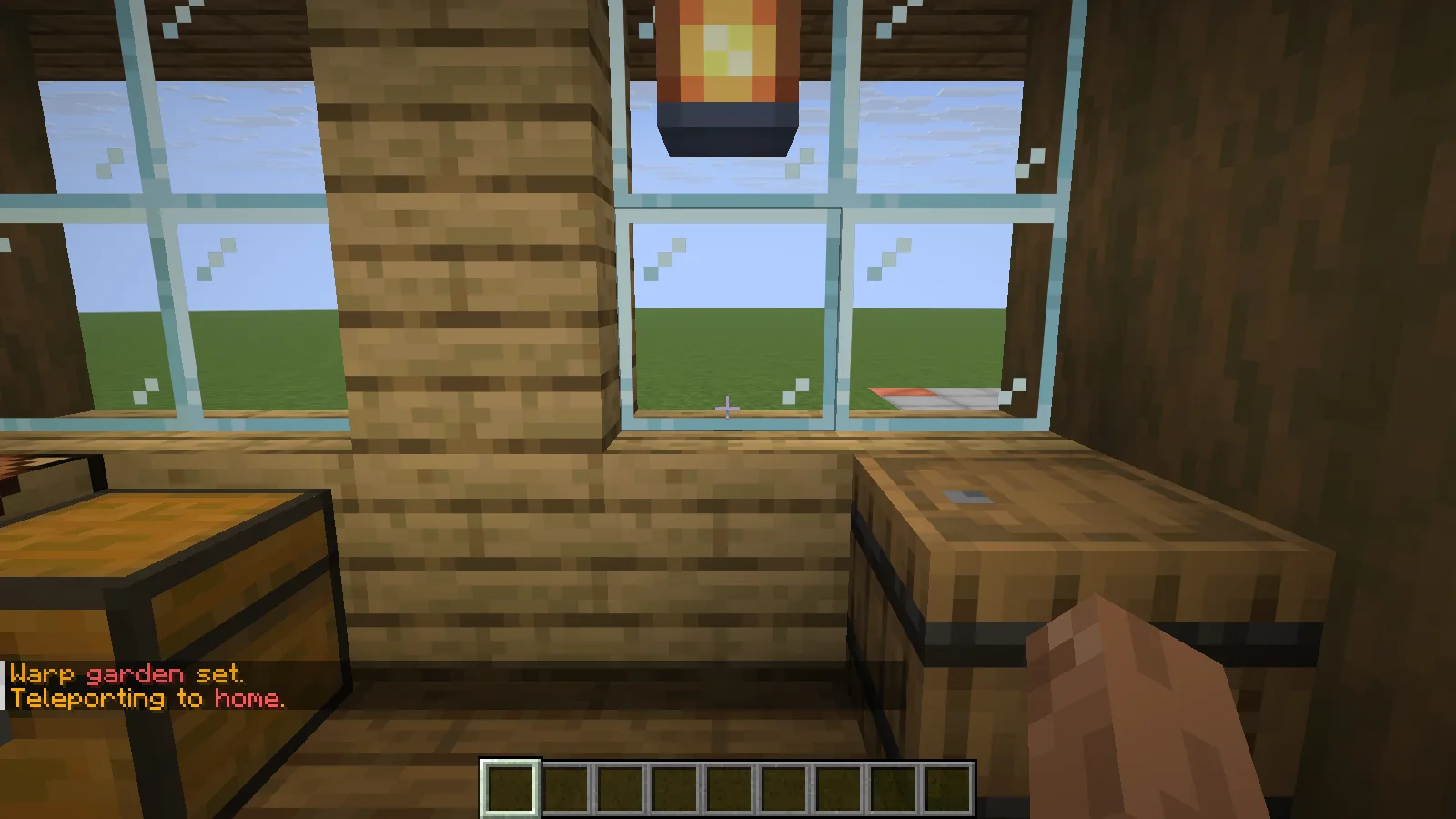
The actual home command returns to the workshop storage.
Give the garden a named warp
Stand at a clear arrival spot near the garden and enter /setwarp garden. Move away, then use /warp garden to return. Keep names short and descriptive: garden, workshop or market are easier to remember than project numbers.
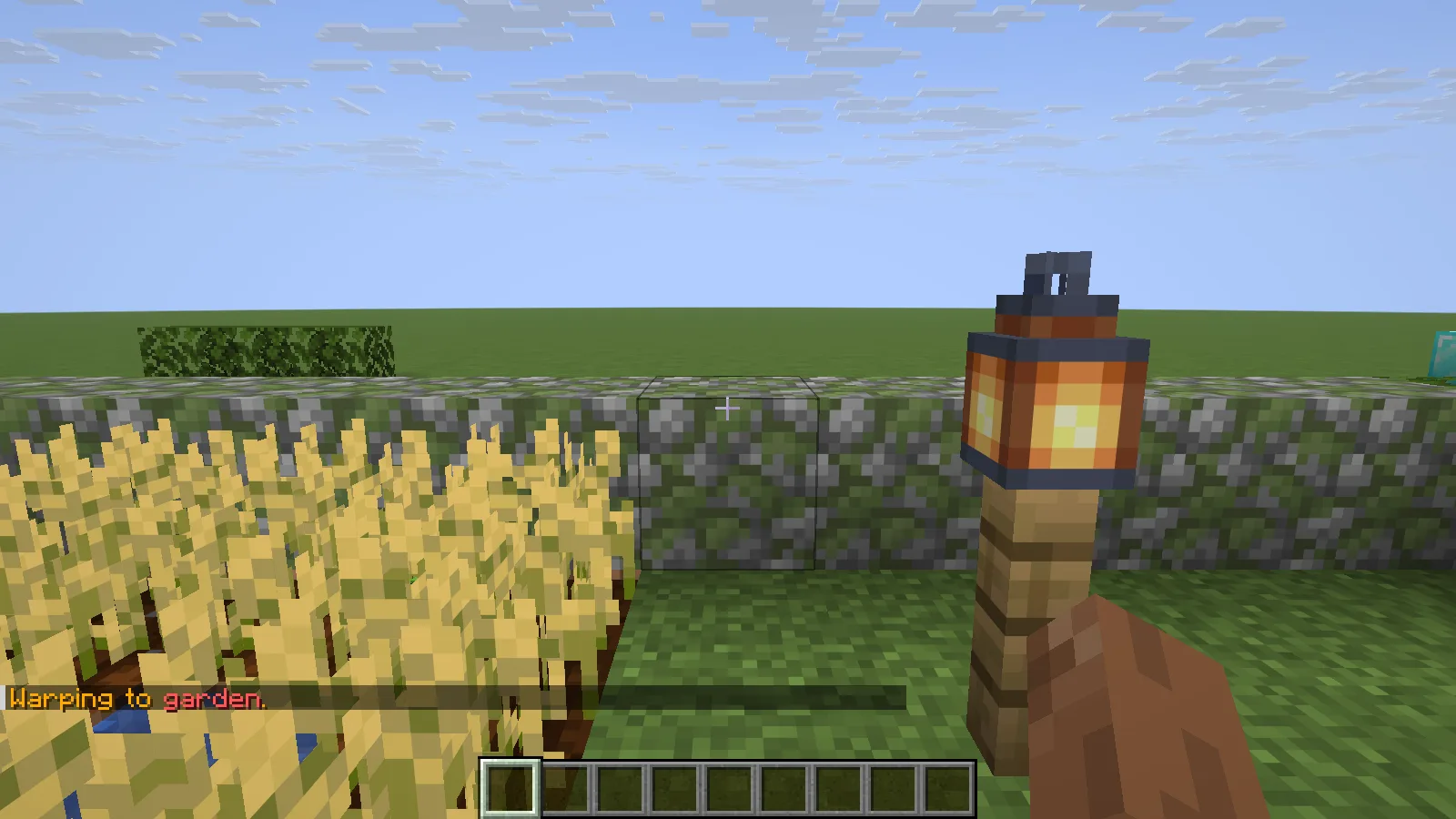
The named garden warp arrives beside the crops and lantern.
The garden example lands next to the crops and storage, with a clear path out. Check the arrival direction too: the first view should help someone recognize where they are. A matching sign at the destination can make the name useful outside chat.
Home and warp are different tools
A home belongs to the player; a warp is a named server destination. Creating warps and visiting them can have different permissions. Multiple named homes also depend on the server's configuration and permissions; this example uses a single personal home, not a multiple-home setup.
If a travel command is unavailable, ask which destinations and commands your server permits. If arrival is awkward, improve the landing spot instead of adding more commands around a poor location.
Install the server plugin
Stop the server, place the matching EssentialsX core JAR in plugins, and restart. Add separate EssentialsX modules only when you need their features. A home and a named warp do not require a new chat format or an economy. Keep a backup before reorganizing established destinations.
Comments & questions
Share what worked, ask for help or reply to another player.
No comments yet. Share what worked for you.