CoreProtect records block changes so a server moderator can investigate an unwanted edit and reverse a narrowly defined part of it. The useful habit is to inspect first: identify the player, time window, location and block type before removing anything.
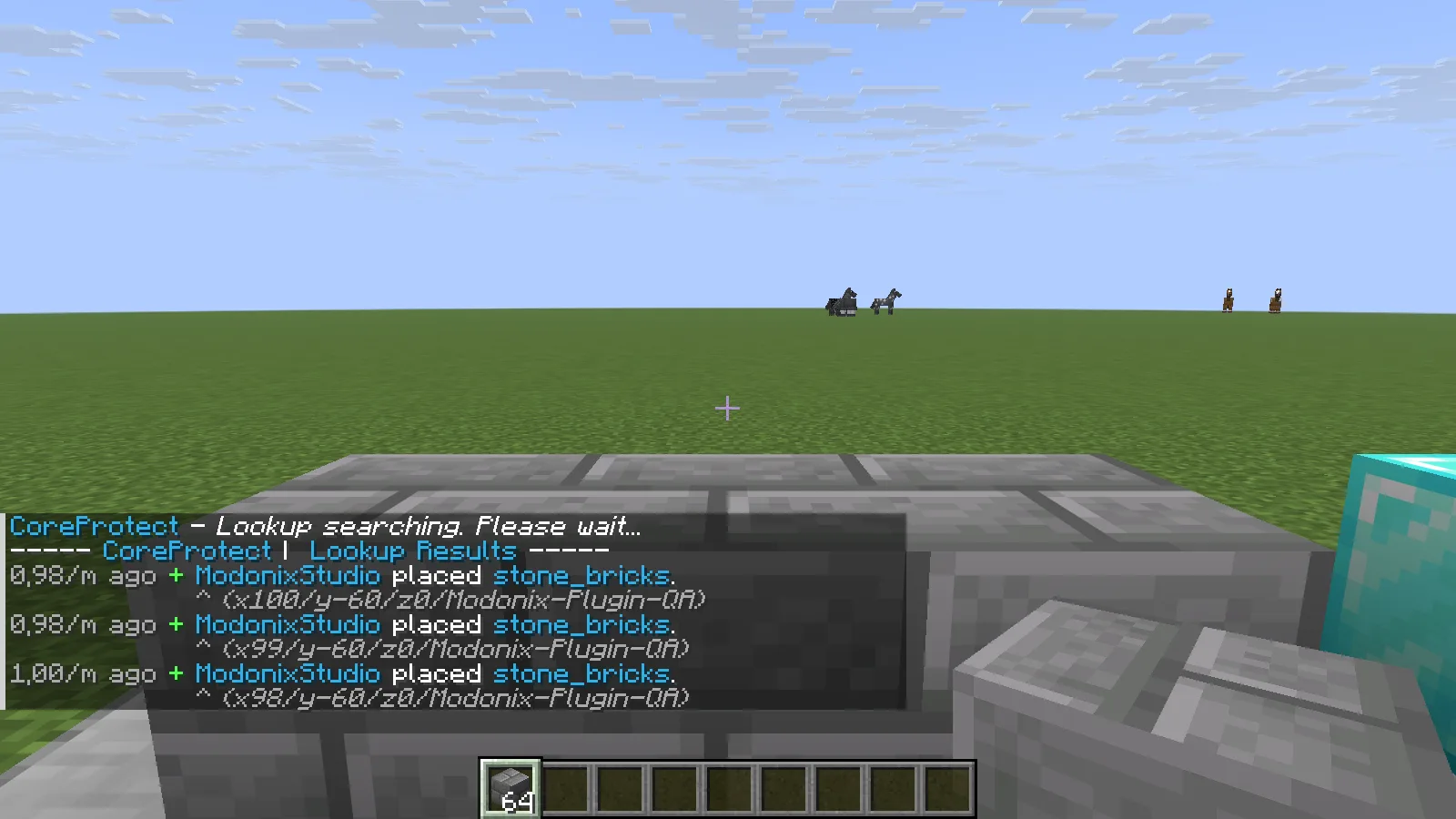
CoreProtect lists the three actual stone-brick placements by the local player.
Start with a small lookup
The following example concerns a few recently placed stone bricks. Stand beside the affected area and replace YourName with the actual player name:
/co lookup u:YourName t:10m r:4 a:+block i:stone_bricks
This searches the last ten minutes, within four blocks of your current position, for that player's stone-brick placements. a:+block selects placement actions. Read the returned locations and times before continuing; if the results include unrelated work, make the filters more specific.
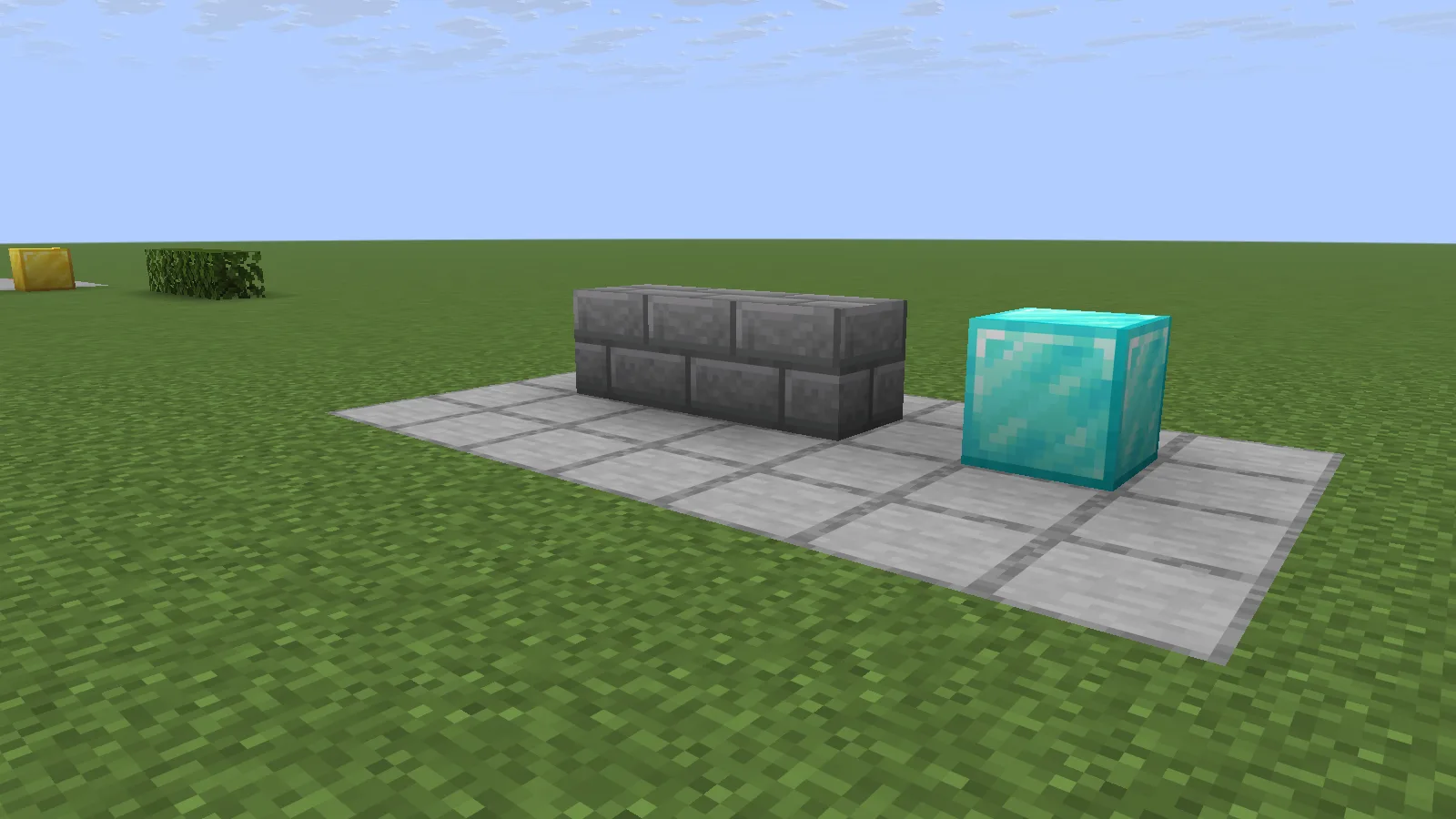
Three placed stone bricks before the targeted rollback; the diamond block is a separate neighbor.
Roll back only the matching placements
Stay at the same search position and use the same filters:
/co rollback u:YourName t:10m r:4 a:+block i:stone_bricks
In the pictured example, the three stone bricks disappear while the neighboring diamond block remains. The point is the narrow selection of changes, not clearing everything around a build. The radius follows the executing player's position, so moving before the command changes its scope.
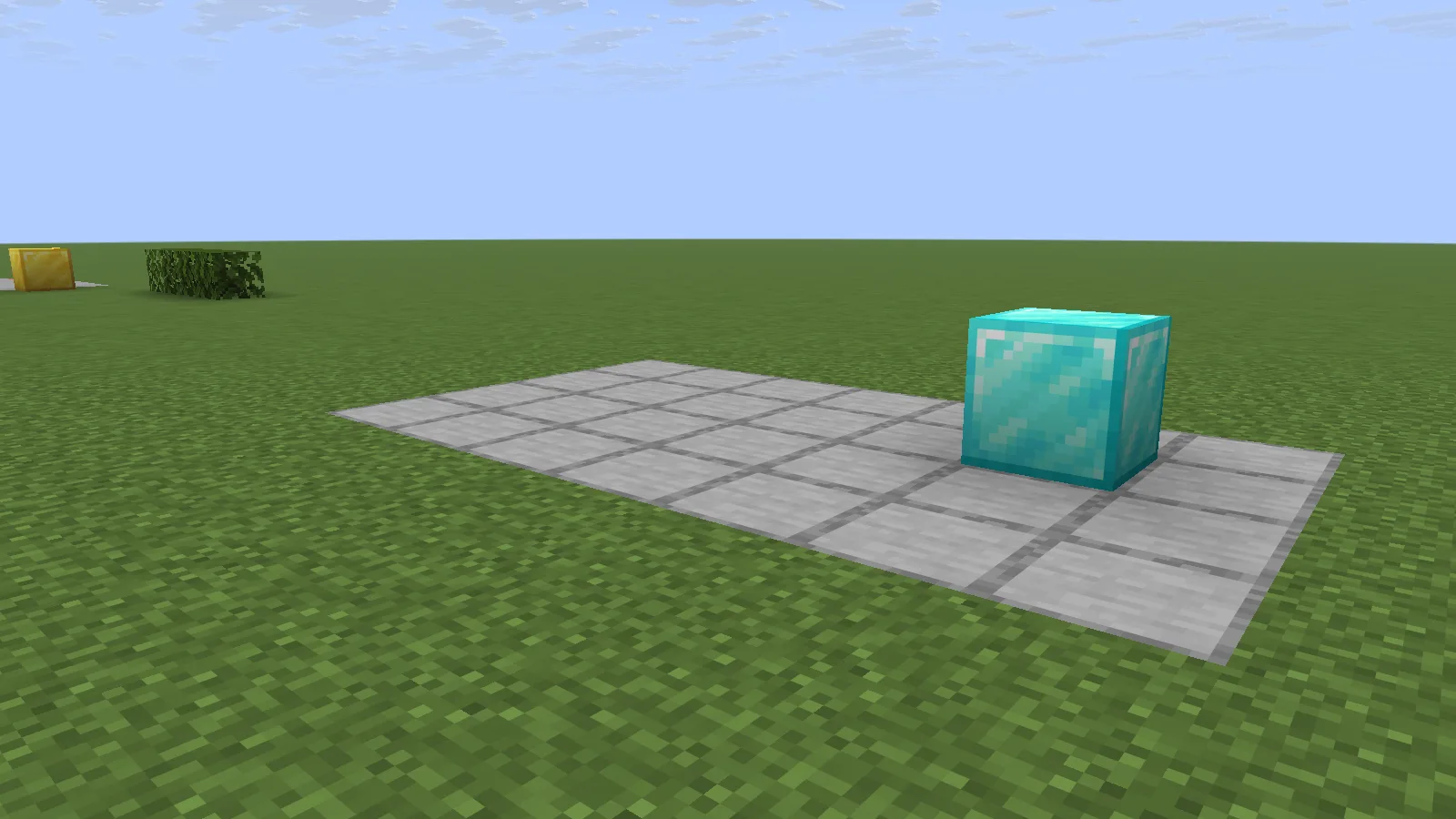
The same view after rollback: the three matching blocks are gone and the diamond remains.
Restore the change if you need it back
To reverse that rollback, keep the same player, time, radius, action and material filters:
/co restore u:YourName t:10m r:4 a:+block i:stone_bricks
The three blocks return in this example. Check the result in the world before moving on to another report.
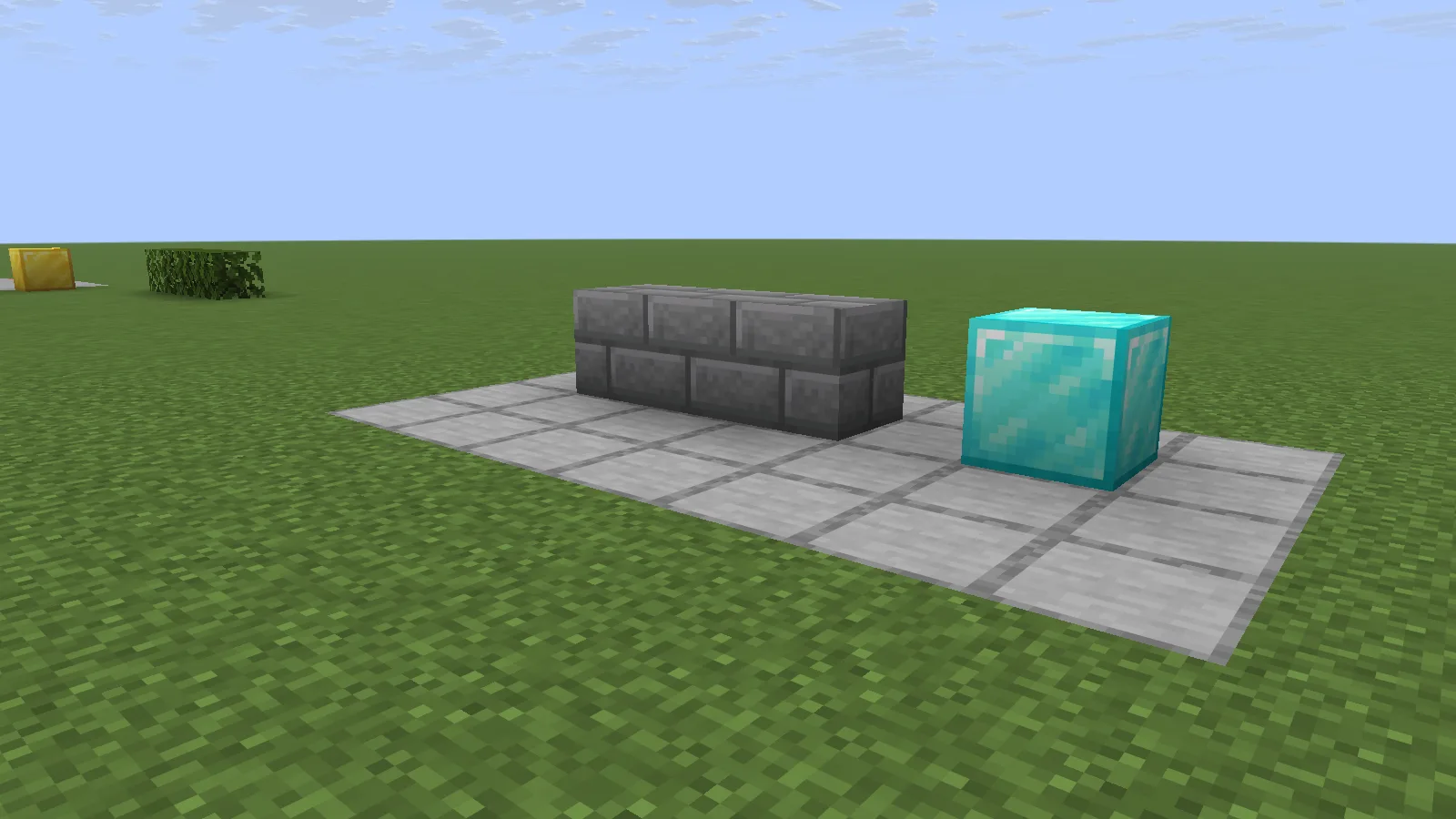
Restore brings the three stone bricks back without changing the diamond block.
Install and use it carefully
Stop the Paper server, add the compatible CoreProtect plugin JAR to plugins, and restart. Logging needs to be active when a change happens; installing a logger afterward cannot recreate history it never recorded. Give investigation and rollback permissions only to people who need them.
If a lookup finds nothing, check the player's name, elapsed time, your location and whether you selected placements or removals. Begin with a lookup every time you change the filters. Keep ordinary server backups as well: a targeted block-history tool and a complete world backup solve different recovery problems.
Comments & questions
Share what worked, ask for help or reply to another player.
No comments yet. Share what worked for you.