A garden on the hill and a workshop in the village make a useful pair of destinations. Waystones turns those regular stops into a named travel network. Set up each location once, then choose the destination from a menu when it is time to return.
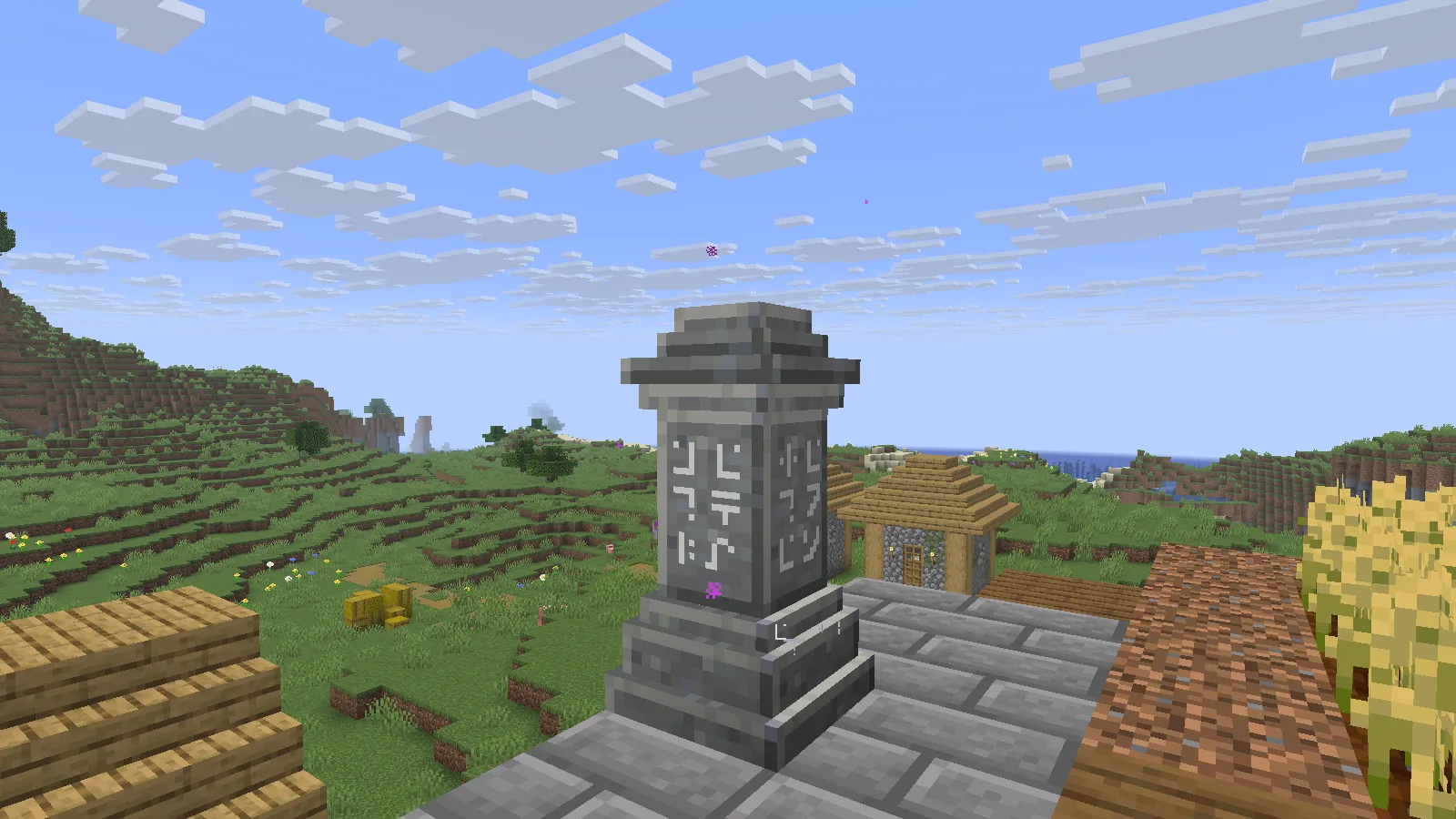
Name the place by its job
Put a waystone beside the path people actually use, with clear space around the arrival point. A name such as Market Garden tells you what the stop is for. It is easier to recognize later than a sequence of numbered stones.
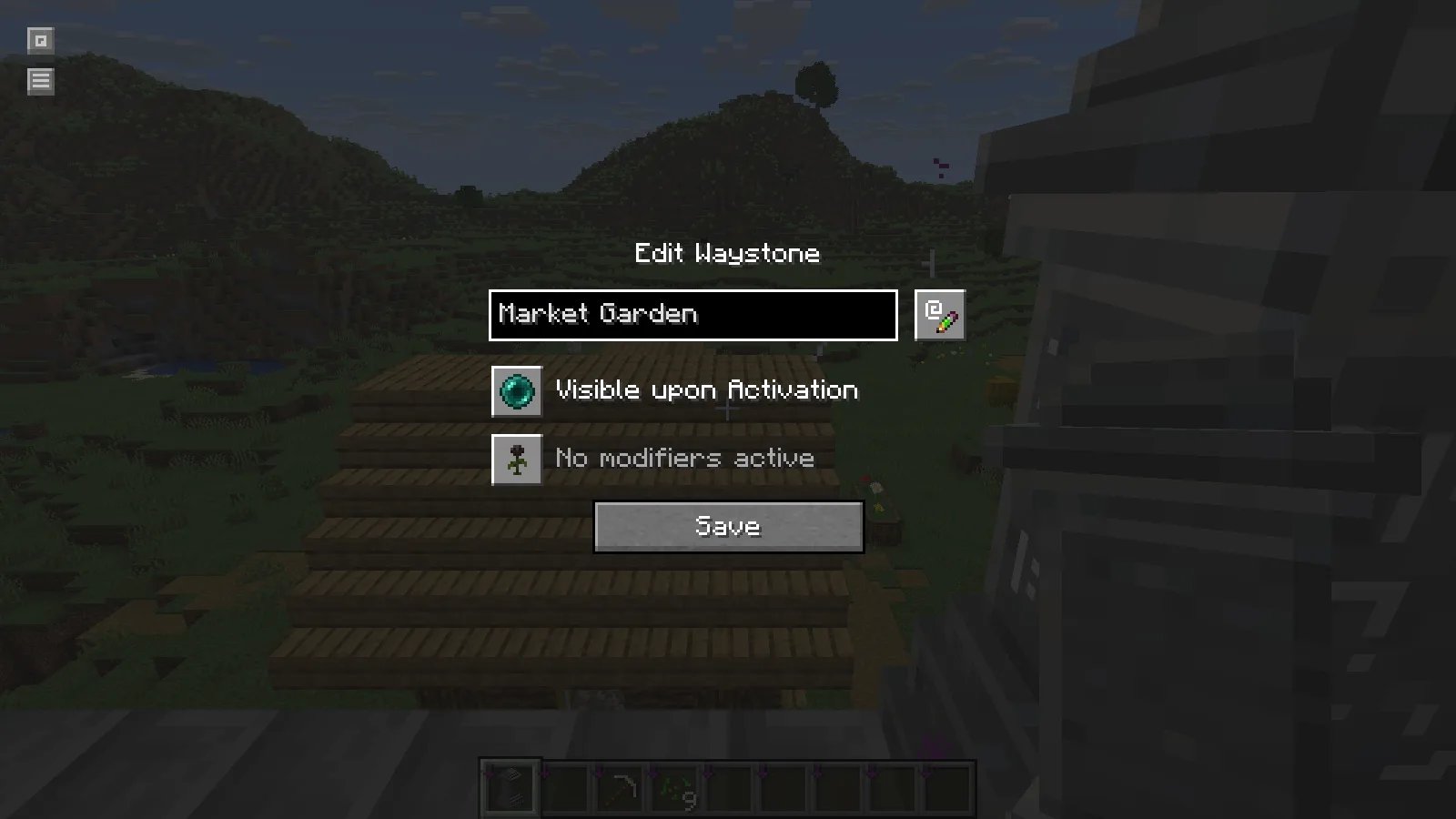
The second stop in this example is Village Workshop. It sits near the work area, keeping the connection tied to two practical tasks: tending crops and returning to storage or crafting. Interact with both stops to establish them in your available network.
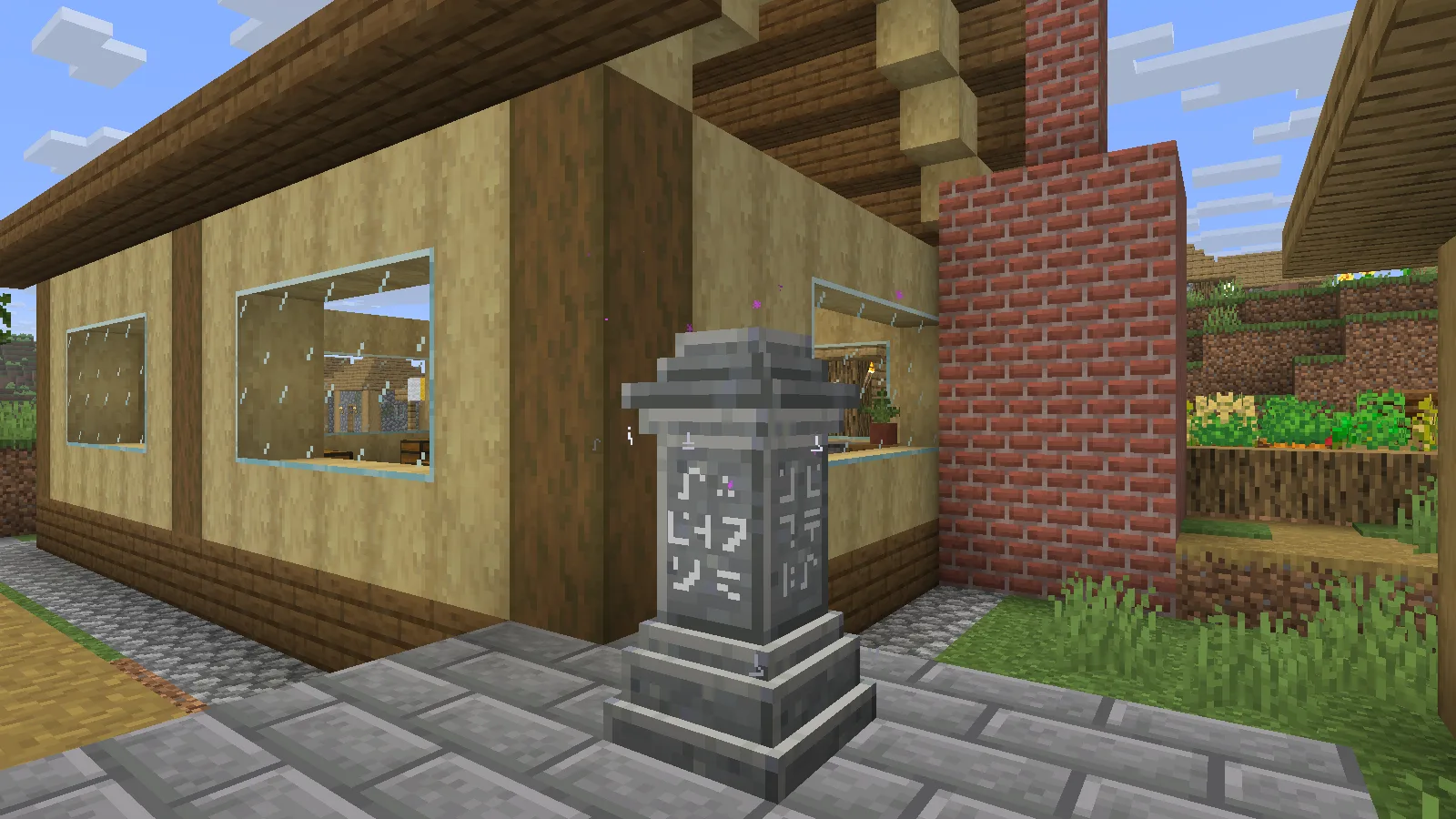
Keep the space around each stone usable. A cramped corner or a fence directly beside the arrival point makes a convenient menu less helpful once you reach the destination.
Choose the destination from the stone
Interact with Village Workshop and read the destination list. The shown Survival menu lists Market Garden at 48 meters. Select that entry to make the trip.
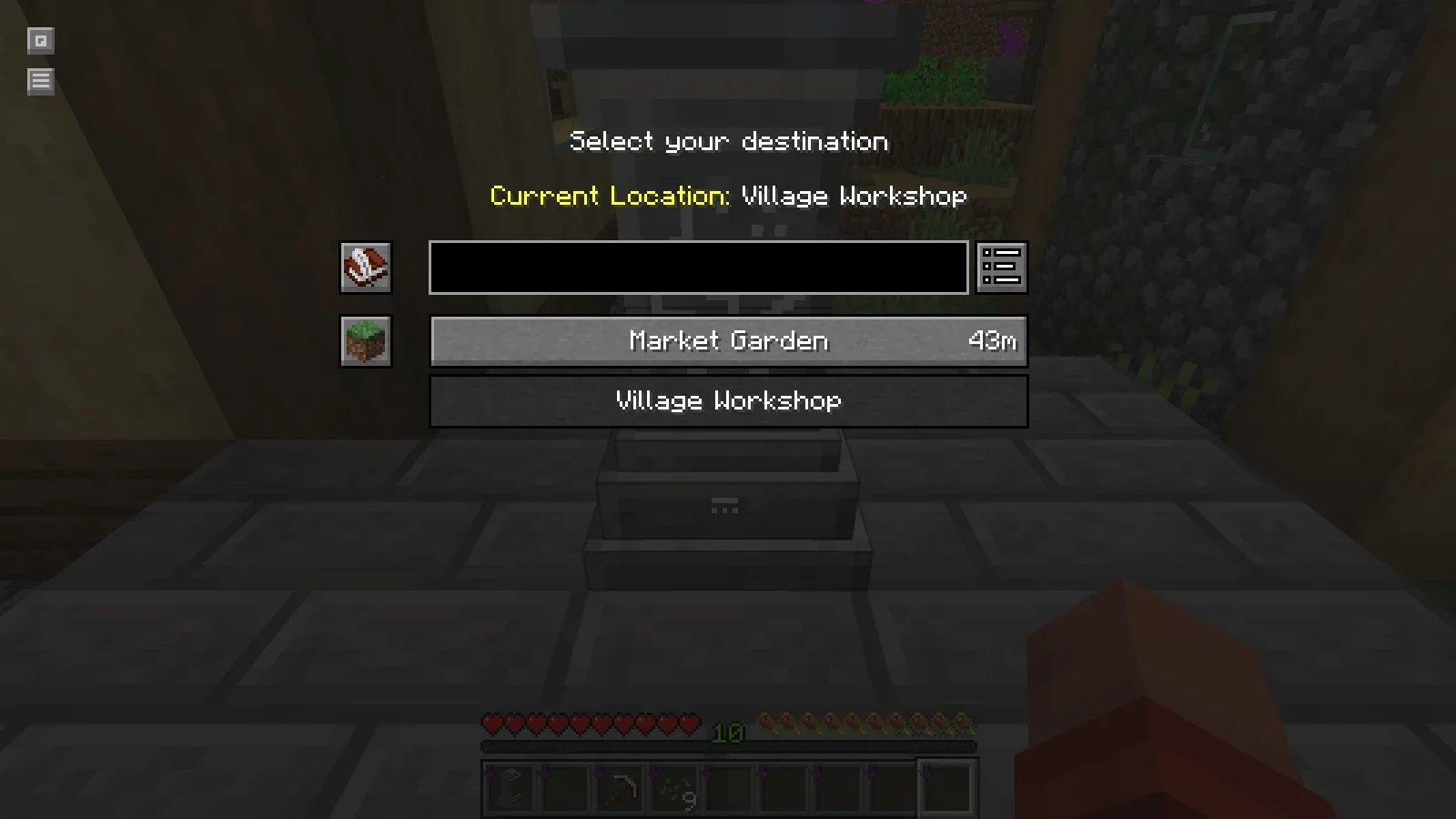
The player arrives beside the garden stone. In this particular short trip, the experience level stayed at 10. Travel costs are configurable, so check the displayed cost and the world's rules before planning a longer route around the same result.
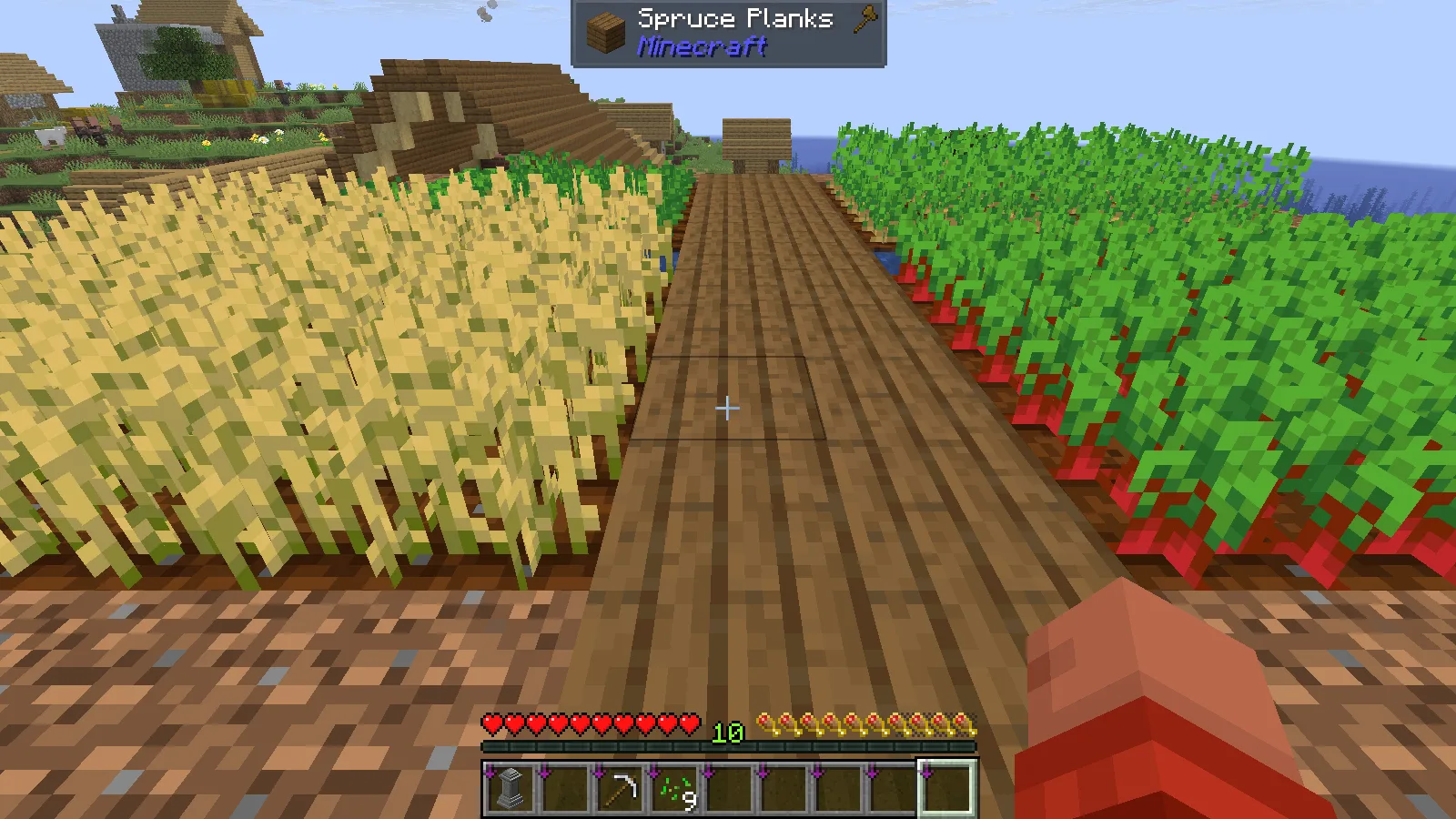
Two stops are enough to learn the flow. Add a mine entrance or a distant building site once those names remain clear in the menu. A small network with recognizable destinations is easier to use than a long list of vague labels.
Match the dependencies
The demonstrated build is Waystones 26.2.0.12 for Fabric and Minecraft Java 26.2. It uses Balm, Shogi and Fabric API. Install matching versions in the appropriate client and server profiles. On a shared server, its administrator controls the installation and travel settings.
Comments & questions
Share what worked, ask for help or reply to another player.
No comments yet. Share what worked for you.