
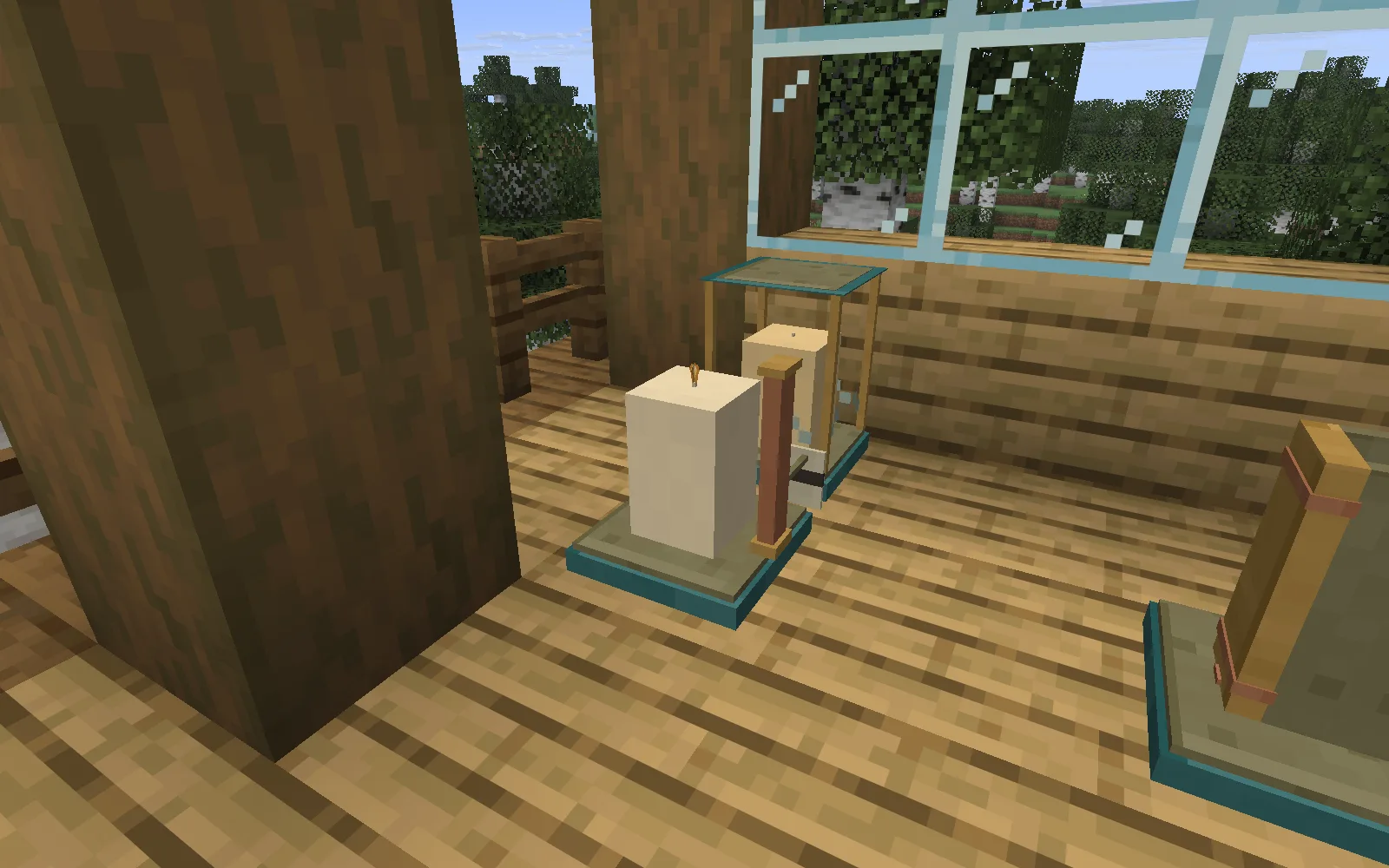
A candlelit porch feels more personal when you have made the candles yourself. Wax & Wonder lets you choose a blend, pour a pillar or taper, measure its burn and carry the surviving wax into another batch. The pleasure is in that small workshop routine: making enough light for the place you want to spend time.
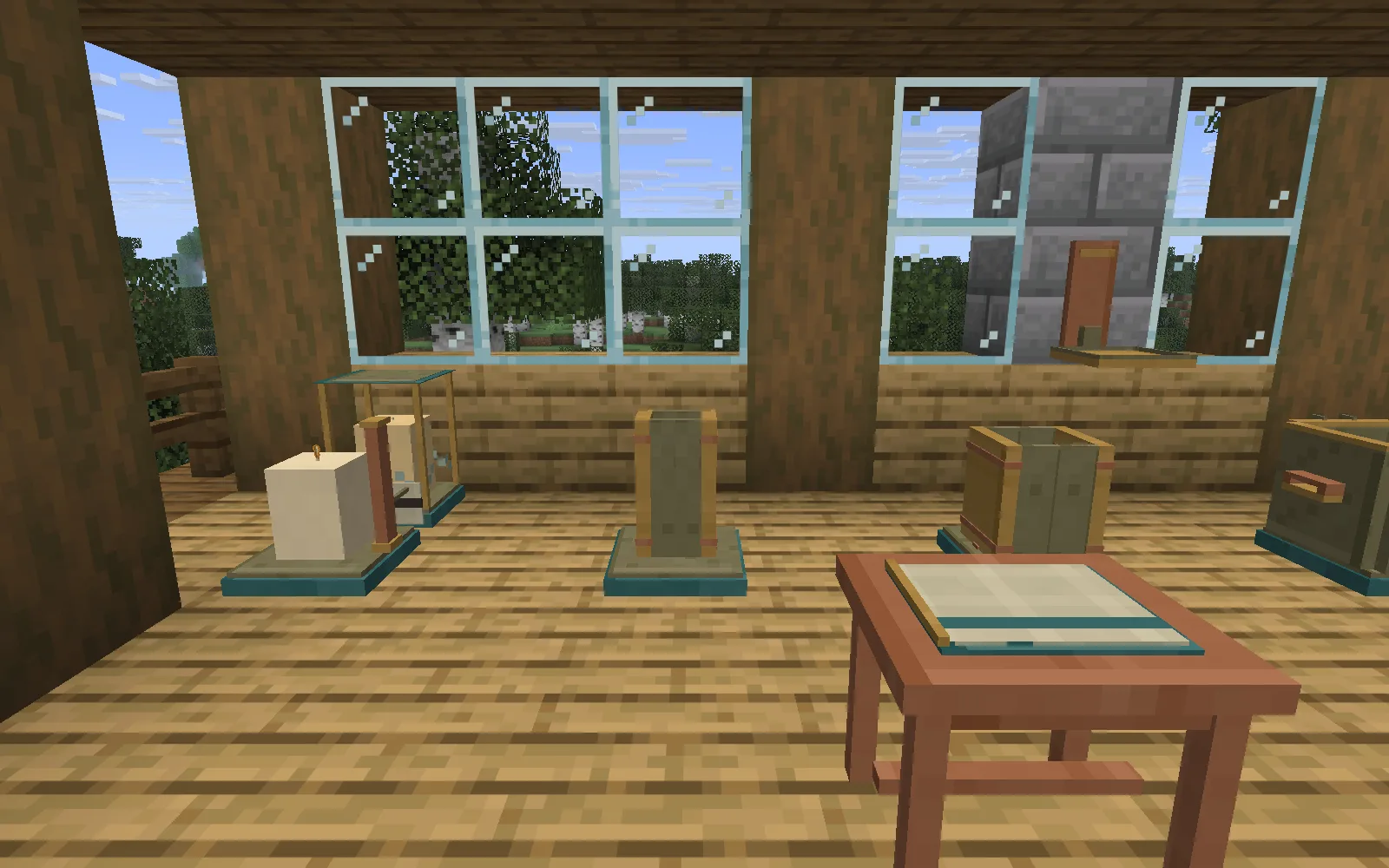
Give candle-making its own corner. The wooden porch and surrounding garden are a separate vanilla build.
Start with a Mellowwax Pot, a mould, wax and a wick. Put the pot and mould on solid surfaces close together, leaving room to reach each one. Add a Wickwatch Stand when you want to compare a candle's promise with an actual burn.
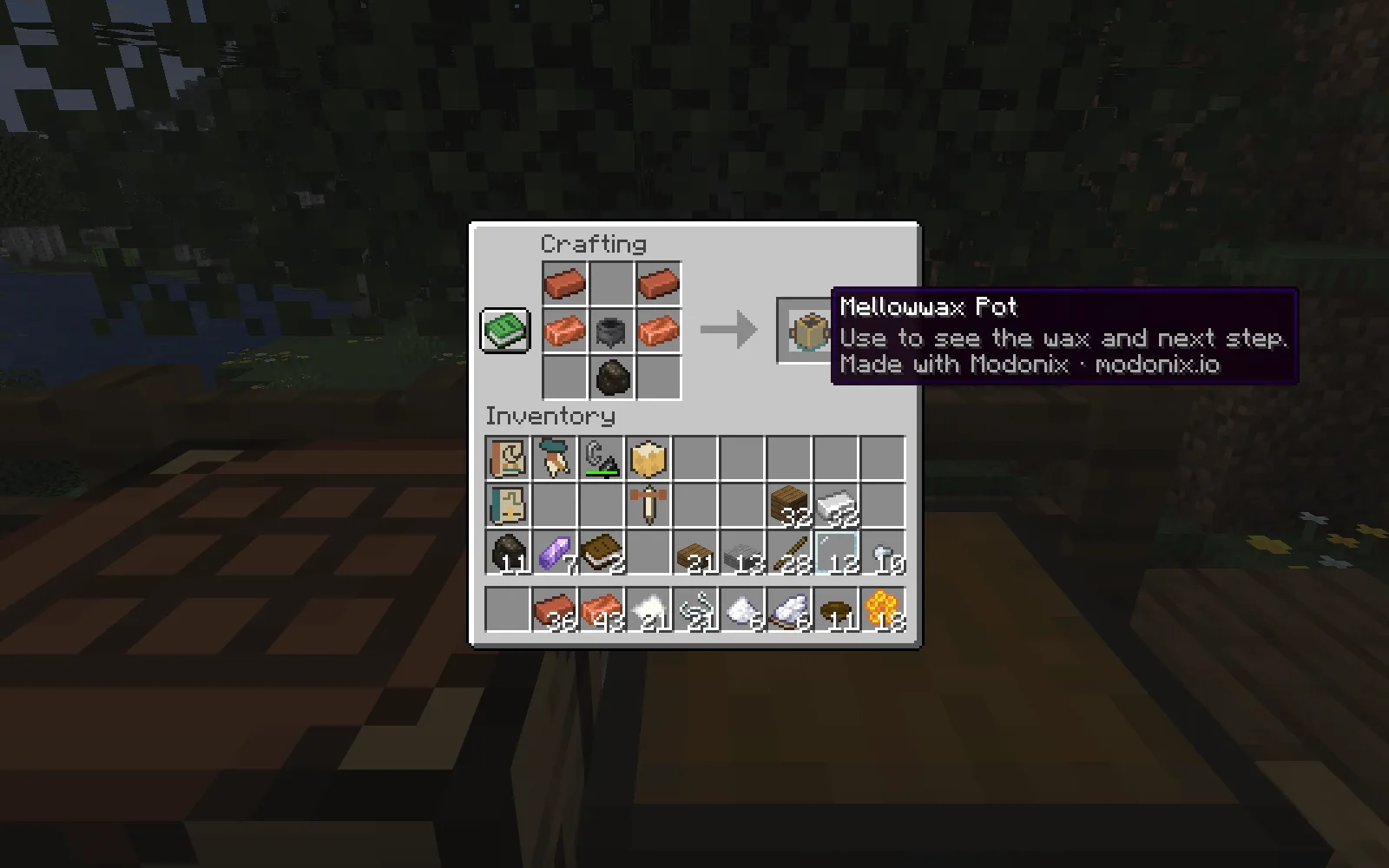
Two bricks, two copper ingots, a cauldron and charcoal make the Mellowwax Pot.
Mellowwax Pot recipe: two bricks, two copper ingots, one cauldron and one charcoal, arranged as shown.
Honeycomb Wax and Palebloom Wax give you two starting materials. Palebloom carries a longer burn budget for the same amount. Blend them in the pot and their proportions remain visible. The pot holds 64 measures, so it helps to decide what you are making before filling it. Whisperwick burns more slowly; Hearthwick uses wax faster and gives a brighter starting flame.
For a first batch:
- Add your wax to the pot. Before heating begins, Return ingredients gives those pieces back if you change your mind.
- Bring charcoal and choose Melt wax. The mixture takes eight seconds to melt while the workshop is loaded.
- Open a nearby Beesong Mould or Windowlight Mould, select your wick and cast. A normal pillar takes 16 measures; a taper takes eight.
- Wait for the ten-second cooling period, then collect the candle. Leave a space in your bag for it.
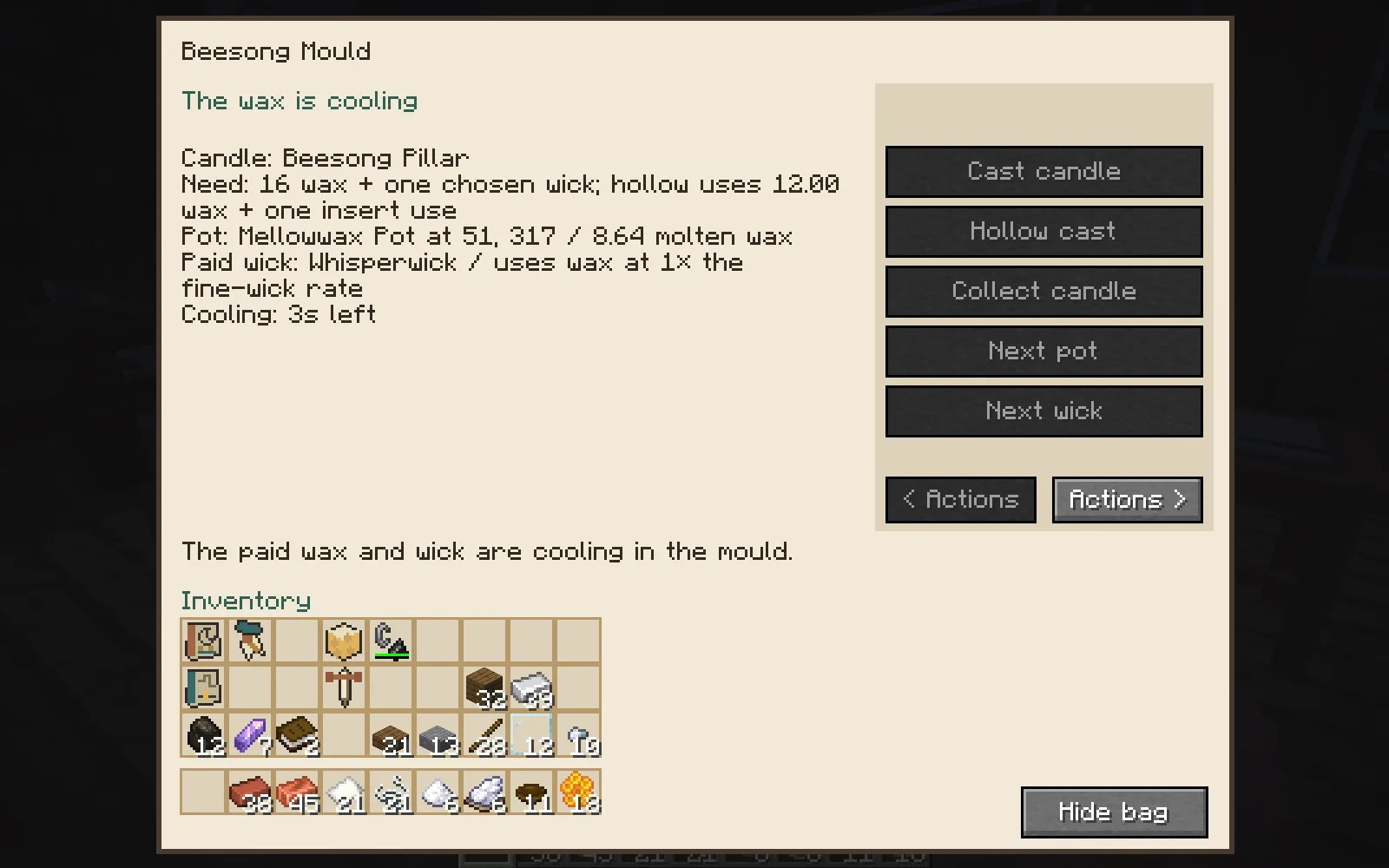
The wick stays with this candle while it cools. Wait for the mould before collecting.
The Hollowheart Insert offers another choice: a candle with a real central opening. It spends one insert use and three quarters of the normal wax. We cast a hollow Windowlight Taper with six measures and a Hearthwick. That smaller wax supply also matters when choosing how long you need it to burn.
Set a cooled candle on the Wickwatch Stand and light it with flint and steel. Put the flame out whenever you want to save the rest. You can relight the same candle later; the wax you have not burned stays with it. The clip below follows one Beesong Pillar through lighting, putting out and relighting.
Light it, put it out, then light it again. The remaining wax waits while the wick is out.
Use the Waxmaker's Journal to save a burn reading. It also records a prepared blend, giving you a useful reference for your next batch.
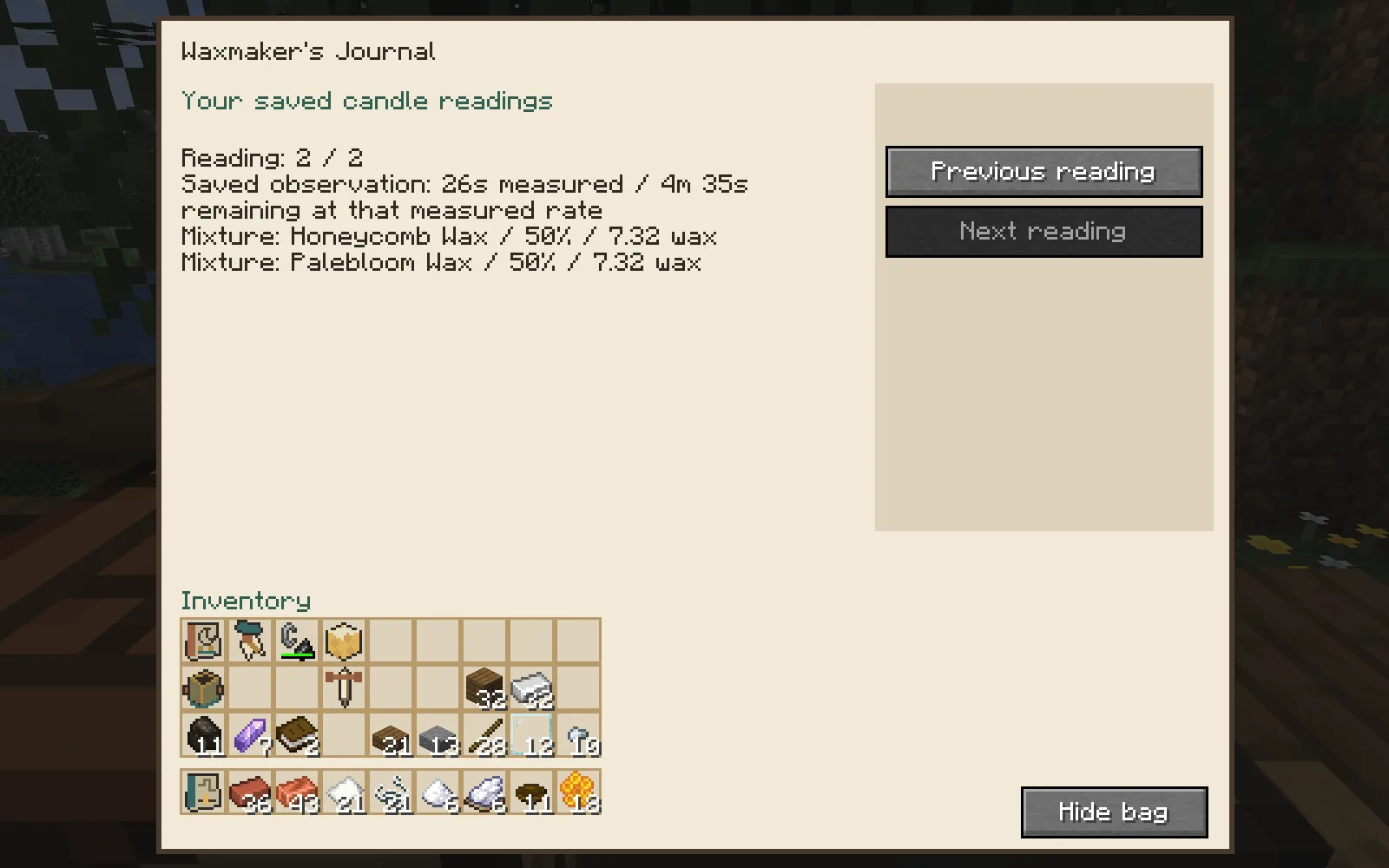
This reading comes from an actual trial. The remaining time is an estimate at the measured rate.
An earlier pillar's saved reading showed 26 seconds of burning, with about 4 minutes 35 seconds remaining at that measured rate. That is an estimate from the trial, rather than a promise for every location. A different wick or a more exposed holder changes the conditions. Reading before decorating is especially useful when you want several candles to last through the same evening.
Keep the ends. After putting out our pillar, we collected about 14.64 measures of surviving wax and combined it with the ten measures left over from casting. We could return both pieces before heating; melting them again then supplied a new pillar, with roughly 8.64 measures still in the pot. Burnt wax did not come back.
Choose Lift wax cake to carry a remaining molten blend as a Secondlight Cake. The Gleankeep Chest stores wax, wicks and genuine remnants, and sorts blends while keeping their separate contents. A Maker's Ribbon can label a cooled, unlit candle with your name or a name you give the ribbon.
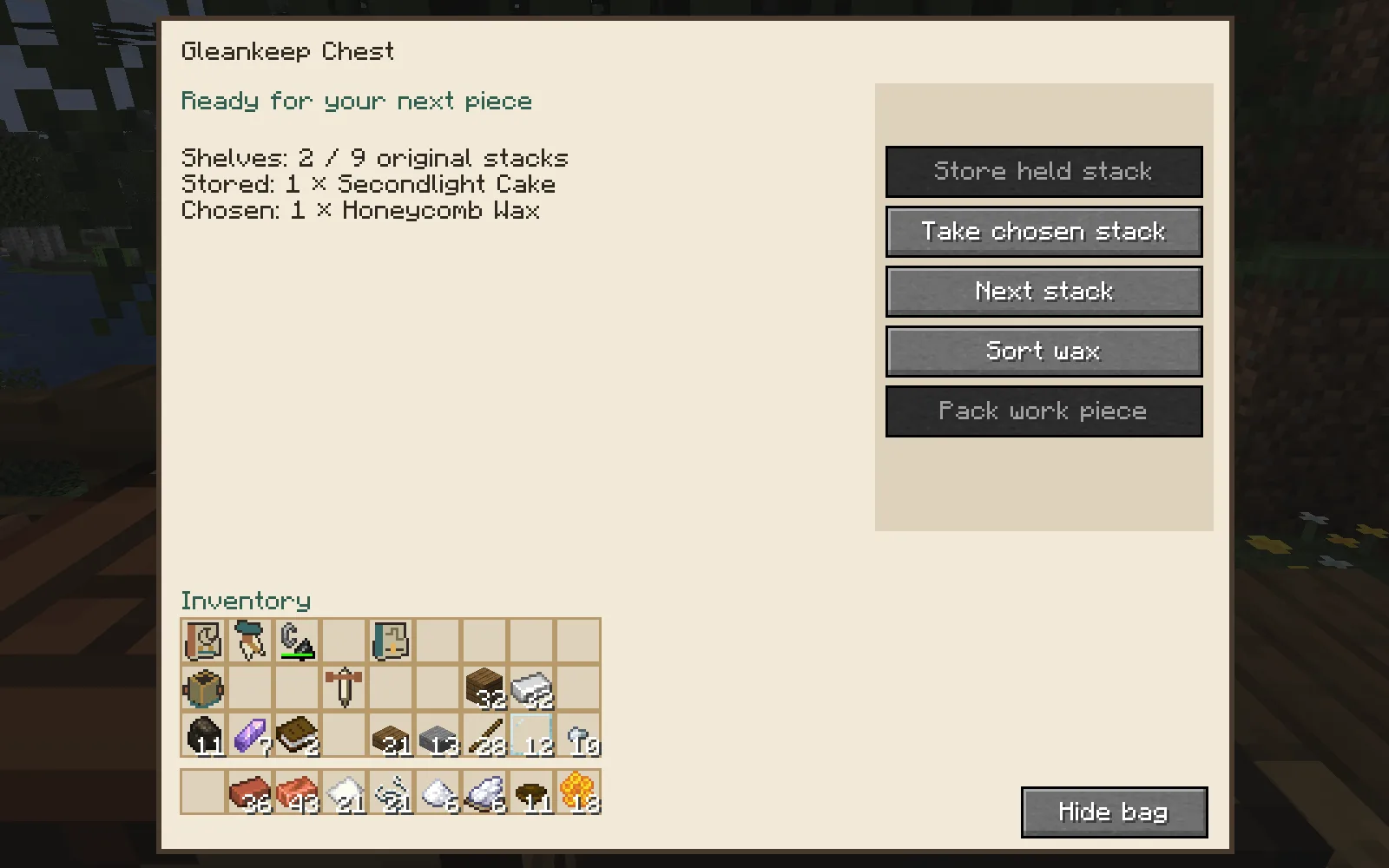
Keep a leftover cake beside fresh wax for a later batch.
Now give the light a home. The Brassleaf Candlestick suits an open spot, the Wallglow Bracket attaches to a solid wall, and the Rainveil Lantern provides more shelter. An exposed draft can increase consumption. Crowding flames together reduces their light, so leave a little breathing room around the arrangement. These custom flames provide light without setting surrounding blocks on fire.
An Eveninglight Table gathers nearby candles into a shared lighting plan. Choose the candles you own and preview the minimum time you need. Discarding a preview costs nothing; applying it spends one use of your Eveninglight Plan. Then confirm your candles. Hold flint and steel to light the agreed set. Changing the plan or its candles requires fresh agreement; withdrawing consent kept our arrangement unlit until we confirmed again.
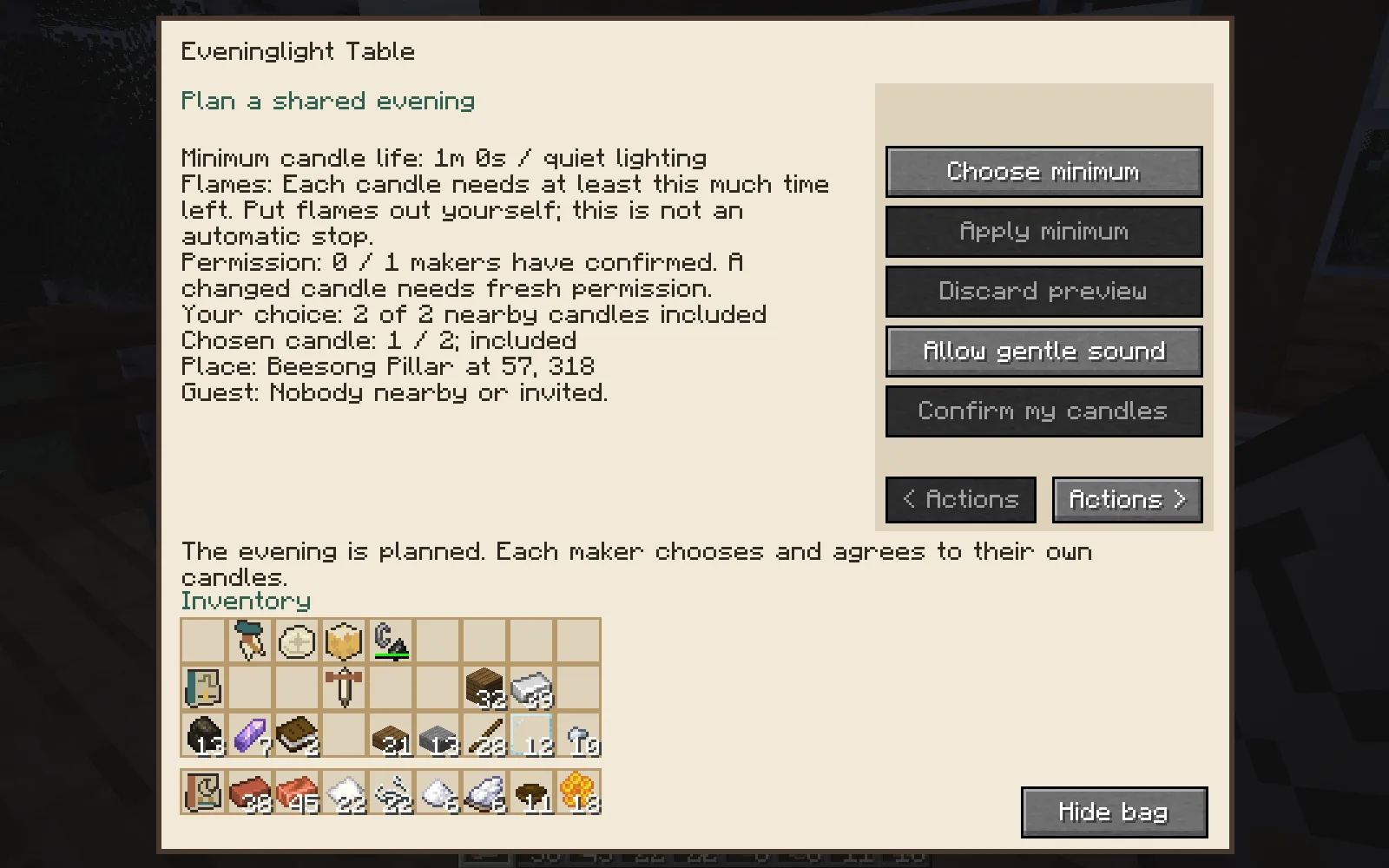
One minute is the minimum supply of light for this plan. Put the candles out yourself when you finish.
We applied a one-minute minimum. Every selected candle needs at least that much life remaining. The flames do not turn off after a minute. Put them out yourself when you want to save the rest. Quiet lighting omits the single gentle ignition sound; it does not silence the rest of Minecraft.
Invited makers choose and confirm their own candles. Our playthrough used one player; a network gathering has not yet been reviewed. The wooden garden workshop shown here is a separate build made from ordinary blocks. You can make your own corner for the craft, and keep using it beyond the holidays.
Wax & Wonder 0.1.1 is for Minecraft Java 26.1.2, tested with Fabric Loader 0.19.5, Fabric API 0.155.3+26.1.2 and Java 25.
Created by Modonix Studio. Made with Modonix.
Get this beta from Files. To make your own variation, download the editable project and open it in Modonix Development Studio.
Comments & questions
Share what worked, ask for help or reply to another player.
No comments yet. Share what worked for you.