
Getting four corners to match is easier when you only have to place one of them. Mirror Mason reflects supported block placements around a center you choose, making it useful for a small courtyard, fountain surround or symmetrical facade.
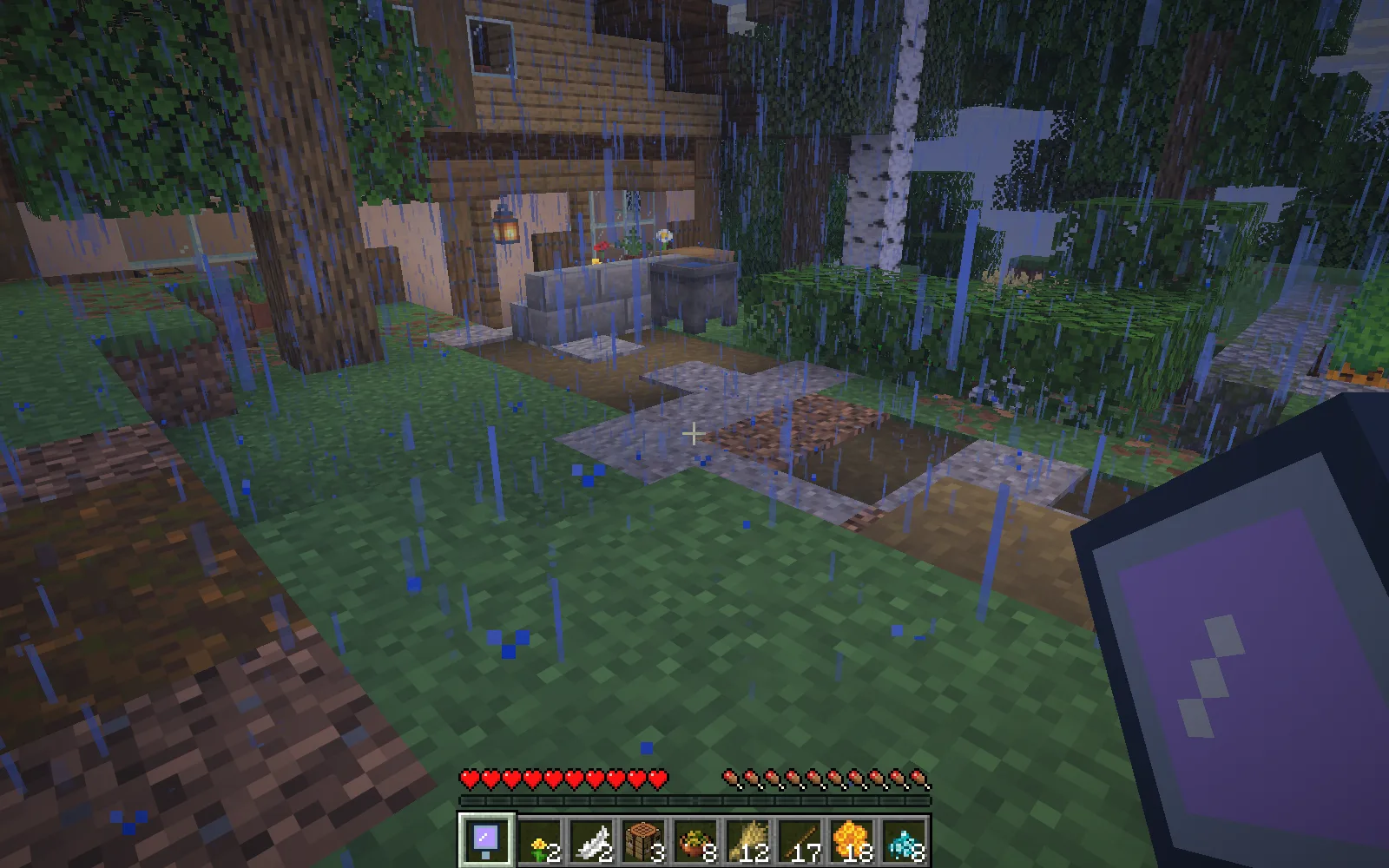
Before building: leave room around the chosen center. The cottage and garden are authored filming scenery, not a generated Mirror Mason build.
Choose the center before you build
Stand on the block that should sit at the middle of your layout and use Mirror Mason. That position sets the horizontal center. Switch to a supported building block and place the first part of your design nearby.
The supplied four-quadrant setting reflects across both horizontal axes. A placement away from those axes can add up to three matching copies at the same height. Positions that overlap are not copied twice. Leave room around the center: a reflected position must be empty and clear of entities, and you need a matching block in your inventory for each copy in Survival.
Start with a few stone corner posts before committing to a whole wall. The supplied range is 12 blocks from the center in each horizontal direction, with room to record 64 mirrored blocks. Stone, cobblestone, stone bricks, bricks, glass, polished andesite, diorite and granite are supported, along with vanilla planks, wool, concrete and colored terracotta. Stairs, slabs, containers and arbitrary modded blocks are outside this tool's supported set.
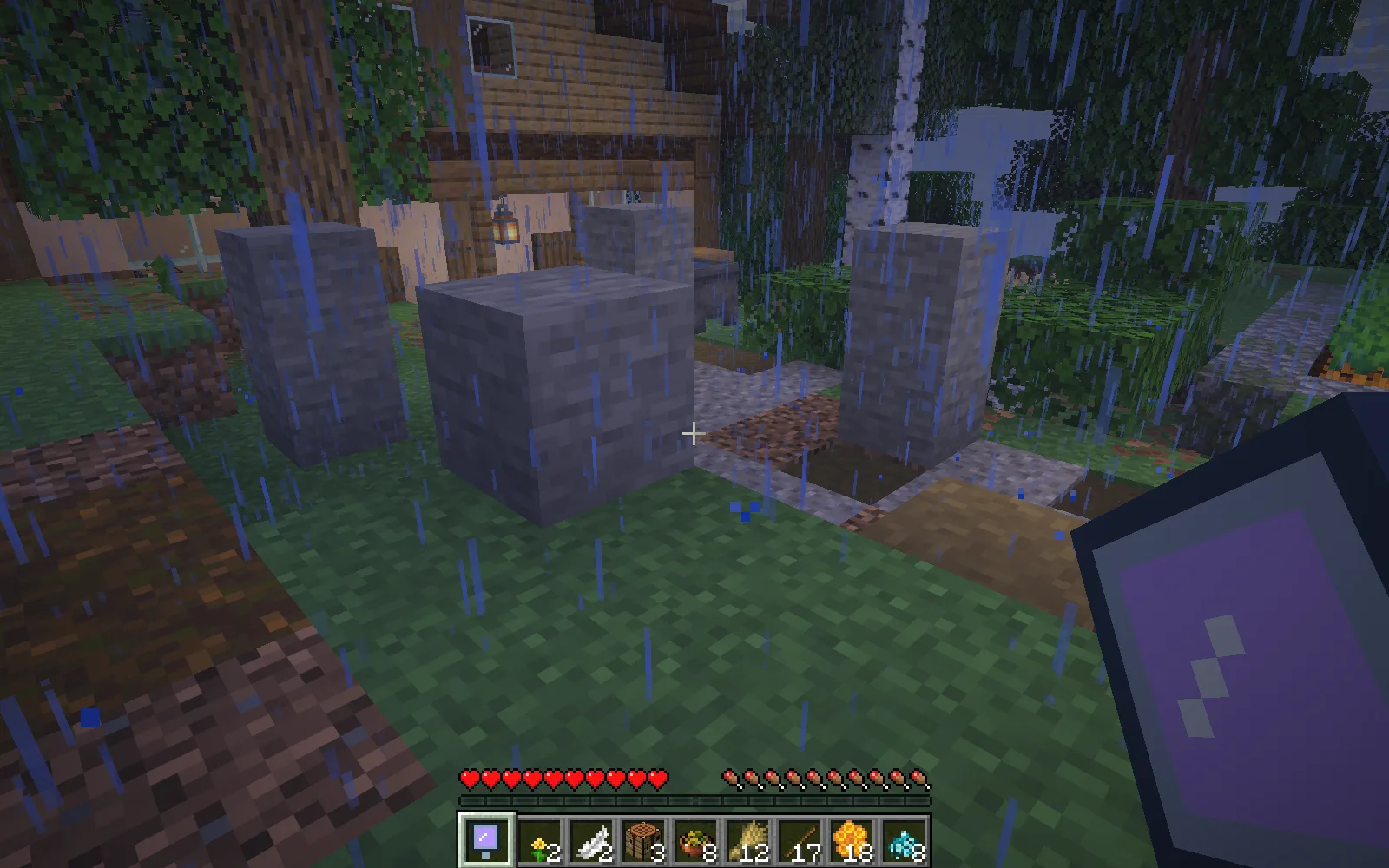
Two ordinary block placements make four matching posts. This example used eight stone blocks: two originals and six paid copies.
Pause, step back, or undo
Use Mirror Mason again to pause mirroring. Your original placements stay where you put them.
Sneak-use undoes its recorded copies, up to 12 blocks per use, and returns the materials paid for those copies. Step clear of the reflected structure first. Copies that have been replaced with a different material are skipped. Repeat if there are more recorded blocks to remove.
Undo the recorded copies before choosing a new center. This keeps a second layout from taking over the first one's undo history.
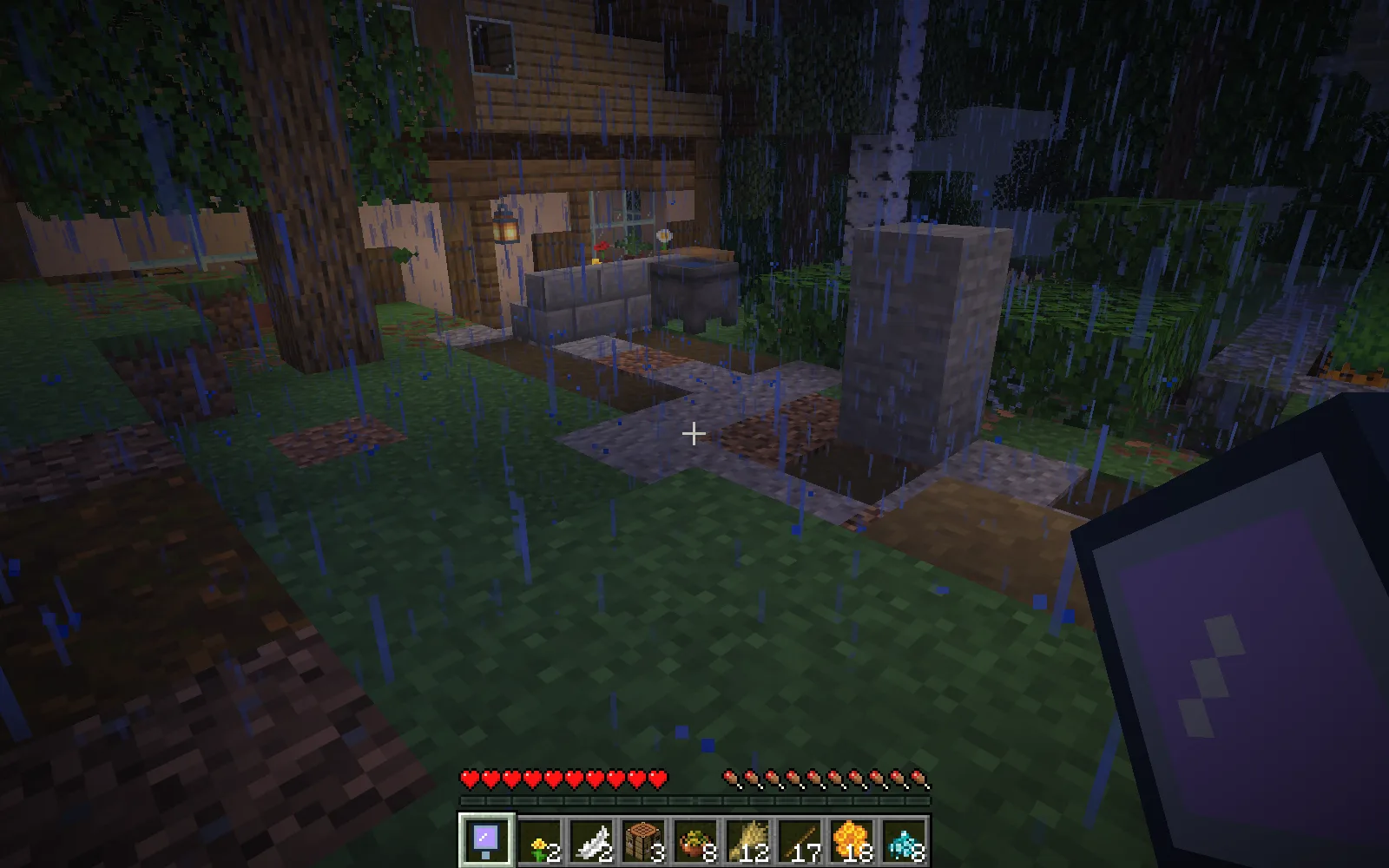
Sneak-use removed the six recorded copies and returned their six stone blocks. The original two-block post stayed in place.
Craft Mirror Mason
You need one ender pearl, two copper ingots, one amethyst shard and one stick at a crafting table. Starting a mirror session costs one more amethyst shard in Survival, with a three-second cooldown; the reflected building blocks are paid separately. Pausing and undoing do not start another paid session. Creative building does not charge these materials.
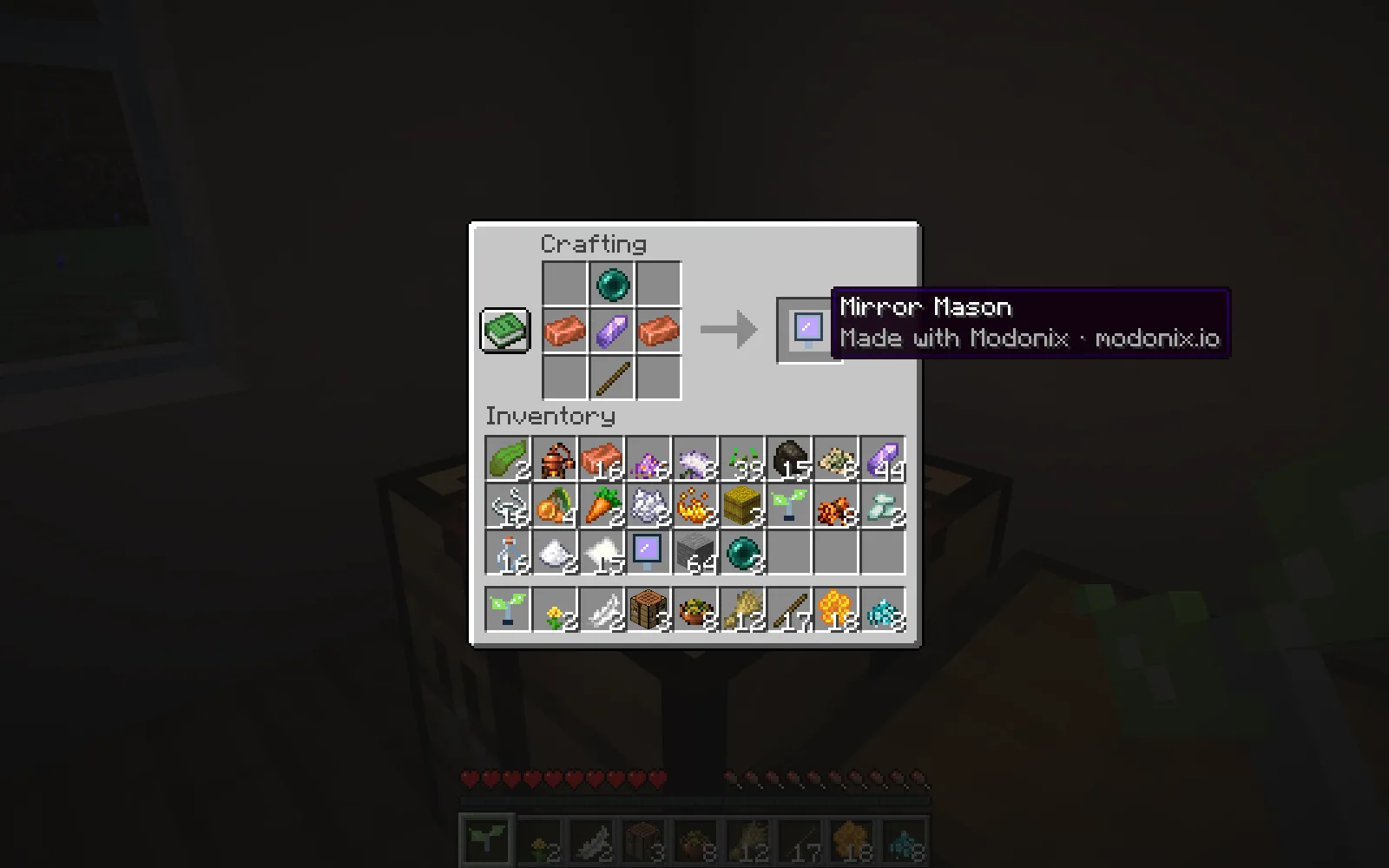
Craft Mirror Mason with one ender pearl, two copper ingots, one amethyst shard and one stick.
Make a two-sided version
For a gate or a simple facade, open Mirror Mason in the constructor and choose one reflection axis instead of four quadrants. You can adjust the range and mirrored-block limit or save the editable project.
Get beta 0.1.0 from Files for Minecraft Java 26.1.2 with Fabric. The file entry lists the exact loader and Fabric API requirements.
Created by Modonix Studio. Made with Modonix.
Comments & questions
Share what worked, ask for help or reply to another player.
No comments yet. Share what worked for you.