
Lootr gives each player their own contents when they open a supported loot chest in Minecraft Java. Your friend can empty a dungeon chest, and you can still visit the same chest for your own reward. It is a useful fit for a shared survival world where people explore at different times.
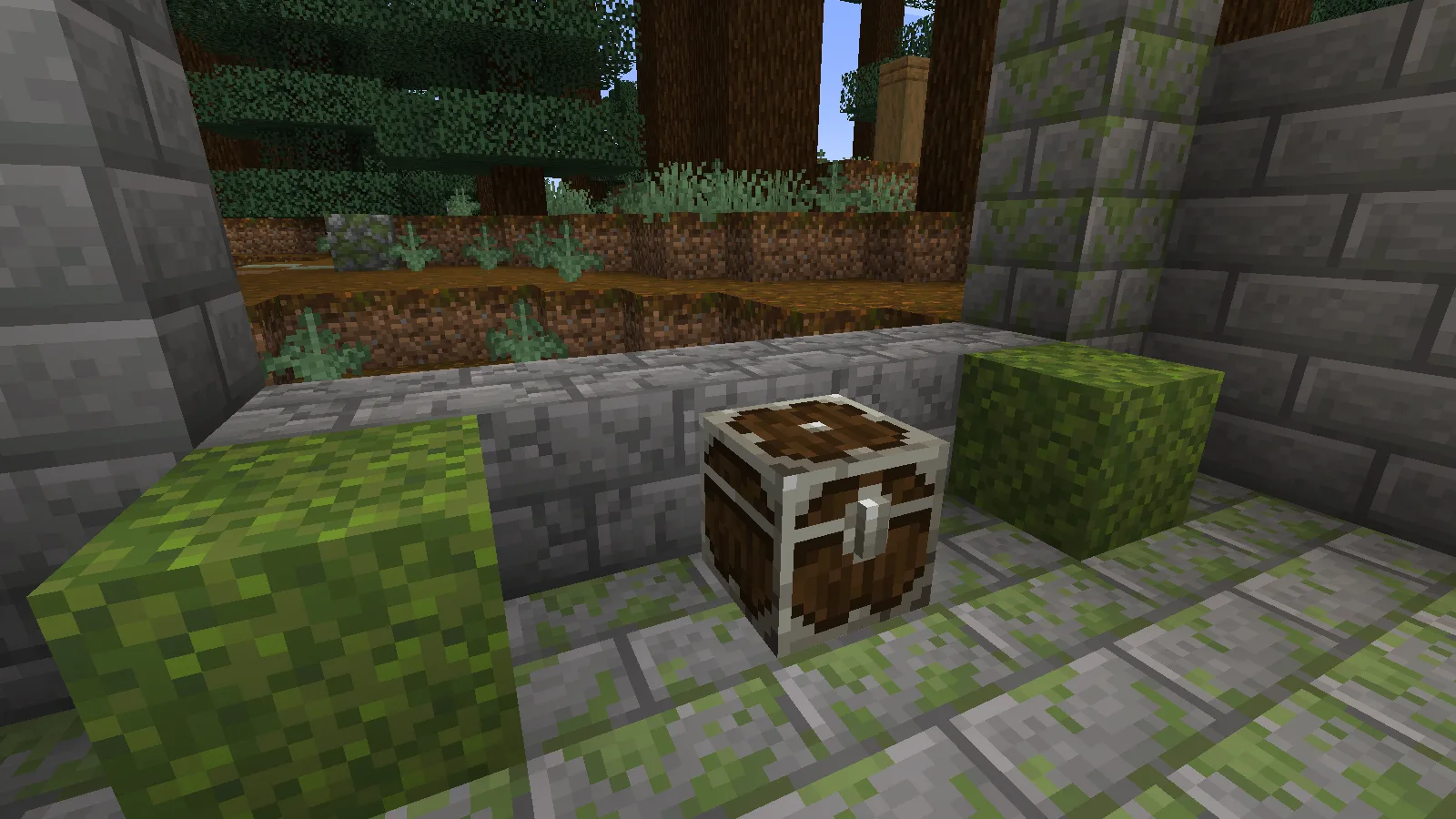
One chest, a separate reward for each player
You do not need to craft a special key. Install the matching mod, approach a converted loot chest and open it normally. Move the items into your inventory just as you would with an ordinary chest.
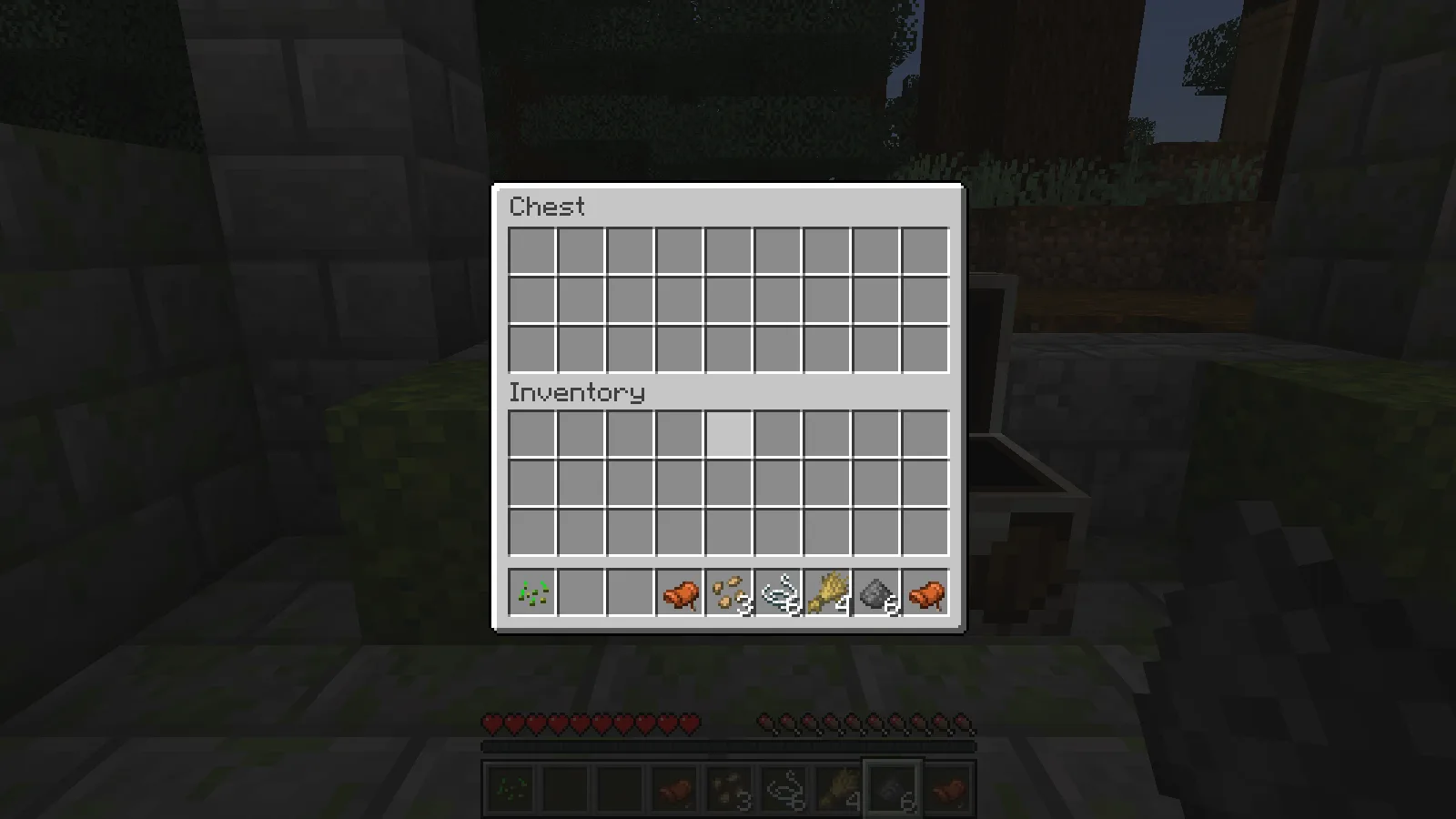
In our shared review world, the first player opened the chest in the forest ruin and found saddles, string, wheat, seeds and gunpowder. We collected every item, leaving all 27 chest slots empty.
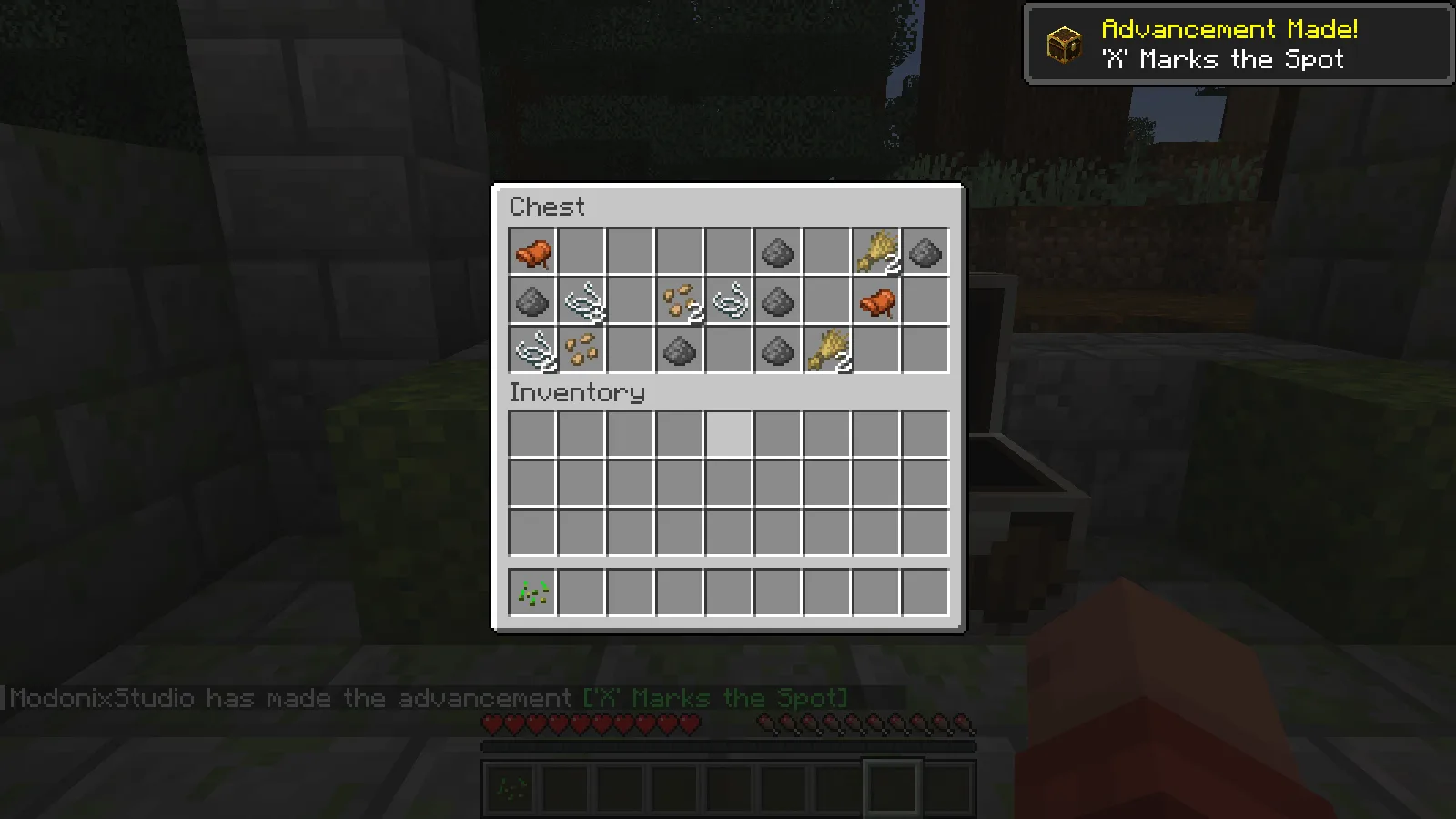
We then closed Minecraft, reopened the saved world and checked that same chest with the first profile. It remained empty, and the collected items were still in the player's inventory.
Arrive after a friend and still find something
The second player joined the same world with a separate game profile. For that player, the chest still had its unopened gold trim, even though the first player had already taken everything.
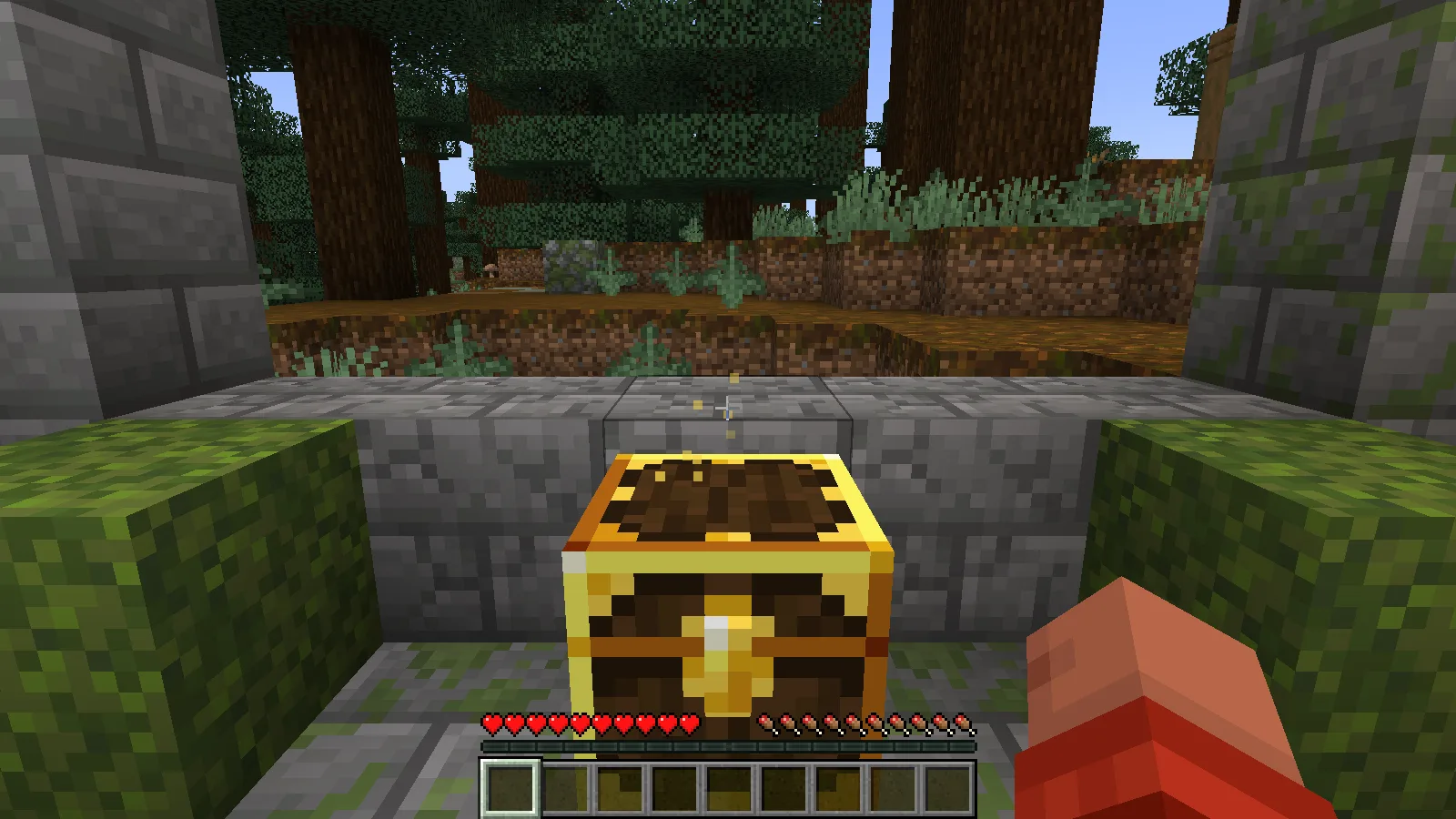
Opening it produced a different selection: a golden apple, diamond horse armour, a music disc, bones, wheat and string. These were that player's items, not a refill of the first player's inventory. After the second player collected them, the first player's chest contents still stayed empty.
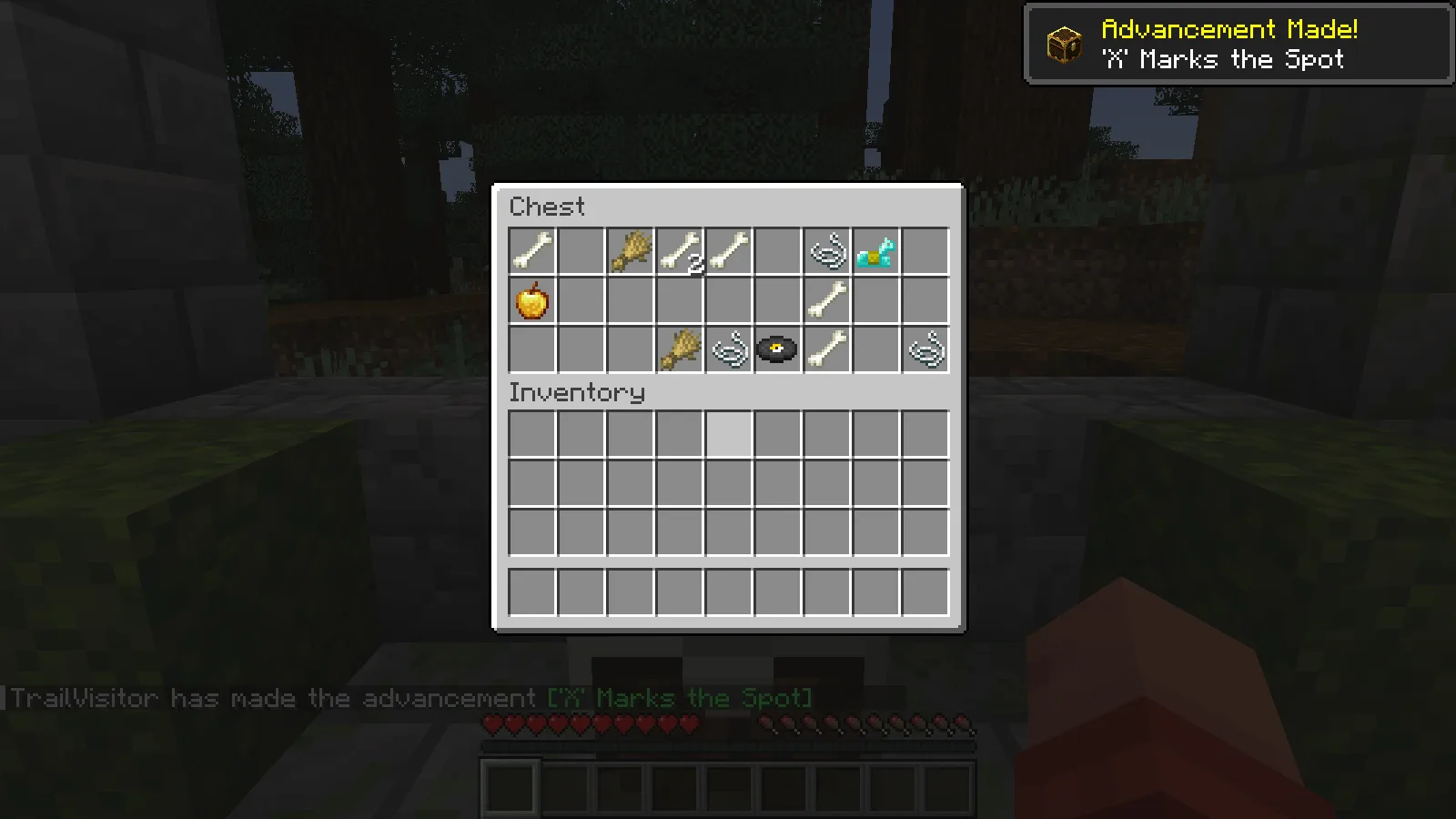
The exact rewards in these pictures are examples of our rolls, not guaranteed drops. Lootr uses the chest's loot table; it does not turn every location into a source of rare items. Its main benefit is giving late arrivals a chance to explore the same places without finding only containers emptied by someone else.
Does leaving and rejoining give more loot?
Not in the default setup we tested. The second player also quit the client, rejoined and opened the same chest again. Their portion stayed empty, while the items they had collected remained in their inventory.
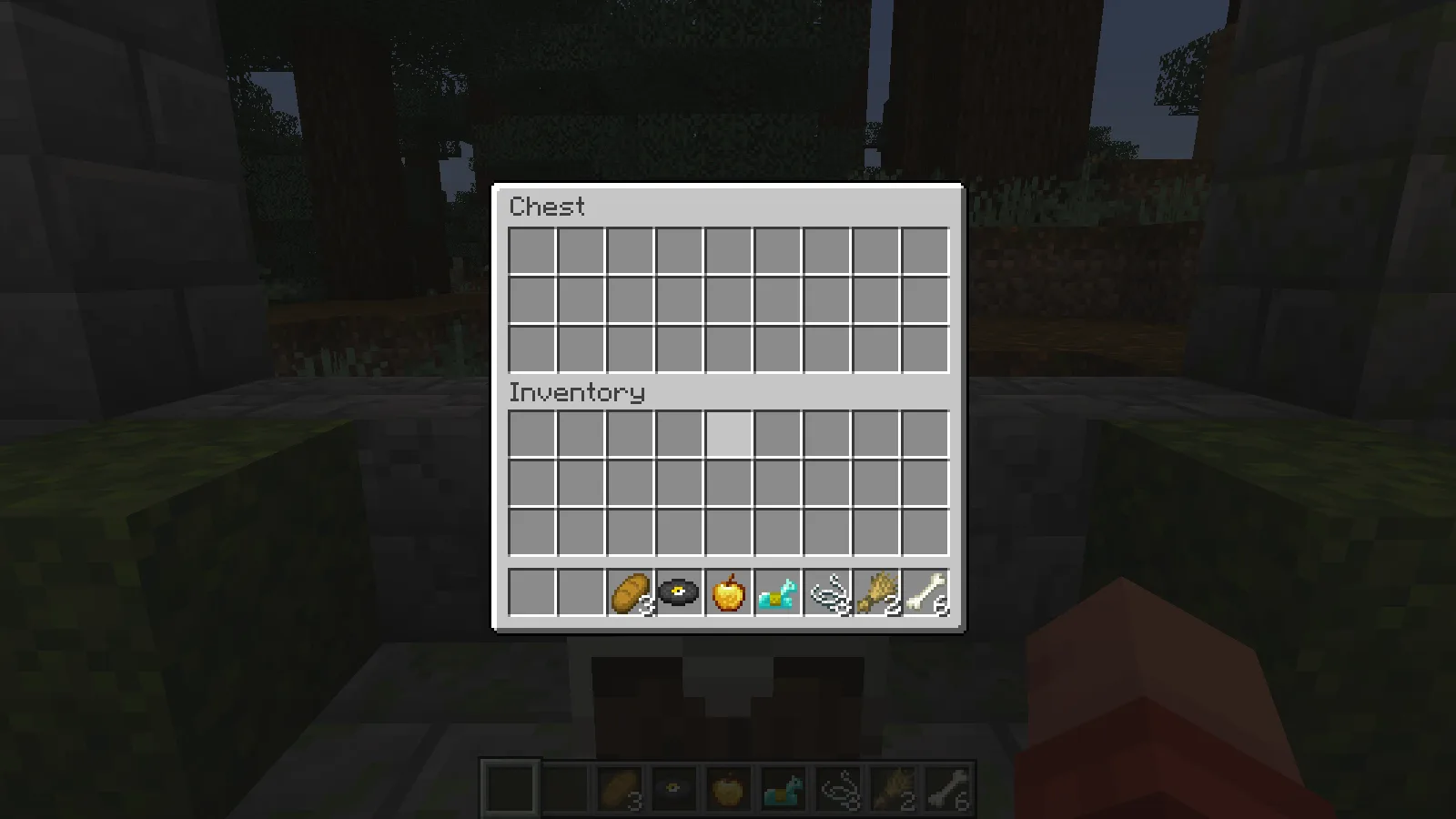
That distinction matters when planning an expedition: a new player gets their own first visit; the same player does not get another roll simply by reconnecting. Server owners can configure different refresh rules. Ask about those rules if a particular server behaves differently.
Your base storage remains shared
An ordinary supply chest is not automatically private storage. Beside the loot chest, we placed a normal chest containing three bread. The second player took the bread. When the first player checked it afterwards, the supply chest was empty for them too.
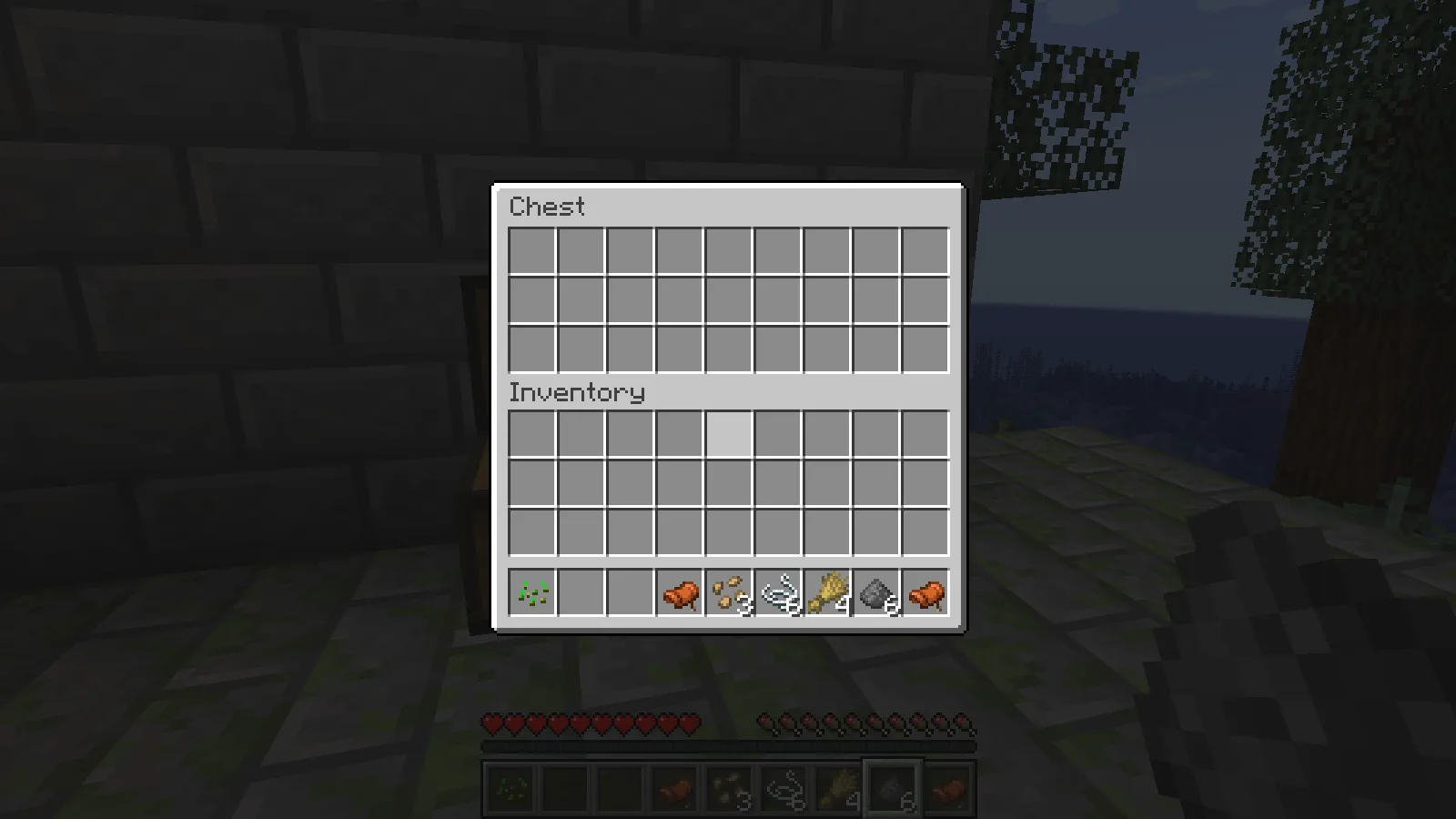
Keep using ordinary chests for supplies you want to share. The useful distinction is whether a container has a supported loot table, rather than whether it looks like a chest or sits inside a building.
Adding Lootr to an existing world
Make a world backup before changing a modded save. According to the creator, suitable unopened containers that still have their loot tables can be converted. Containers opened before Lootr was installed may have already lost those tables, so installing the mod does not restore their original rewards.
If an old location still contains an ordinary empty chest, try an unexplored location before assuming Lootr is broken. Modded structures can also use their own containers or loot systems; compatibility with one chest does not establish compatibility with every structure mod.
Keep the mod installed in a world that uses its containers. Removing it can remove converted containers from the save. Back up first and follow the creator's guidance before changing that setup.
Install the reviewed Java release
Choose the matching Lootr file in Files, close Minecraft and put the JAR in the active instance's mods folder. For a shared world, install compatible copies on the host or server and every participating client.
Comments 0
Share what worked, ask for help or reply to another player.
Use your Modonix account to join the discussion and manage your comments.
Sign in to commentNo comments yet. Share what worked for you.