
A torch in the hotbar is useful for placing lights, but LambDynamicLights also makes a held light source illuminate nearby surfaces on your screen. That makes a quick look down a dark corridor easier before you decide where permanent lights belong.
Compare the same spot
The first view looks down a stone corridor with an empty hand. Timber supports are visible nearby, while much of the passage remains dark.
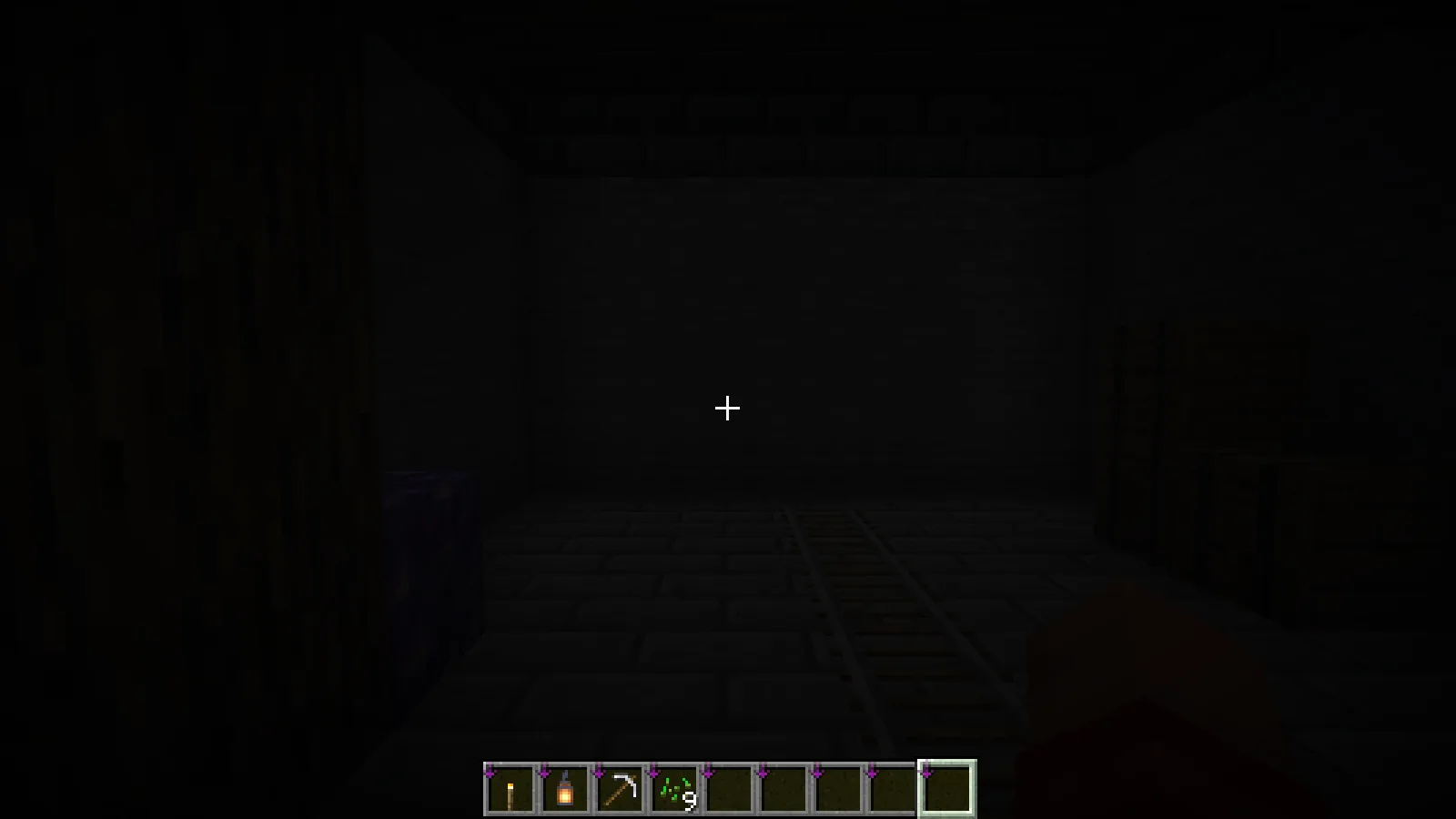
Select a torch without moving the camera. In the next view, the floor, walls and supports around the player become easier to read. The position, direction and field of view are the same, so the change comes from selecting the held light rather than moving closer to the wall. These images use no shader pack.
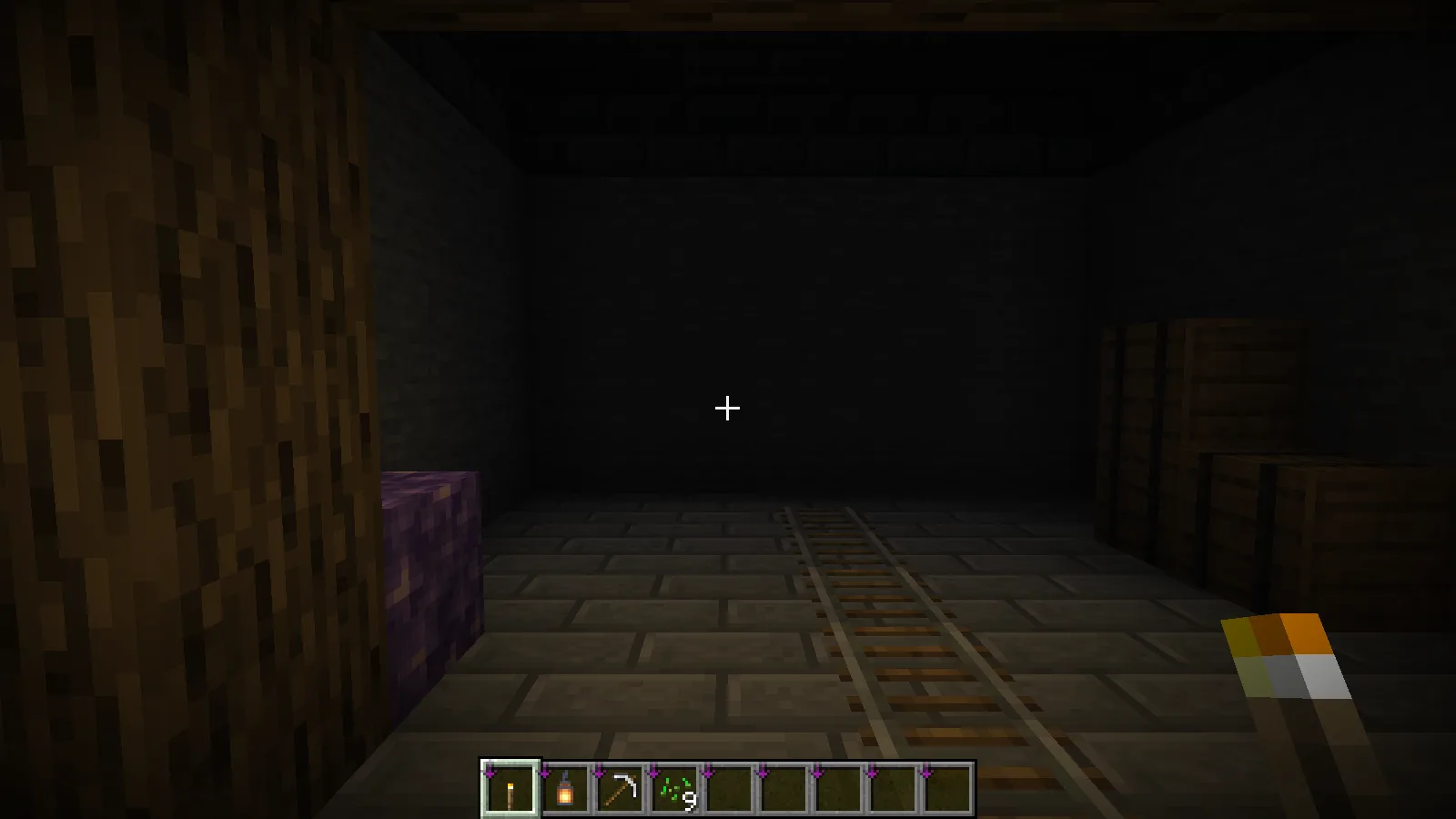
Keep the torch in an accessible hotbar slot if you want to switch between looking around and using a tool. This effect is a visual aid; continue placing normal lights wherever your build needs lasting illumination and normal game-light behavior.
A dropped light can be visible too
The next example uses a lantern. Pressing the normal drop key leaves the lantern as an item on the floor, with nearby surfaces illuminated around it. The item is still an item to pick up, not a placed lantern block.
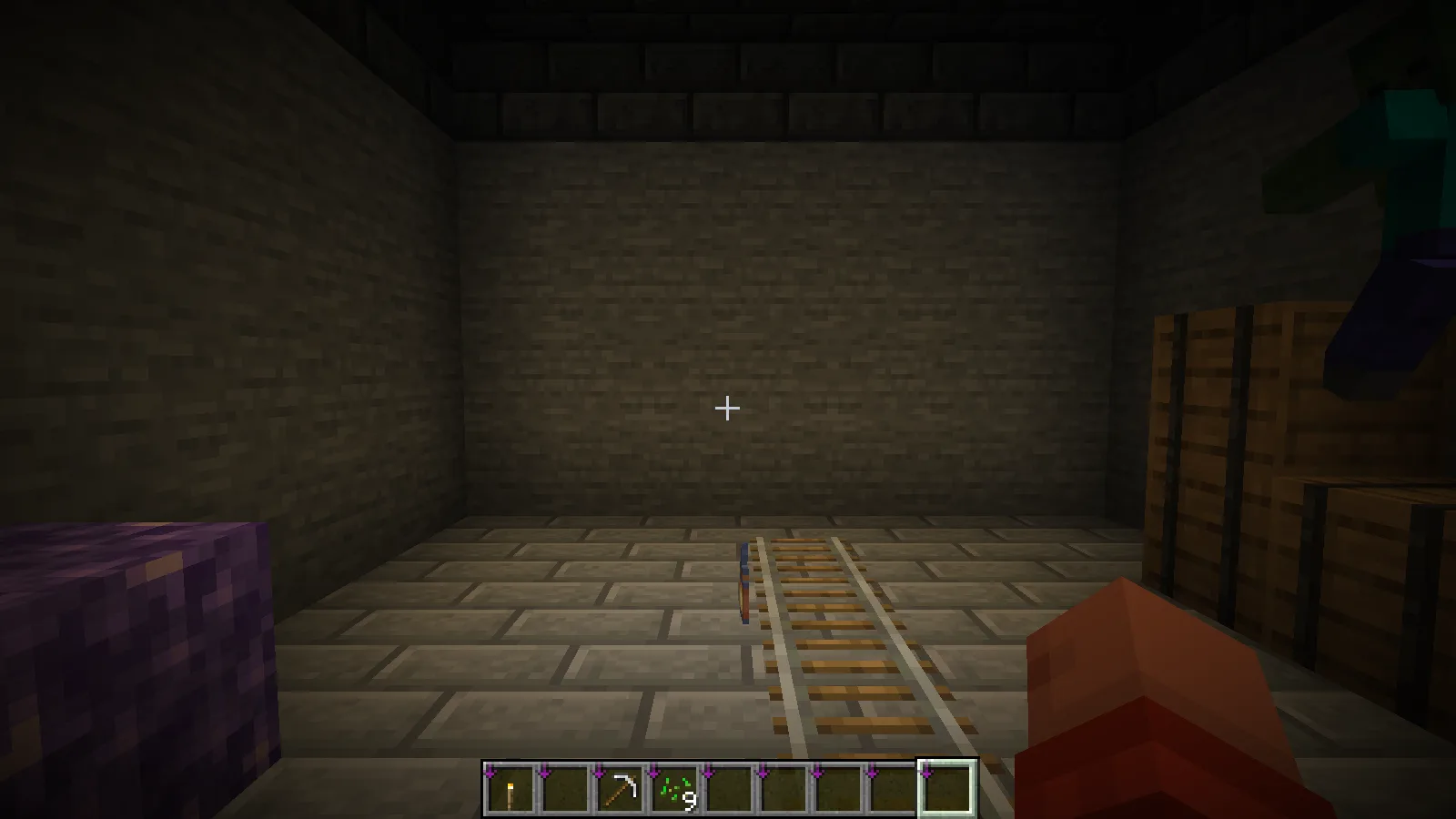
That distinction matters when dressing a build. Place a lantern normally when you want a permanent fixture. A dropped item is useful for seeing the dynamic effect, but it is a poor substitute for a finished light installation.
Check the active settings
The configuration shown here uses Fancy mode with entity lighting and first-person lighting enabled. If holding a torch produces no visible change, begin with the first-person setting and confirm that the mod is active in the profile you launched.
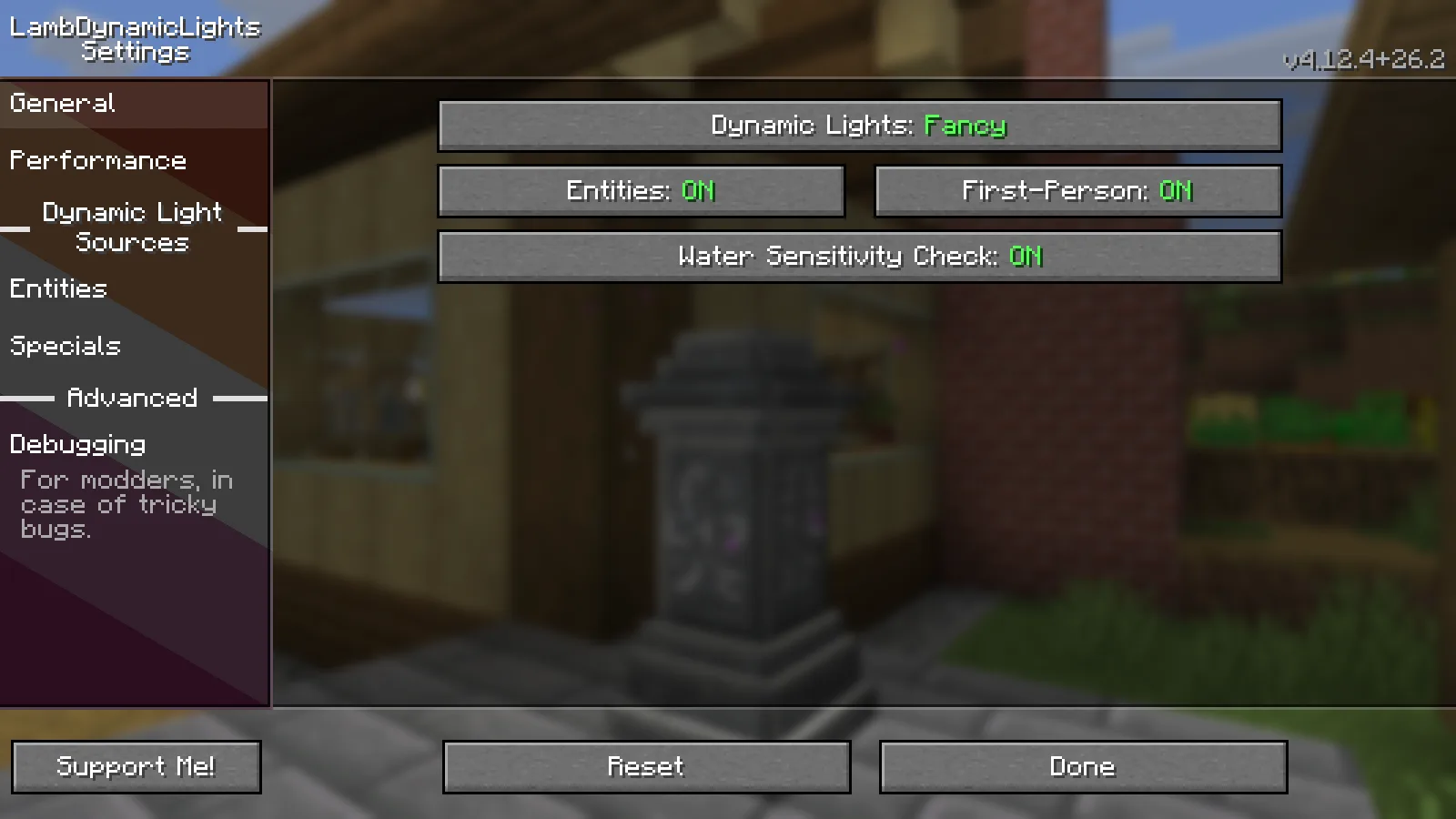
These screenshots use LambDynamicLights 4.12.4 for Fabric and Minecraft Java 26.2, with Fabric API. Mod Menu provides a convenient route to its settings. Start with one known light source and a dark area so the result is easy to see before adjusting other options.
Comments & questions
Share what worked, ask for help or reply to another player.
No comments yet. Share what worked for you.