
A food chest can hold plenty of meals without making the choice obvious. AppleSkin adds food information to item tooltips and the hunger HUD, so you can compare what is already in your inventory before heading underground. It changes the display; it does not make the food itself stronger.
Compare two meals
Open your inventory and hover over a food item. The extra icons separate the food's hunger restoration from its saturation contribution. Saturation is the reserve behind the visible hunger bar, so looking only at the ordinary hunger icons misses part of the comparison.
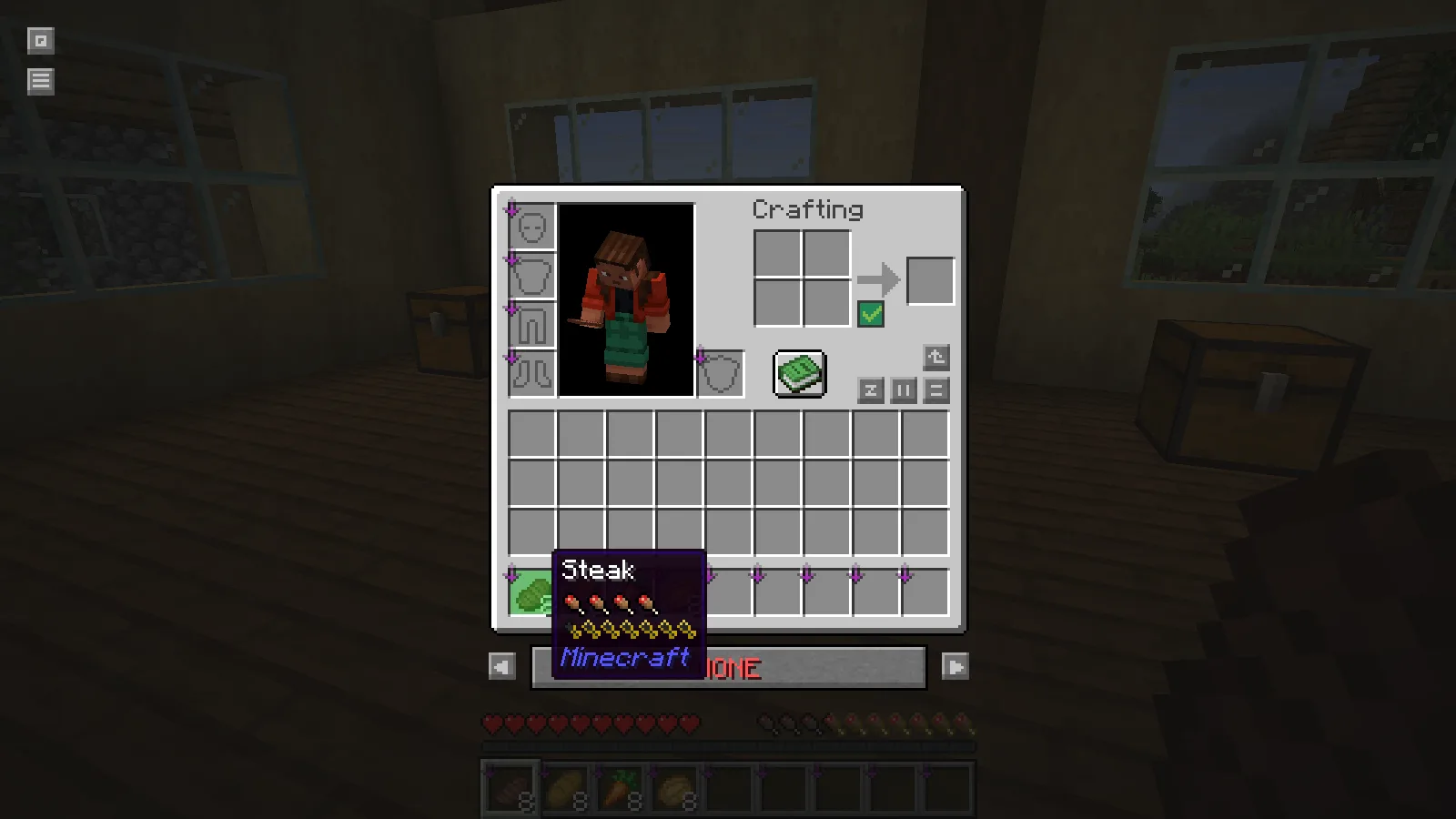
In the workshop example, hovering over steak shows a larger saturation indicator than hovering over bread. Move between the two slots and compare the tooltip rows directly. There is no need to eat both items just to see the information the mod provides.
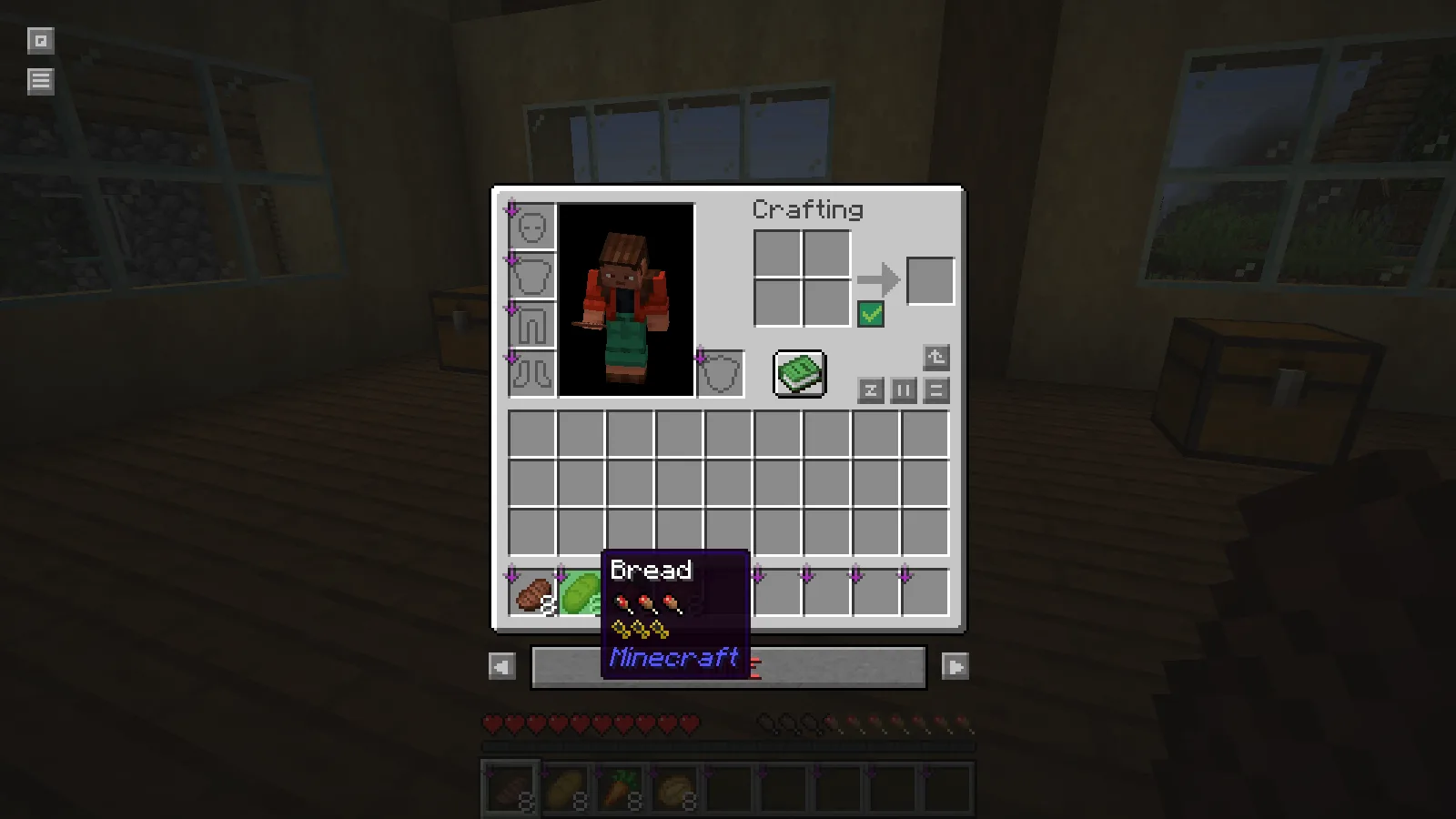
That comparison is useful when packing for different jobs. Bread may already be the easy food to restock beside a wheat field. A longer cave trip may justify taking another food from storage. AppleSkin makes the tradeoff visible while leaving the actual choice to your supplies and plans.
Check the hotbar preview
Close the inventory and select the food in your hotbar. The HUD preview shows the potential effect of the held meal alongside your current hunger information. Switching items gives you a quick comparison without reopening the inventory.
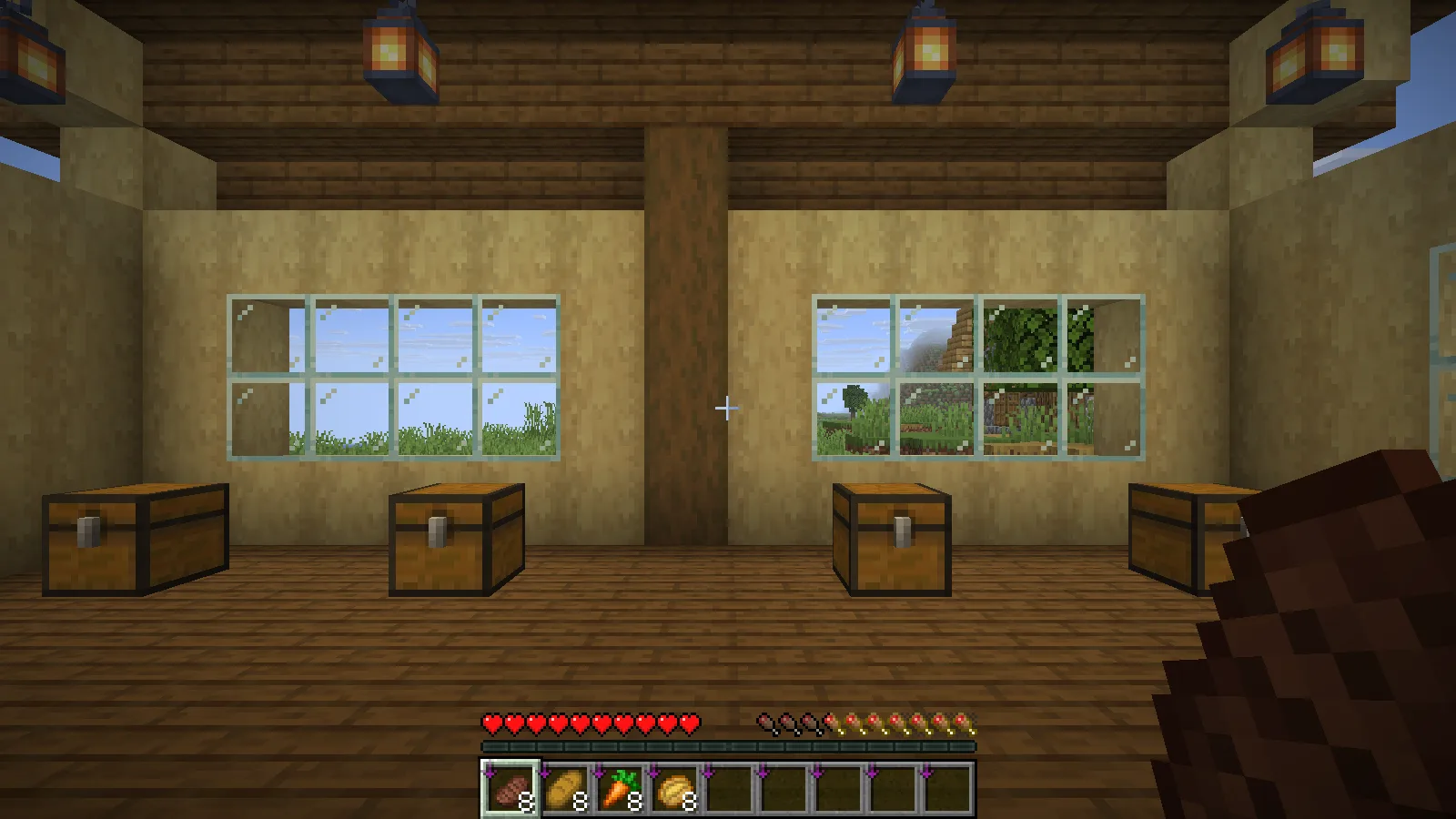
Use this as a packing aid, then keep the food in a slot you can reach easily. A clear display is most helpful when the meal is available during the trip rather than buried beneath building blocks.
Add it to a Fabric profile
The file accompanying this article is AppleSkin 3.0.10 for Minecraft Java 26.2. Install it in a matching Fabric profile with Fabric API, then launch the game and hover over food to confirm the tooltip is visible.
On a remote server, accurate live saturation and exhaustion information also needs server-side support, as the author explains. Keep that distinction in mind if the food tooltip works but a server does not provide the same live information.
Comments & questions
Share what worked, ask for help or reply to another player.
No comments yet. Share what worked for you.