
NoBlock gives you a strange first resource: a floating egg in an otherwise empty sky. Use it in the right place and a small piece of the world appears. The opening is about learning that exchange, then deciding what to keep from each new patch of land.
This start in IJAMinecraft's map reaches two adjoining surface areas: an oak island with a chest and chicken, followed by a patch with more trees and berry bushes. It is enough to see how the first few decisions work before heading toward deeper layers.
Hit, collect, then place
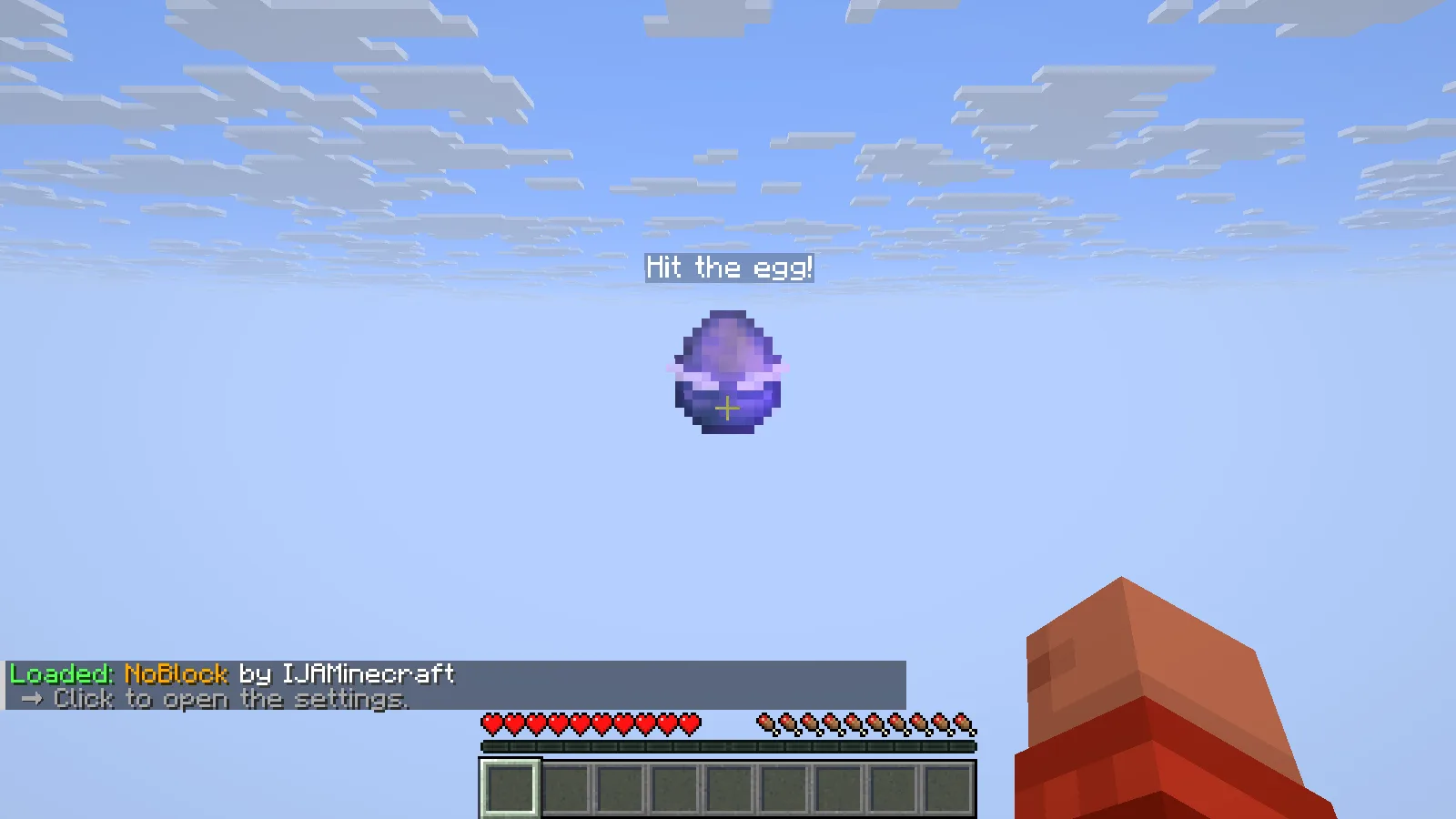
The first prompt says Hit the egg! Aim at the floating egg and use your normal attack control. Walk into the dropped item to collect it; hitting it alone does not put it straight into your hotbar.
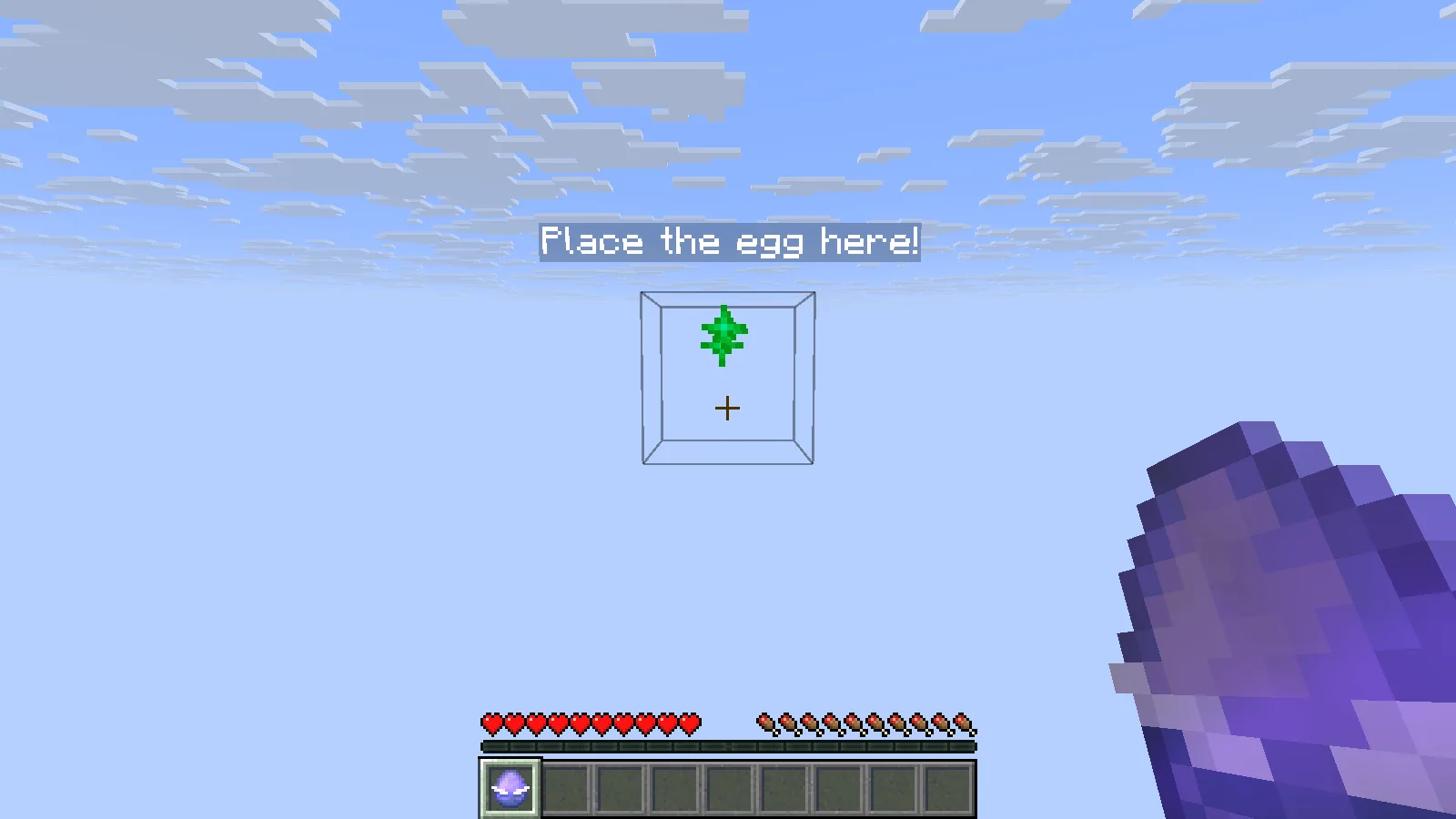
Once the Mysterious Egg is selected, follow the next marker. The highlighted square beneath Place the egg here! is the tutorial target. Aim at that square and use your normal place/use control—right-click with the default mouse controls.
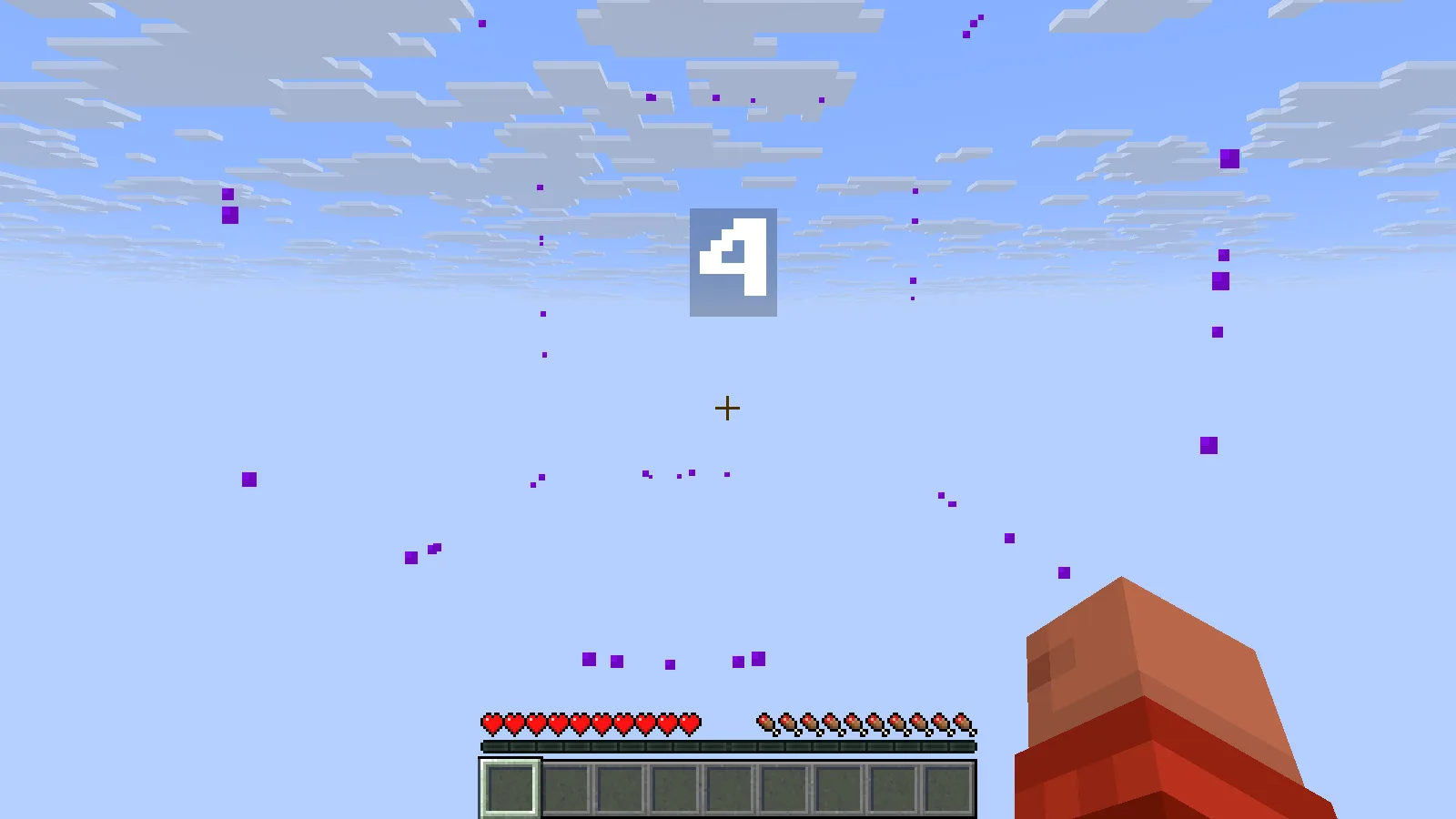
A successful placement starts a countdown. In this sequence the number appears at 4, then the island arrives when the countdown finishes. Give it time to complete before trying another interaction. The tutorial changes the player from Adventure to Survival automatically as this first structure appears.
Look over the first island before taking it apart
The first island shown here has an oak tree, several exposed logs, a chest and a chicken on a small grass platform. There is already more to work with than the empty opening suggests. Take a moment to identify the chest and the walking space around the tree before removing logs or changing the floor.
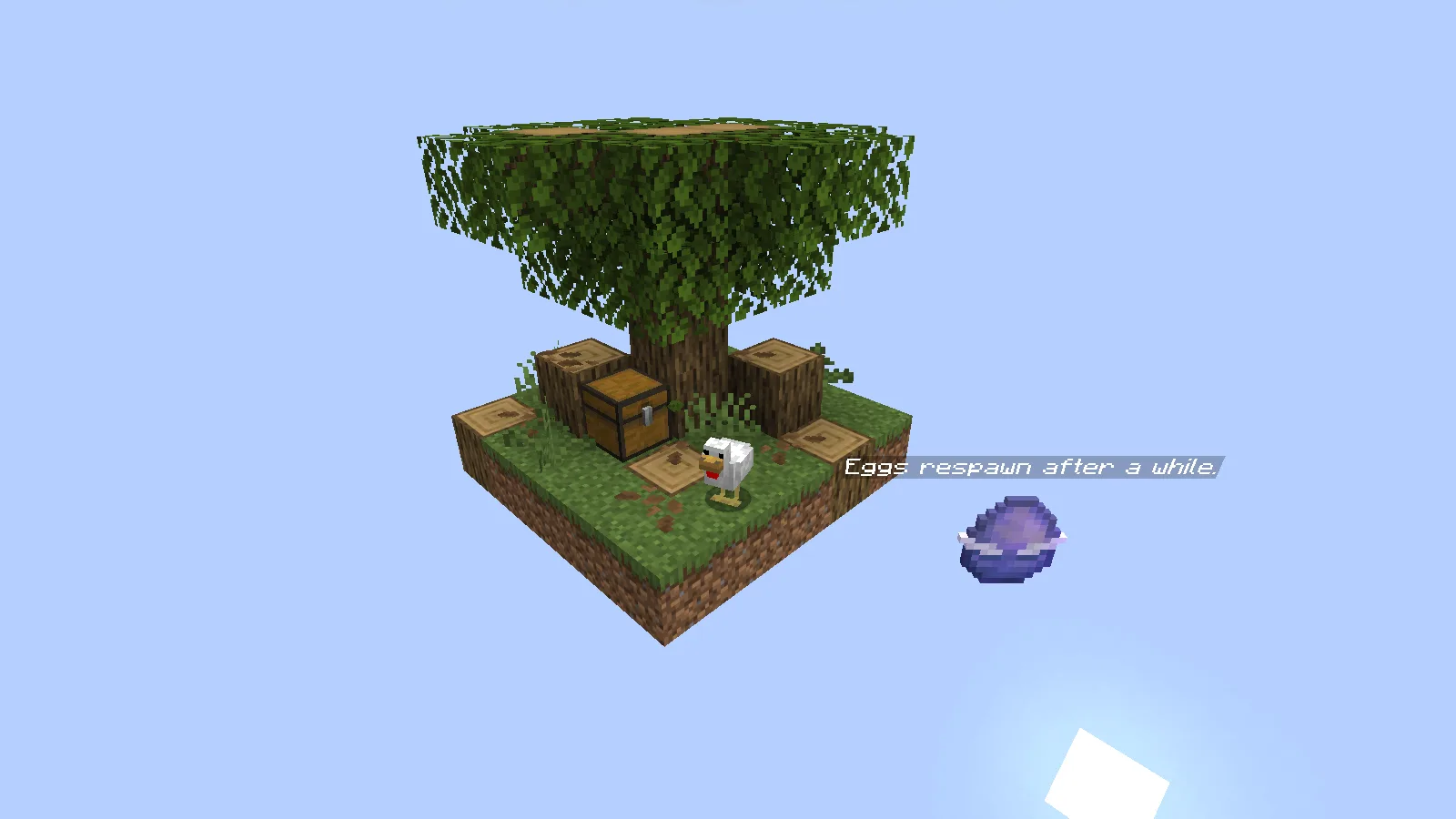
The chest in this attempt contained four apples and one torch. They remain in the chest in the screenshot. Check your own chest before planning around its contents: this is an example of what appeared here, not a promised supply list for every start.
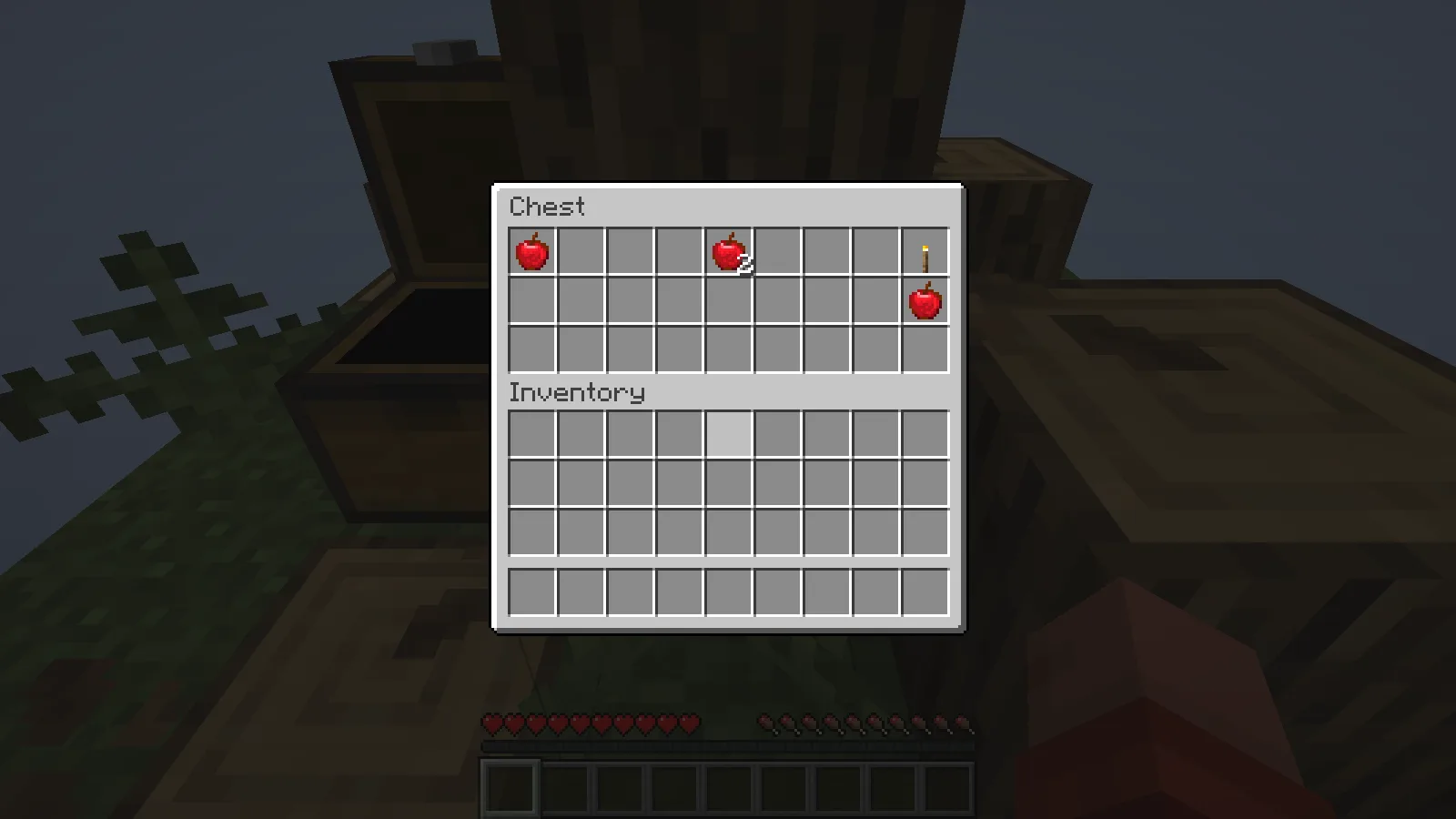
Food, wood and a little storage suggest a useful first goal: make a small working area with the chest easy to reach. Keep some standing space intact while gathering material. You can decide where a workbench belongs once you know which side will become the next extension.
Expand sideways before worrying about depth
Another egg appeared near the starting point. Hitting it and moving into it put a second Mysterious Egg into the hotbar. That egg was used on an adjacent barrier position, adding the tree-and-berry area beside the original island.
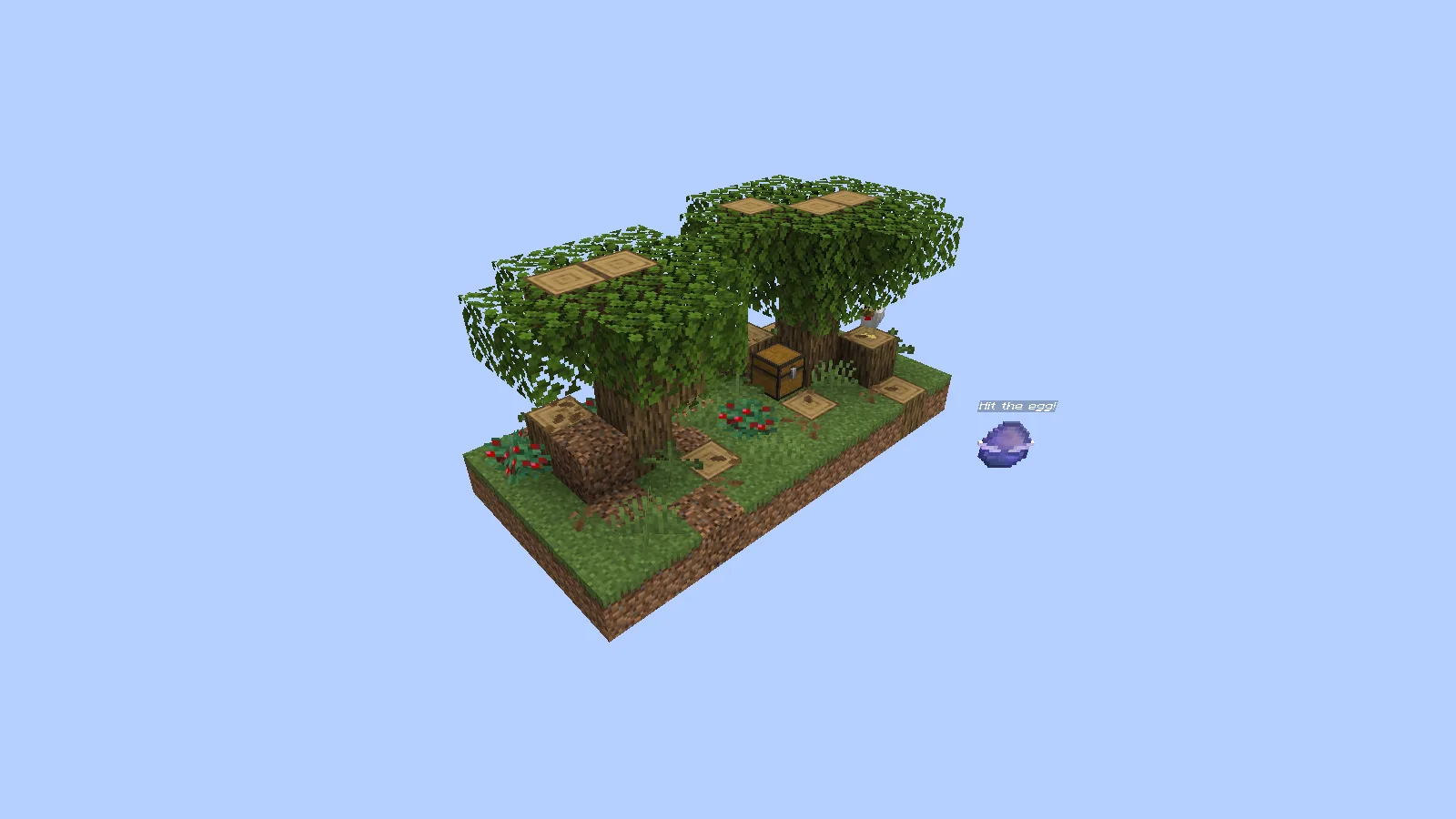
The two pieces now make a broader patch of land. Before harvesting everything, look at the connection between them: leave a clear path to the chest and keep track of the egg's return point. The berry bushes also give the new section a different layout, so choose your walking line before turning it into a work area.
One early placement attempt aimed too low and produced Place 5 more eggs to go deeper down! (0/5). The egg was returned. That message tells you the lower layer is still locked; return to the marked tutorial target and continue building out at the permitted height. It is a reason to keep expanding, not to repeatedly click the same lower position.
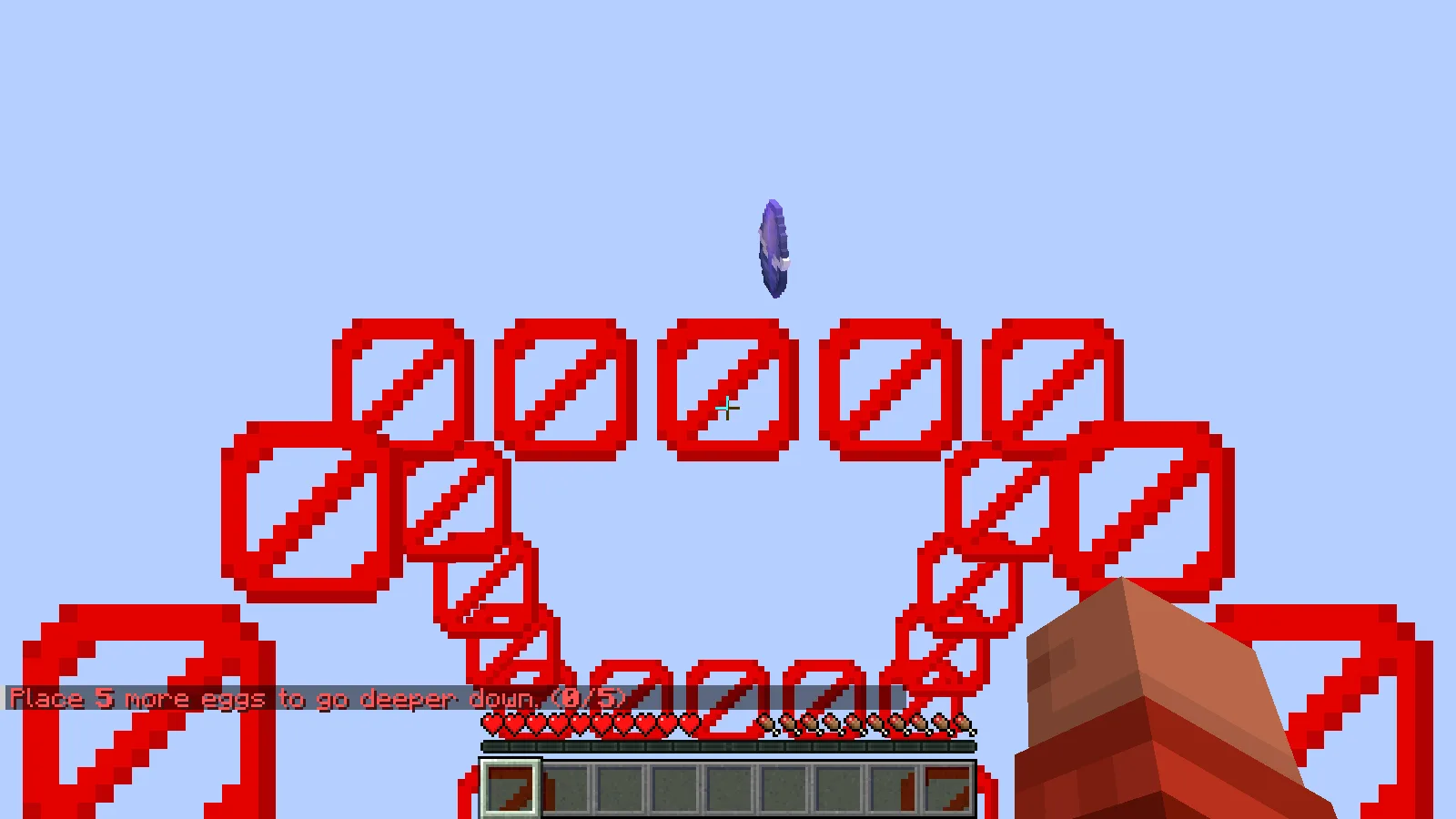
IJAMinecraft describes 20 layers, including the surface, with different structures and later Nether and End progression. The two areas above are the opening, so treat deeper exploration as a later goal rather than something this start has already completed.
Install the complete saved world
This example uses NoBlock 2.4.2 for Minecraft Java 26.1. Extract the downloaded ZIP and put the complete NoBlock by IJAMinecraft (26.1) folder in your installation's saves folder. level.dat must be directly inside that folder. Keep datapacks/NoBlock-by-IJAMinecraft.zip and resourcepacks/resources.zip in their supplied locations.
Launch Java 26.1, open Singleplayer and choose NoBlock. The outer archive is a saved world, so it does not belong in the Data Packs menu. If it does not appear, check for an extra wrapper folder around the folder containing level.dat. Back up your progress before changing the map or Minecraft version.
Comments & questions
Share what worked, ask for help or reply to another player.
No comments yet. Share what worked for you.