
A good base site can suggest the build before you place its first block. Terralith gives you flowering woodland, exposed ridges and steep river banks to work with. The choice is less about finding one enormous flat plot and more about deciding which natural feature should become part of your home.
Leave room for the flowering trees
The Blooming Valley view mixes purple and green canopies with birch trunks and small flowers between them. There are changes in height beneath the trees, so a cottage does not need to sit on a perfectly level lawn.
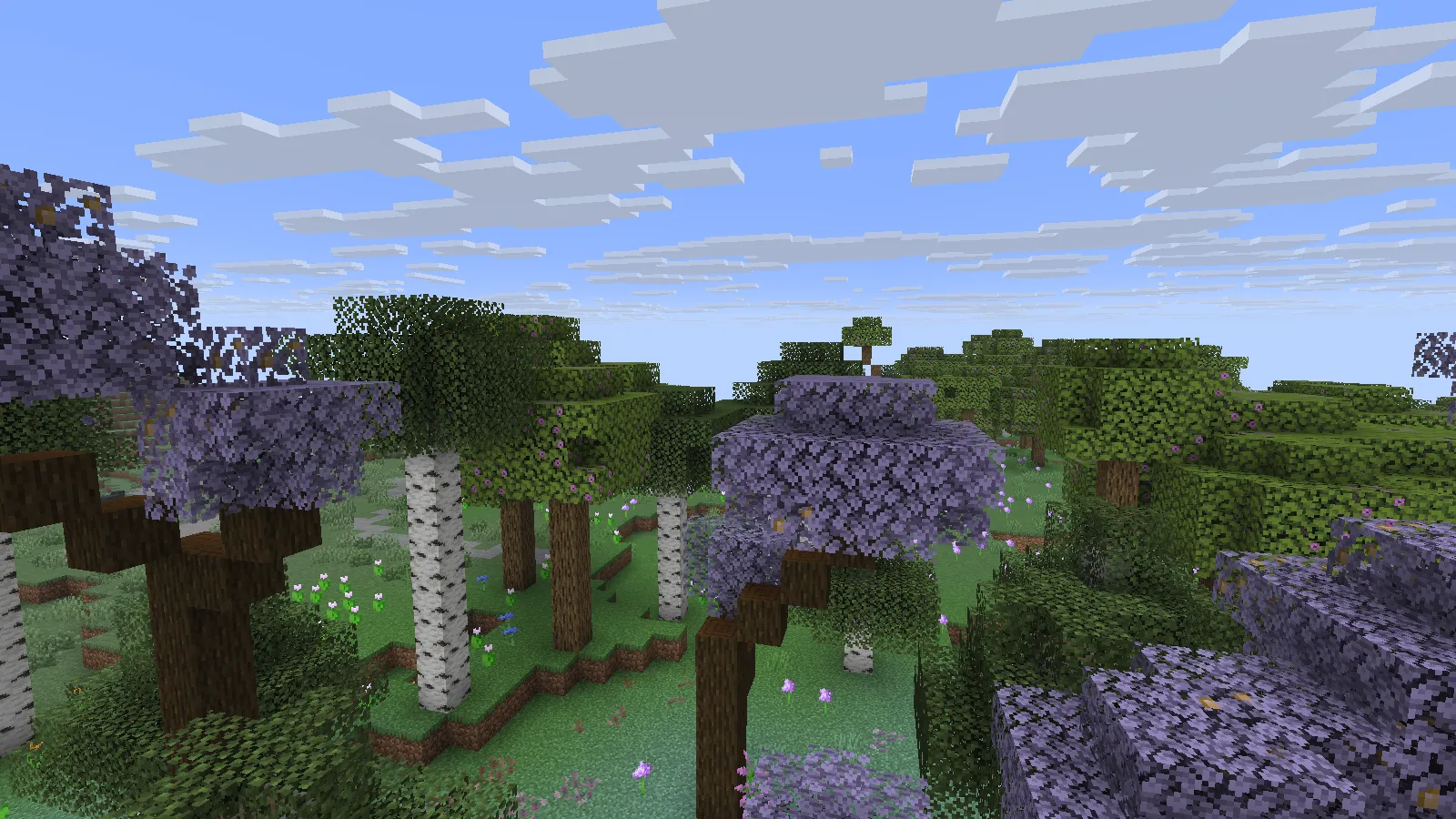
Pick a small clearing and keep a few trees close to its edge. A short porch, a low garden wall and a path that bends between trunks would preserve the character of the place. Before clearing a larger area, mark where the door and path should meet. That helps avoid removing the trees that made you choose the site.
Use the edge of the woods
A little farther out, the dense flowers and tall trees meet a more open ridge. Grass steps and exposed stone break up the slope. This transition gives you two useful spaces: a sheltered woodland side and a clearer area for moving around.
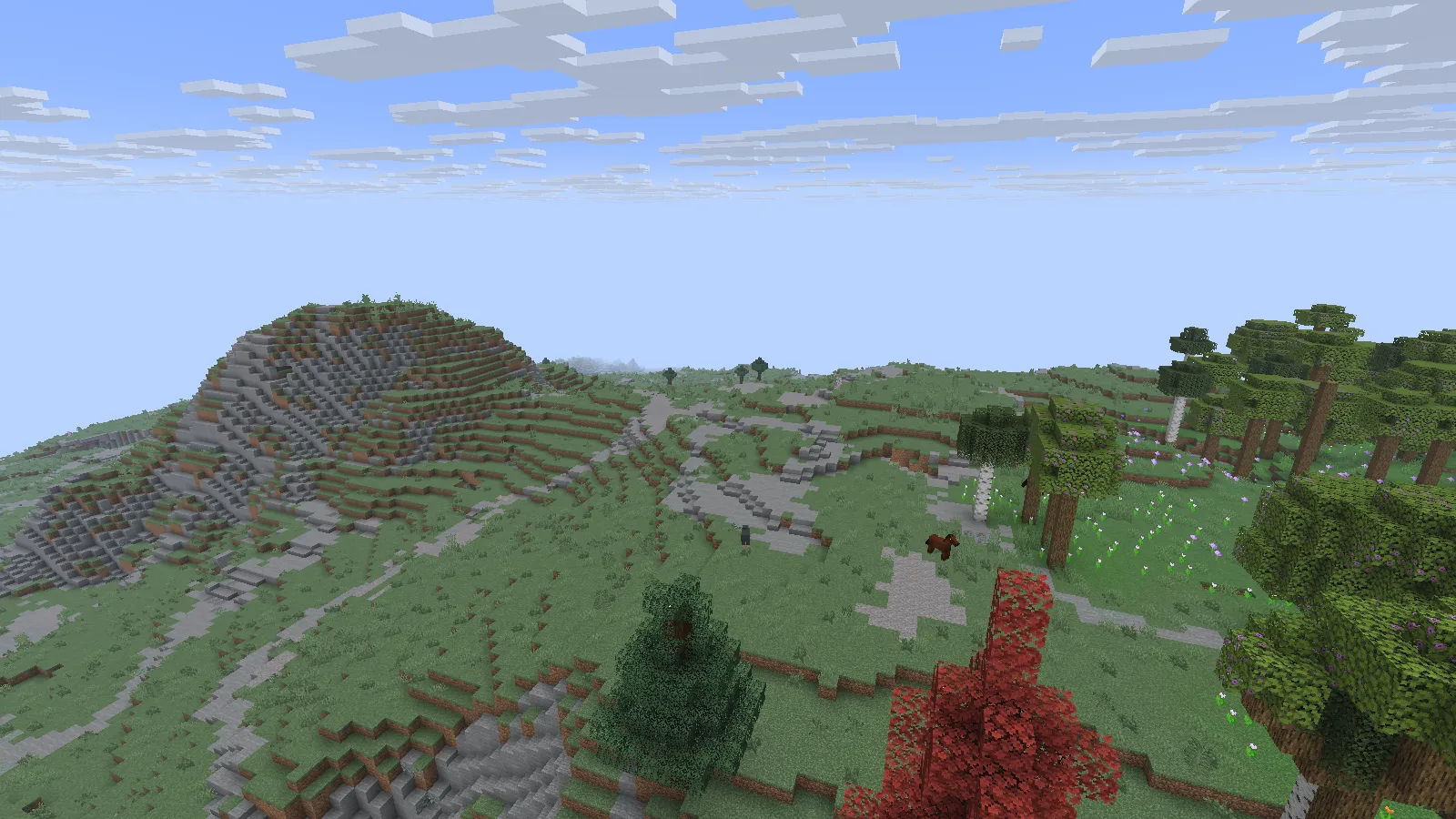
One idea is to place the house near the trees and put practical work outside the canopy. A small storage shed or crop plot could sit on a wider grassy step. Follow the existing changes in height with short stairs instead of cutting a straight trench through the whole hill. Walk the intended route before choosing the final doorway.
Let a river become the main view
Near the Alpine Highlands, the land drops toward a river. The opposite bank has a broad stone face, with different tree colors along its upper edge and down the slope. The water makes the height difference easy to read.
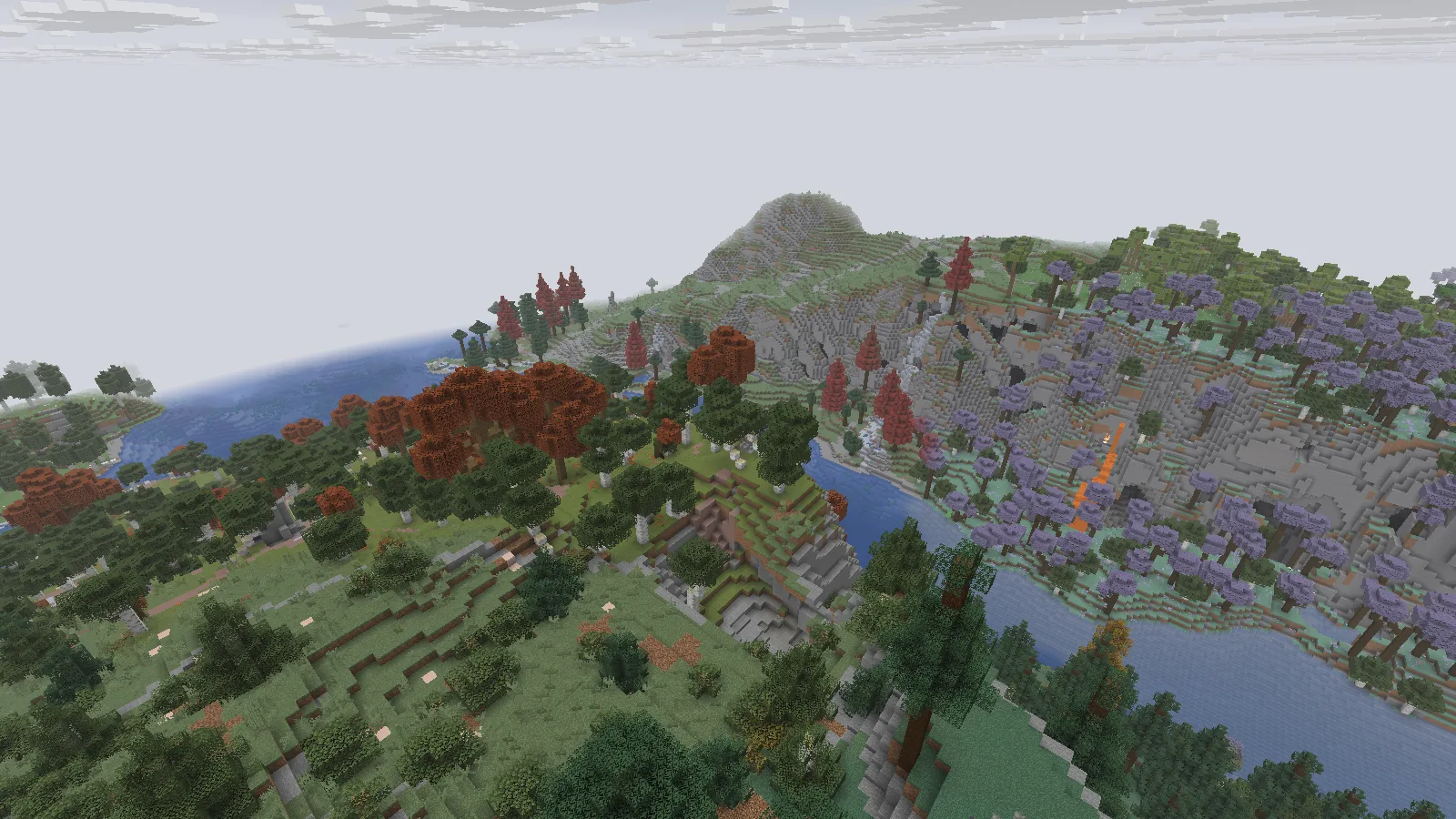
This is a promising shape for a cliff base: a small entrance above, rooms set back into the slope and a window facing the river. Plan the connection to the water first. A winding stair, a lower landing and a modest dock would give the site a purpose beyond its view. Check both banks before choosing a bridge position; the shortest gap may lead into an awkward climb.
Start a lookout smaller than the mountain
The Yosemite Cliffs area offers a different mood. Exposed stone rises between grassy shelves, spruce trees and scattered birch. From below, the slope already has enough shape to frame a small building.
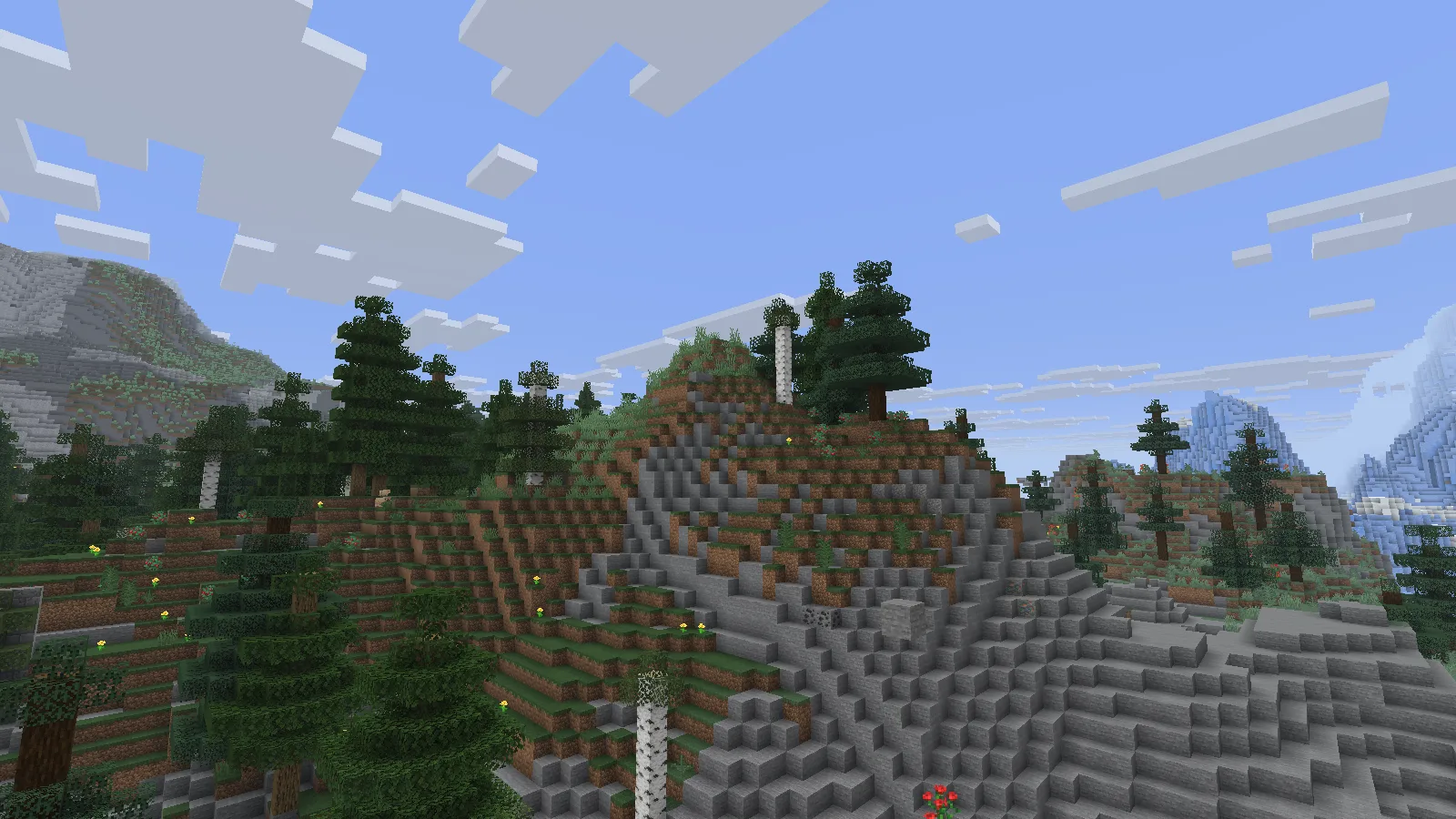
A lookout could use one sturdy ledge, a narrow room and a roof that stays below the surrounding treetops. Leave some rock visible around it. Building over every uneven surface would hide the feature that makes this location interesting.
From the higher viewpoint, the coast opens out beyond the ridge, with icy terrain nearby. The whole view crosses several terrain areas; the distant ice is not a promise that every Yosemite location has the same neighbor.
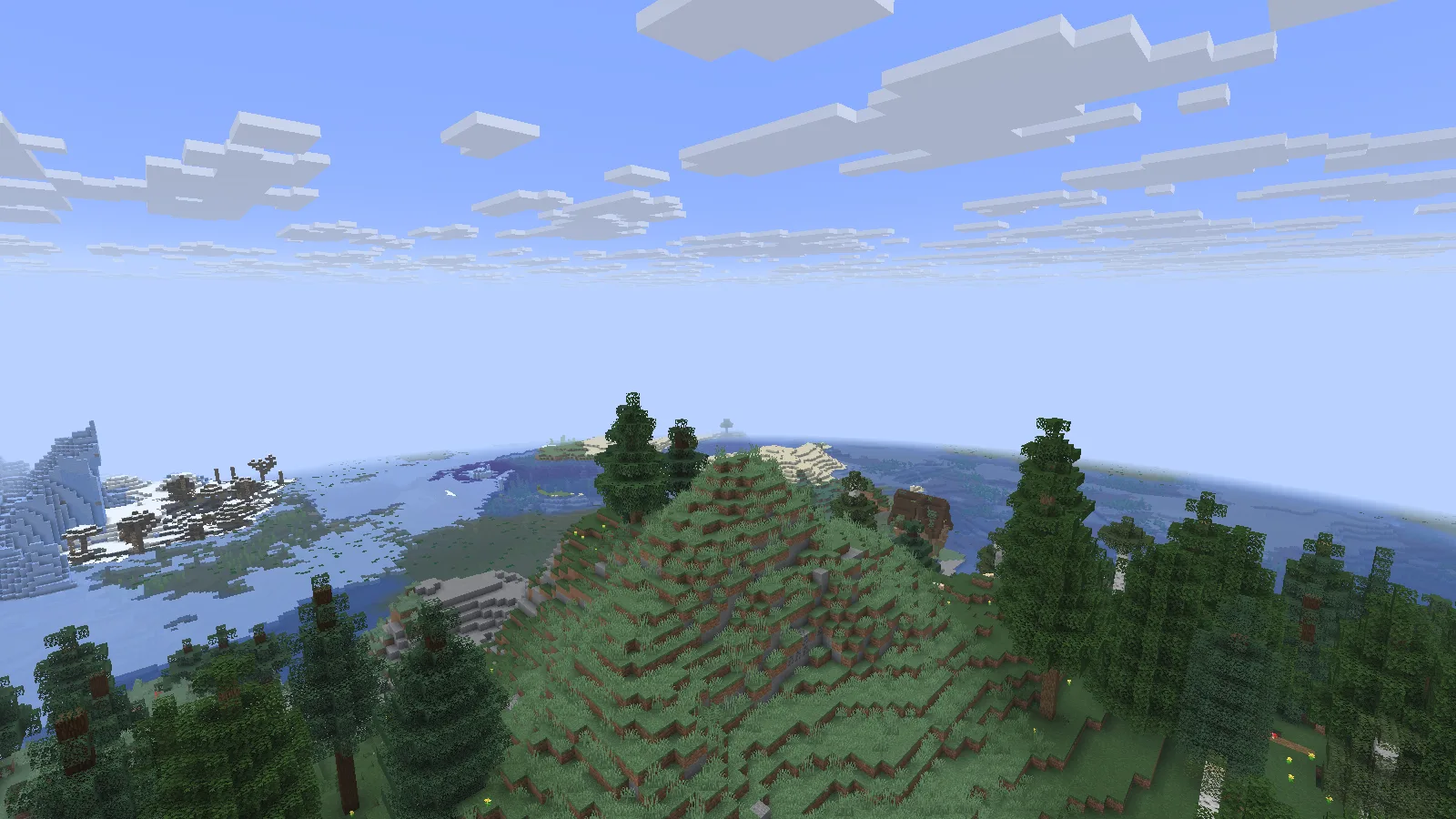
For a small travel stop, choose a spot where you can see both the next stretch of shore and the path back inland. Mark that return route before extending the build.
Begin with the right world
Use the Data Pack ZIP that matches your Java version. In Create New World, open More → Data Packs, add the intact ZIP and move it to Selected. Choose Done, then create the world. It belongs in the world's data packs, not the resource-pack menu.
Start a new world. Terralith's author advises against adding it to an existing save and says it cannot be removed from a world afterward. Keep Terralith installed for that world, and make complete world backups before future changes.
These locations use seed 20260928100, Java 26.2 and Terralith 2.6.4. The flowering valley is near X 3328, Z -3488; the highland transition is near X 3332, Z -3327; the Yosemite area is near X 4771, Z -2389. Match the game and pack version when looking for the same terrain.
Comments & questions
Share what worked, ask for help or reply to another player.
No comments yet. Share what worked for you.